
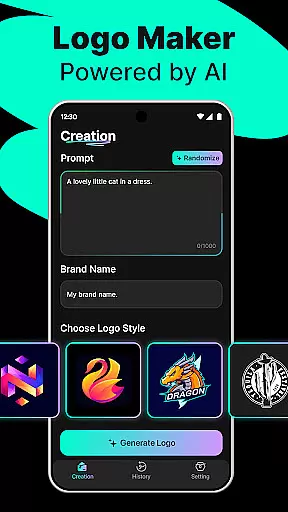
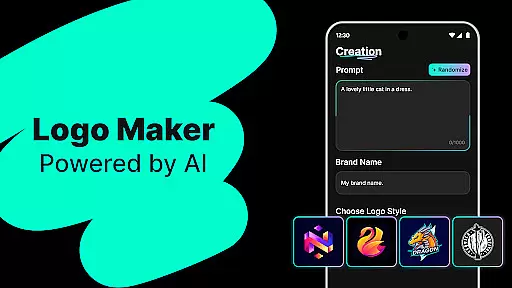
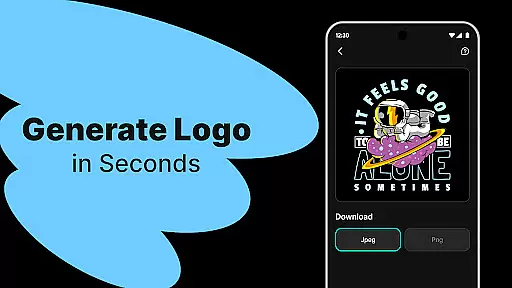
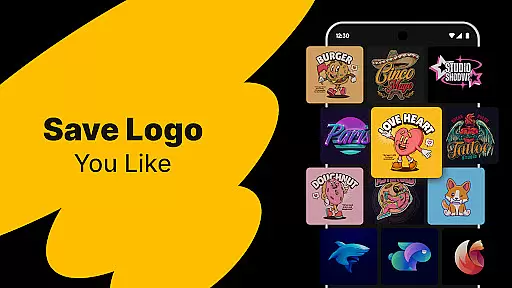
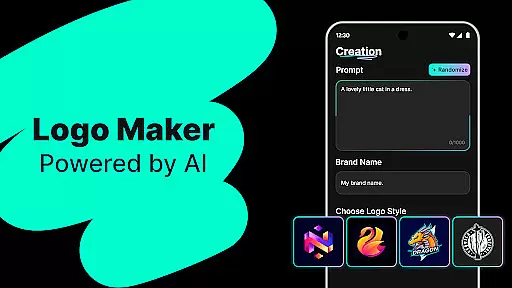
Logo Maker is an AI-powered logo design tool that enables users to create professional logos effortlessly. The app caters to entrepreneurs, small businesses, and creators who want to establish a strong brand identity without the need for design expertise. By simply inputting a brand name and keywords, users can generate multiple unique logo designs within seconds.
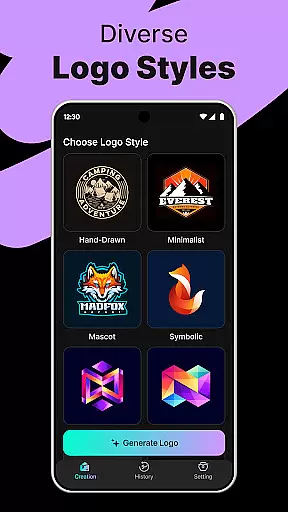
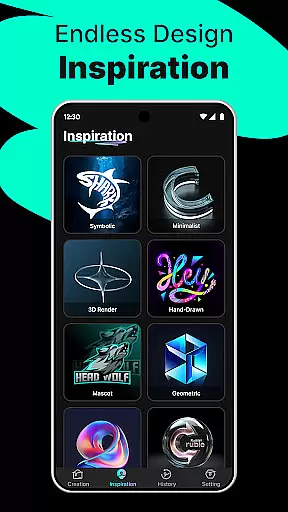
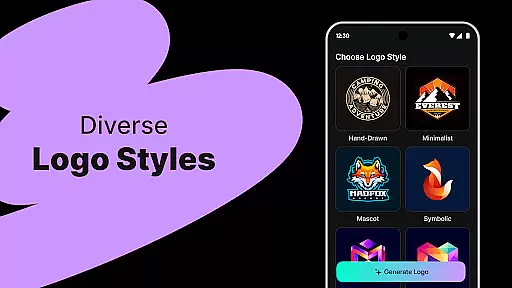
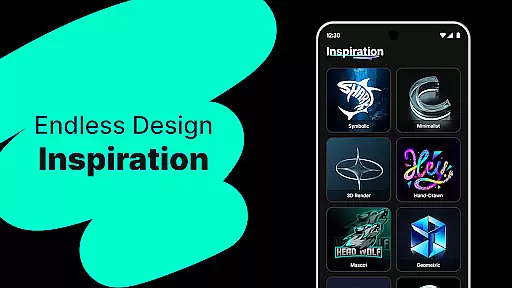
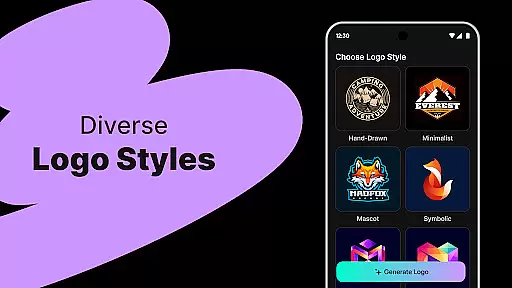
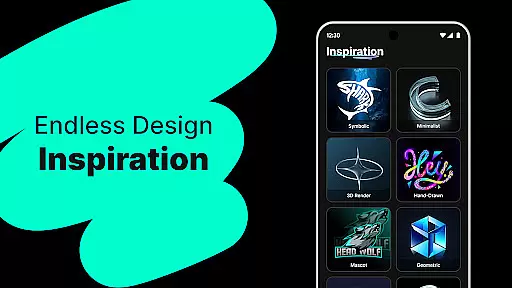
The platform offers hundreds of customizable templates in various styles including modern, minimalist, vintage, and hand-drawn. Users can easily edit their logos with a user-friendly drag-and-drop editor, ensuring a personalized touch to each creation. Whether it's for startups, freelancers, or content creators, Logo Maker provides high-quality exports in PNG and JPG formats suitable for websites, business cards, social media, and print.
Logo Maker stands out with its AI-powered logo generation feature, which instantly creates multiple design options based on user inputs. This eliminates the need for professional design skills and significantly reduces the time required to produce a logo. The app includes hundreds of templates across different styles, allowing users to choose a design that best fits their brand identity.
In addition to its powerful design capabilities, Logo Maker offers a user-friendly editor that simplifies the customization process. Users can drag, drop, and modify elements with ease, ensuring their final logo aligns perfectly with their vision. High-quality export options enable seamless integration across various platforms, from digital media to print materials, making it an ideal choice for both personal and professional projects.
In the realm of digital design, having a comprehensive suite of creative tools is essential for unleashing one's artistic potential. Logo Maker stands out by offering an extensive array of features that cater to both novices and seasoned designers. The AI-Powered Logo Generation allows users to input their brand name and keywords, instantly receiving multiple unique logo concepts tailored to their vision.
Moreover, the platform boasts hundreds of customizable templates spanning various styles such as modern, minimalist, vintage, and hand-drawn aesthetics. This diversity ensures that every user can find a starting point that resonates with their brand identity. With the User-Friendly Editor, individuals have the power to drag, drop, and tweak elements effortlesslyu2014no prior design experience required.
The true value of these complete creative tools lies in their ability to democratize design. Entrepreneurs, small businesses, freelancers, and content creators can all benefit from professional-grade outputs without needing to hire a designer. Whether it's for startups seeking a strong brand presence or personal projects like weddings and podcasts, Logo Maker provides the necessary resources to craft compelling visuals efficiently and affordably.
Flexibility in canvas and format options is crucial for adapting designs to various mediums and platforms. Logo Maker excels in this area by providing versatile solutions that meet diverse branding needs. Users can create logos that are not only visually appealing but also perfectly suited for different applicationsu2014from websites and business cards to social media profiles and print materials.
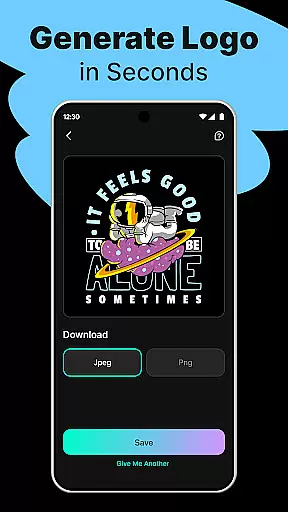
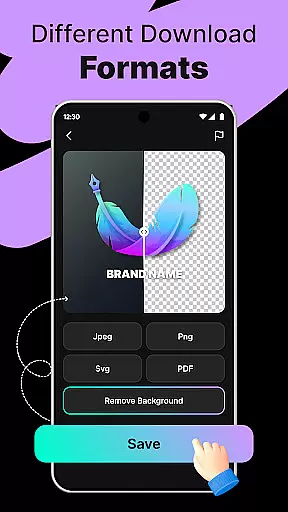
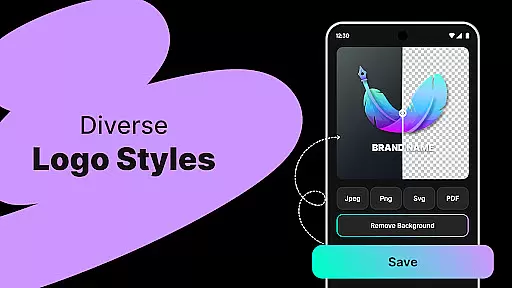
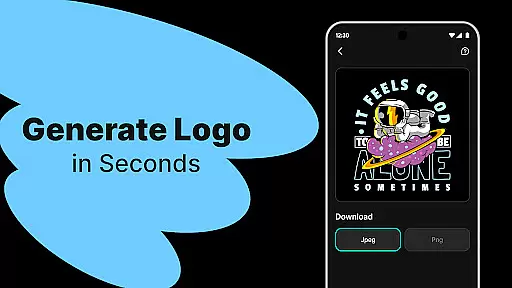
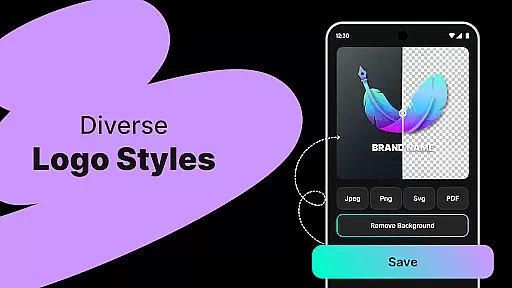
The platform supports high-quality exports in multiple formats, including PNG and JPG, ensuring that logos maintain their integrity across different uses. This adaptability empowers users to implement their brand consistently, whether online or offline. Additionally, the ease of downloading logos in suitable formats streamlines the process of launching marketing campaigns or establishing a new business identity.
Logo Makeru2019s commitment to canvas and format flexibility means that users arenu2019t constrained by technical limitations. Instead, they enjoy the freedom to experiment with sizes and resolutions, knowing that their final product will be optimized for any scenario. This feature underscores the app's dedication to delivering practical, real-world solutions that enhance the overall branding experience.
User-friendly interface
AI-driven design
Customizable templates
High-quality exports
Budget-friendly solution
Limited advanced tools
Fewer template categories
No live support
Basic editing features
Occasional bugs

Create trending AI photos & videos with powerful effects and 3D styles.
 3.20
3.20
Easy 3D drawing design maker & creator. Model designing, Sculpting. Create&paint
4.00
Apply cartoon, caricature, and portrait effects to make your photos stand out!
3.60
Unleash Your Creativity with Draw Cartoon - AR Drawing App
4.10
Nano Banana AI Image Generator, Anime Filter, AI Portrait, AI Photo Generator
4.30
AR Anime Drawing: How to draw anime with AR drawing & sketching apps!
4.00
800+ Drawing, Painting Lessons App to Practice, Sketch & Paint Art.
4.30
Novices can also easily complete diamond painting masters
4.70
Draw, fidget, and spin glow art! Relax and express your creativity with a finger
4.60
Digital illustration drawing & painting pad app to paint Anime and Manga art
4.50
Create color palette from Image, RGB & RYB Color wheel harmonies, Color Scheme
4.50
Image/ Text to Video Generator
4.40
Just trace a projected picture on paper and color! Draw & Paint with AR drawing
4.40
Digital Drawing: Draw & Paint
4.10
Get creative and make art with your Sesame Friends!
4.00
Sketch and paint on your device with the feel and freedom of drawing on paper
4.00
Powerful home decoration & house design that allows you to design dream home.
3.80
Create stunning video, photo & magic from text with FlixAI GPT video generator.
3.10
A luxurious gold watch face for an elegant and refined look.
4.3


User Reviews