

Gym Log & Workout Tracker | Fitness Journal, Training & Weight Lifting Planner
 4.90
4.90
Rose gold watch face with festive lights & customizable features.
4.60
A Wintery Snow Globe on Your Wrist; now celebrating Christmas!
4.0
Embrace the festive spirit with our Christmas Countdown watchface for Wear OS
4.10
Artistic Digital Watchface
4.0
Let's celebrate Thanksgiving - Wear Os watch face
4.20
Connect to your Bluelink equipped Hyundai vehicle from your smartphone.
4.50
Get helpful reminders, take progress photos and find answers to your questions.
3.90
Premium hybrid watch face with many customizations for Wear OS devices.
4.40
Christmas Theme Watch Face for Wear Os
5.00
Highly customizable hybrid watch face for Wear OS, perfect for everyday use.
4.60
Monitor health with the stress test and pulse checker in the heart rate app.
4.60
A realistic hybrid watch face with many customization options.
4.60
A white realistic classic analog watch face with many customization options.
4.40
Elegant animated Christmas tree with multiple customization options
4.20
Connect, create, and collaborate with Gmail, part of Google Workspace.
4.10
Watch the sharpness of the sky on your wrist..
3.70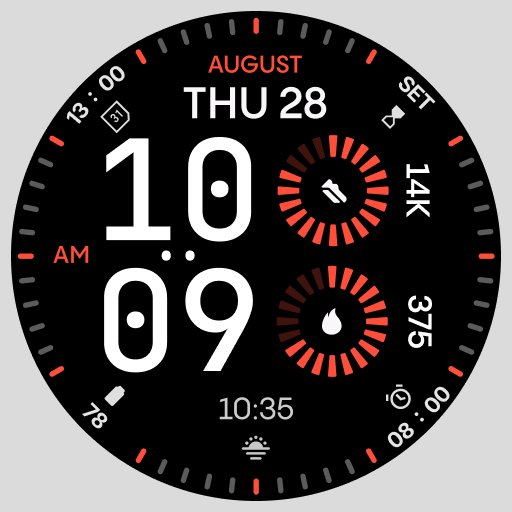
Stunning modern digital watch face with 7 complications and strong contrast
4.0
Minimalistic design modern digital watch face.
4.2


