
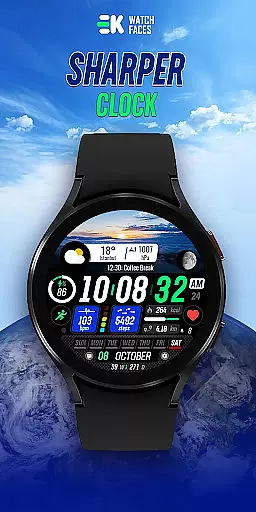
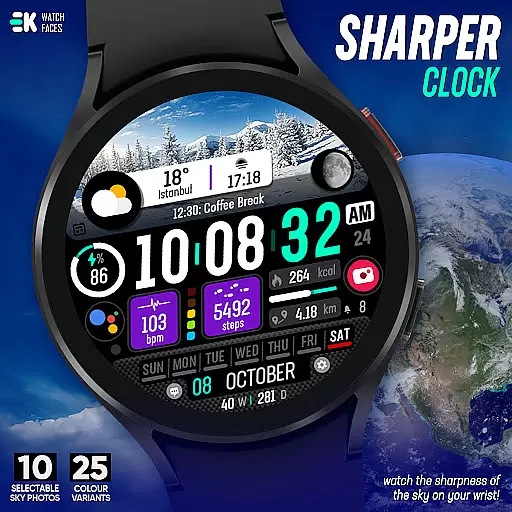
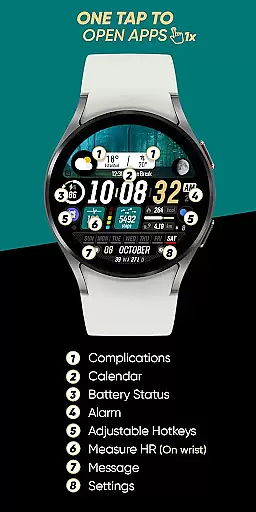
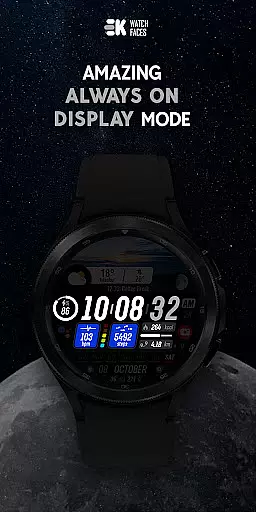
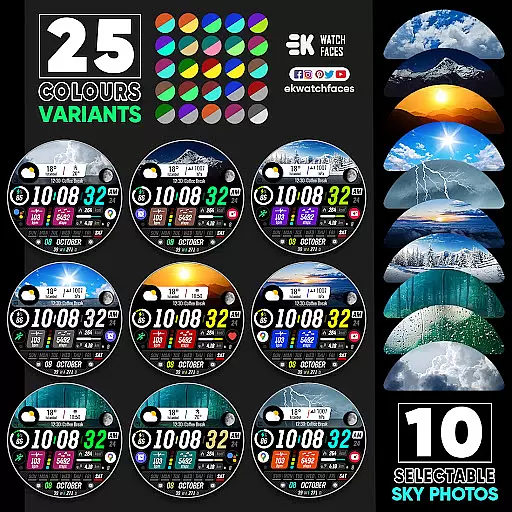
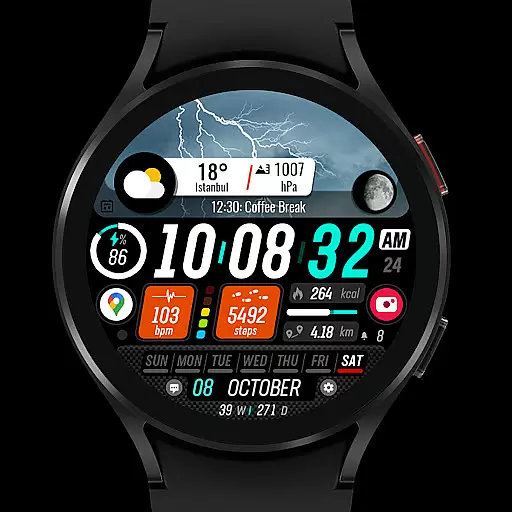
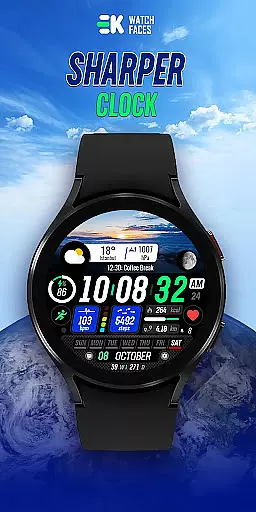
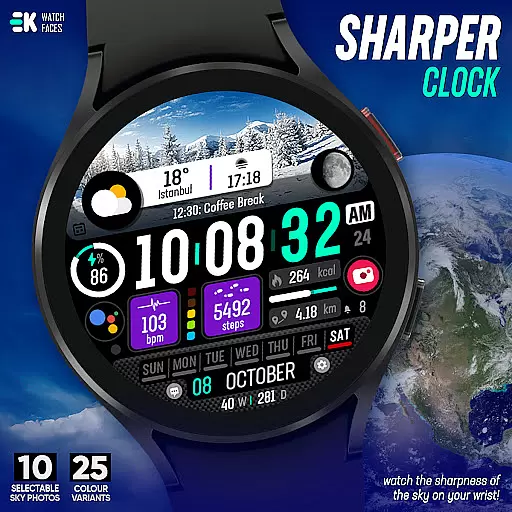
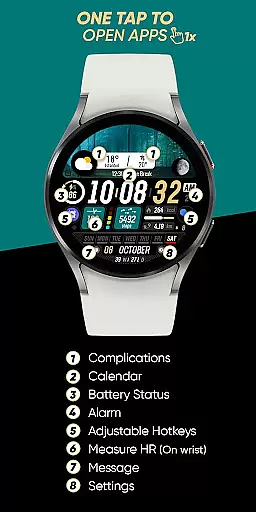
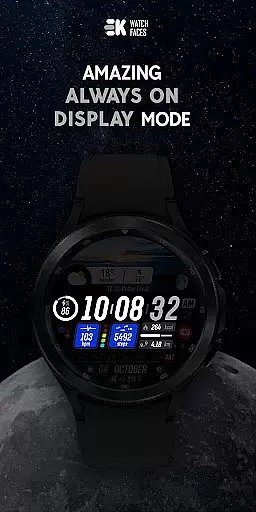
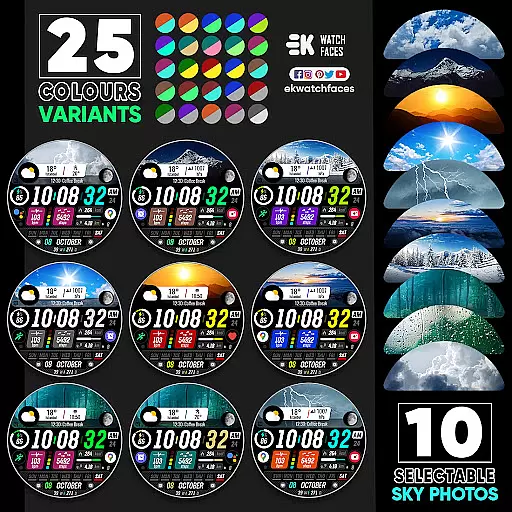
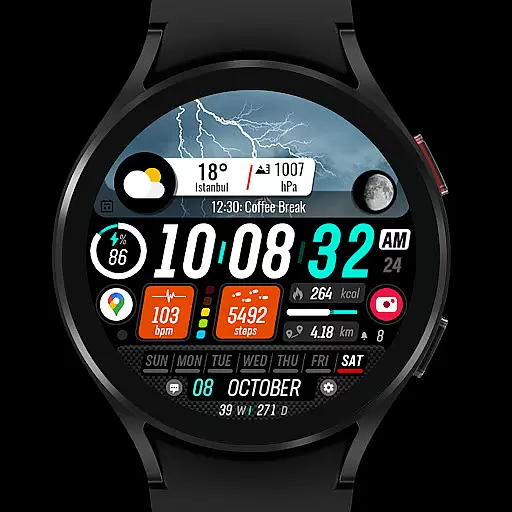
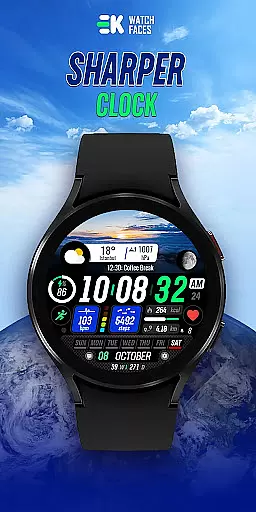
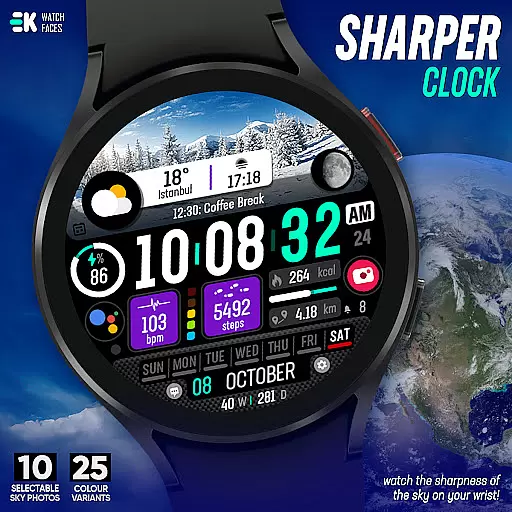
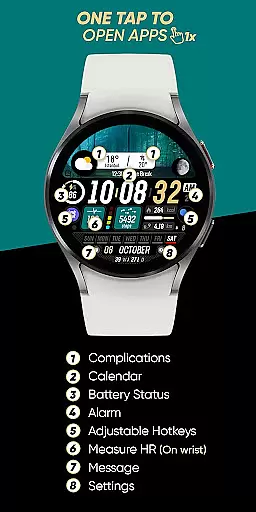
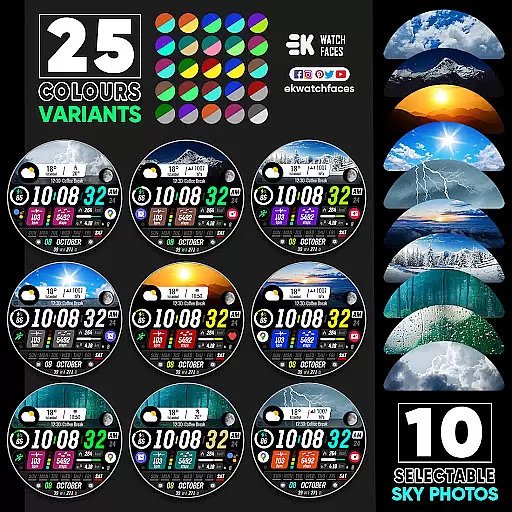
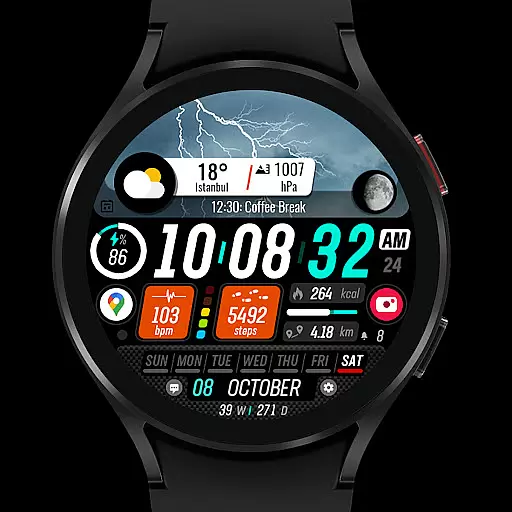
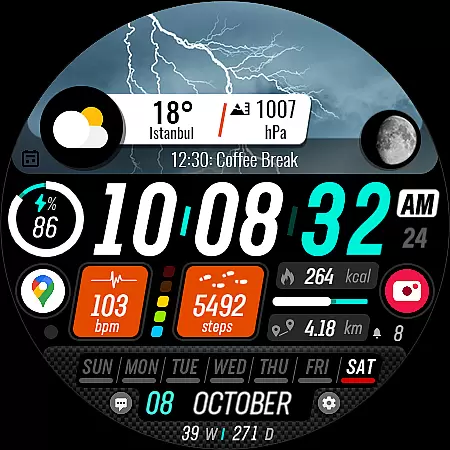
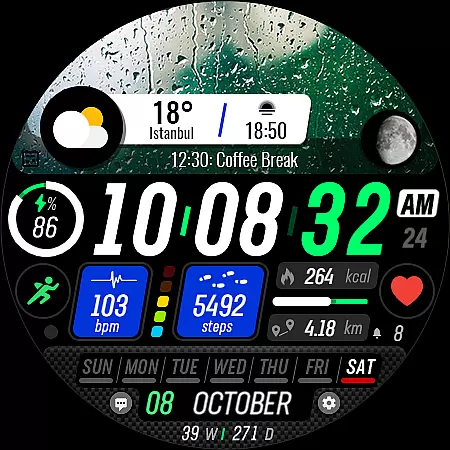
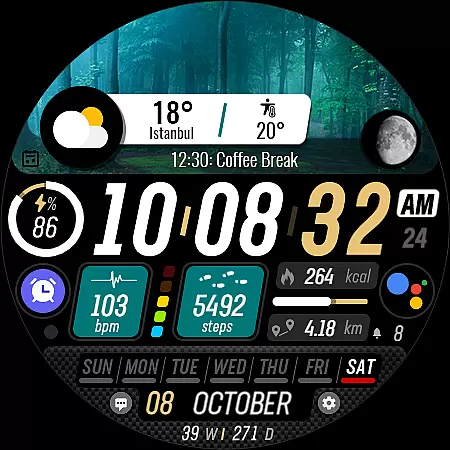
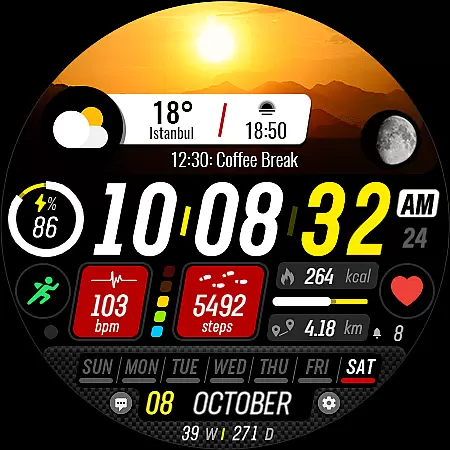
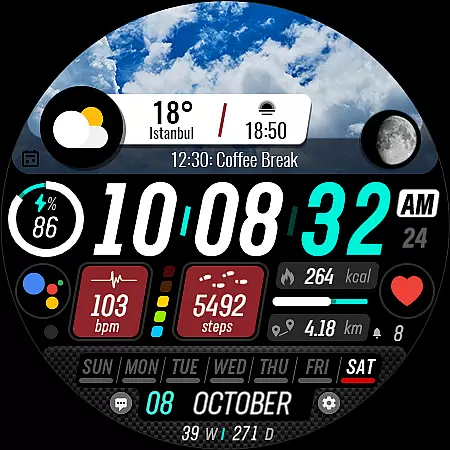
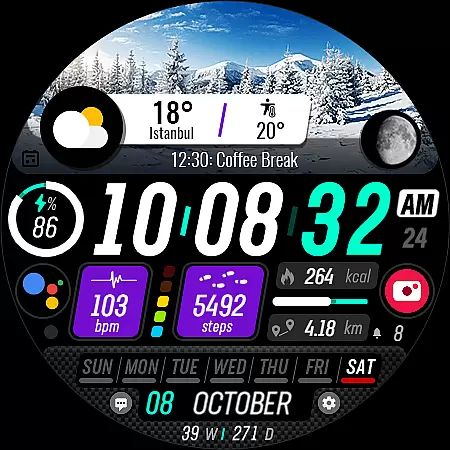
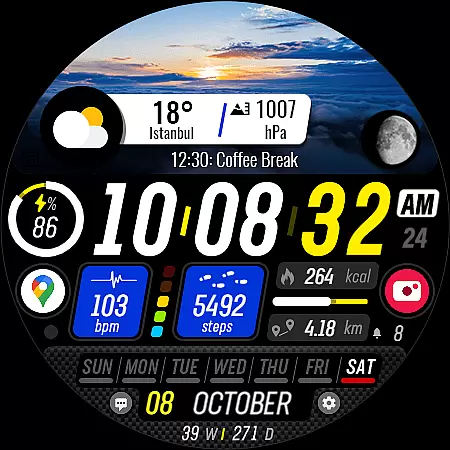
Sharper Clock is a premium watch face app designed exclusively for Wear OS devices, offering users a unique and visually striking timekeeping experience. The app features 10 selectable sky photos with 25 color variants, creating a dynamic and customizable appearance that brings the sharpness of the sky to your wrist.
In addition to its aesthetic appeal, Sharper Clock provides practical functionality including live moon phases, 12/24 hour display based on phone settings, and automatic metric/imperial unit selection. Users can access essential information like steps, calories, battery status, next event, heart rate, and more through various complications and shortcuts.
This application is ideal for tech-savvy individuals who value both form and function in their wearable technology. By combining beautiful design elements with comprehensive health and productivity tracking features, Sharper Clock enhances the overall Wear OS experience while maintaining ease of use and customization options.
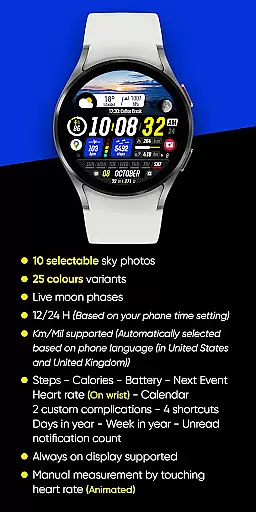
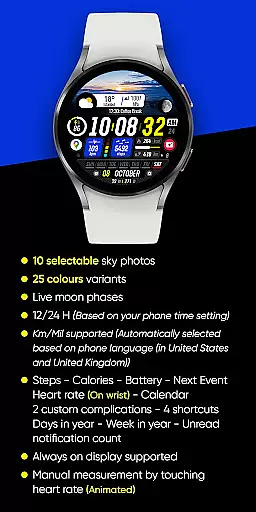
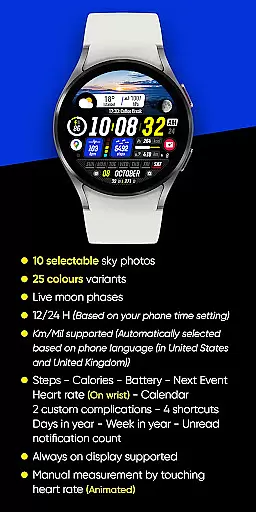
Sharper Clock stands out among other watch faces with its impressive array of features designed to maximize both visual appeal and functionality. The app offers 10 carefully selected sky photographs, each available in 25 different color variations, allowing users to personalize their watch face according to their mood or preference.
The watch face supports live moon phases and automatically adjusts between 12-hour and 24-hour formats based on the user's phone settings. It intelligently selects between kilometers and miles based on the device's language settings, ensuring seamless integration with the user's preferred measurement system.
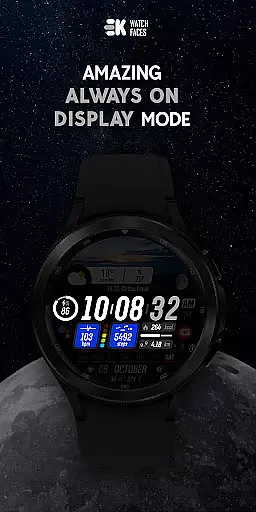
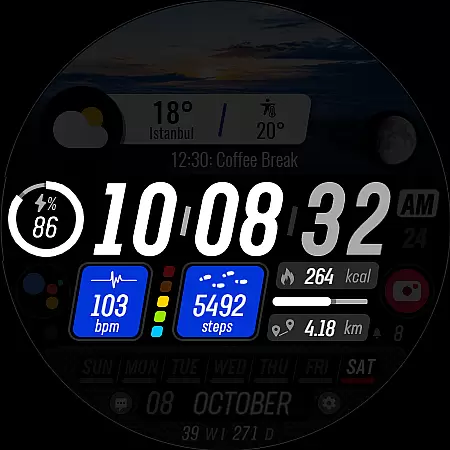
For enhanced usability, Sharper Clock includes numerous complications such as step count, calorie tracking, battery level, upcoming events, heart rate monitoring, calendar integration, and unread notification counts. The always-on display feature ensures important information remains accessible at a glance, while four customizable shortcuts provide quick access to frequently used functions.
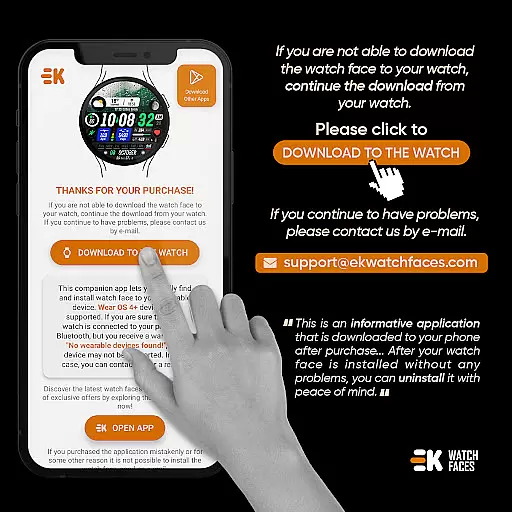
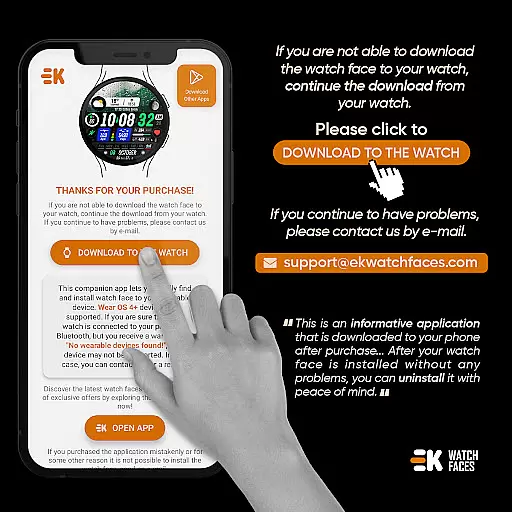
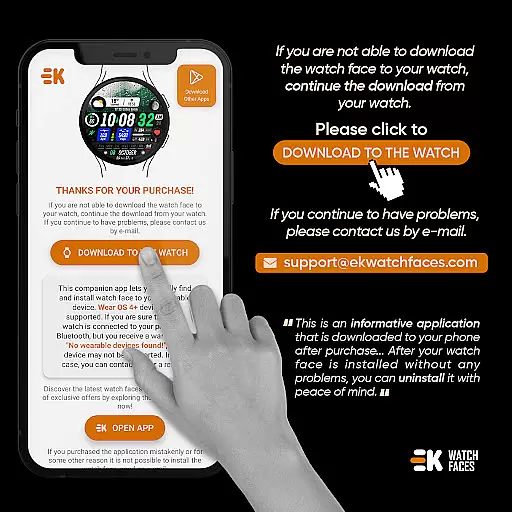
Sharper Clock - Watch Face offers seamless companion app integration, ensuring that your watch and phone work in harmony. The phone app acts as a placeholder to simplify the installation process and helps you locate the watch face on your Wear OS device effortlessly.
By tapping on the 'DOWNLOAD TO THE WATCH' option within the phone app, users can initiate the installation directly onto their smartwatch. This intuitive connection between devices ensures that all features are easily accessible, providing a hassle-free experience when setting up and customizing your watch face.
The synchronization extends beyond mere installation; it allows for real-time updates and settings adjustments from your phone. Whether it's selecting one of the ten sky photos or choosing among twenty-five color variants, every customization is reflected instantly on your wearable, enhancing both convenience and personalization.
Designed specifically for Wear OS devices running API 33+, Sharper Clock - Watch Face guarantees optimal performance and compatibility. This ensures that whether you're using a smartwatch from any leading manufacturer, you'll enjoy a smooth and responsive experience tailored to your device's capabilities.
With support for live moon phases, 12/24-hour time formats based on your phoneu2019s settings, and automatic selection of Km/Mil units depending on your location, this watch face leverages the full potential of Wear OS technology. These features not only enhance usability but also provide an engaging interface that adapts to individual preferences seamlessly.
Moreover, the always-on display functionality and various health metrics such as steps, calories burned, heart rate, and more make it a versatile choice for tech-savvy individuals who demand both style and substance from their wearables. Rest assured, with proper permissions enabled, every feature will function accurately across compatible devices.
Visually stunning design
Highly customizable options
Comprehensive health tracking
Intuitive user interface
Seamless system integration
Limited to Wear OS devices
Requires API 33+
Potential installation complexity
Advanced features need manual setup
Occasional sync issues reported

Christmas watch face. For Wear OS devices.
 4.30
4.30
Christmas - Festive - Christmas Village - Winter - Christmas lights
5.00
A Wintery Snow Globe on Your Wrist; now celebrating Christmas!
4.3
Let's celebrate Thanksgiving - Wear Os watch face
4.20
Digital watch face. For Wear OS devices.
4.40
Ideal for surviving in the wasteland left after nuclear fallout
4.50
Bold weather Digital watchface with forecast & optional animated background
4.40
Minimalistic design modern digital watch face.
4.5
The most customizable hybrid watch face. For Wear OS 5.0, API 34+ and later
4.70
WTW M17 is a premium and luxurious hybrid watch face
4.70
A modern premium sporty hybrid watch face for Wear OS by Ballozi
4.70
Your second brain for organizing your life: to-do, calendar, reminder.
4.70
Hybrid watch face for Wear OS with customizable complications by Matteo Dini MD
4.70
Find EV charging stations
4.30
The ultimate destination for kids ages 3-8 to explore the Marvel Universe!
4.30
Your music, your playlists, and more—offline and unlimited.
4.20
Snowflake Rose Gold Watch Face - Digital, modern, & sleek with GYRO effect.
4.10
Your local weather forecast, storm tracker, radar maps & live weather news
3.40
an Analog Watch Face for winter season with freeze winter background for Wear OS
4.3


User Reviews