
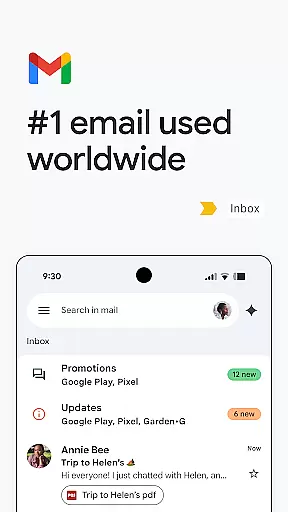
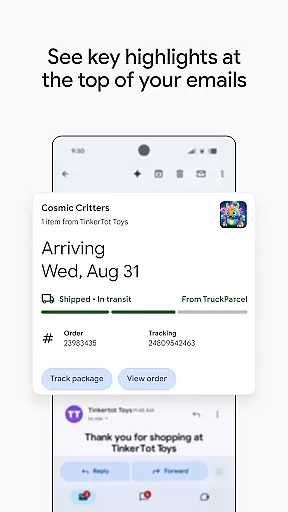
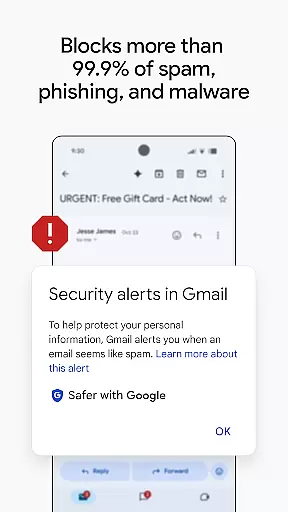
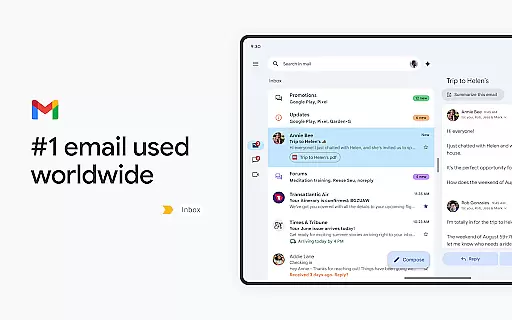
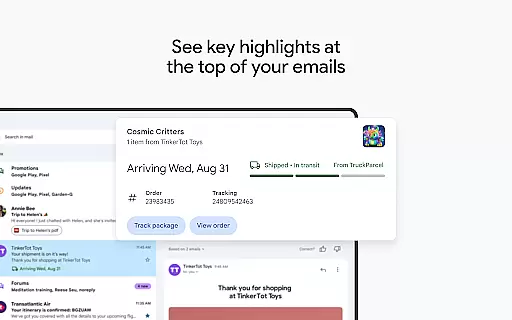
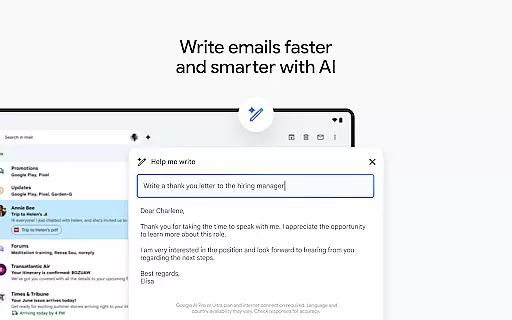
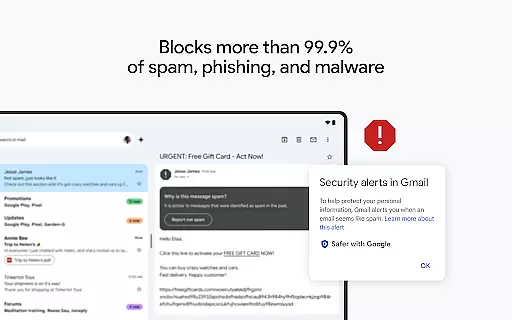
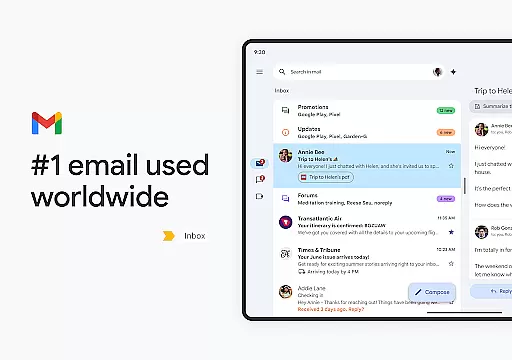
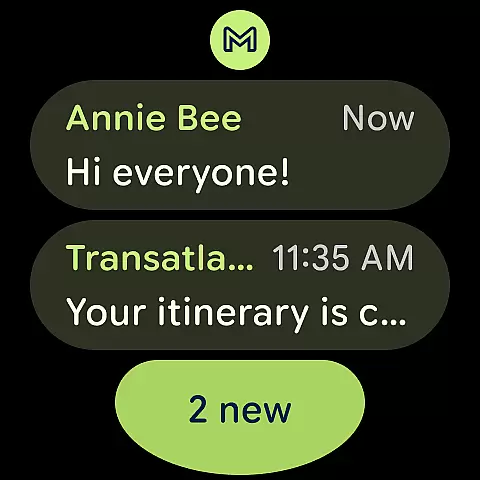
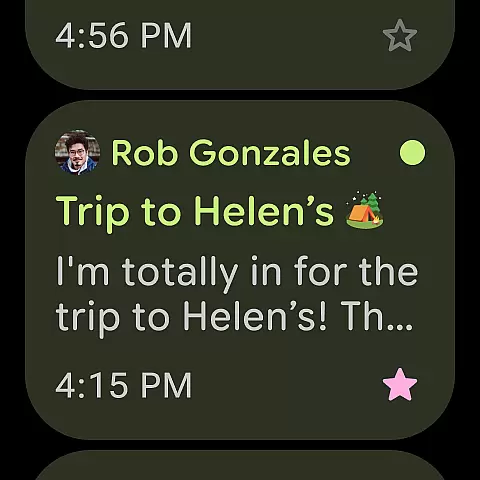
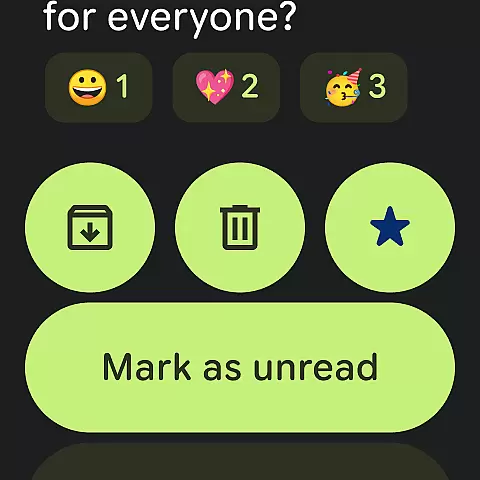
Gmail is the official email application from Google, designed to bring a seamless email experience to Android devices with advanced security features and multi-account support. The app leverages Google AI to enhance productivity through faster writing, organizing, and searching capabilities. With over 99.9% of spam and phishing attempts automatically blocked, Gmail ensures a secure environment for managing emails.
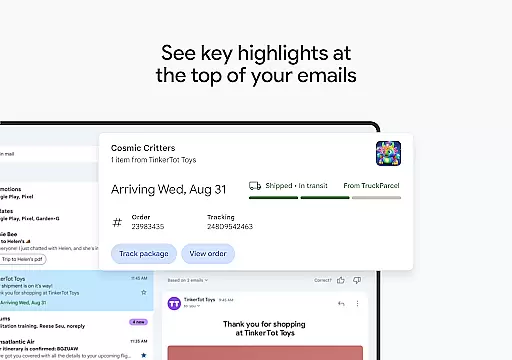
Available on both Android and Wear OS, Gmail offers functionalities like summary cards, AI-powered assistance via Gemini, and instant calendar integrations. These features make it an essential tool for personal and professional use, enabling users to stay connected and productive across devices.
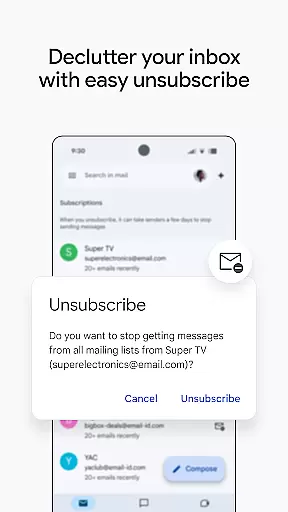
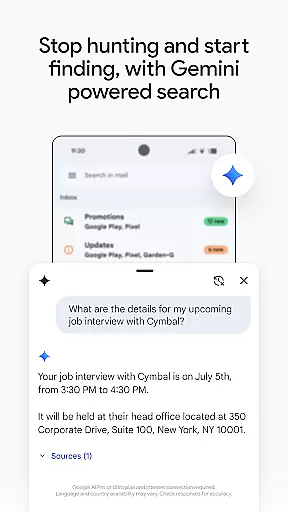
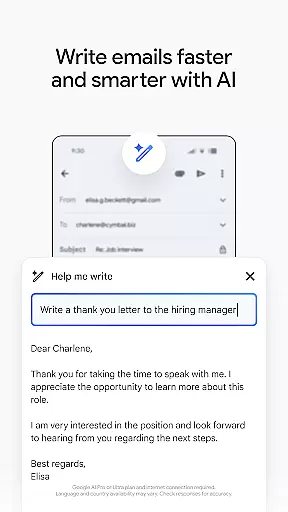
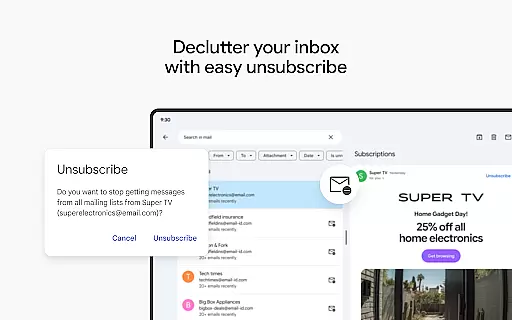
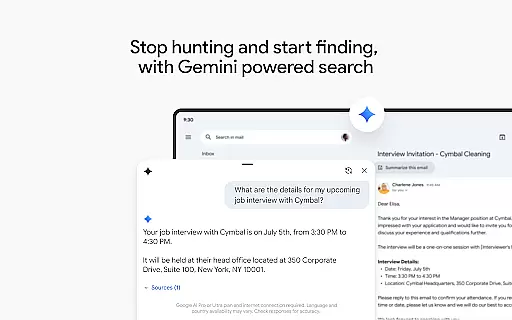
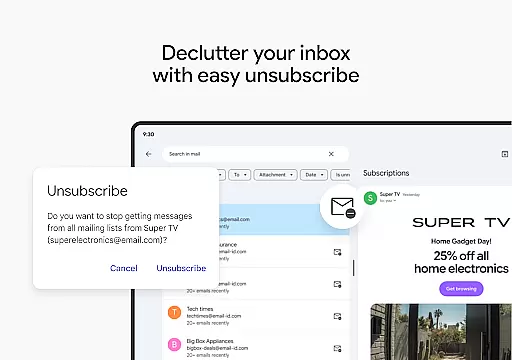
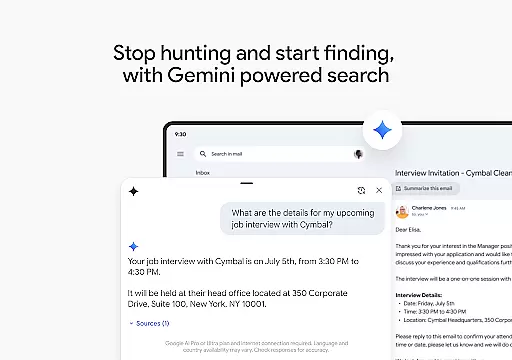
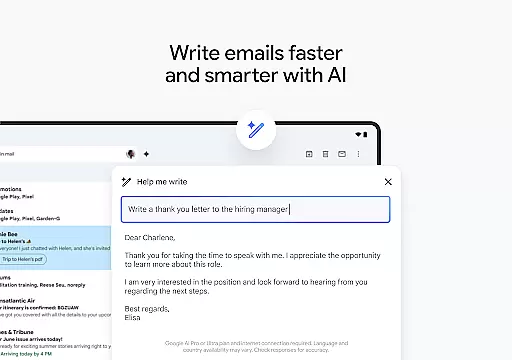
Gmail stands out with its powerful integration of Google AI, providing users with innovative tools such as 'Help me write' and contextual Smart Reply. The search functionality is enhanced with keyword suggestions and Gemini's ability to retrieve specific information from emails or linked Google Drive files. Additionally, the 'Unsubscribe' feature helps users manage unwanted subscriptions effortlessly.
For professionals, Gmail is part of Google Workspace, offering premium AI features that boost productivity. Real-time collaboration across Docs, Sheets, and other tools, combined with integrated communication options like Google Meet and Chat, creates a unified workspace. Security is prioritized with enterprise-grade protections, ensuring sensitive data remains confidential and compliant with industry standards.
Companion app integration is essential for a seamless experience across multiple devices. Gmail excels in this area by offering robust synchronization between your Android device and Wear OS smartwatch. This ensures that all your emails, labels, and folders are consistently updated across platforms.
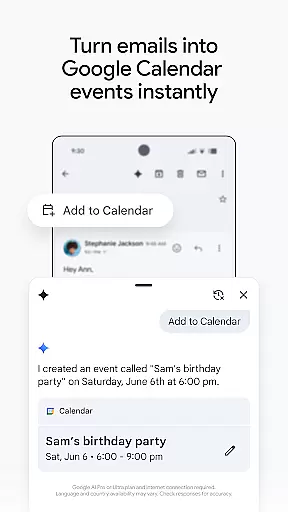
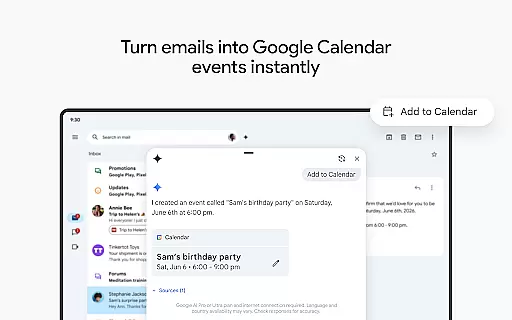
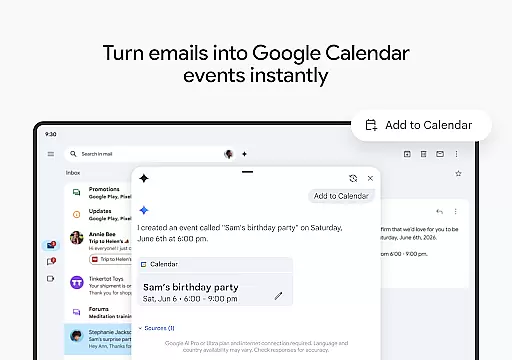
The app allows users to manage their emails directly from their wrist, providing quick access to important messages and notifications. With the 'Add to Calendar' feature powered by Gemini, users can create Google Calendar invites instantly without needing to switch devices. This level of integration enhances productivity and keeps you connected no matter where you are.
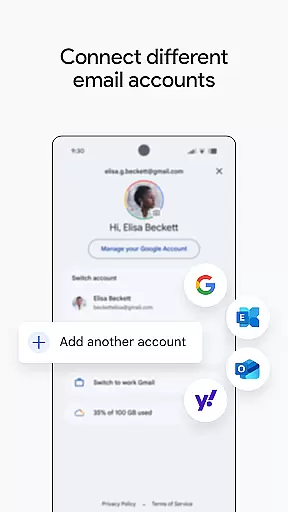
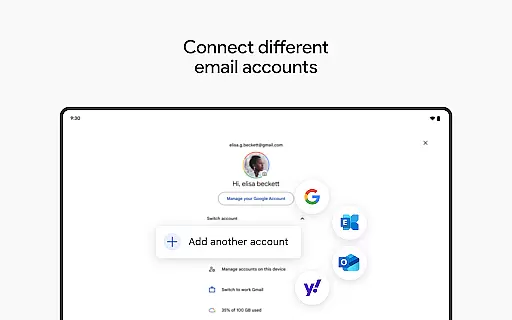
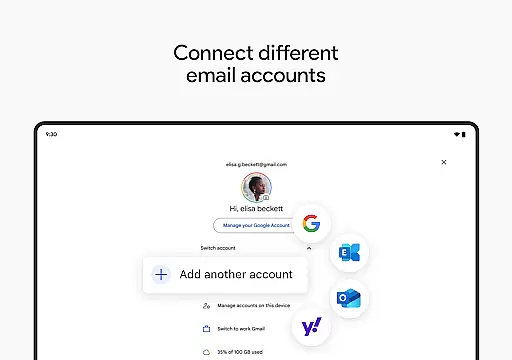
Moreover, Gmail's companion app functionality extends to supporting multiple accounts from different email providers. This means you can easily switch between personal and work accounts, ensuring that you never miss an important email. The ability to unsubscribe from unwanted senders and use powerful search features is also available on Wear OS, making email management more efficient.
Device compatibility is crucial for ensuring that your email app functions optimally on various devices. Gmail offers extensive support for Wear OS, allowing users to stay productive right from their smartwatches. Whether you're commuting or in a meeting, you can quickly glance at your watch to read and respond to emails.
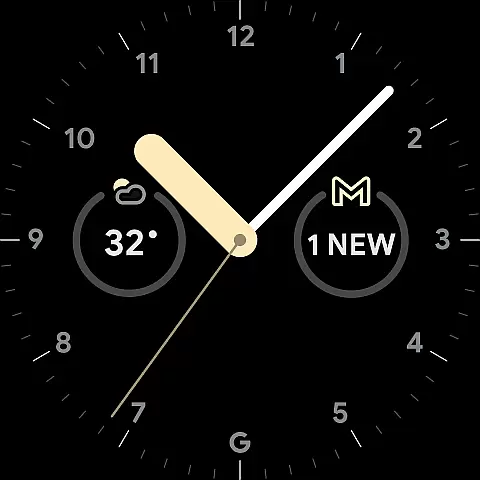
Gmail's Wear OS compatibility includes adding complications and tiles on your watch face, giving you a snapshot of your inbox at a glance. These features provide a quick overview of unread messages and important notifications, streamlining your workflow. Additionally, the app's interface is designed to be intuitive and user-friendly, even on smaller screens.
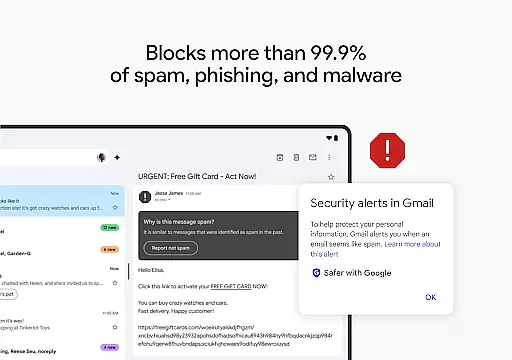
Security is another critical aspect of Gmail's compatibility with Wear OS devices. The app automatically blocks over 99.9% of spam, phishing attempts, and malware, ensuring your data remains safe. With these protections in place, you can trust that your communications are secure whether you're accessing them from your phone or your watch.
Advanced AI features
Multi-account support
Enhanced security
Seamless Wear OS integration
Real-time collaboration tools
Premium features require subscription
Limited offline functionality
Occasional sync issues
AI features need internet
Complex settings for new users

Gym Log & Workout Tracker | Fitness Journal, Training & Weight Lifting Planner
 4.90
4.90
Diet tracker for weight loss - track calories, food and macros. Simple and easy!
4.70
Wear Os Watch Face - Animated Snow Effect & Magic Spark - 6 Scenes
4.10
Digital, flexibly customizable watch face. For Wear OS 5.0, API 34+ and later.
5.00
Authentic military-tactical design with ZULU time! Realistic and functional!
3.80
Period, ovulation & pregnancy tracker. Fertility insights & menstrual calendar.
4.90
Reliable phone calls with spam protection, caller ID and more helpful features
4.40
Hybrid watch face for Wear OS with customizable complications by Matteo Dini MD
4.70
Your local weather forecast, storm tracker, radar maps & live weather news
3.40
Gym & home workout plans with strength training, exercise tracking, HIIT & more.
4.60
A realistic hybrid watch face with many customization options.
4.60
Ideal for surviving in the wasteland left after nuclear fallout
4.50
Stylish, Energizing and Modern Watch Face crafted by Dominus Mathias.
4.50
Digital watch face. For Wear OS devices.
4.40
Watch face for Wear OS.
4.20
Your music, your playlists, and more—offline and unlimited.
4.20
The #1 source of faces for your smartwatch!
4.00
Professional weather radar and more
3.90
Want to take charge of your health? Let Google Fit help you reach your goals.
3.50


User Reviews