
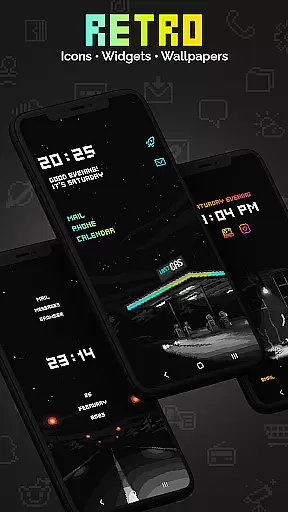
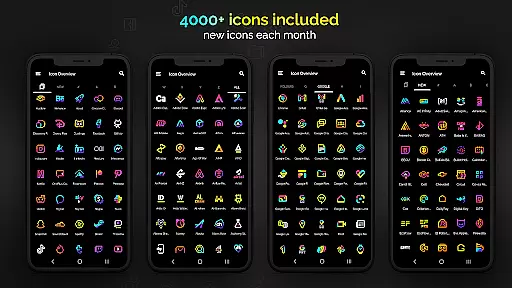
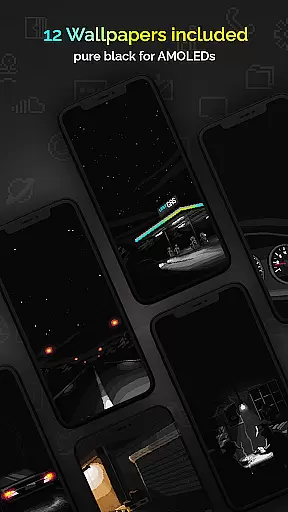
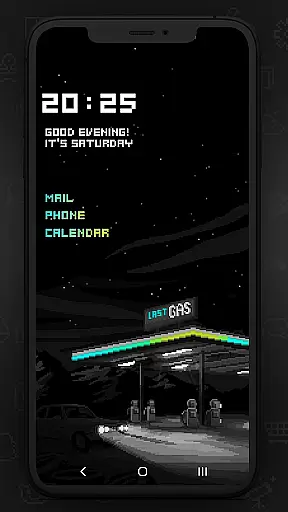
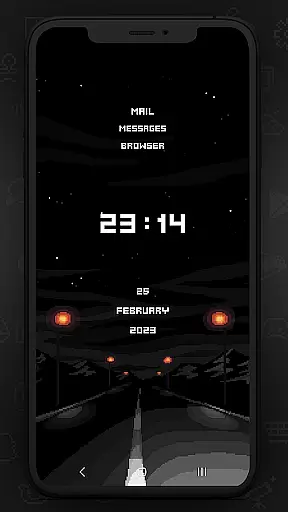
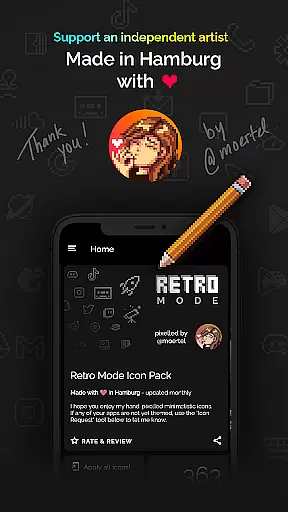
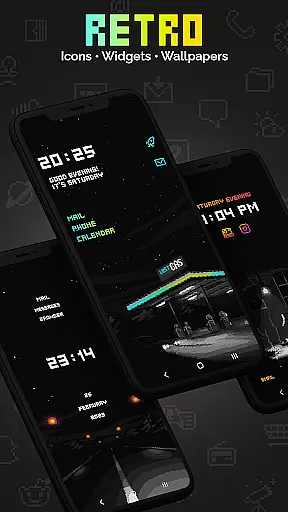
Retro Mode - Icon Pack (Neon) is a premium pixel art icon pack meticulously crafted by pixel artist Moertel. This app offers over 4050 hand-drawn icons, 12 vibrant wallpapers, and 6 customizable widgets, all designed in vivid neon colors. Updated monthly, it ensures users have access to the latest designs and features. Compatible with more than 20 launchers, this icon pack allows users to personalize their smartphone experience with a nostalgic 90s aesthetic.
The design philosophy focuses on crisp pixel art without shadows or outlines, providing a clean and retro look. With support for various launchers and specific compatibility notes for different devices, Retro Mode caters to a wide audience seeking unique customization options. Whether you're using a Google Pixel or Samsung device, this icon pack promises to transform your home screen into a delightful pixel art gallery.
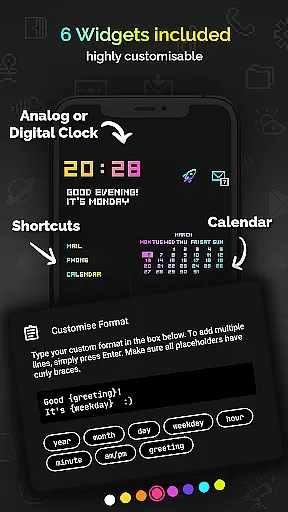
This icon pack stands out with its comprehensive feature set tailored for customization enthusiasts. It includes over 4050 pixel-perfect icons, each drawn on a 20x20 pixel canvas and upscaled for optimal clarity. Users can choose from 12 specially designed wallpapers and enjoy 6 versatile widgets that offer functionalities like digital and analog clocks, date displays, greetings, calendar views, and text shortcuts.
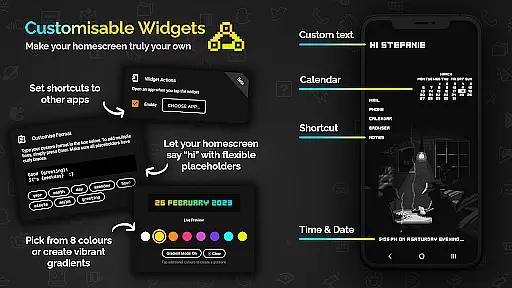
One of the key highlights is the widget customization options. Users can select from 8 different widget colors or create gradient combinations. The text within widgets is fully configurable, supporting up to 500 characters and offering 8 placeholders for dynamic content such as time, date, and greetings. Additionally, the pack supports more than 20 launchers including popular choices like Nova, ensuring broad compatibility across devices.
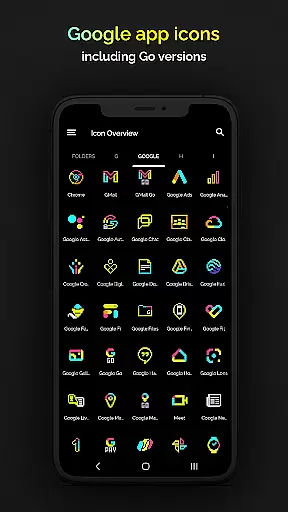
Retro Mode - Icon Pack (Neon) offers an extensive range of customization options that allow users to personalize their smartphone experience with pixel art aesthetics. With over 4050 unique icons, the pack ensures that most apps on your device can be transformed to fit a cohesive neon-themed look.
In addition to the vast icon library, the pack includes 12 wallpapers and 6 widgets, providing further opportunities for personalization. Users can choose from digital and analog clocks, date displays, greetings, calendars, and text shortcuts, all designed in retro pixel art style. These widgets are not only functional but also add a nostalgic touch to your home screen.
The level of customization extends to widget colors, where users can select from 8 different color options or even combine colors to create gradients. This flexibility allows for a tailored appearance that matches individual preferences while maintaining the distinctive retro vibe. The ability to configure text within widgets adds another layer of personal expression.
Supporting more than 20 launchers, this icon pack is compatible with a wide array of devices and systems, ensuring that many users can enjoy its features. Whether you're using Nova, Action, ADW, or other supported launchers, Retro Mode - Icon Pack (Neon) delivers a consistent and delightful customization experience across platforms.
Theme compatibility is a crucial aspect of any icon pack, and Retro Mode - Icon Pack (Neon) excels in this area by offering broad support for various launchers. This ensures that users can apply the vibrant pixel art icons regardless of their chosen launcher, making it versatile for different device ecosystems.
For Google Pixel, Motorola, and Xiaomi users who may find that their stock launchers do not accommodate third-party icon packs, Retro Mode provides guidance towards compatible alternatives like Nova Launcher. By recommending specific launchers known for their robust theme support, the app helps users overcome potential compatibility hurdles.
Samsung users benefit from clear instructions regarding Theme Park integration on newer OneUI versions, enabling them to seamlessly incorporate the neon icons into their system without needing to switch launchers. For older OneUI versions, alternative launchers are suggested, demonstrating the pack's commitment to accessibility across different Android iterations.
With monthly updates introducing new icons and features, Retro Mode maintains ongoing compatibility improvements. This dedication ensures that as operating systems evolve, the icon pack remains relevant and functional, preserving the integrity of the user's personalized theme over time.
Monthly updates with new icons
Vibrant neon color palette
Wide launcher compatibility
Fully customizable widgets
Premium pixel art design
Limited stock launcher support
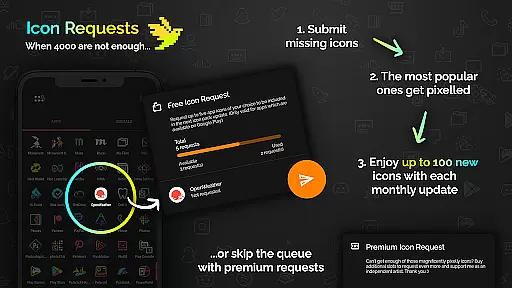
Additional icon requests cost extra
No shadow or outline effects
Some features require specific launchers
Widgets need compatible Android versions

Winter's Journey: digital watch face for Galaxy Watch & Wear OS
 4.80
4.80
Ninja Turtles Cowabunga SE watch face for Wear OS
4.50
Wear Os Watch Face - Seasonal - Animated Snow Effect - 9 Animals
4.20
3D, live, and moving wallpapers & themes in 4K and HD for your device.
4.50
Add cute Shimeji pets to screen, interact with them and relax with cute motions
4.60
Icons made of colorful linear lines
4.60
300+ Stunning and well-designed widgets inspired by NOTHING.
4.70
Enjoy a variety of amazing live wallpapers and colorful EDGE lighting borders!
4.80
Cool custom fonts & keyboard themes! Symbols & font changer for Instagram
4.50
One 8 icons glass color version
4.80
Gun Chase - Let the chase begin.
4.80
A minimalist productivity launcher. One-hand-friendly. Zero ads.
4.70
Bring adorable pets to life on your screen. Playful, interactive and full of fun
4.60
Zip lock screen with magic wallpaper to decorate your phone with fun zipper lock
4.60
Transform your phone with Launcher iOS 26 - Smooth & elegant iOS experience
4.50
Color phone with cool effects for call screen, flash alert & ringtones music
4.50
Unique Fonts, typefaces and stylish text. Fonts for Instagram, Whatsapp & others
4.20
Run multiple accounts of the same app on a single device
4.10
Ultimate widget creator. Design custom widgets for a truly unique home screen!
3.90


User Reviews