
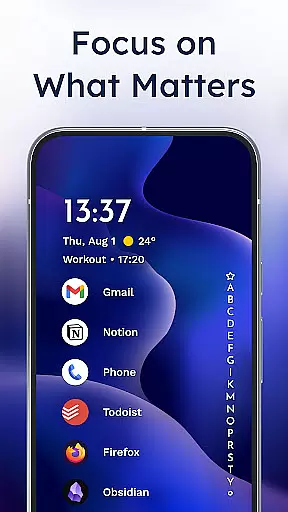
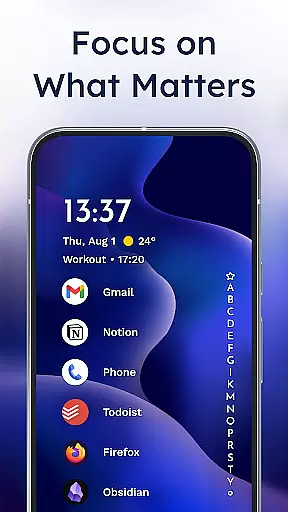
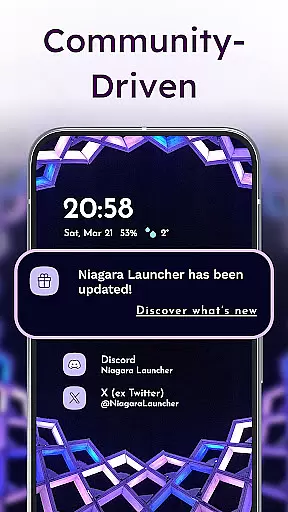
Niagara Launcher is a minimalist home screen replacement app designed to optimize one-handed usage on modern smartphones. Unlike traditional launchers that rely on grid layouts, Niagara offers an adaptive list interface that brings essential functions to your fingertips.
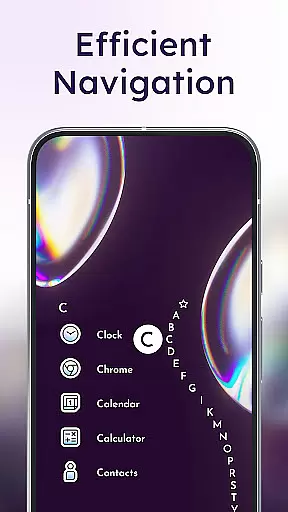
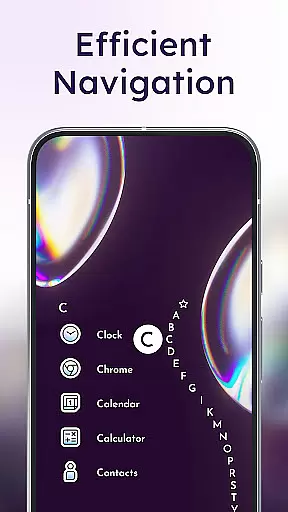
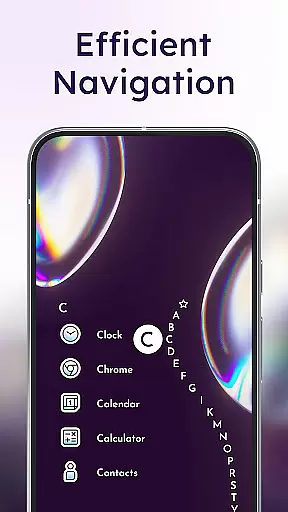
Key features include an ergonomic design that allows complete one-handed access, embedded notifications for direct interaction, and a unique wave alphabet navigation system. The app also incorporates Material You theming, making it highly customizable while maintaining its lightweight footprint of just a few megabytes.
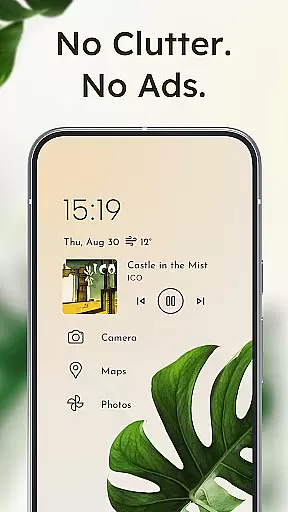
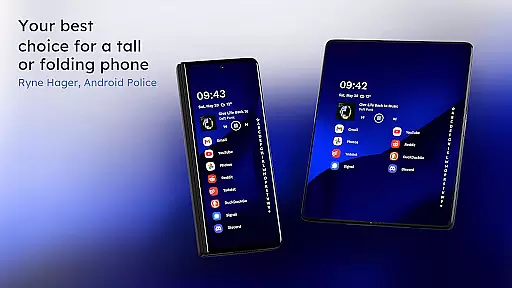
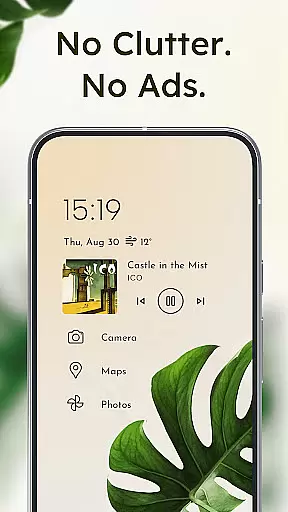
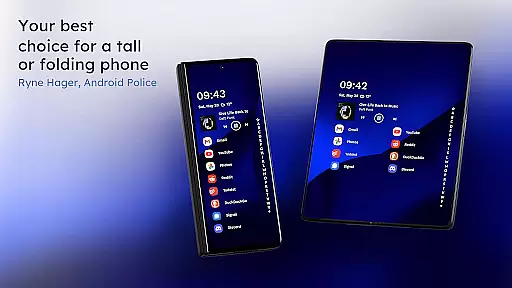
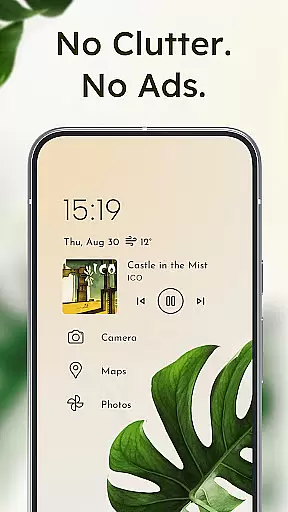
This launcher is particularly beneficial for users with larger phones who struggle to reach all areas of their screen comfortably. By decluttering the home screen and providing smart access to frequently used apps and information, Niagara Launcher helps users stay focused and productive.
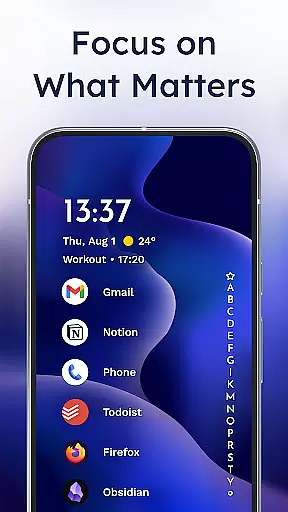
Niagara Launcher stands out with its innovative approach to home screen organization. The app's signature feature is its vertical list layout that dynamically adapts to show relevant information such as media controls, messages, and calendar events exactly when needed.
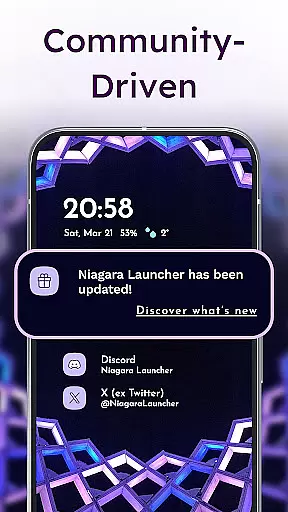
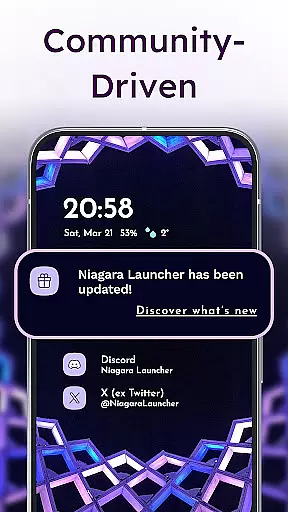
The launcher includes several productivity-enhancing features like embedded notifications that allow users to read and respond without opening individual apps. Its unique wave alphabet navigation enables efficient one-handed operation, while the optional accessibility service provides convenient screen-off gestures.
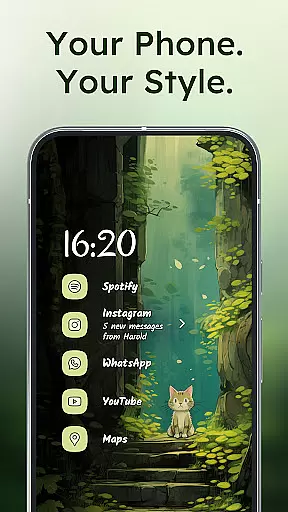
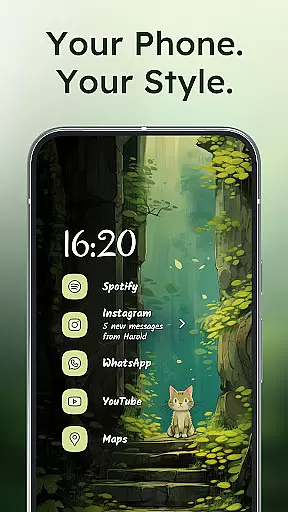
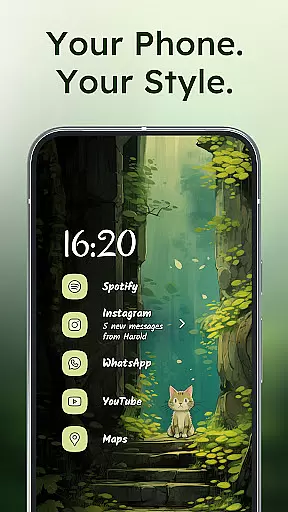
Customization options are extensive despite the app's minimalistic philosophy. Users can personalize their experience through various icon packs, fonts, and wallpapers. The app supports Material You theming across all Android versions, automatically adapting colors to match user-selected wallpapers while maintaining optimal performance on all devices.
Niagara Launcher offers a wide array of customization options that allow users to tailor their home screen experience according to their preferences. With features like an integrated icon pack, various fonts, and customizable wallpapers, the launcher provides tools for personal expression.
Users can choose from pre-designed themes or create their own unique look by selecting individual elements such as icons and fonts. This flexibility ensures that each user's home screen is not only functional but also reflects their personal style.
The adaptive list feature further enhances customization by dynamically adjusting to display media controls, messages, or calendar events when needed. Such adaptability means the layout remains uncluttered yet informative, catering to the useru2019s immediate needs without overwhelming them with unnecessary information.
By embracing Material You Theming, Niagara Launcher allows for a cohesive aesthetic across devices, making it possible to enjoy a personalized and modern interface regardless of the device's Android version. This approach empowers users to craft an environment that feels intuitive and looks contemporary.
Theme compatibility in Niagara Launcher is designed to ensure a seamless visual experience across different devices and Android versions. By adopting Material You, Googleu2019s latest design language, the launcher automatically adjusts its appearance based on the user's chosen wallpaper, creating a harmonious and personalized look.
This level of theme integration extends beyond just color schemes; it encompasses typography, iconography, and spatial relationships within the UI. As a result, every element on the home screen aligns perfectly with the user's selected theme, delivering a polished and professional appearance.
Moreover, Niagara Launcher backports Material You theming to older Android versions, ensuring that users with non-updated systems can still benefit from this advanced personalization feature. This commitment to inclusivity guarantees that all users have access to cutting-edge design principles, regardless of their device's software limitations.
With these capabilities, Niagara Launcher stands out as a leader in theme compatibility, offering a future-proof solution that grows with evolving design trends while maintaining backward compatibility for a broad range of devices.
One-handed efficiency
Adaptive interface
Lightweight design
Material You support
Active development
Limited widget support
No native tablet UI
Learning curve
Fewer customization
Basic animations

Only for Wear OS devices!
 4.90
4.90
Unique Android Launcher
4.60
Ultimate widget creator. Design custom widgets for a truly unique home screen!
3.90
Try creating your own keyboard with "Keyboard theme for android" app now!
4.50 3.50
3.50
One 8 icons glass color version
4.80
Enjoy a variety of amazing live wallpapers and colorful EDGE lighting borders!
4.80
Fast SMS & group chat - use GIFs and emojis from your home screen launcher.
4.50
Cool custom fonts & keyboard themes! Symbols & font changer for Instagram
4.50
400+ Beautifully crafted widgets inspired by NOTHING.
4.70
Ultra realistic high quality analog watch face for Wear OS.
4.60
Over 28,000 high quality icons to bring color & homogeneity to your phone.
4.60
3D, live, and moving wallpapers & themes in 4K and HD for your device.
4.50
Transform your device in a game console
4.40
Your home screen, just the way you like it.
4.30
Magic fluids wallpaper 4D: Relax with stunning fluid simulation wallpaper app
4.20
Customizable flower power digital watch face for Wear OS watches.
4.00
Crystal-clear, square icon provides a sleek and sophisticated visual upgrade
4.00
Turn your lock screen into fun with smile live wallpapers & animated wallpapers!
2.50


User Reviews