

an Analog Watch Face for winter season with freeze winter background for Wear OS
 4.2
4.2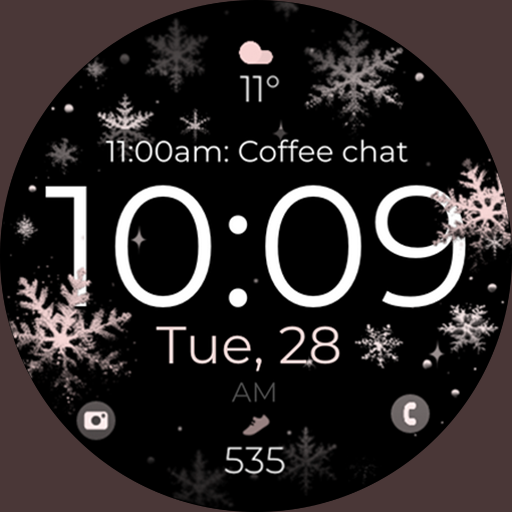
Snowflake Rose Gold Watch Face - Digital, modern, & sleek with GYRO effect.
4.10
Current temperature, weather hourly, weather radar by the weather forecast app
4.40
Analog watch face with 8 complications and expedition styling
4.3
Artistic Digital Watchface
4.5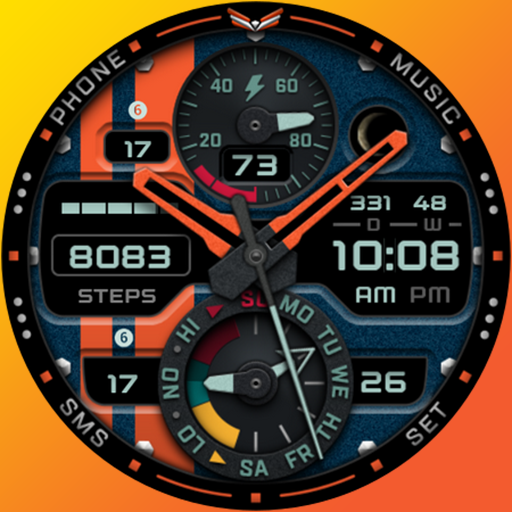
A modern premium sporty hybrid watch face for Wear OS by Ballozi
4.70
Watch face for Wear OS.
4.20
Connect to your Bluelink equipped Hyundai vehicle from your smartphone.
4.50
Daily Weather forecast with 15 weather images for Day & Night plus Big Bold time
4.10
Your second brain for organizing your life: to-do, calendar, reminder.
4.70
Retro digital watch face with customizable colors and a unique lighting effect
4.60
A realistic hybrid watch face with many customization options.
4.60
Digital watch face with big numbers and many customization for Wear OS devices
4.40
Premium hybrid watch face with many customizations for Wear OS devices.
4.40
Hyper-Realistic Airplane Dashboard Watch Face With 10 Skins and Custom AOD
4.00
A digital watch face that celebrates Christmas.
4.00
Contemporary digital watch face with five complications
4.2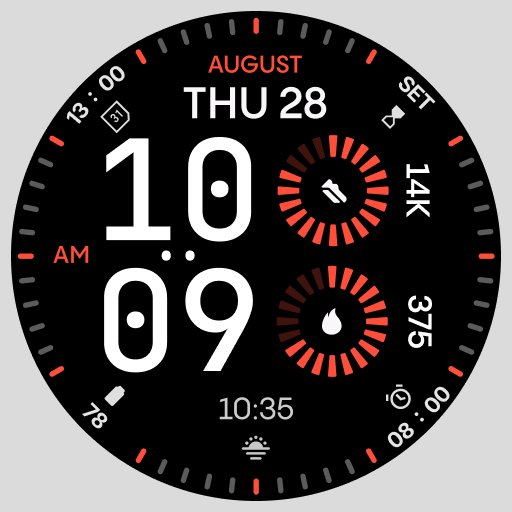
Stunning modern digital watch face with 7 complications and strong contrast
4.1
3 Complications. All shadow on/off. 30 Themes color palette...
4.2


