
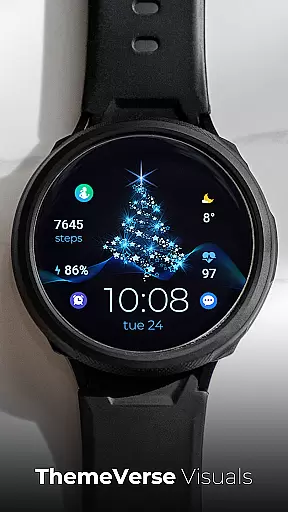
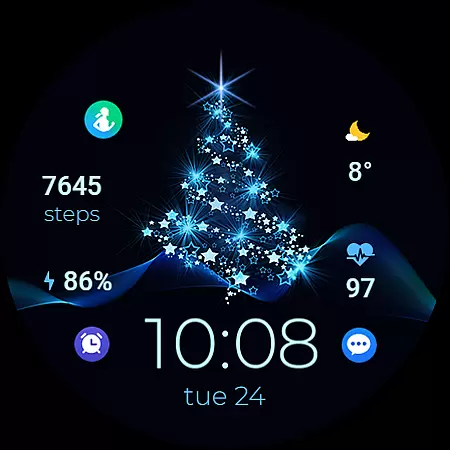
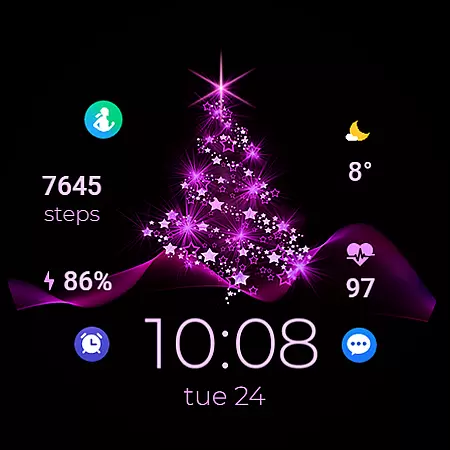
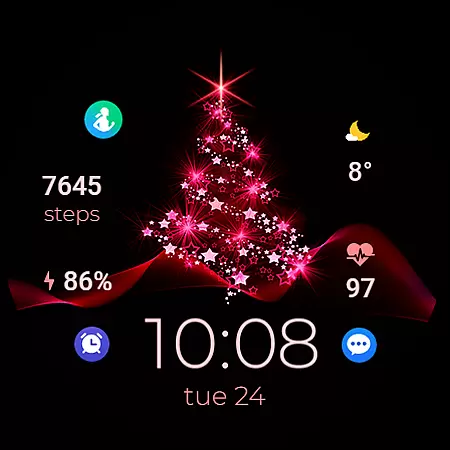
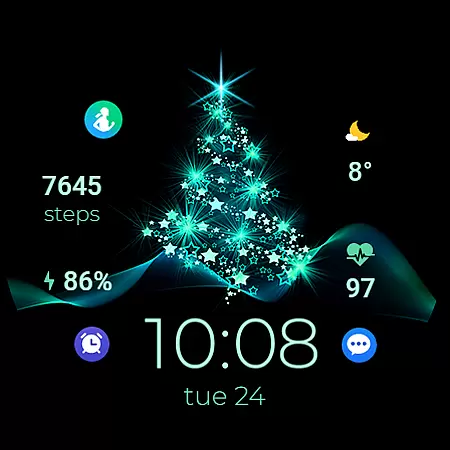
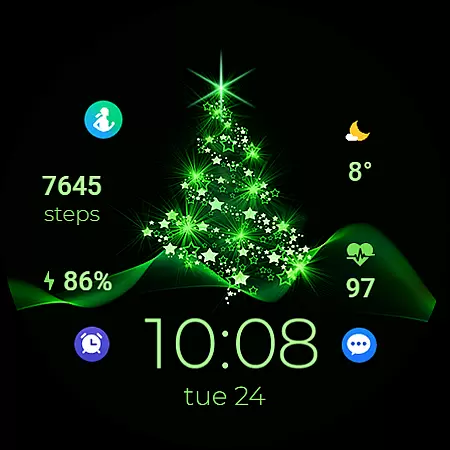
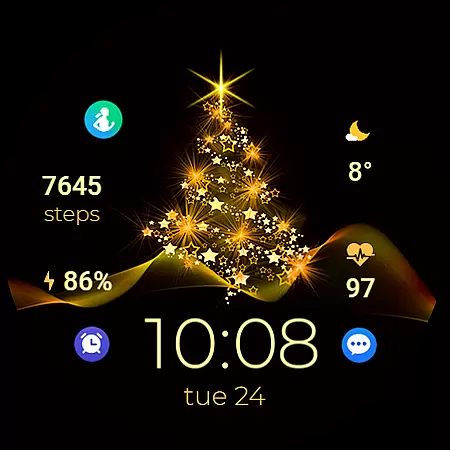
TVV Christmas 2 Watch Face is a festive-themed digital watch face designed specifically for WEAR OS devices running API LEVEL 33 and above. This application brings the joy of Christmas to your smartwatch with its vibrant design and customizable features.
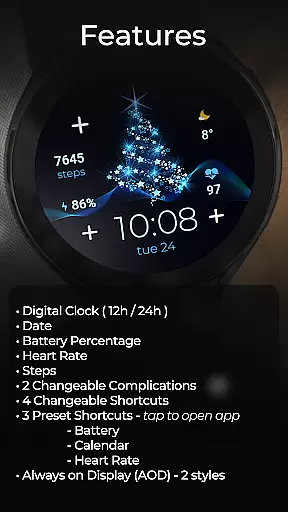
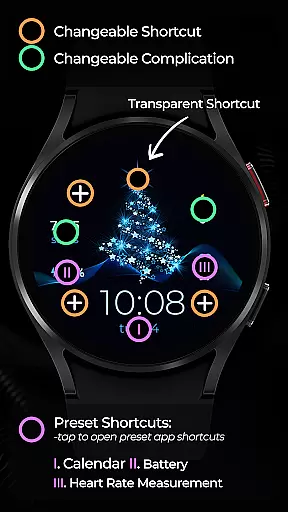
The watch face offers essential functionalities including a digital clock that supports both 12h and 24h formats based on phone settings, date display, battery percentage indicator, heart rate monitor, and step counter. Additionally, it provides two changeable complications and four changeable shortcuts, along with three preset app-opening shortcuts for Battery, Calendar, and Heart Rate.
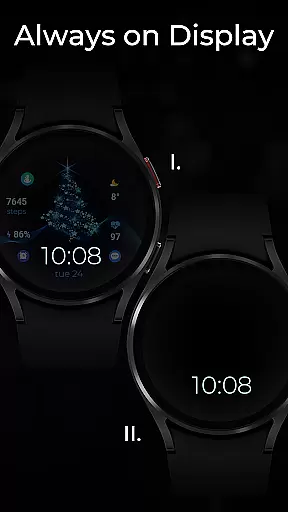
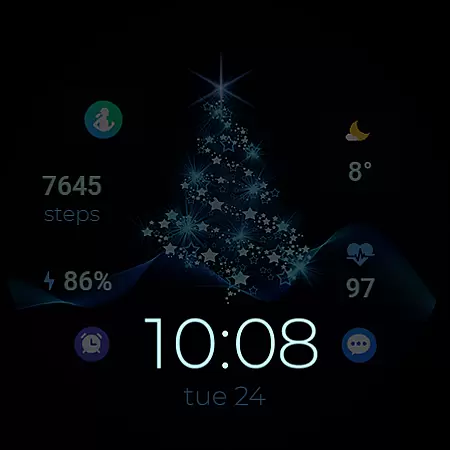
With support for Always on Display (AOD) in two styles, this watch face ensures users can quickly access important information at a glance, making it perfect for those who want both functionality and festivity on their wrists during the holiday season.
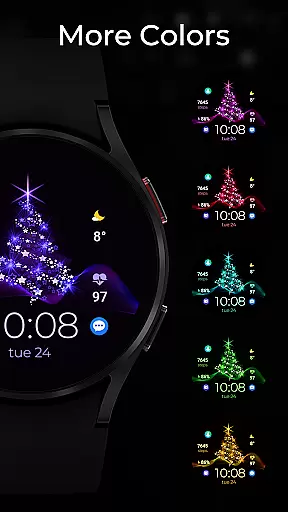
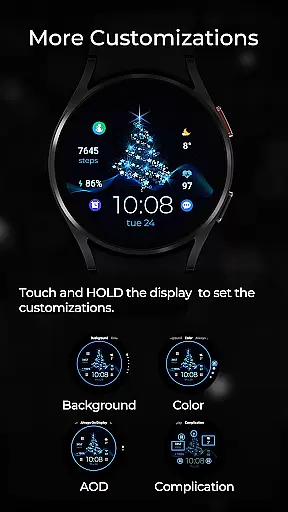
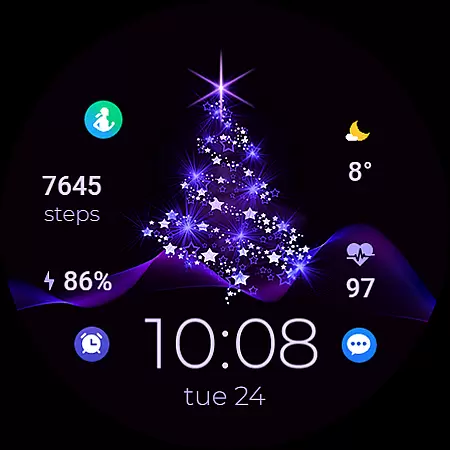
TVV Christmas 2 Watch Face stands out with its rich feature set tailored for the holiday season. The application allows users to customize colors and complications effortlessly by simply touching and holding the display, then tapping on the customize option.
Among its notable features are a digital clock that adapts to the user's phone settings for 12h or 24h format, ensuring familiarity and ease of use. It also displays the date, battery percentage, heart rate measured every 10 minutes, and step count, providing users with comprehensive health and timekeeping tools right on their wrist.
Further enhancing its utility are two changeable complications, four changeable shortcuts, and three preset shortcuts that allow quick access to frequently used apps such as Battery, Calendar, and Heart Rate. The inclusion of Always on Display (AOD) in two distinct styles ensures that critical information remains accessible even when the watch is not actively in use.
Companion app integration is essential for a seamless wearable experience. TVV Christmas 2 Watch Face offers robust connectivity with its companion app, ensuring that all your preferences and settings are perfectly synchronized.
This synchronization allows users to customize their watch face effortlessly. By touching and holding the display, then tapping on the customize option, users can modify colors and complications according to their liking.
The integration supports features such as digital clock settings based on phone configurations, date, battery percentage, heart rate, steps, changeable complications, and shortcuts. This ensures that every vital piece of information is accessible right from your wrist.
With this level of integration, users enjoy an enhanced and personalized wearable experience, making daily tasks more convenient and engaging.
Compatibility with various devices is crucial for any Wear OS application. TVV Christmas 2 Watch Face is designed to be compatible with WEAR OS devices operating on API LEVEL 33+, ensuring broad device support.
This compatibility extends to various functionalities like Always on Display (AOD) styles, which can be customized despite not being previewed in the conventional manner. Users can follow simple steps to adjust these settings according to their preferences.
In addition to AOD, the watch face supports features such as heart rate monitoring, which measures the heart rate every ten minutes, and app shortcuts for compatible devices. These include accessing battery status, calendar, and heart rate apps directly from the watch face.
By focusing on extensive device compatibility, TVV Christmas 2 Watch Face guarantees that users can enjoy a diverse range of functionalities regardless of their specific Wear OS device.
Festive Design
Customizable Features
Health Monitoring Tools
Always on Display
User-Friendly Interface
Limited Compatibility
No Advanced Analytics
Basic Customization
Device-Specific Shortcuts
Premium Features Locked

Animated Watch Face and Customizable with 24 Backgrounds. Perfect for Christmas!
 3.90
3.90
Christmas is near, let's count together the days left until Santa comes
4.2
A watch face that fuses motorsport precision with contemporary smartwatch design
4.1
The most customizable minimal watch face. For Wear OS 5.0, API 34+ and later
4.70
Digital watch face. For Wear OS devices.
4.40
The Chevron App allows you to pay for fuel from the comfort of your car!
4.80
Bold weather Digital watchface with forecast & optional animated background
4.40
Hybrid Vibrant Health Watch Face for Wear OS
4.5
From periods to pregnancy & perimenopause, Flo helps you track it all. Try now.
4.70
Period, ovulation & pregnancy tracker. Fertility insights & menstrual calendar.
4.90
Real-time weather radar with temperatures, warnings, hurricanes, and widgets
4.80
WTW M17 is a premium and luxurious hybrid watch face
4.70
Simple, helpful messaging by Google
4.60
Hyper-Realistic Airplane Dashboard Watch Face With 10 Skins and Custom AOD
4.00
Get helpful reminders, take progress photos and find answers to your questions.
3.90
A Wintery Snow Globe on Your Wrist; now celebrating Christmas!
4.5
Artistic Digital Watchface
4.4
Fitness interactive virtual pet super fighter boy watch face
4.0
Funny animated watch face for Thanksgiving
4.1


User Reviews