
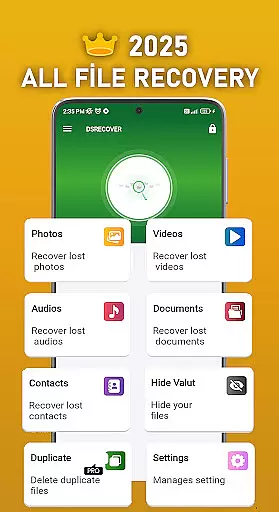
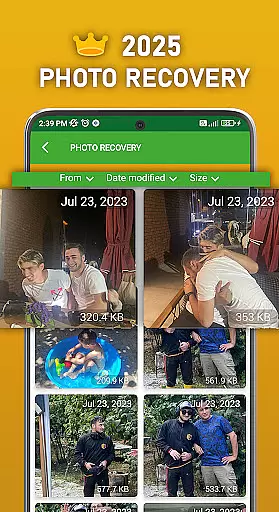
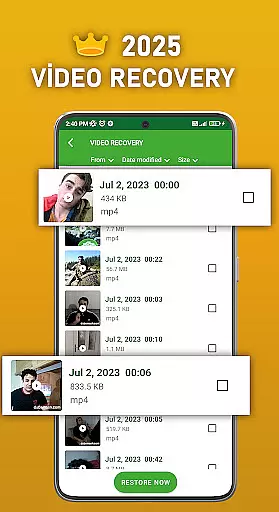
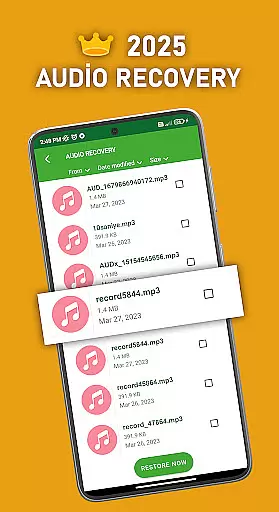
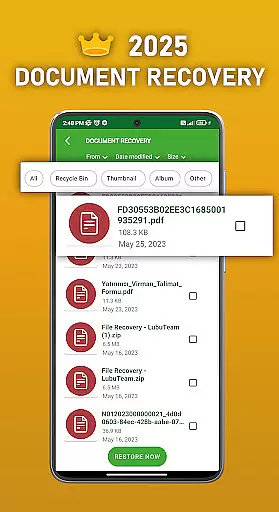
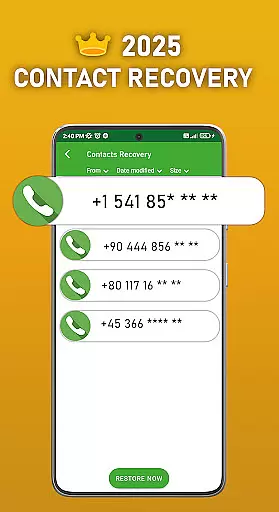
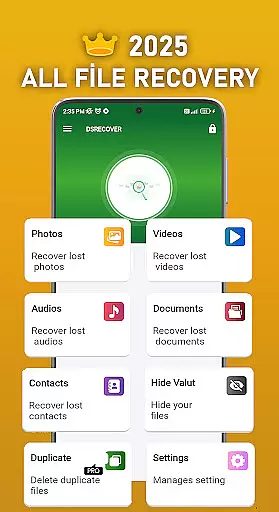
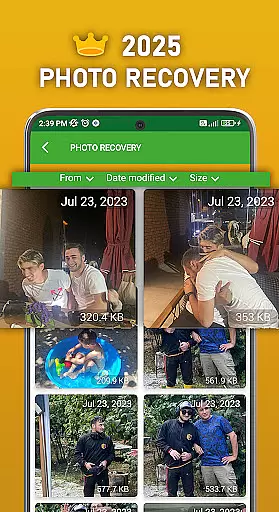
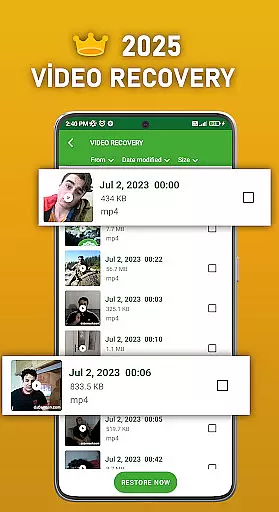
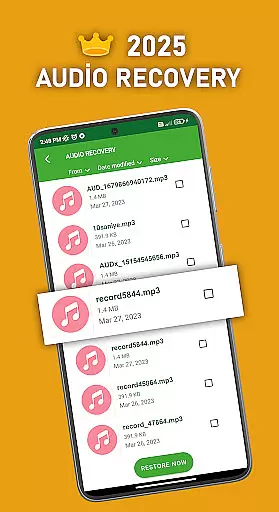
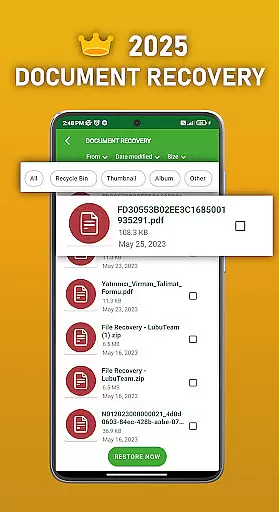
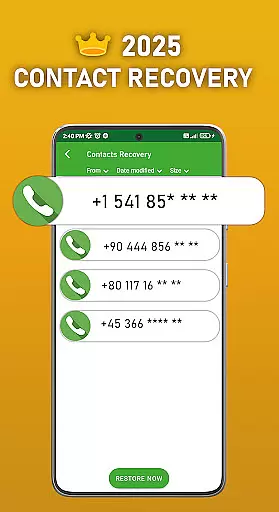
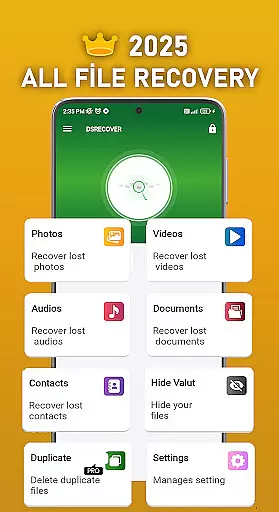
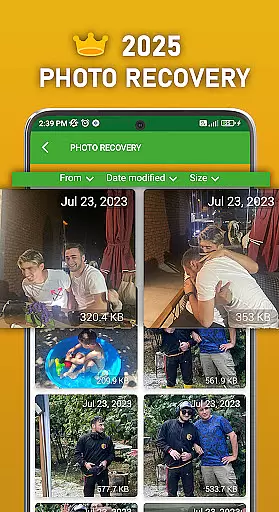
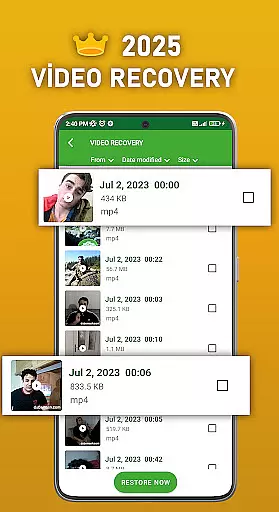
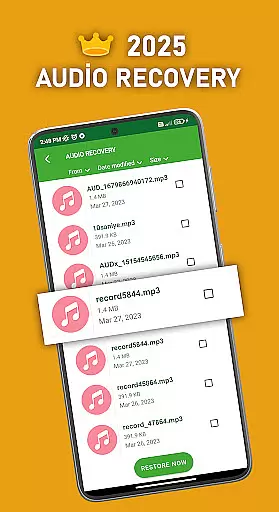
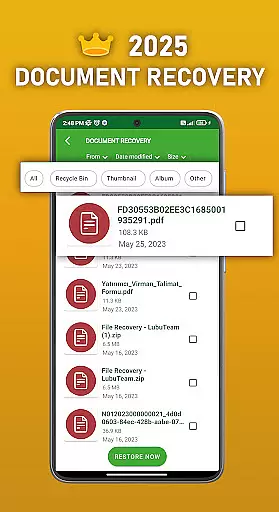
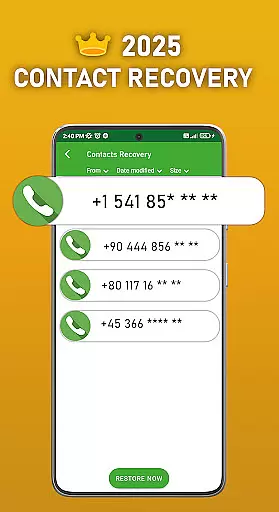
DS PRO is a comprehensive recovery tool designed to retrieve deleted files across multiple categories on Android devices. The app's core functionality revolves around recovering lost photos, videos, audio files, contacts, and documents without requiring root access. Its powerful scanning algorithms can detect and restore files from both internal memory and SD cards.
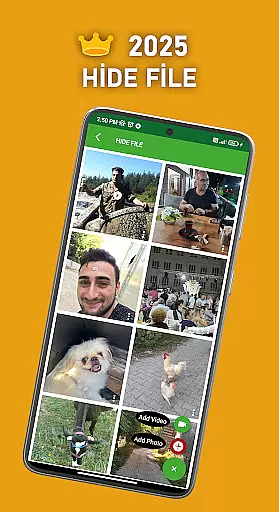
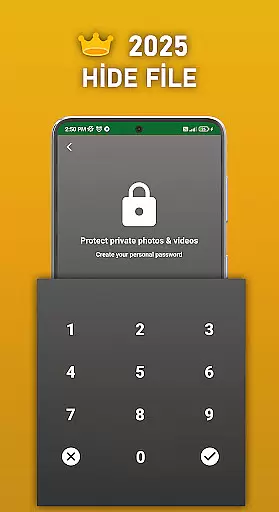
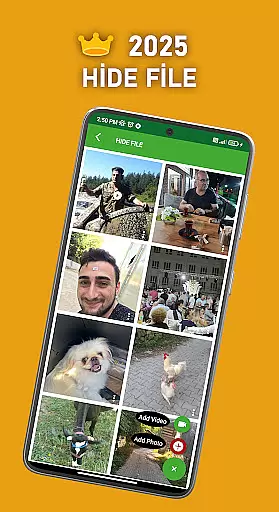
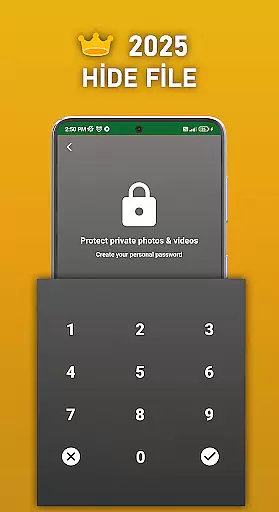
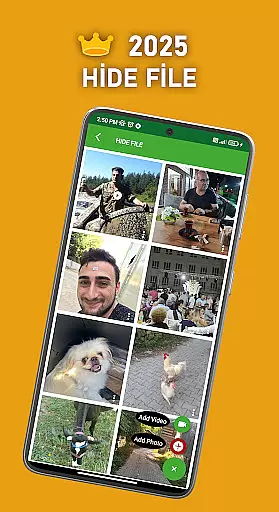
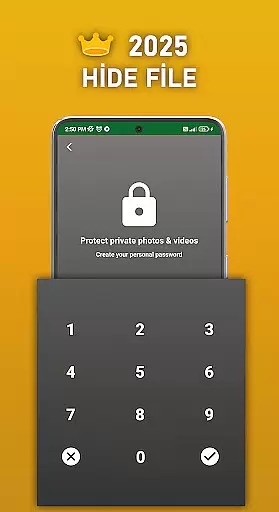
Beyond basic recovery features, DS PRO offers advanced capabilities including file deduplication to identify identical files and a secure file-hiding feature that password-protects sensitive media. The application's instant restore function makes recovery quick and straightforward, while its deep scanning technology ensures thorough detection of recoverable files across various formats and storage locations.
This tool proves particularly valuable for users who have accidentally deleted important media or need to recover lost contact information. The app's ability to handle different file types - from images (JPEG, PNG) to videos (MP4) and audio files (MP3) - makes it a versatile solution for data recovery needs.
DS PRO distinguishes itself through several innovative features that enhance the recovery process. The application employs advanced scanning algorithms capable of detecting deleted files across all storage locations, including internal memory and external SD cards. Its unique file deduplication system helps users identify and manage multiple identical files, optimizing storage space.
The app's instant restore functionality sets it apart from competitors, allowing users to recover deleted apps, photos, and other files with just a few clicks. The built-in file hiding feature provides an extra layer of security by password-protecting sensitive media, ensuring private content remains inaccessible to unauthorized users. Additionally, DS PRO supports recovery of various file formats, including common image, video, and audio types.
What makes DS PRO particularly user-friendly is its comprehensive approach to recovery. The app doesn't require technical expertise or computer assistance for file restoration. Its intuitive interface guides users through the recovery process for different file types, while the permission management system ensures optimal scanning capabilities without compromising device security.
DS PRO positions itself as a comprehensive recovery tool, excelling in the accurate retrieval of deleted files across multiple categories. The app's core functionality revolves around recovering photos, videos, audio files, contacts, and documents with precision.
The effectiveness of DS PRO is evident through its ability to perform deep searches on your device without requiring root access. This ensures that users can retrieve lost data seamlessly while maintaining their deviceu2019s security and integrity. The app also supports various file formats, making it versatile for different types of media recovery.
For users who accidentally delete important files, DS PRO offers a straightforward solution. By simply navigating to the app's recycle bin feature, you can instantly restore deleted items with just a click. This immediate restoration process highlights the app's commitment to user convenience and data protection.
Despite its powerful capabilities, DS PRO maintains an intuitive interface that simplifies complex recovery tasks. The design focuses on ease of use, ensuring that even those unfamiliar with data recovery tools can navigate the app effortlessly.
Key features such as the File Hide option are presented clearly, allowing users to protect sensitive media by hiding them behind a password. This thoughtful inclusion demonstrates how DS PRO balances advanced functionality with user-friendly controls, catering to both novice and experienced users.
Additionally, DS PRO provides clear guidance throughout the recovery process. From initial scans to final restoration, each step is accompanied by straightforward instructions, minimizing confusion and maximizing efficiency. This approach not only enhances usability but also builds trust among users seeking reliable data recovery solutions.
User-friendly interface
Comprehensive file support
No root required
Instant restore capability
Advanced scanning technology
Premium version required
Storage-intensive
Limited free features
Occasional scan errors
Ads in free version

PDF Reader - Document Viewer: Read, Manage & Organize Your Documents
 3.10
3.10
Carry a FTP server in your pocket and avoid USB cables for file transfer
4.20
Excellent scientific calculator with symbolic algebra, integrals, derivatives
4.80
Navigate with Ease and Style
4.90
PC precision for mobile gaming: dominate with keyboard and mouse!
4.30
The one-and-only remote control for PC, Mac, and Linux
4.70
Button mapper, mouse toggle, sleep timer and a lot of another features
4.50
Introducing Smart Printer, your ultimate destination for printing solutions!
4.00
Enhance your Beats
3.70
Connect wirelessly to your computer to watch movies, browse the web, play games
5.00
HD Camera captures every special moment.
4.60
Play your X-Box games remotely in 1080p with any controller and zero latency
4.60 4.50
4.50 4.50
4.50
Game Booster, GFX Tool is now compatible with newer game update
4.50
Fluid navigation gestures for all of us!
4.30
Quickly check the frequency of the Earth
4.30 4.10
4.10
This app unlocks the Pro features of the Central for DayZ app
3.60


User Reviews