
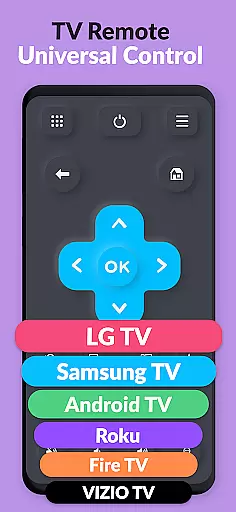
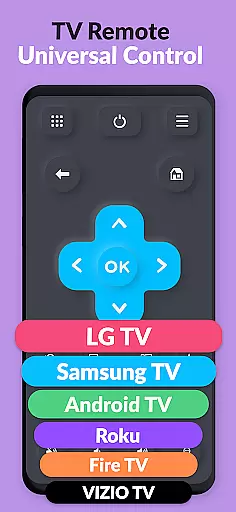
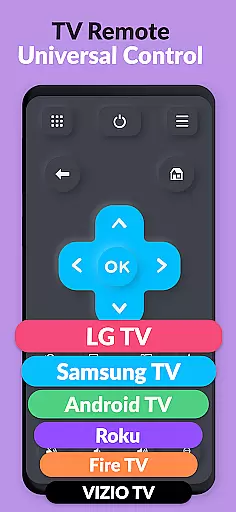
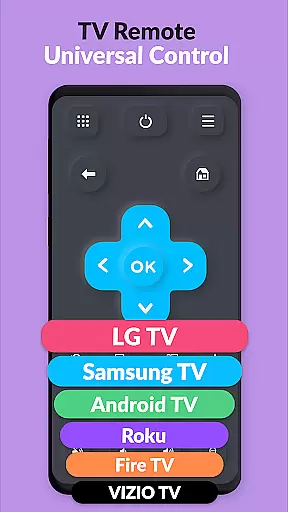
TV Remote Pro is a versatile remote control application designed for Roku, Fire TV, Samsung TV, LG TV, Android TV, Chromecast, and VIZIO TV. This app allows users to control their smart TVs with ease using just their smartphone or tablet. With all remote control features unlocked in its PRO version, it eliminates the need for physical remotes and offers a clean, fast, and simple interface.
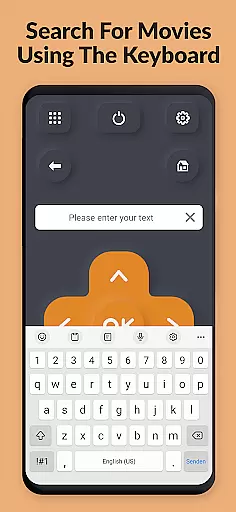
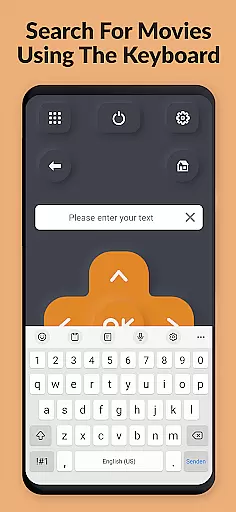
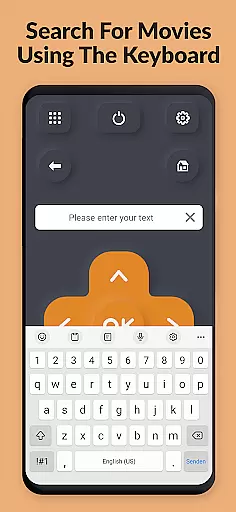
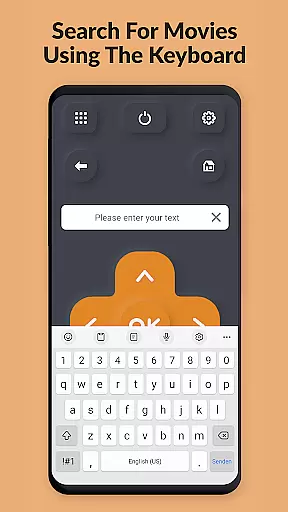
The app supports a wide range of functionalities including opening channels, searching for movies, and entering text through an easy-to-use keyboard. It also provides volume control and power button options specifically for compatible TVs. Whether you're looking to simplify your entertainment experience or seeking advanced control options, TV Remote Pro delivers both convenience and functionality.
TV Remote Pro stands out with its comprehensive feature set tailored for seamless TV control. The app's main advantage is its compatibility with multiple TV brands and platforms, including Roku, Fire TV, Samsung TV, LG TV, Android TV, Chromecast, and VIZIO TV. This broad compatibility ensures that users can control various devices without needing different apps.
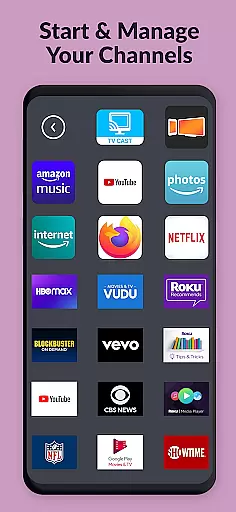
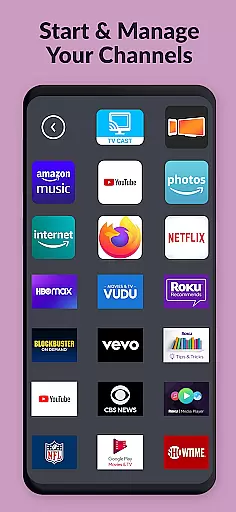
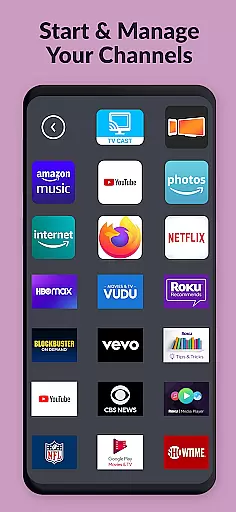
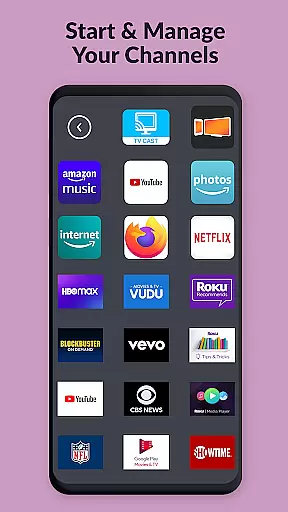
One of the key highlights is the ability to open Roku, Fire TV, or Smart TV channels directly from within the app. Additionally, users can search for movies and channels effortlessly. The app includes a fast and easy keyboard for entering text on supported devices, enhancing user interaction. With no subscription required, TV Remote Pro offers a one-time purchase solution for all your TV remote needs.
TV Remote Pro exemplifies core function accuracy and effectiveness by offering a reliable solution to control multiple smart TV brands through your smartphone or tablet. The app supports Roku, Fire TV, Samsung TV, LG TV, Android TV, Chromecast, and VIZIO TV, providing users with an intuitive interface that eliminates the need for traditional remotes.
The application's design focuses on precision in executing commands such as changing channels, adjusting volume, powering the TV on or off, and even searching for movies. Its compatibility with a wide range of devices ensures that whether you're using a Samsung TV with Tizen OS or an LG TV with webOS, each command is accurately transmitted from your mobile device to your television without delay.
Users benefit significantly from this high level of functional accuracy; they can easily navigate their TVs' systems, open apps, and search content without any hassle. This seamless interaction enhances user experience by making it faster and simpler to manage entertainment systems directly from their personal devices.
Ultimately, TV Remote Pro stands out due to its commitment to delivering precise control over various smart TVs efficiently. By removing common pain points associated with lost remotes or complex button layouts, it provides an effective tool that simplifies daily interactions with home entertainment setups while maintaining optimal performance across supported platforms.
TV Remote Pro excels in interface simplicity and intuitiveness, ensuring that users can effortlessly navigate their smart TVs without the need for extensive technical knowledge. The app's clean, fast, and straightforward design allows individuals to control their Roku, Fire TV, Samsung TV, LG TV, Android TV, Chromecast, and VIZIO TV with minimal learning curve.
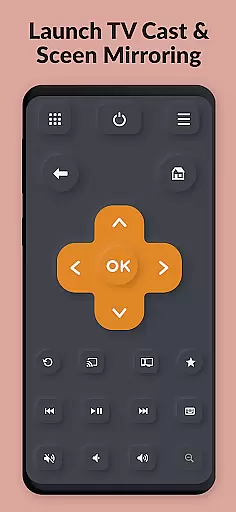
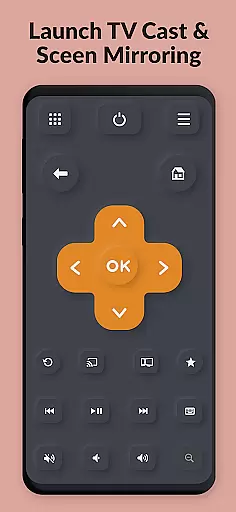
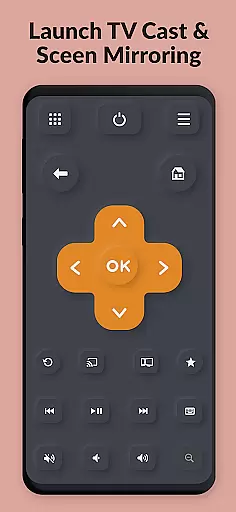
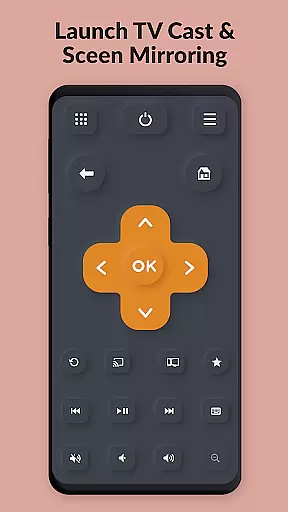
Upon launching the application, users are greeted by a streamlined layout where essential functions like power buttons, volume controls, channel selection, and text input via keyboard are prominently displayed. This logical arrangement mirrors traditional remote controls but enhances them with touch-based interactions native to smartphones and tabletsu2014making every tap responsive and meaningful.
This intuitive setup not only simplifies operation but also enriches user engagement by reducing complexity often found in multi-functional remotes. Whether entering search queries or switching between apps on different smart TVs, each action feels natural thanks to well-placed virtual buttons paired with swift feedback mechanisms.
In essence, TV Remote Pro transforms how people interact with their televisions by combining ease-of-use with powerful capabilitiesu2014all encapsulated within an accessible digital environment designed for efficiency and convenience.
User-friendly interface
Wide device compatibility
No subscriptions needed
Fast and reliable performance
Comprehensive remote features
Limited to compatible devices
No physical buttons feedback
Premium version cost
Requires stable network
Occasional connectivity issues

A convenient photo, video, and file recovery tool.
 4.00
4.00
Just one-tap to easy translate in any language after calls within seconds.
4.20
A recovery soft,it features photo recovery, video recovery, file recovery.
3.40
Canon PRINT is a companion app for your Canon printer.
4.60
Forza Tuning Calculator App for Forza Horizon 5, Motorsport and Earlier Titles
4.40
Signal Strength, Mobile, Wifi, Speed Test, Bad Signals, Cellular, 5G, LTE, 4G
4.20
Game Booster, GFX Tool is now compatible with newer game update
4.50
Pro Emulator is an easy to use game console emulator for a range of consoles.
4.40
Protect your device with antivirus, storage cleanup, and system monitoring
4.70
Excellent scientific calculator with symbolic algebra, integrals, derivatives
4.80
Connect instantly to a fast, encrypted VPN with one tap
4.60
Play your X-Box games remotely in 1080p with any controller and zero latency
4.60
Quickly check the frequency of the Earth
4.30
pdf merge, word to pdf, jpg to pdf, edit pdf, convert to pdf and much more!
4.20
MS-DOS in your pocket. Play old DOS games anywhere you are ;)
4.10
View detailed information about your Nissan Leaf the dealer never shows you.
4.10
Introducing Smart Printer, your ultimate destination for printing solutions!
4.00
This app unlocks the Pro features of the Central for DayZ app
3.60
PDF Reader - Document Viewer: Read, Manage & Organize Your Documents
3.10


User Reviews