
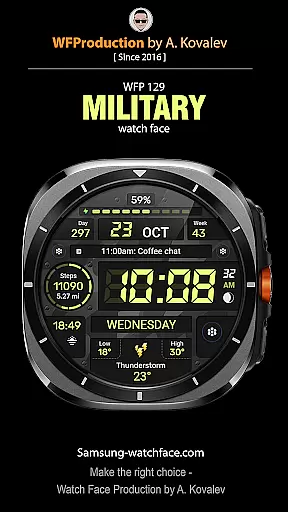
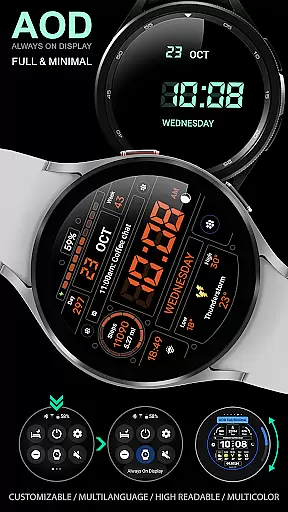
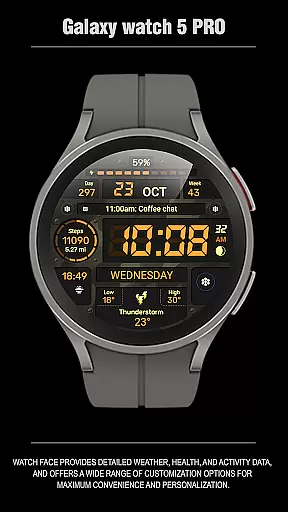
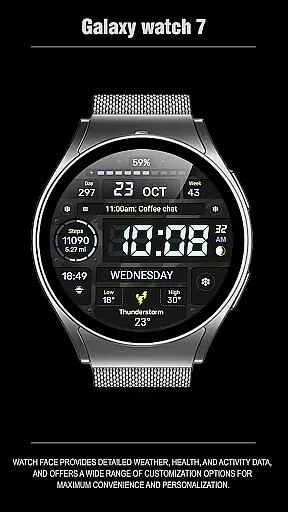
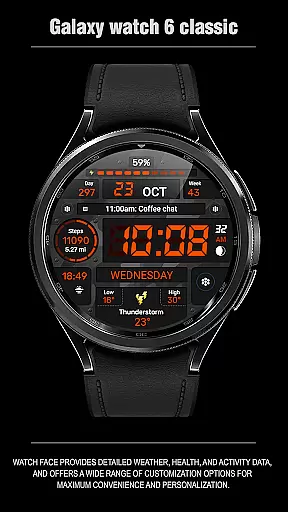
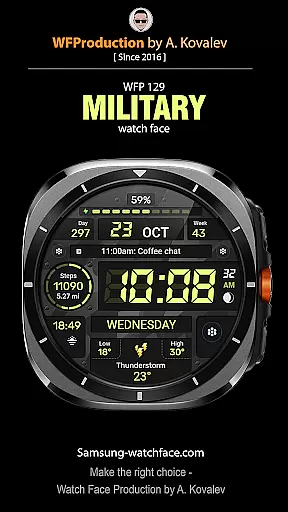
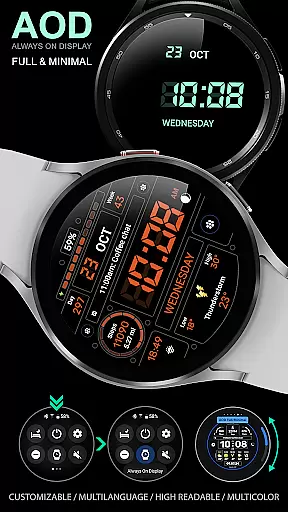
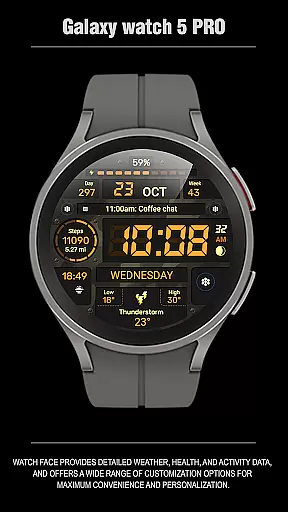
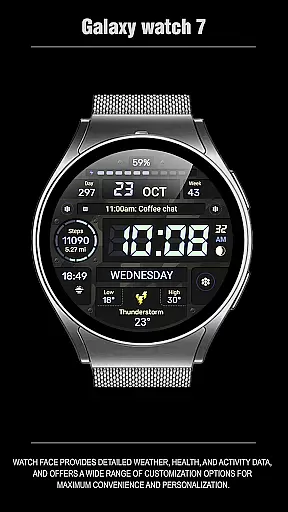
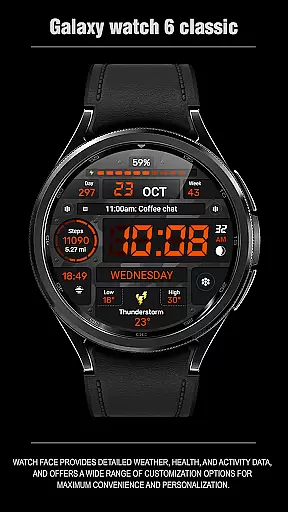
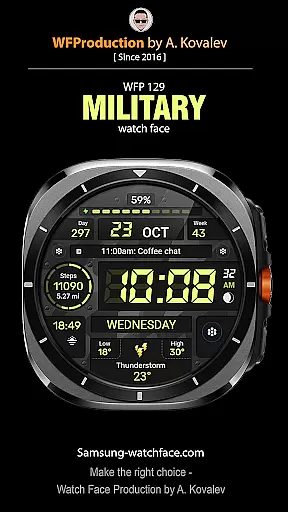
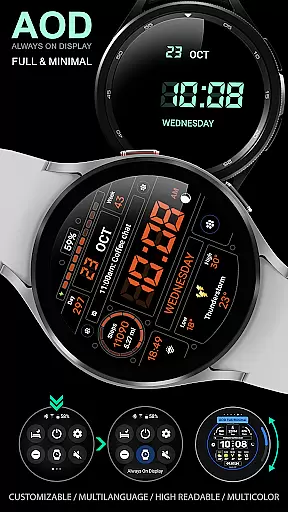
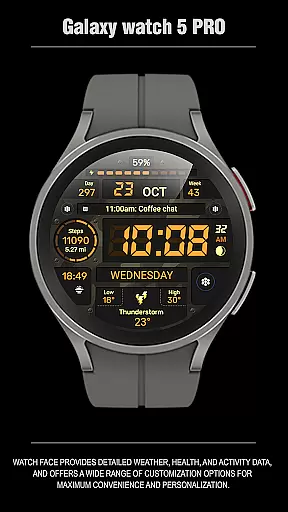
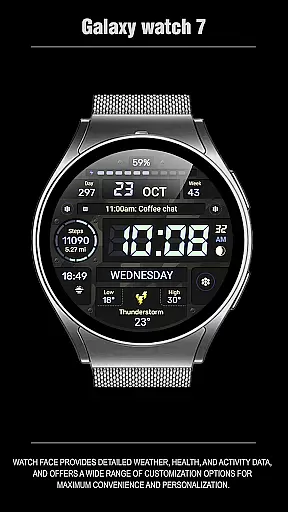
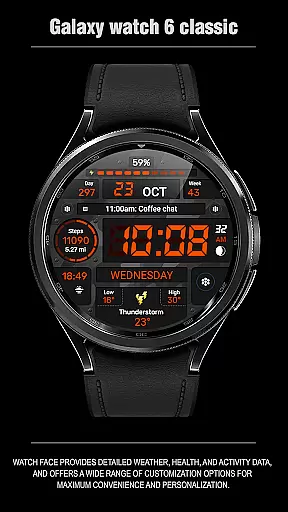
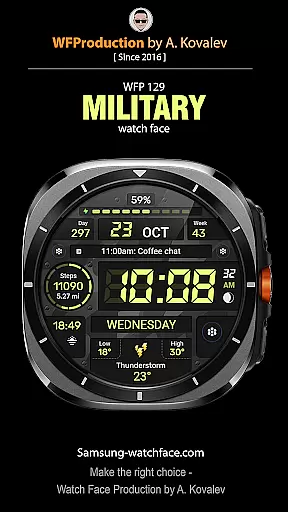
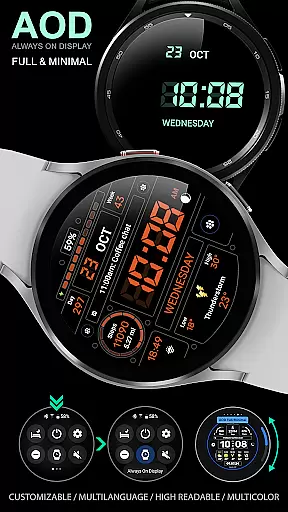
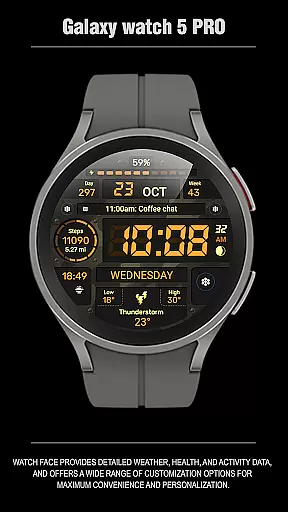
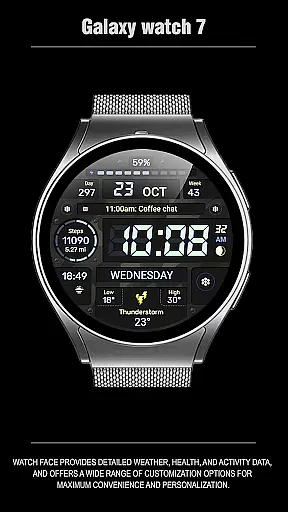
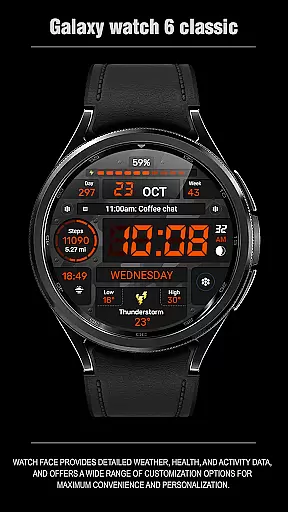
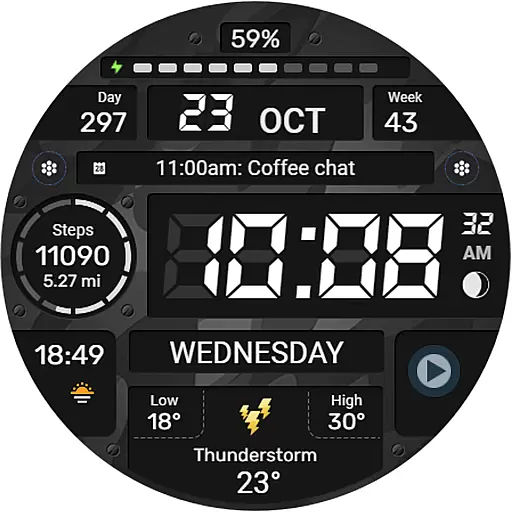
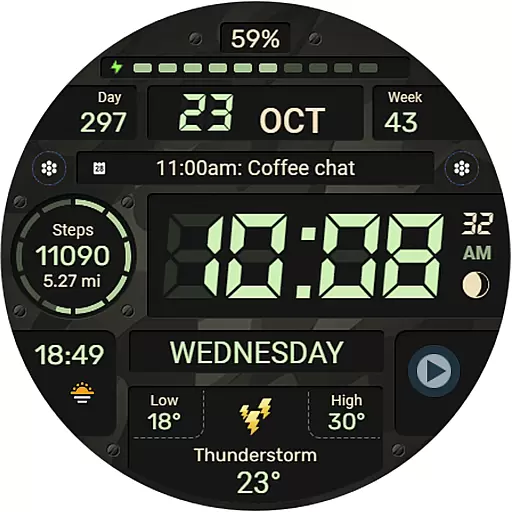
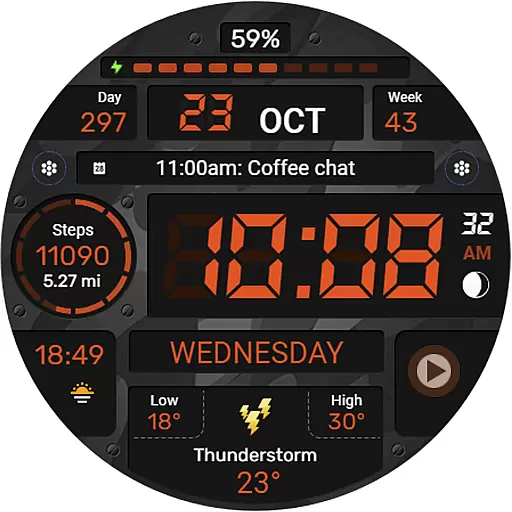
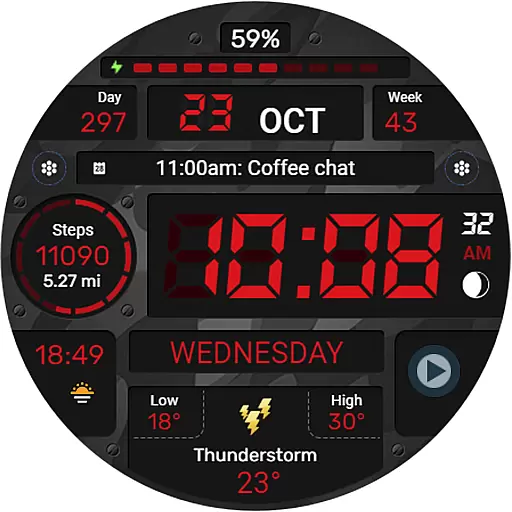
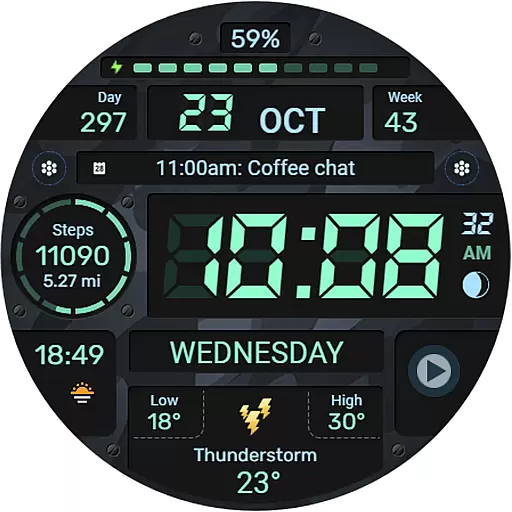
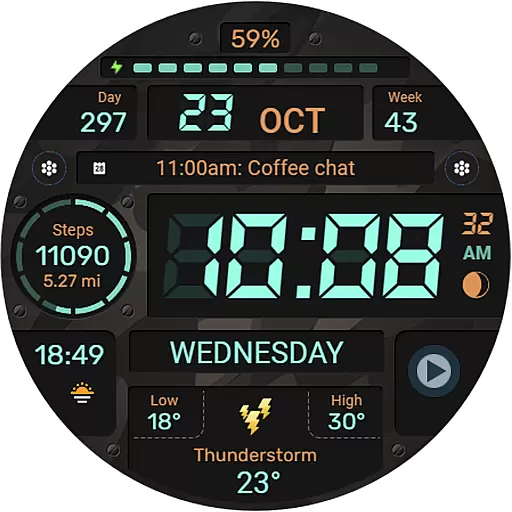
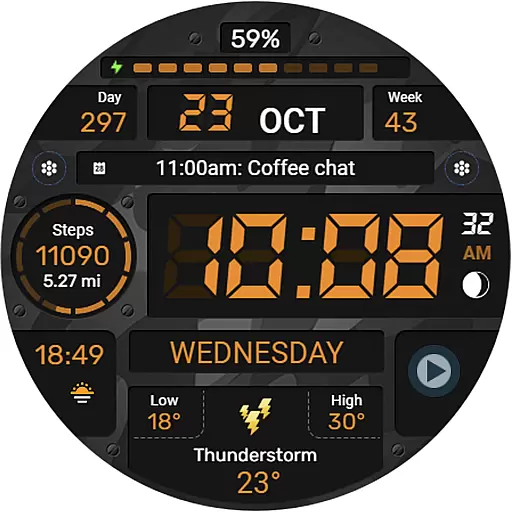
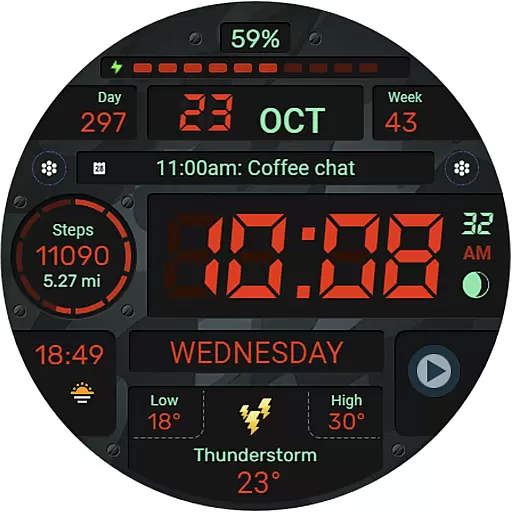
WFP 129 Military watch face is a versatile and customizable digital watch face designed for devices running WearOS 4 with API Level 30+. This application offers users the ability to personalize their smartwatch experience through a variety of features including complications, widgets, and color combinations. Whether you're tracking your fitness goals or simply want a sleek, military-inspired design, this watch face caters to both functionality and style.
The app supports advanced customization options such as 12/24 hour time formats, weather display in Fahrenheit or Celsius, and an Always-On Display (AOD) mode that can be tailored to show full or minimal information. With high resolution graphics, optimal performance, and low battery consumption, WFP 129 ensures a seamless user experience while maintaining efficiency.
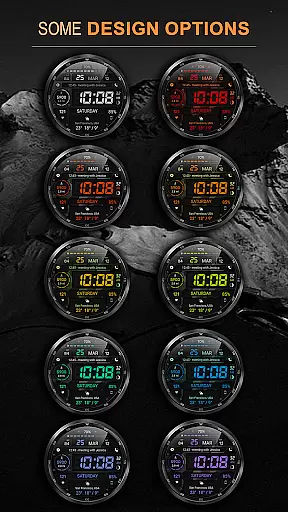
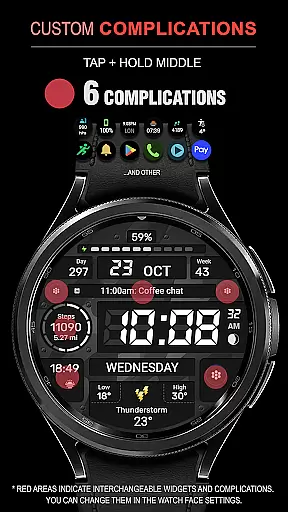
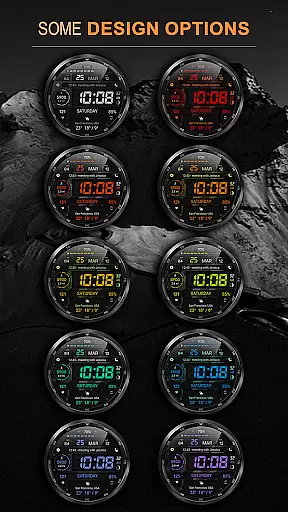
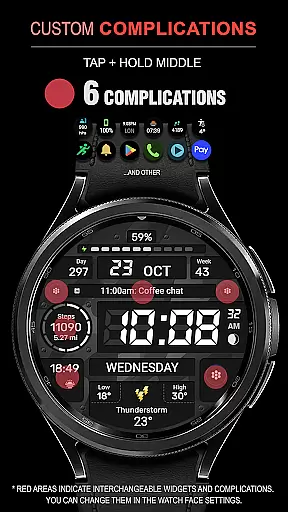
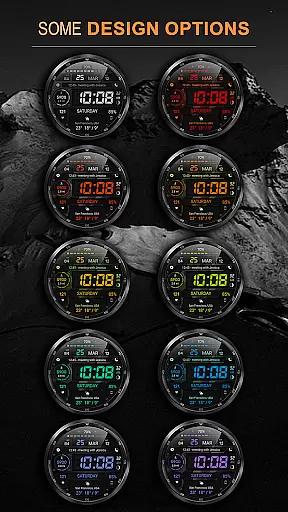
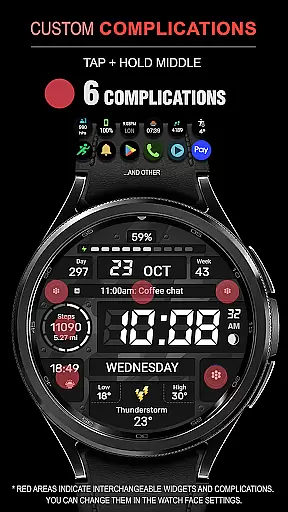
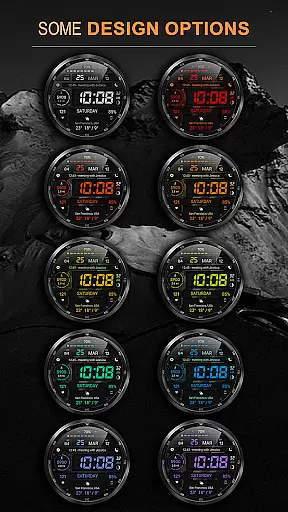
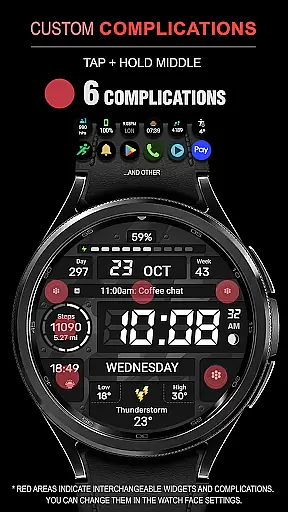
One of the standout aspects of WFP 129 Military watch face is its extensive feature set that allows for deep personalization. Users can choose from six different complications and widgets, which provide quick access to essential information like calories burned, floors climbed, and more. Additionally, there are 30 background color combinations available, ensuring that each user can find a look that suits their preference.
The watch face also boasts high optimization and resolution, making it visually appealing without compromising on performance. It supports both metric and imperial units for distance measurement and offers multilingual support, catering to a global audience. The option to customize the AOD mode adds another layer of personal touch, allowing users to decide how much information they want at a glance when their watch is in low-power mode.
Companion app integration is essential for a seamless wearable experience. The WFP 129 Military watch face ensures that all features are perfectly synchronized with your smartphone. This includes real-time updates of widgets such as phone charge status, calories burned, and floors climbed.
The watch face supports multiple complications and widgets, which can be easily managed through the companion app. Users can customize their watch face with over 30 background color combinations and toggle between different units of measurement like Km/Miles or Fahrenheit/Celsius for weather information.
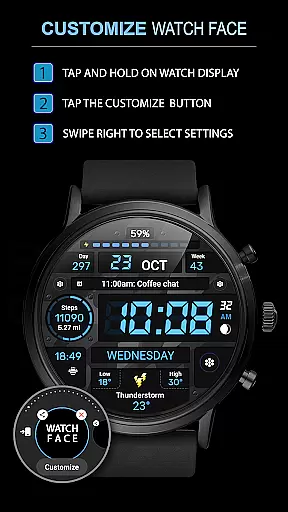
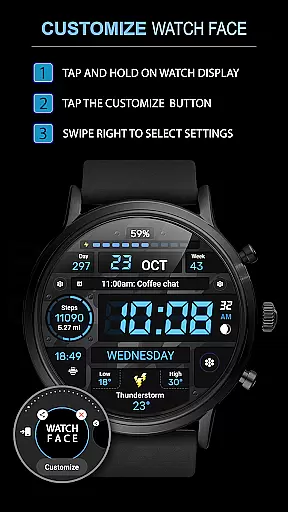
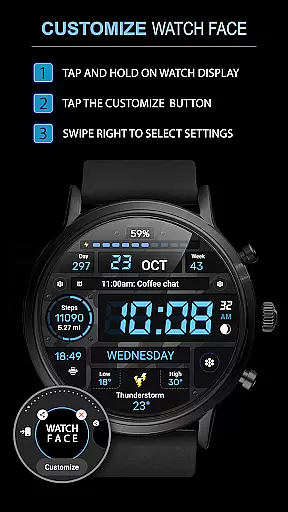
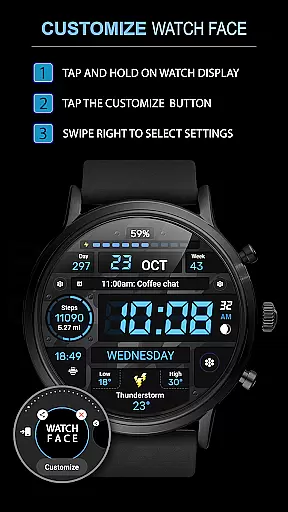
By following simple installation instructions available on samsung-watchface.com, users can effortlessly set up their device. Additional settings for advanced features are also accessible via the website, ensuring a comprehensive configuration experience.
Ensuring compatibility across various devices is crucial for any Wear OS application. The WFP 129 Military watch face is designed to work seamlessly with devices running Wear OS 4 and API Level 30+, providing a high-resolution display that is both visually appealing and highly optimized.
This watch face boasts an array of features including multilingual support, 12/24 hour time format options, and customizable Always-On Display (AOD) modes. These functionalities ensure that users have a personalized and efficient experience tailored to their preferences.
With low battery consumption and high optimization at its core, this watch face guarantees extended usage without frequent recharging. Stay updated by following news and promotions on multiple platforms like the official website, Telegram, Facebook, and Instagram for continuous improvements and new feature announcements.
Highly customizable
Low battery usage
Multilingual support
Optimized performance
Versatile widget options
Limited to WearOS 4
Requires API Level 30+
No built-in fitness tracker
Premium features need purchase
Complex setup for beginners

Diet tracker for weight loss - track calories, food and macros. Simple and easy!
 4.70
4.70
Wear Os Watch Face - Animated Snow Effect & Christmas Lights
4.3
Wear Os Watch Face - Animated Snow - Sesonal for Christmas & Winter
4.5
Embrace the festive spirit with our Christmas Countdown watchface for Wear OS
4.10
A modern premium sporty hybrid watch face for Wear OS by Ballozi
4.70
Real-time weather radar with temperatures, warnings, hurricanes, and widgets
4.80
Premium hybrid watch face with many customizations for Wear OS devices.
4.40
Hybrid watch face for Wear OS with customizable complications by Matteo Dini MD
4.70
Spam call blocker and caller ID for automatic call protection!
4.40
Easy Voice Recorder is your everyday companion to record important moments.
4.70
The most customizable minimal watch face. For Wear OS 5.0, API 34+ and later
4.70
Connect to your Bluelink equipped Hyundai vehicle from your smartphone.
4.50
Reliable phone calls with spam protection, caller ID and more helpful features
4.40
Bold weather Digital watchface with forecast & optional animated background
4.40
Animated video-game inspired “secret agent” simulation, right on your wrist!
4.20
The #1 source of faces for your smartwatch!
4.00
Sleek, highly customizable watch face inspired by Galaxy Watch Circle Dashboard.
4.1
Stylish digital watch face for Wear OS devices with customizable features
4.3
Fitness interactive virtual pet super fighter boy watch face
4.5


User Reviews