
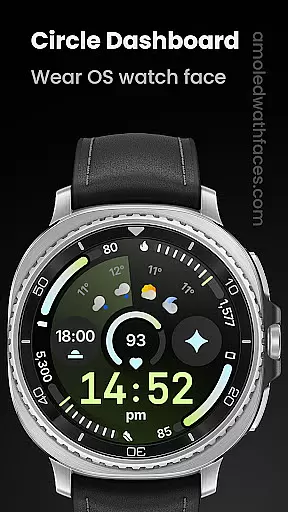
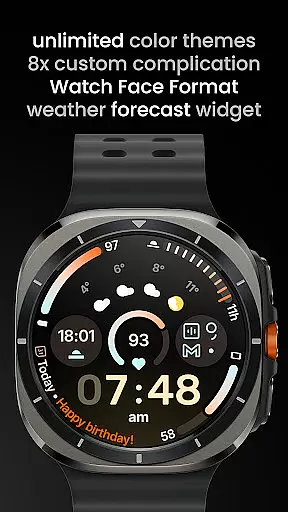
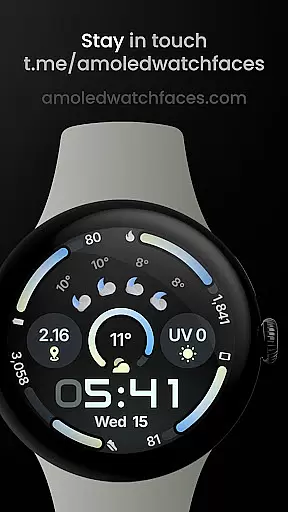
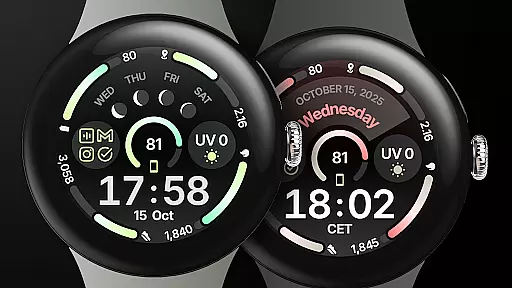
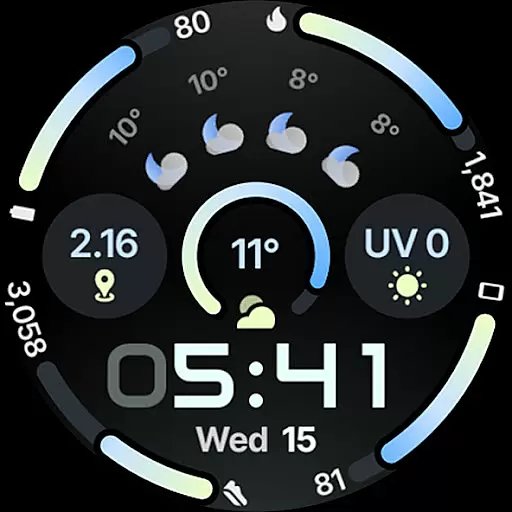
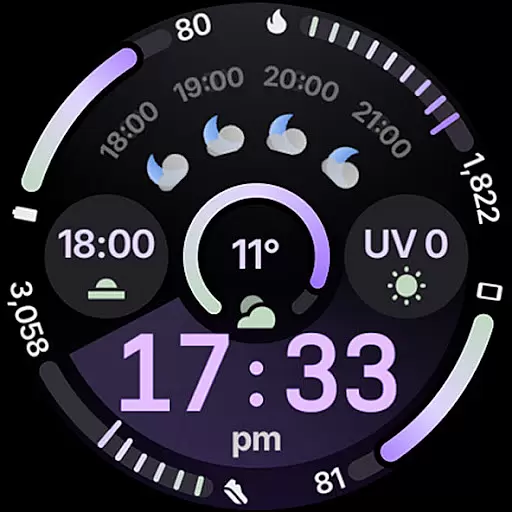
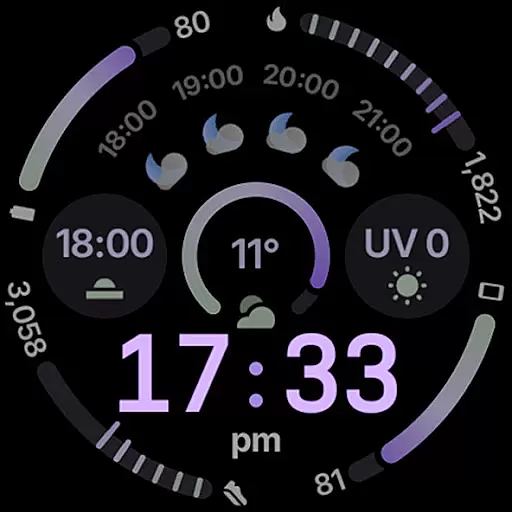
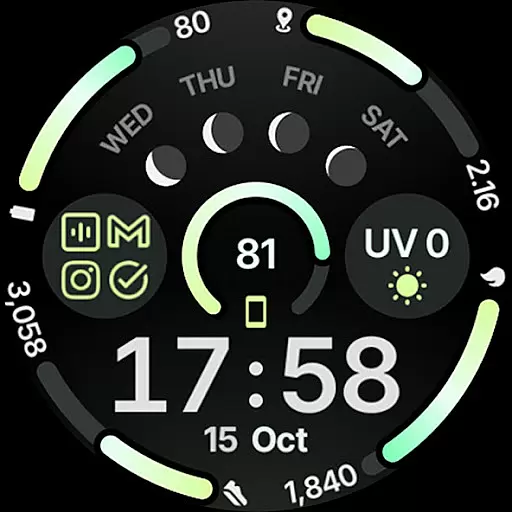
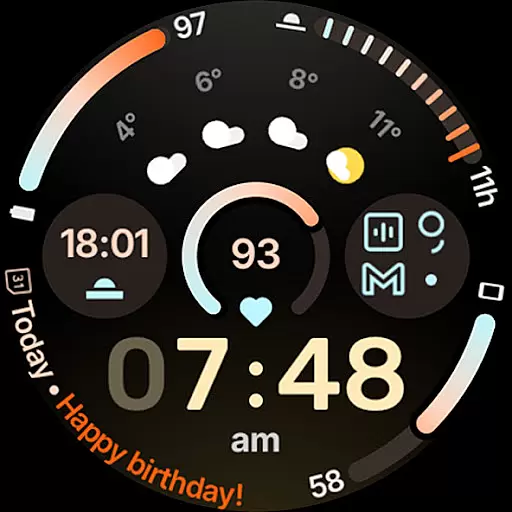
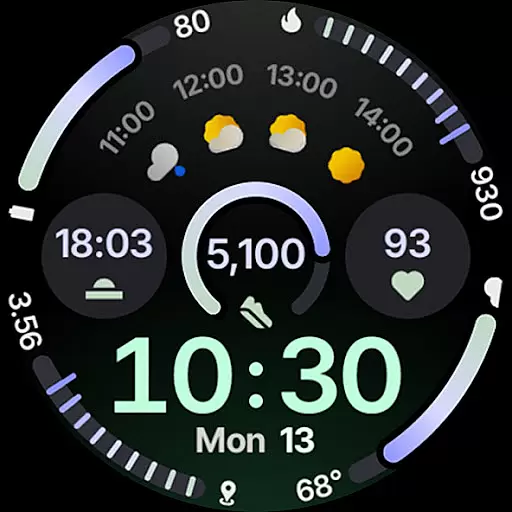
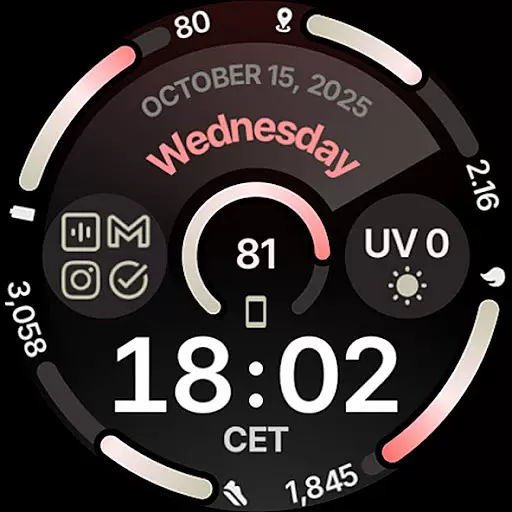
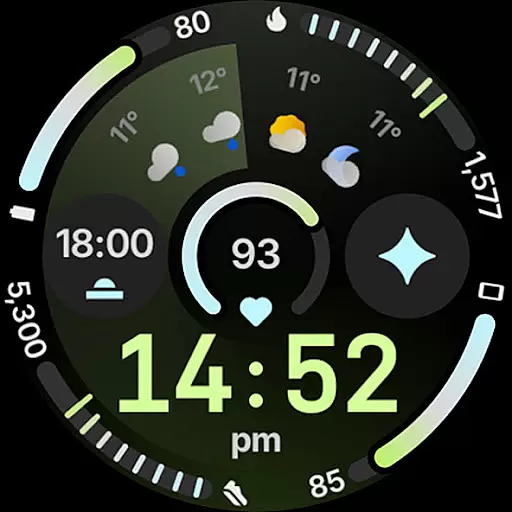
Circle Dashboard Watch Face is a feature-rich watch face designed exclusively for Wear OS 4+ devices. Inspired by the Galaxy Watch 8 series, it offers advanced customization options and supports multiple complications. The watch face provides users with an expressive, battery-friendly interface that adapts to their personal style while delivering essential information at a glance.
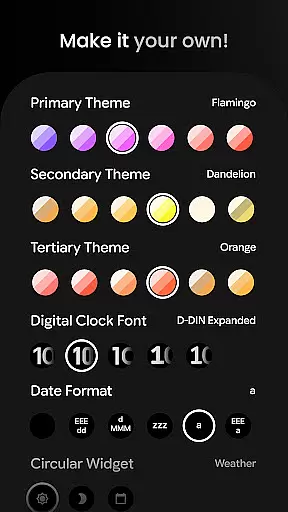
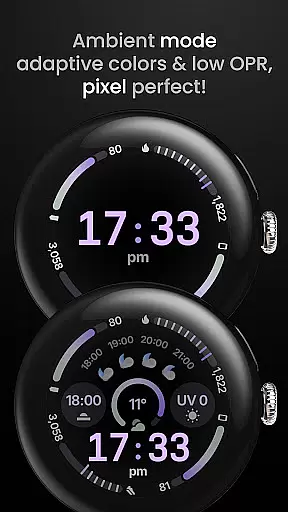
With support for custom complications, adaptive text sizing, and various always-on display styles, this watch face ensures both functionality and aesthetics. Users can choose from unlimited color themes, digital clock fonts, and widget options, creating a personalized experience tailored to their preferences. Its true black background and optional seconds indicator make it ideal for AMOLED displays.
The Circle Dashboard Watch Face stands out with its innovative features developed using Watch Face Format 4. It includes eight custom complication slots supporting various types like SHORT_TEXT and RANGED_VALUE, along with phone notification complications. The introduction of material 3 progress bars and animated AOD entering (Wear OS 6+) enhances visual appeal.
Users can customize every aspect of the watch face through extensive configuration options. These include multiple theme choices, date formats, weather providers, and toggle settings for features like seconds indicators and vivid digital clocks. With support for multilanguage and weather forecast widgets, this watch face delivers both practicality and personalization.
The application's compatibility with Wear OS 5+ brings additional functionalities such as watch face presets and moon phase widgets. Created in Android Studio, it maintains optimal performance while offering sophisticated features like adaptive complication text sizing and custom app shortcuts, making it a comprehensive solution for smartwatch personalization.
Companion app integration is essential for wearable devices to synchronize data and settings with a smartphone. Circle Dashboard Watch Face ensures seamless connectivity between the watch face and its companion app, allowing users to customize their experience effortlessly.
This application supports advanced features such as custom complications that require a connected smartphone app to function correctly. Users can configure these complications through the companion app, which then reflects the changes on the wearable device in real-time.
The integration extends to user configurations like weather widgets and battery indicators, where the companion app plays a crucial role in fetching and displaying relevant information. This synchronization ensures that all data shown on the watch face remains up-to-date and accurate.
By offering comprehensive control over watch face presets and complication slots via the companion app, Circle Dashboard Watch Face empowers users to tailor their Wear OS 4+ device's appearance and functionality according to their preferences, enhancing both usability and personalization.
Ensuring broad compatibility across various Wear OS devices is vital for any watch face application. Circle Dashboard Watch Face is designed specifically for Wear OS 4+ devices, guaranteeing optimal performance and feature availability on supported platforms.
This watch face leverages the latest advancements in Wear OS technology, including Watch Face Format 4 and upcoming features exclusive to Wear OS 5+ and 6+. Such dedication to staying current with platform updates ensures users benefit from cutting-edge functionalities like animated AOD entering and adaptive complication text size.
Device compatibility also encompasses support for different hardware capabilities, ensuring that whether a user's device has specific sensors or display types, Circle Dashboard Watch Face will adapt accordingly. This flexibility allows for an enhanced visual experience without compromising performance or battery life.
With detailed installation guides and active customer support channels available, users can easily resolve potential compatibility issues. This commitment to accessibility and assistance underscores the reliability of Circle Dashboard Watch Face across a wide range of Wear OS devices.
Highly customizable
Battery efficient
Modern design
Wide feature set
True black background
Wear OS 4+ only
Weather requires separate app
Complex setup
Premium features cost extra
Limited basic functionality

A customizable Christmas watch face for Wear OS with a countdown.
 4.20
4.20
Animated Watch Face and Customizable with 24 Backgrounds. Perfect for Christmas!
3.90
A Wintery Snow Globe on Your Wrist; now celebrating Christmas!
4.2
MyNISSAN® lets you remotely control your car from your phone.*
4.50
Beautiful, colorful and practical watch face. For Wear OS devices.
5.00
The most customizable minimal watch face. For Wear OS 5.0, API 34+ and later
4.70
Your second brain for organizing your life: to-do, calendar, reminder.
4.70
Locate your family members by GPS phone location tracker everywhere and anytime
4.30
Period, ovulation & pregnancy tracker. Fertility insights & menstrual calendar.
4.90
Real-time weather radar with temperatures, warnings, hurricanes, and widgets
4.80
Walking app for weight loss: walk & step tracker, pedometer, indoor treadmill
4.60
Rose gold watch face with festive lights & customizable features.
4.60
Fast and smart typing with Emojis, GIFs, and more
4.50
Watch face for Wear OS.
4.20
Animated video-game inspired “secret agent” simulation, right on your wrist!
4.20
Wear Os Watch Face - Animated Snow Effect & Magic Spark - 6 Scenes
4.10
The #1 source of faces for your smartwatch!
4.00
Stunning modern digital watch face with 7 complications and strong contrast
4.1
Stylish digital watch face for Wear OS devices with customizable features
4.1


User Reviews