
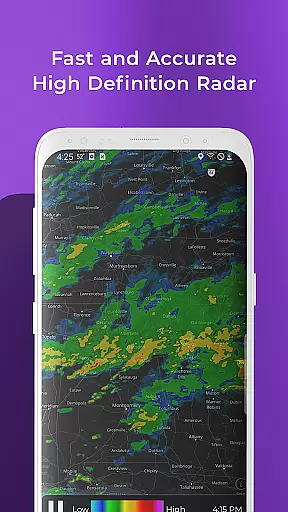
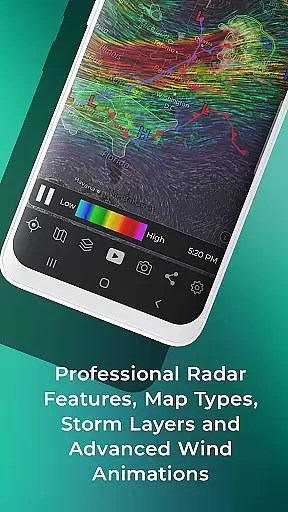
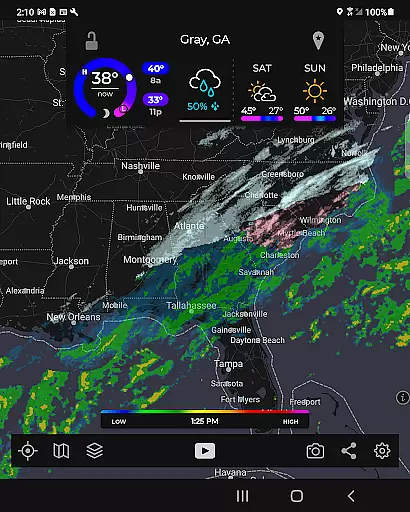
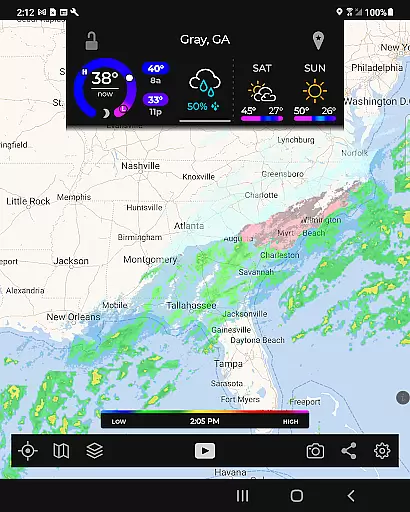
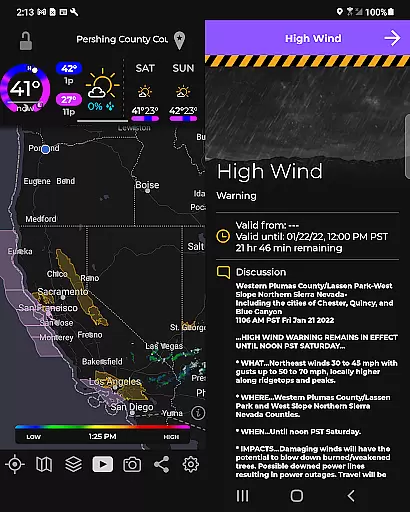
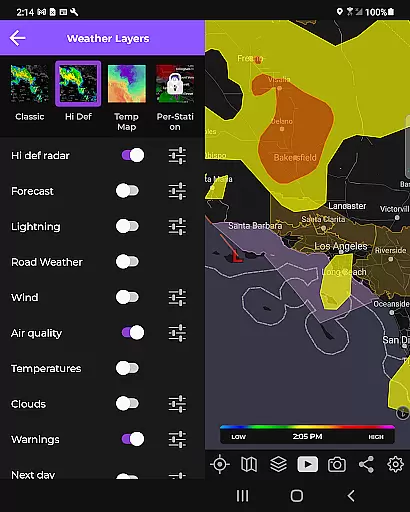
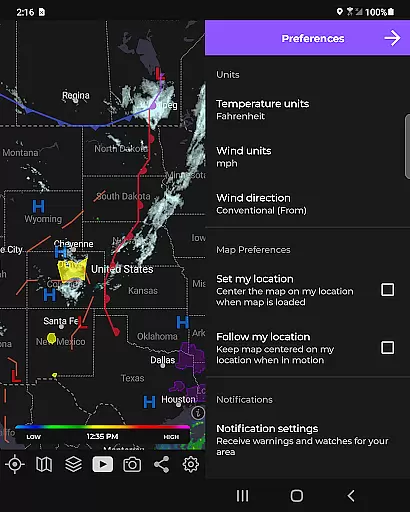
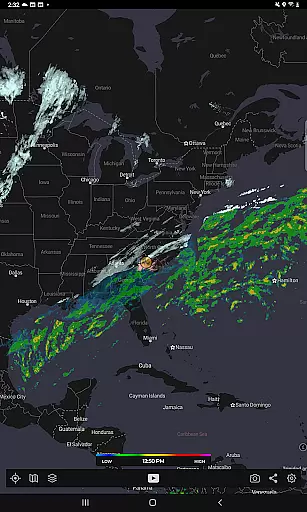
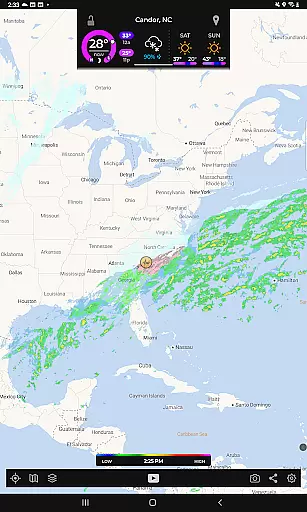
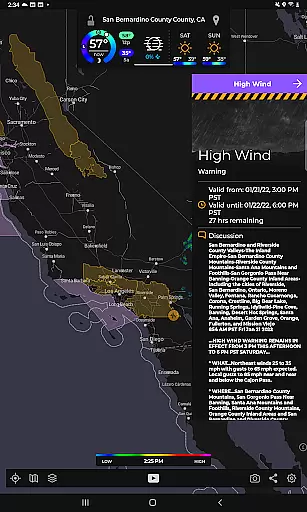
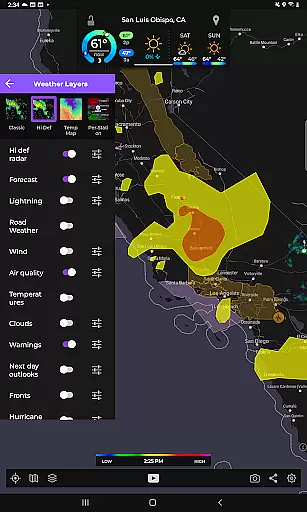
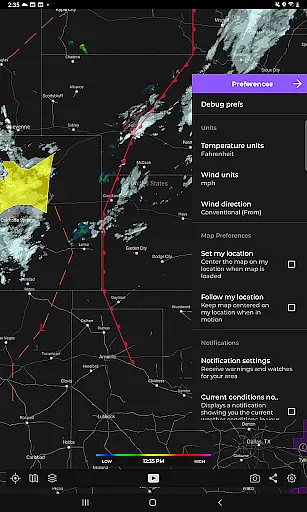
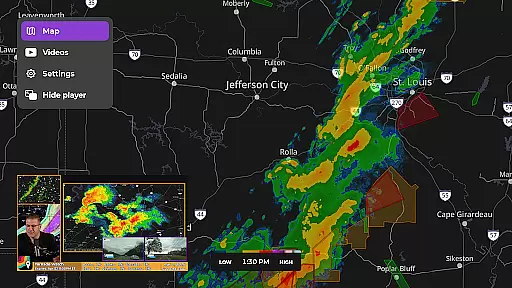
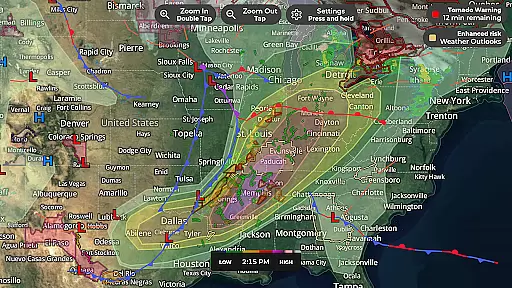
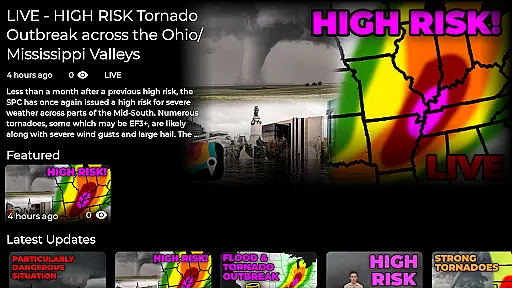
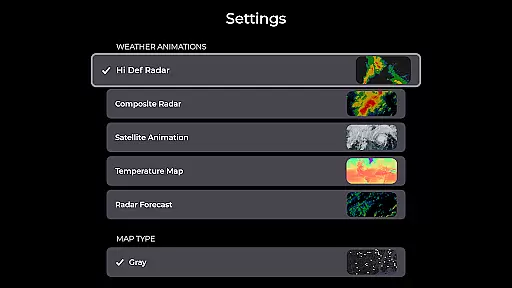
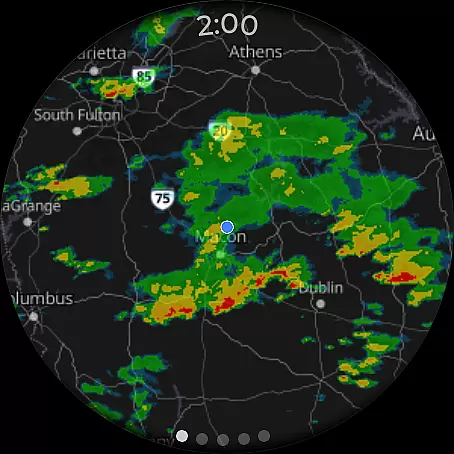
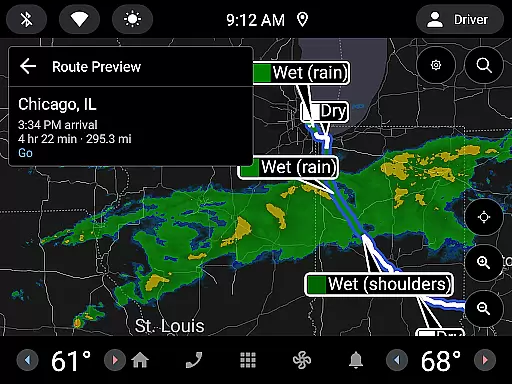
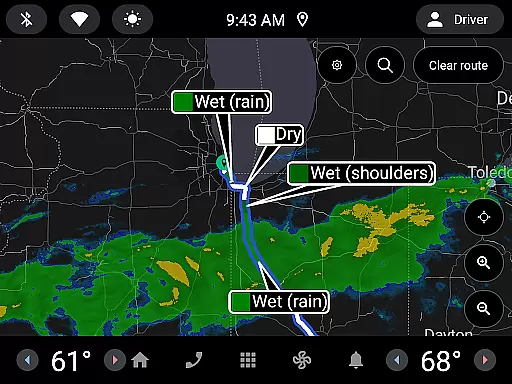
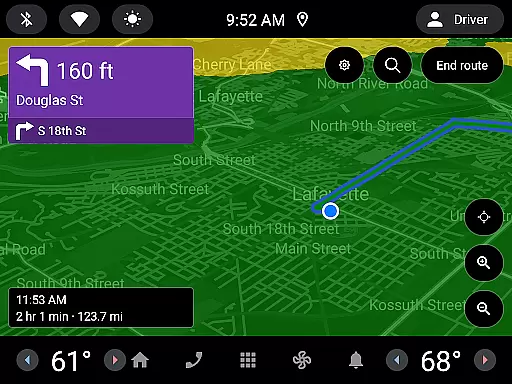
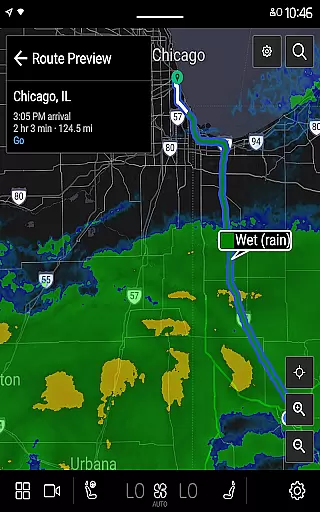
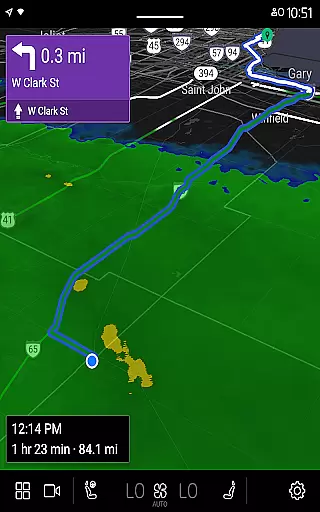
MyRadar Weather Radar is a powerful weather application designed specifically for Android Wear devices, providing users with instant access to crucial weather information directly from their smartwatch. The app's core functionality revolves around its animated live radar feature, which displays real-time weather conditions around the user's location. This allows for quick assessment of approaching weather patterns, making it an essential tool for those on-the-go. In addition to basic radar, MyRadar offers advanced data layers such as wind animations, earthquake tracking, hurricane monitoring, and wildfire updates.
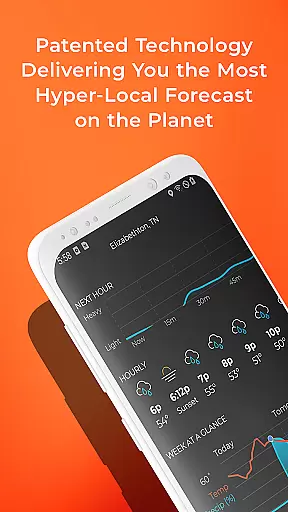
What sets MyRadar apart is its ability to deliver hyper-local weather alerts, including patent-pending rain notifications that predict rainfall up to an hour in advance. These alerts provide minute-by-minute details on rain intensity and duration, ensuring users are never caught off guard. Designed with both casual users and weather enthusiasts in mind, the app also supports premium upgrades for more detailed radar data and hurricane tracking. Whether you're commuting, traveling, or simply planning your day, MyRadar ensures you stay informed about critical weather events wherever you are.
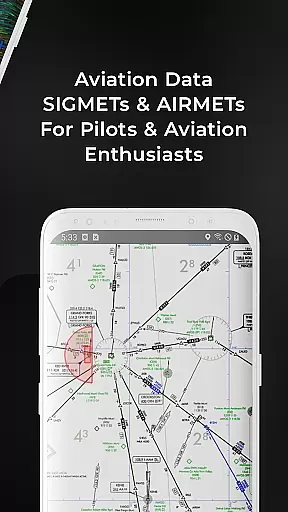
MyRadar stands out through its comprehensive set of features tailored for both everyday users and weather professionals. One of its key highlights is the custom mapping system, which utilizes the device's GPU to deliver incredibly fast and smooth radar animations. Users can pinch and zoom to explore weather patterns across the globe, while multiple data layers enhance the experience by offering visual insights into wind patterns, seismic activity, and storm systems. The app also includes aviation-related overlays, such as AIRMETs and SIGMETs, along with flight tracking capabilities, making it valuable for pilots and aviation enthusiasts.
Another standout feature is the advanced alert system, which goes beyond standard weather notifications. MyRadar provides National Weather Center alerts, including tornado warnings and tropical storm updates. Its patent-pending rain prediction technology delivers hyper-local forecasts, notifying users when rain will arrive at their exact location. For those seeking even more detail, the premium upgrade unlocks professional radar packs, hurricane tracking with forecast cones, and detailed reports from the National Hurricane Center. With support for Wear OS devices, MyRadar ensures seamless integration across smartphones and smartwatches, keeping users connected to vital weather updates no matter where they are.
MyRadar Weather Radar offers seamless companion app integration, ensuring that users can easily sync data across multiple devices. This feature is particularly beneficial for those who rely on accurate weather updates throughout the day.
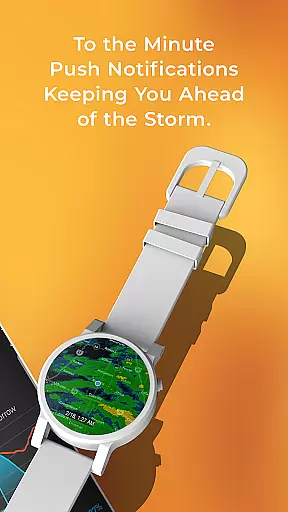
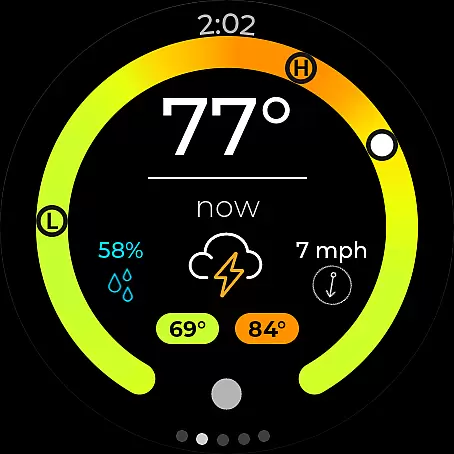
The app's compatibility with Wear OS devices allows users to receive radar and current conditions directly on their smartwatches. This instant access to critical weather information ensures you are always prepared, whether you're commuting or engaging in outdoor activities.
By maintaining consistent data flow between your smartphone and wearable devices, MyRadar enhances user convenience. The synchronization process is smooth, providing real-time updates without any hassle, thus allowing users to stay informed no matter where they are.
This integration highlights MyRadar's commitment to delivering a comprehensive weather solution. Users benefit from having essential weather details at their fingertips, making it easier to plan their day effectively while enjoying the advantages of modern technology.
MyRadar excels in Wear OS and device compatibility, offering tailored functionalities that cater specifically to wearable technology users. This compatibility ensures that you receive timely weather updates without needing to reach for your phone.
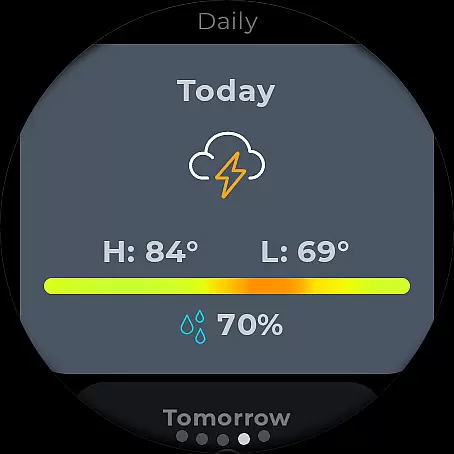
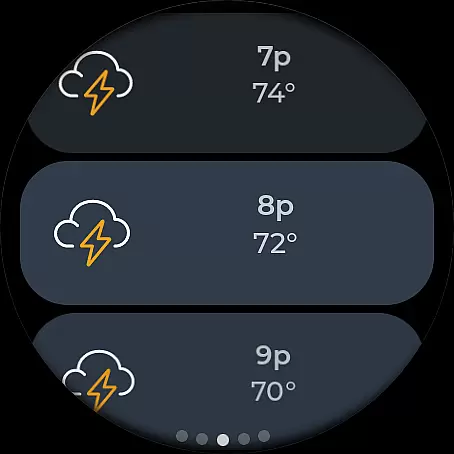
The app provides dedicated tiles for both radar and current conditions on your smartwatch face. These tiles present vital weather information such as temperature, precipitation chances, and wind speed in an easily digestible format right on your wrist.
With its optimized performance for Wear OS, MyRadar guarantees a smooth user experience even on smaller screens. The intuitive interface makes navigation effortless, allowing users to quickly access detailed forecasts and radar imagery with just a few taps.
This level of compatibility underscores MyRadar's dedication to accessibility and user-centric design. By extending its capabilities to wearable devices, MyRadar ensures that everyone stays informed about impending weather changes, enhancing safety and convenience in daily life.
Real-time weather updates
Hyper-local rain alerts
Advanced radar options
Customizable data layers
Wear OS compatibility
Premium features costly
Occasional inaccuracies
Heavy battery usage
Complex for beginners
Limited free features

A customizable Christmas watch face for Wear OS with a countdown.
 4.20
4.20
A full-featured Amazon Alexa voice assistant that can show you things.
3.70
Simple Analog-Digital Watchface For Wear OS 3.0 and Up Smartwatches
4.3
Ideal for surviving in the wasteland left after nuclear fallout
4.50
Minimalistic design modern digital watch face.
4.5
Hybrid watch face for Wear OS with customizable complications by Matteo Dini MD
4.70
Back up your contacts & access them anywhere
4.30
Spam call blocker and caller ID for automatic call protection!
4.40
Toyota app currently supports 2010 or newer vehicles (2018 or newer for Hawaii).
4.50
Gym Log & Workout Tracker | Fitness Journal, Training & Weight Lifting Planner
4.90
A modern hybrid informative watch face for Wear OS designed by BALLOZI
4.80
To-Do List: daily schedule planner, task organizer, to do reminder app, calendar
4.60
Deck out your Wear OS Watch face with a beautifully decorated pine wreath!
4.50
The ultimate destination for kids ages 3-8 to explore the Marvel Universe!
4.30
Calming & relaxing sounds for sleeping and stress relief. Stay focused all day!
4.20
Watch face for Wear OS.
4.20
Structured watch face with seven complications and modular UI elements
3.90
Get helpful reminders, take progress photos and find answers to your questions.
3.90
Stunning modern digital watch face with 7 complications and strong contrast
4.1


User Reviews