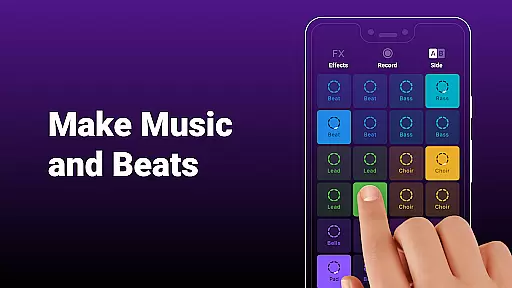
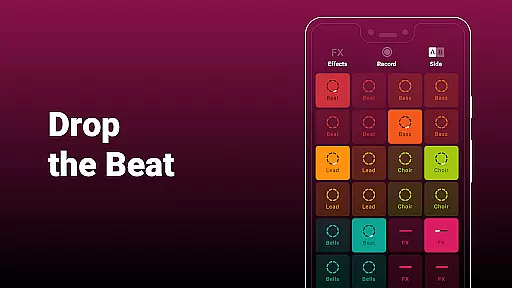
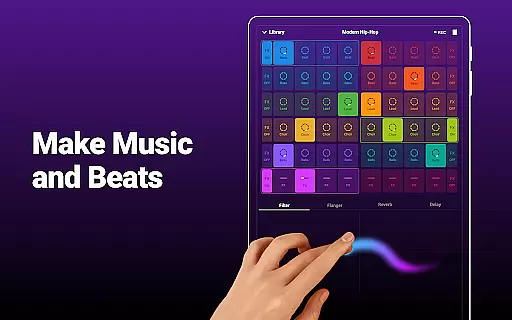
Groovepad is a dynamic music creation app that allows users to become DJs by tapping on pads to create beats and mix tracks. With an extensive library of soundtracks spanning multiple genres, Groovepad caters to various musical tastes including Hip-hop, EDM, House, Dubstep, and more.
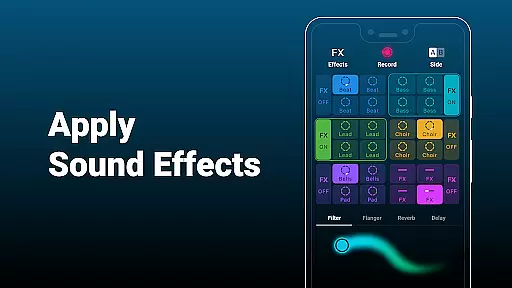
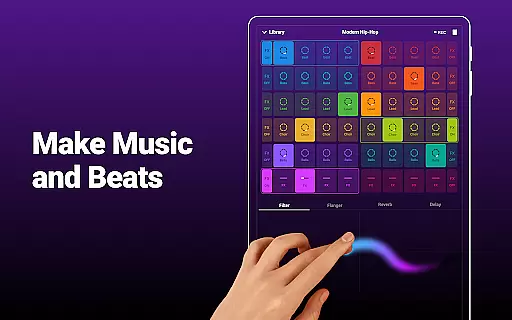
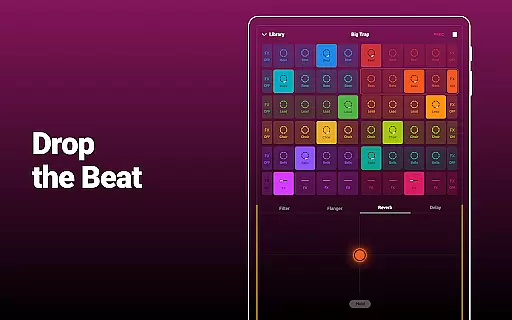
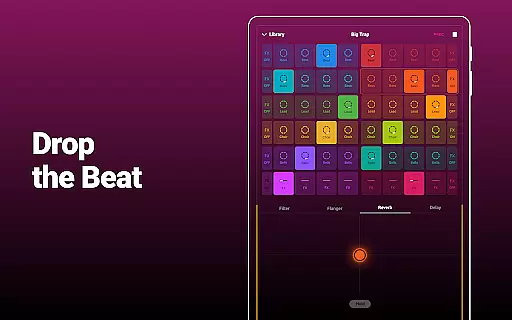
Users can experiment with Live Loops for seamless sound blending and apply FX effects like filter, flanger, reverb, and delay to enhance their creations. The app is designed for both professional DJs and music amateurs, making it easy to produce music anytime and anywhere.
Groovepad stands out with its user-friendly interface and powerful features. The app includes an extensive soundtrack library where users can search for favorites across popular genres. Its Live Loops functionality enables smooth blending of sounds, while the FX effects bring tracks to life.
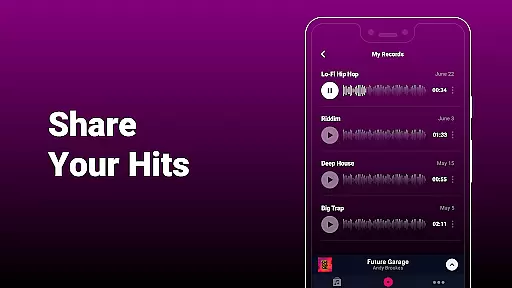
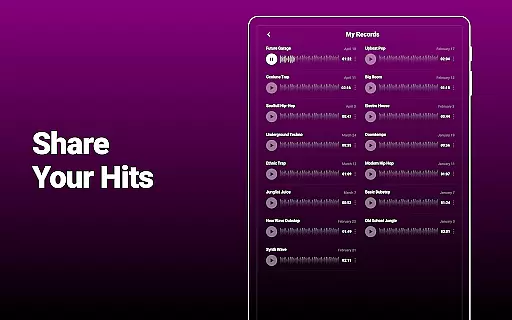
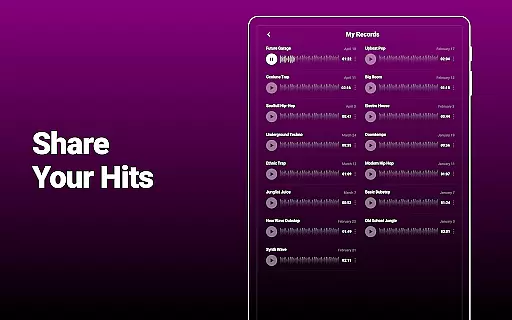
Creators can share their music directly from the app, inspiring others with their talents. Whether you're a seasoned professional or a beginner, Groovepad adapts to your skill level, offering tools that help you master beat-making skills progressively.
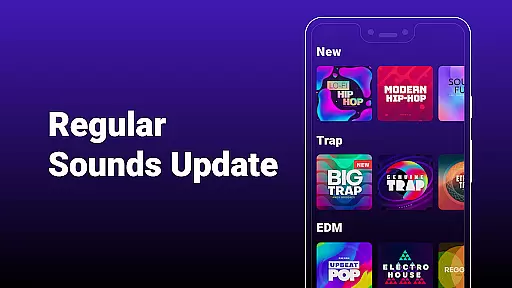
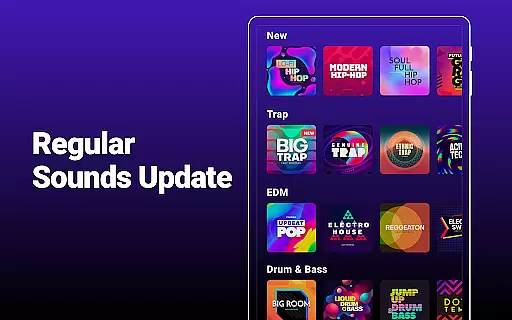
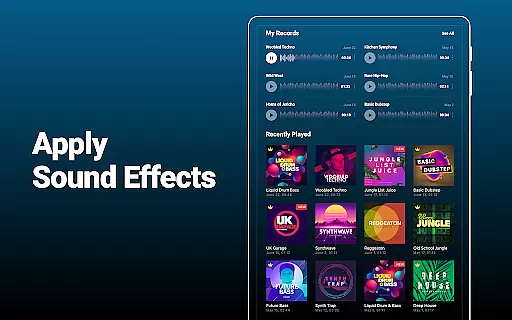
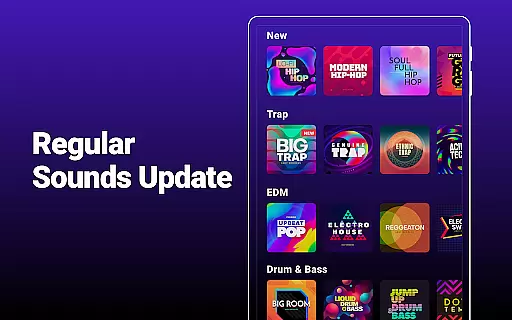
In the realm of music creation, having access to a vast and diverse music library is crucial for creativity and originality. Groovepad offers an extensive library filled with unique and eccentric soundtracks spanning across popular genres such as Hip-hop, EDM, House, Dubstep, Drum & Bass, Trap, and Electronic music.
This rich collection empowers users to search for their favorite sounds and immediately start crafting their musical pieces. The availability of these tracks not only enhances the creative process but also ensures that each composition can be distinct and personalized.
Moreover, Groovepad places a high value on copyright authenticity. Users can create music with peace of mind, knowing that the soundtracks they utilize are properly licensed and authorized, thus protecting both amateur enthusiasts and professional creators from potential legal issues.
For any music creator, audio quality stands as a pivotal element in the production process. Groovepad addresses this by offering superior audio quality options that cater to both casual hobbyists and seasoned professionals. This ensures that every beat, melody, and track produced maintains clarity and depth.
The app's cutting-edge technology allows for seamless integration of various audio formats, providing flexibility and ease when creating or mixing tracks. Whether it's crisp high notes or deep bass lines, Groovepad delivers an impressive auditory experience.
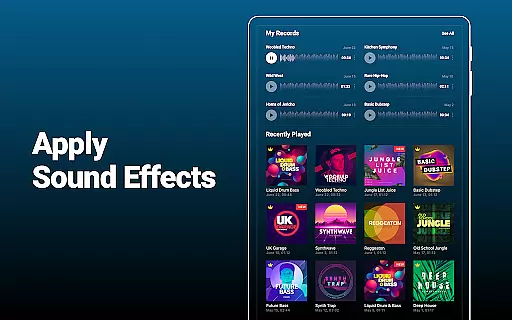
Additionally, Groovepad incorporates amazing FX effects such as filter, flanger, reverb, and delay. These tools enable users to inject life and energy into their compositions, elevating the overall sound quality and making each piece stand out. With Groovepad, you're equipped to produce top-notch audio content anytime and anywhere.
User-friendly interface
Extensive soundtrack library
Live Loops for blending
Professional FX effects
Shareable music creations
Limited free content
In-app purchases necessary
Occasional bugs reported
Ads in free version
Learning curve for beginners

The Skullcandy App Experience
 3.20
3.20
The Music Journey in Your Hands
4.30
10-Band Audio Equalizer, Sound / Bass Booster for Spotify Users & Music Players
4.40
Background pads for your band
3.80
Listen to live FM radio stations, sports, music and news on global radios online
4.70
Permanently backup Now Playing. Maps, filters & listening stats.
4.00
Guzheng Master supports many playing techniques as an acoustic Guzheng
4.50
Let your Android device with the sound effects you want
4.50
A complete sound package for the sound engineer or enthusiast
4.60
24,000 free audio books and no ads!
4.90
Offline Music Player&MP3 Player with themes, equalizer, lyrics, music play mode
4.60
Formerly known as Spotistats! View your top tracks, artists, albums and more!
4.40
Play KORG’s revolutionary touch-based instrument on a variety of devices.
4.40
Advanced 10-Band Audio Graphic Equalizer Sound Booster Pro
4.30
Master Salsa Rhythm quickly and with a lot of fun!
4.30
Smart piano keyboard, Classical to Pop, Real-time multiplayer connection!
4.20
The official Sonos app
4.10
The ultimate media player for Android devices
3.90
Offline Tunes, Unlimited Vibes
3.90


User Reviews