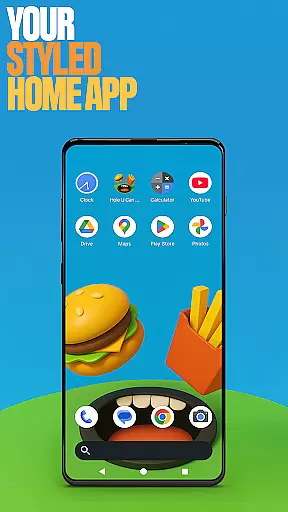
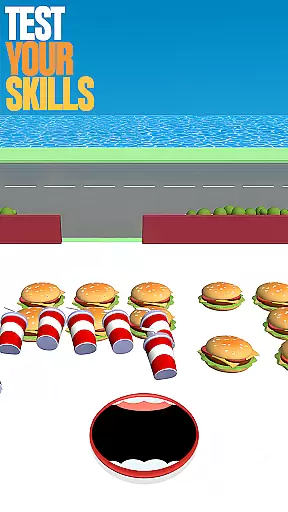
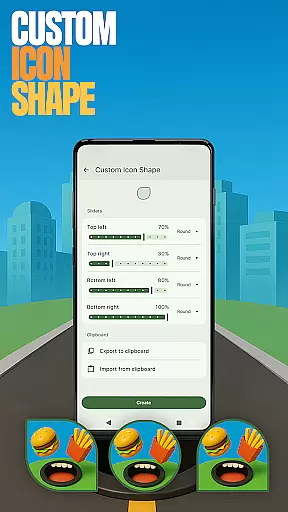
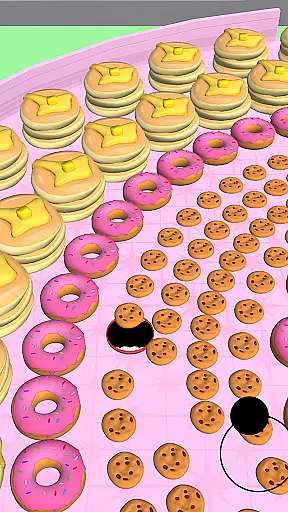
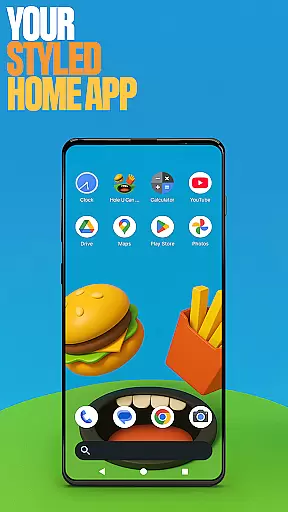
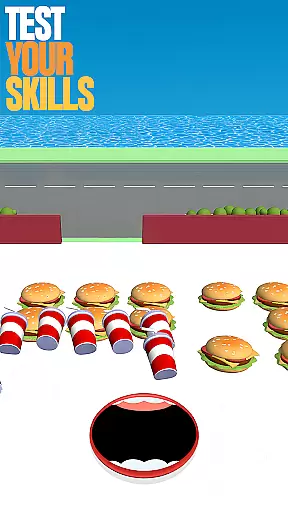
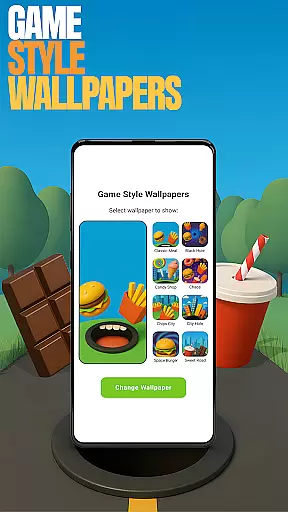
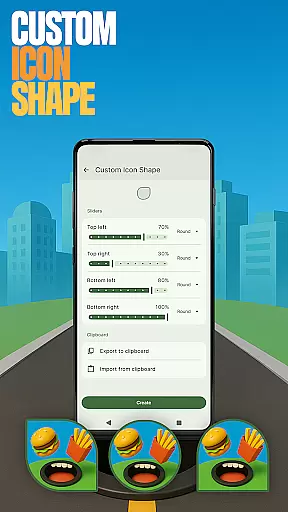
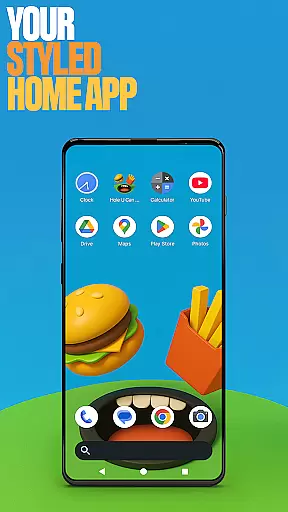
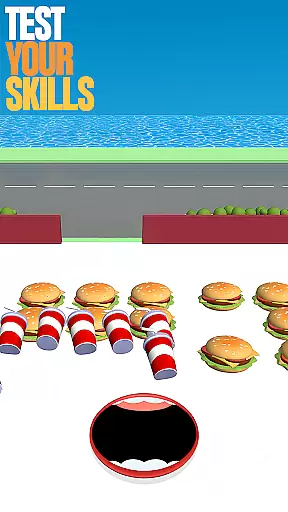
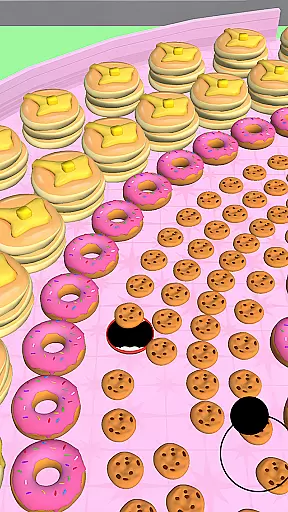
Hole U Can Eat Home App is a dynamic personalization tool that transforms your device's interface with customizable features. This launcher offers flexible layouts, custom icon shapes, and game-style wallpapers inspired by the Hole U Can Eat game. Users can tailor their experience with unique gestures, hidden apps, and accent color options.
The app serves as both a functional launcher and a playful extension of the game. By selecting it as your default home app, you gain access to these customization tools while maintaining the ability to switch back to your previous launcher anytime. Its combination of utility and entertainment makes it suitable for users seeking both productivity and fun in their daily device usage.
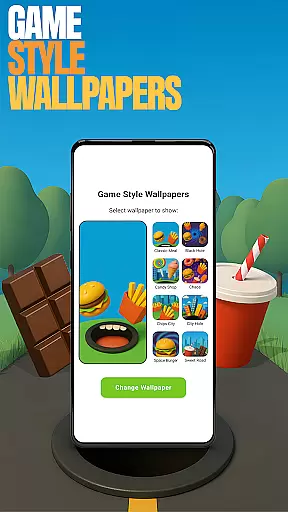
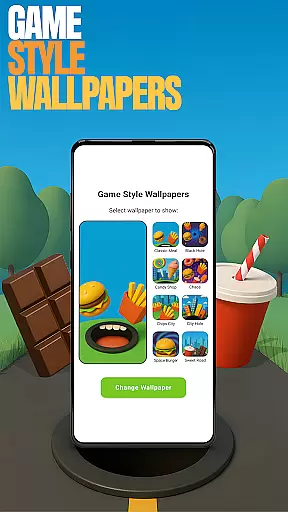
Hole U Can Eat Home App stands out with its diverse personalization features. The launcher provides game-style wallpapers that bring a playful aesthetic to your home screen. These wallpapers can be accessed by long-pressing on an empty area and selecting the corresponding option.
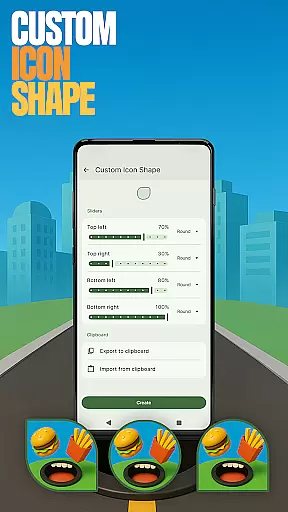
Customization extends to icon shapes, gestures, and app visibility. Users can personalize icon appearances, set up custom gestures for quick access to apps or settings, and hide private apps through the home settings menu. Additionally, the accent color feature allows users to define their device's color scheme using presets or custom choices, giving full control over the visual style.
Customization is at the heart of Hole U Can Eat Home App, offering users a wide array of personalization options to truly make their device their own. With features like Game Style Wallpapers and Custom Icon Shapes, users can tailor their home screen to reflect their unique style and preferences.
The app provides an impressive selection of customization choices, ranging from aesthetic enhancements such as accent colors and game-inspired wallpapers to functional modifications like custom gestures and app hiding capabilities. This ensures that users not only achieve a personalized look but also an optimized and private user experience.
By allowing users to adjust every aspect of their interface, from visual elements to interaction patterns, Hole U Can Eat Home App empowers individuals to craft a digital environment that aligns perfectly with their lifestyle and workflow, enhancing both usability and enjoyment.
Hole U Can Eat Home App excels in theme compatibility, ensuring that all customizations work seamlessly across different devices and screen sizes. Whether you're using a smartphone or tablet, the app's adaptive design maintains visual consistency and functionality, providing a uniform experience no matter the device.
Users can switch between various themes and layouts without worrying about losing their settings or encountering display issues. The app intelligently adjusts to preserve the integrity of chosen themes, whether it's a vibrant game-style wallpaper or a subtle icon shape modification.
This level of compatibility extends to future updates and changes, meaning that as new themes and customization options are added, they will integrate smoothly with existing setups, guaranteeing a hassle-free and visually cohesive home screen experience for every user.
Highly customizable
Game-themed design
User-friendly interface
Private app hiding
Versatile gesture controls
May overwhelm new users
Limited professional themes
Requires manual setup
Potential layout changes
Not ideal for low-end devices

Classic analogue watch face. For wear os devices.
 4.60
4.60
A light in the dark, a unique style and an andless cutomization!
4.30
A retro cartoon style watch face and a punch right in the face of the copyright
4.60
Winter's Journey: digital watch face for Galaxy Watch & Wear OS
4.80
Over 28,000 high quality icons to bring color & homogeneity to your phone.
4.60
Dark icon pack based on One 8
4.80
One 8 icons glass color version
4.80
300+ Beautifully crafted widgets inspired by OneUI.
4.60
Create unique, fun emojis with Funny Emoji Maker! Unlimited creativity!
4.00
Sparkle your screen with Glitter Wallpapers For Girls and Cute Backgrounds!
4.80
A Colorful and Minimal icon pack in an Outline Style - Over 13,600 icons!
4.70
Personalize your phone with stunning HD and 4K wallpapers!
4.70
Embrace the Night. Unleash the power of darkness with Raven Dark Icon Pack
4.60
Ninja Turtles Cowabunga SE watch face for Wear OS
4.50 4.50
4.50
Themes - Widget & Wallpaper: Customize home screen, icon changer w unique themes
4.30
Customizable flower power digital watch face for Wear OS watches.
4.00
Struggling to find apps? Use this app to locate and open any app on your phone!
2.20
⭐ OneUI inspired Fluffy Icon Pack – Soft. Stylish. Standout. ⭐
4.5


User Reviews