
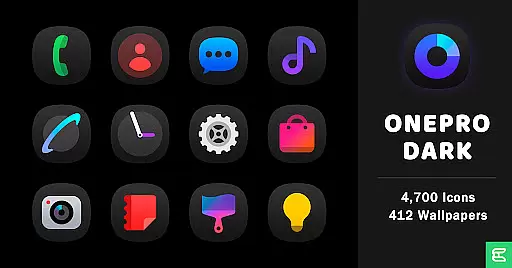
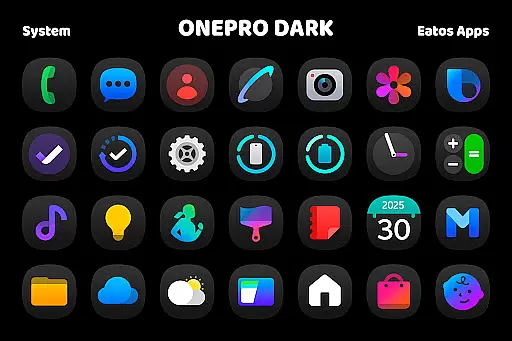
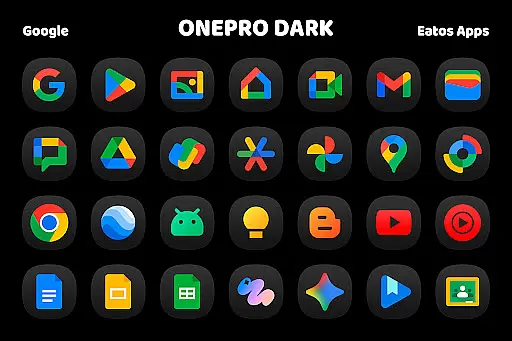
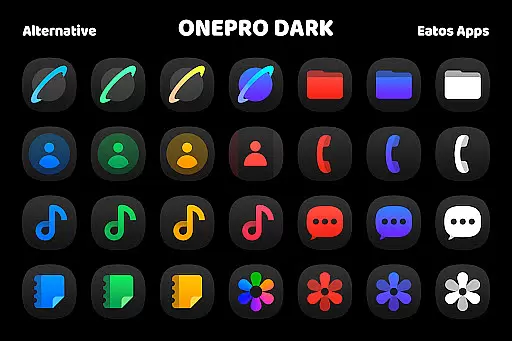
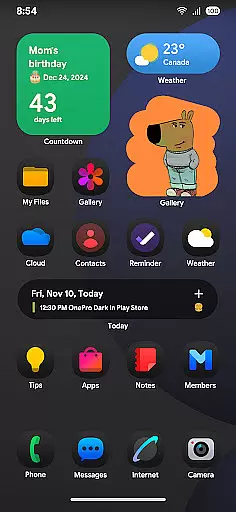
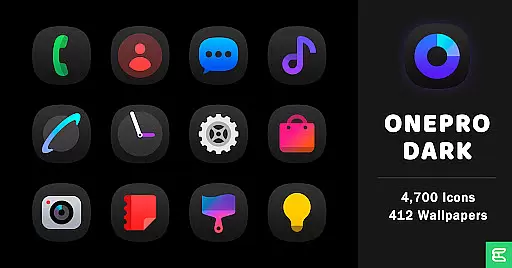
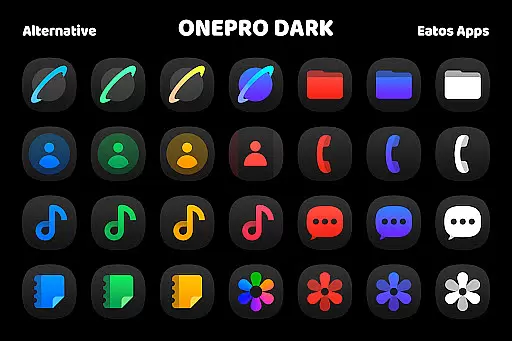
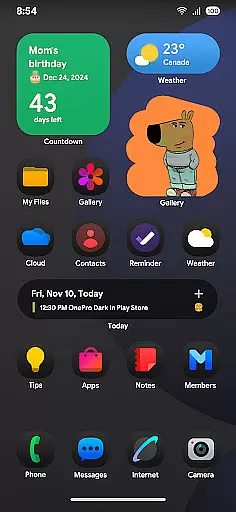
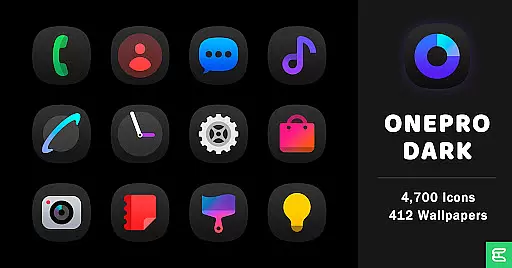
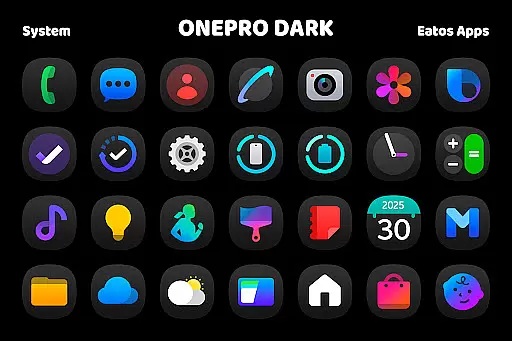
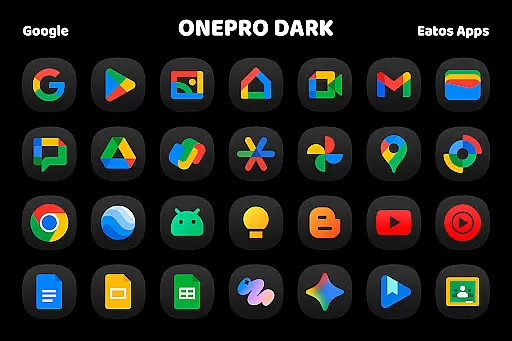
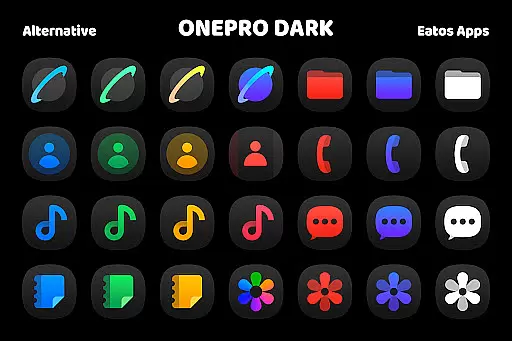
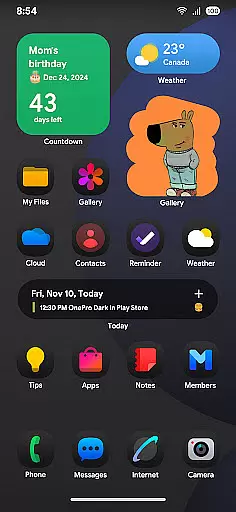
OnePro (Dark) - Icon Pack is a premium personalization app that offers over 4,700 dark-themed icons inspired by One 8 design. This icon pack sets itself apart as the first to embrace this unique dark style.
In addition to its extensive icon library, the app provides more than 412 high-quality wallpapers that perfectly complement the dark aesthetic. Users can enjoy a cohesive and stylish home screen experience across various devices.
The app is particularly well-suited for users who prefer dark themes and want to create a professional-looking interface on their mobile devices. Its compatibility with popular launchers makes it a versatile choice for Android customization enthusiasts.
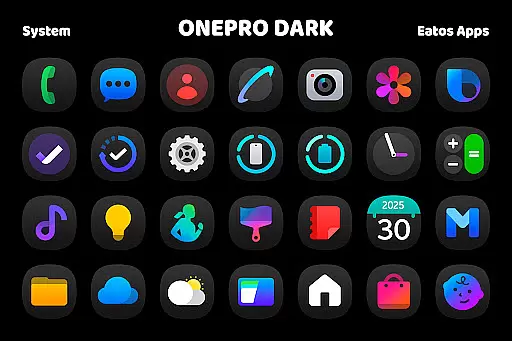
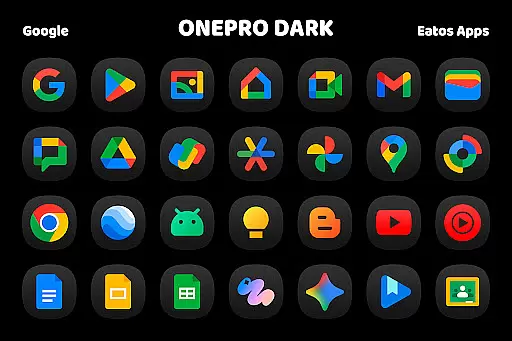
This icon pack stands out with its comprehensive collection of over 4,700 meticulously designed dark icons. Each icon has been crafted to maintain consistency with the modern One 8 design language while incorporating unique creative elements.
Beyond its core icon offerings, the app includes more than 412 carefully selected wallpapers. These wallpapers are optimized for various screen resolutions and provide the perfect backdrop for the dark icon set.
OnePro (Dark) supports integration with multiple launchers including Hyperion, Nova, and Evie. For Samsung users, it offers seamless compatibility with OneUI through Good Lock and Theme Park applications, making it one of the most versatile icon packs available in the market.
OnePro (Dark) - Icon Pack offers an extensive range of customization options, ensuring that users can tailor their device's appearance to their exact preferences. With over 4,700 dark icons inspired by the sleek One 8 style and more than 412 wallpapers, this icon pack provides a comprehensive solution for personalizing your smartphone or tablet.
The variety of icons covers a wide array of applications, allowing for a cohesive and stylish home screen that enhances the overall user experience. Each icon is meticulously designed to maintain consistency with the dark theme, providing not only aesthetic value but also ensuring that app identification remains intuitive.
Additionally, the inclusion of numerous wallpapers gives users the ability to complement their chosen icons with matching backgrounds. This dual approach to customization enables a harmonious visual environment on your device, making daily interactions more enjoyable and visually appealing.
Theme compatibility is a crucial aspect of OnePro (Dark) - Icon Pack, ensuring that users can seamlessly integrate this customization option with various launchers. The pack is compatible with popular launchers such as Hyperion Launcher, Nova Launcher, and Evie Launcher, which support theme application, thus broadening its usability across different devices and user preferences.
For users of Samsung's OneUI launcher, OnePro (Dark) provides specific instructions to apply the theme through the Good Lock and Theme Park apps. By following a simple guide available at https://bit.ly/OneUIThemePark, individuals can enjoy the dark-inspired icons even within the OneUI ecosystem.
This level of compatibility ensures that regardless of the launcher you prefer, OnePro (Dark) - Icon Pack will maintain its functionality and visual appeal. Such versatility not only enhances user satisfaction but also demonstrates the developer's commitment to accessibility and broad device support.
Extensive icon collection
High-quality wallpapers
Wide launcher support
Unique dark design
Regular updates
Requires compatible launcher
No iOS support
Some features need third-party apps
Learning curve for beginners
Premium price point

Transform your phone with Launcher iOS 26 - Smooth & elegant iOS experience
 4.50
4.50
Make your phone look simple & luxury, like iDevice
4.60
Adult video chat, dating, making friends, random matching
4.20
Unique Fonts, typefaces and stylish text. Fonts for Instagram, Whatsapp & others
4.20 4.50
4.50
⭐ OneUI inspired Fluffy Icon Pack – Soft. Stylish. Standout. ⭐
4.4
Customize your home screen with stunning themes, blur, widgets & icons.
4.60
Stylish Pink Cute Hippo keyboard with 10000+ customized keyboard themes!
4.60
200+ Material Inspired Widgets
4.50
Only for Wear OS devices!
4.90
A launcher for Samsung Good Lock and Good Guardians modules without ads
4.70
Classic analogue watch face. For wear os devices.
4.60
Customizable screen pets that play, climb, and keep you company.
4.50
Yandex Browser — stylish and secure, with voice search and data compression
4.40
Launcher OS™ Pro without ads help make your phone simple and pretty
4.30
Wear Os Watch Face - Seasonal - Animated Snow Effect - 9 Animals
4.20
Run multiple accounts of the same app on a single device
4.10
Your go to Weather App & Home Screen. Get your weather at a swipe of a finger!
3.80
Prank your friends with realistic broken screen and cracked HD effects!
4.1


User Reviews