
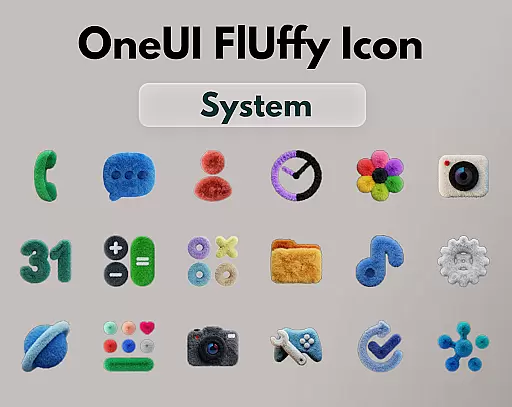
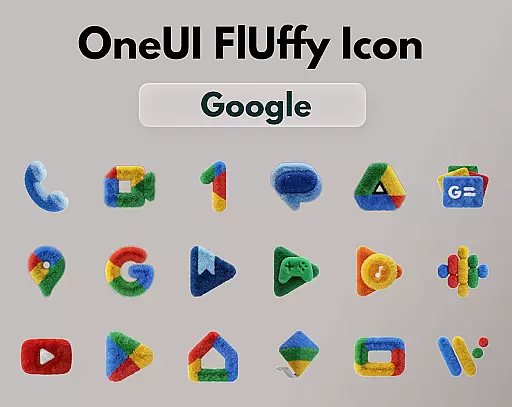
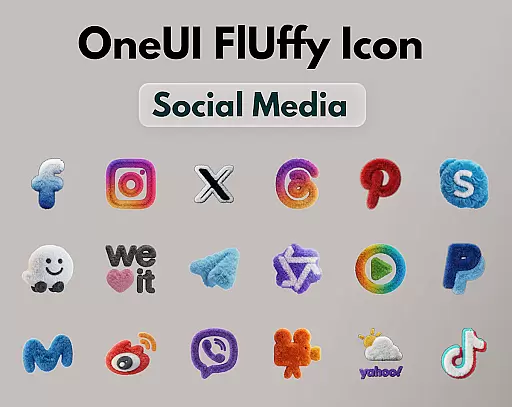
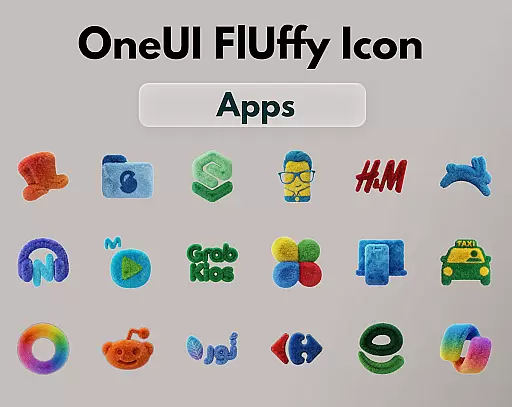
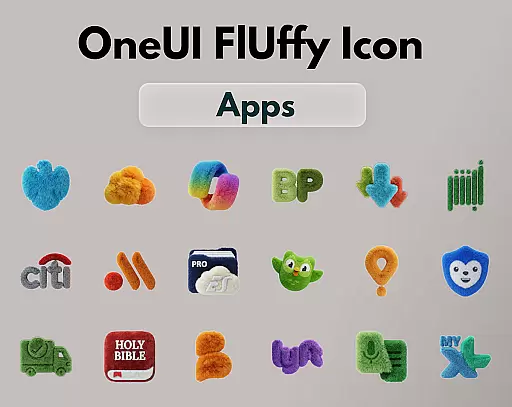
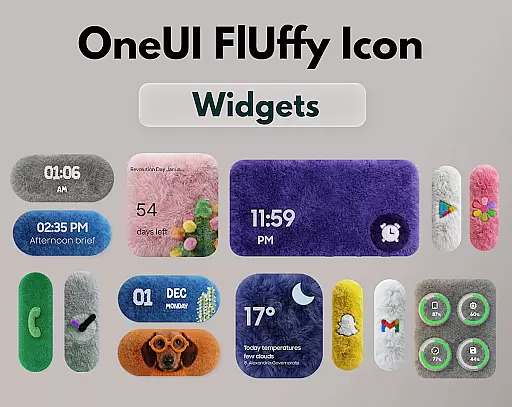
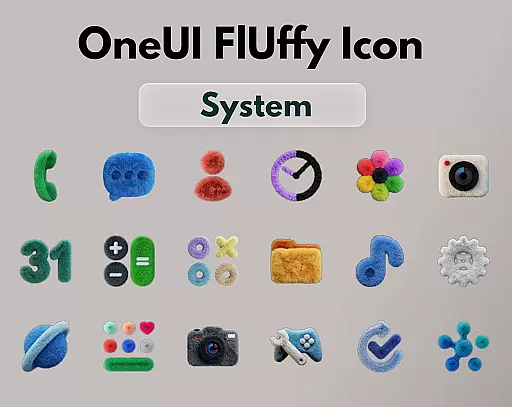
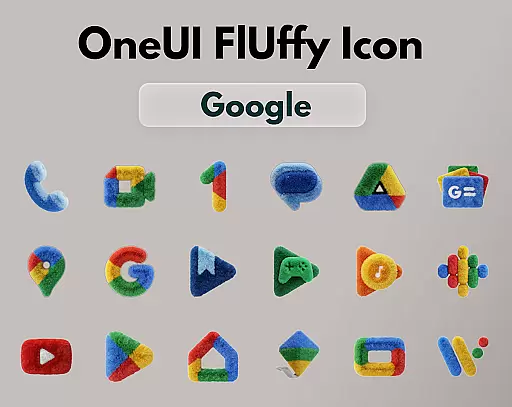
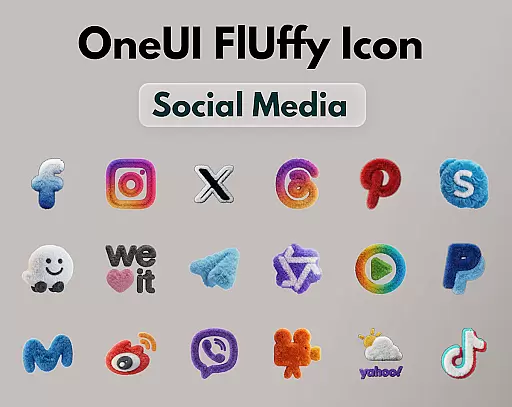
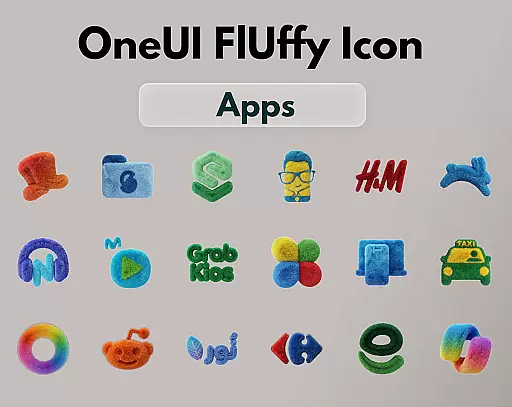
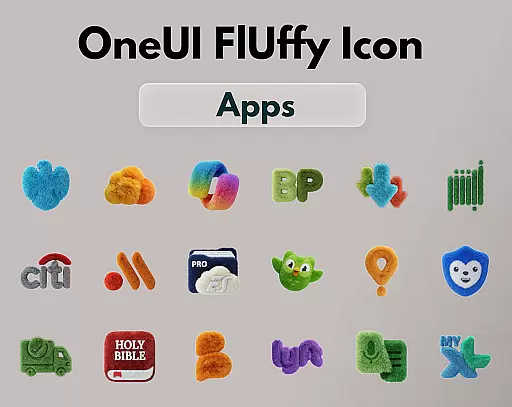
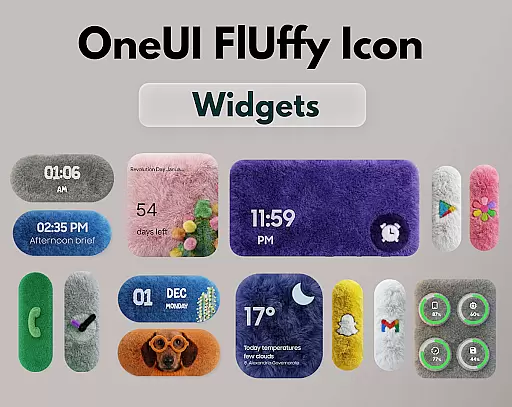
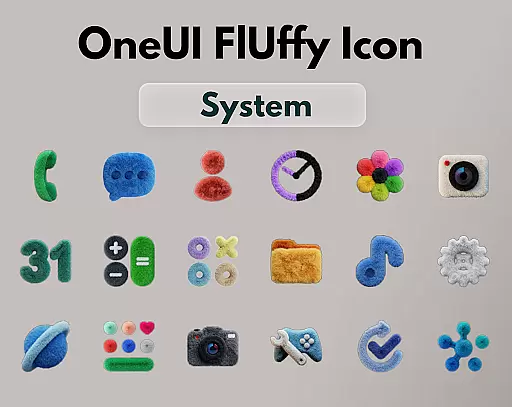
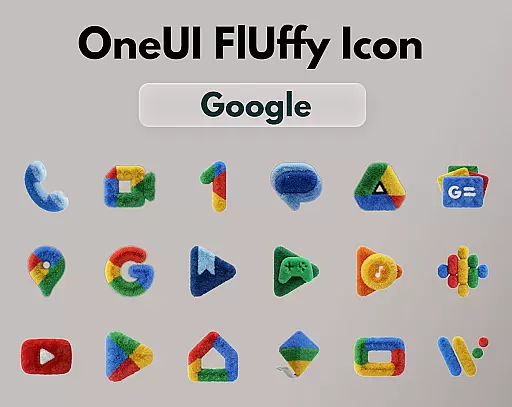
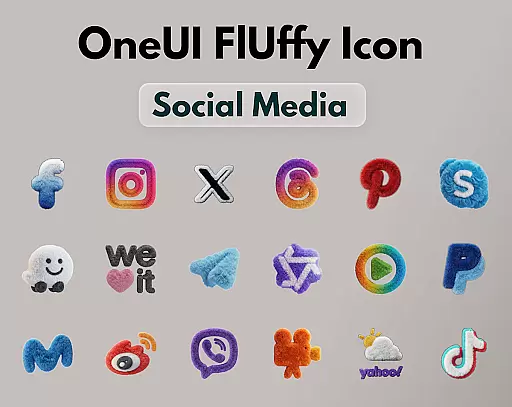
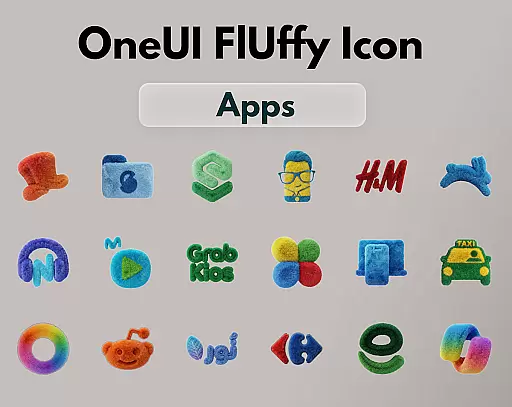
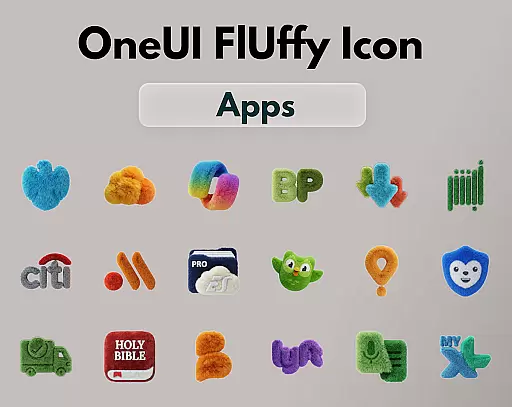
OneUI Fluffy Icon Pack is a premium icon set that gives your home screen a warm and fresh makeover. Inspired by the beloved OneUI style, it introduces a unique fluffy, soft 3D twist to bring icons to life. With over 1185 handcrafted icons, professional widgets, and exclusive wallpapers, this pack ensures your phone feels personal, friendly, and stylish.
The pack supports various popular launchers like Nova Launcher, Lawnchair, and Niagara Launcher, among others. It offers ultra-high resolution icons for a crisp look and includes features such as open icon requests, allowing users to help shape the future of the pack. This makes it not just an icon set, but a visually comforting element for your device.
OneUI Fluffy Icon Pack stands out with its 1185+ handcrafted fluffy-style icons, each crafted to blend modern OneUI-inspired shapes with playful fluffy textures. The pack also includes professional fluffy widgets and exclusive wallpapers, ensuring a cohesive look across your device.
Compatibility is a key feature, working seamlessly with many popular launchers such as Nova Launcher, Lawnchair, and Niagara Launcher. Additionally, the pack supports ultra-high resolution icons, providing a clean and soft appearance. Users can also request new icons, fostering community engagement and continuous improvement.
OneUI Fluffy Icon Pack offers an extensive range of customization options that allow users to personalize their home screens with a unique, fluffy twist. With over 1185 handcrafted icons, this premium set provides a soft 3D texture inspired by the popular OneUI style but adds an element of warmth and freshness.
The pack includes professionally designed widgets that perfectly match the icons, ensuring visual consistency across your device's interface. Additionally, it features exclusive wallpapers carefully selected to complement the overall aesthetic, enhancing the user experience even further.
Users can also take advantage of open icon requests for a limited time, allowing them to shape the future growth of the pack based on their daily app usage. This level of personalization ensures that users have access to icons they need while maintaining the distinctive fluffy appearance.
Beyond its charming design, OneUI Fluffy Icon Pack is engineered for seamless theme compatibility across various launchers. It supports many popular custom launchers such as Nova Launcher, Lawnchair, Niagara Launcher, Smart Launcher, Hyperion Launcher, and more.
This broad compatibility means you can enjoy the playful yet modern look of fluffy icons regardless of your preferred launcher. The ultra-high resolution of each icon guarantees crisp visuals on any home screen setup, making sure your device looks clean and stylish.
By blending OneUI-inspired shapes with a tactile fluffy texture, these icons pop against any background or wallpaper choice within supported themes. Users are encouraged to explore different combinations to find what best suits their individual tastes while enjoying consistent quality throughout their interface.
Unique fluffy design
High-resolution icons
Wide launcher support
Custom icon requests
Exclusive wallpapers
Limited to supported launchers
No automatic updates
Premium price tag
Fewer icons than competitors
Requires manual setup

Stunningly Different look with Line Icons and Neon Colors
 4.60
4.60
Capture moments that pass like a storm, second by second.
4.2
A launcher for Samsung Good Lock and Good Guardians modules without ads
4.70
More than 3000+ themes and 9000+ wallpapers for everybody!
4.10
Run multiple accounts of the same app on a single device
4.10
Unique Fonts, typefaces and stylish text. Fonts for Instagram, Whatsapp & others
4.20
Embrace the Night. Unleash the power of darkness with Raven Dark Icon Pack
4.60
Stylish Pink Cute Hippo keyboard with 10000+ customized keyboard themes!
4.60
300+ widgets inspired by Material You and Material 3 expressive design.
4.60
Customizable Glass widgets. Over 360+ stunning widgets and more!
4.70
A Colorful and Minimal icon pack in an Outline Style - Over 13,600 icons!
4.70
Shimeji adds cute animated characters to your screen, lively and fun.
4.70
300+ Beautifully crafted widgets inspired by OneUI.
4.60
Romantic Kiss Stickers App. Start romantic messaging now!
4.30
Your home screen, just the way you like it.
4.30
Unleash Your Creativity and Connect with Loved Ones with Lockscreen Drawing!
4.20
Magic fluids wallpaper 4D: Relax with stunning fluid simulation wallpaper app
4.20
Emoji Maker app - Design custom emojis and effortlessly blend them with Mixer
3.80
Interactive Miniature Painting Catalogue
3.30


User Reviews