
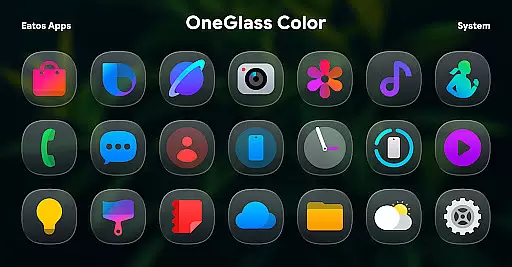
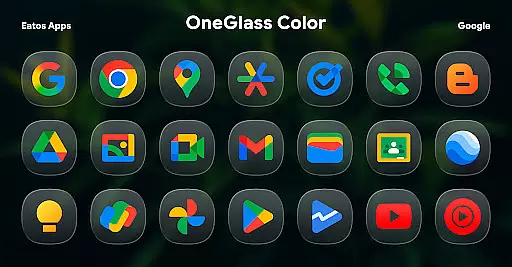
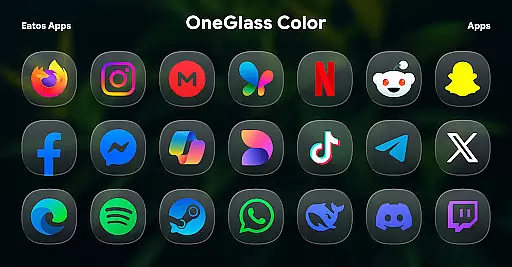
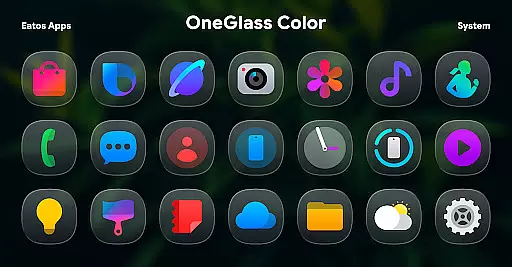
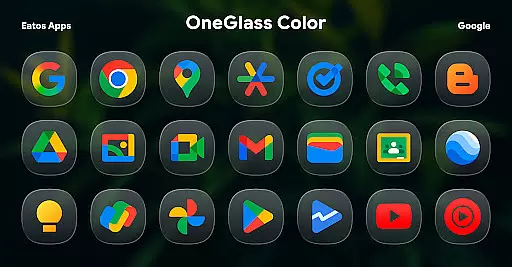
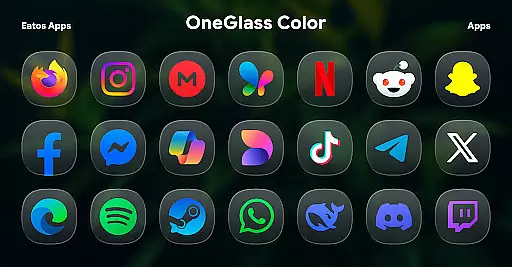
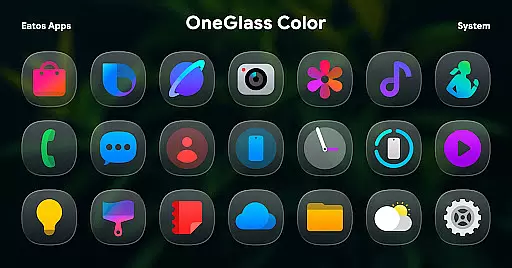
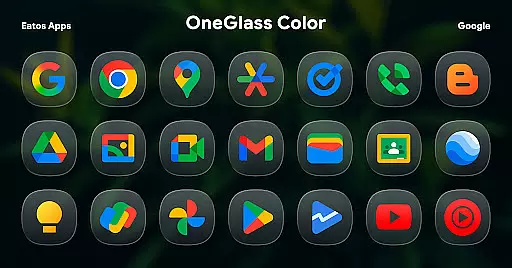
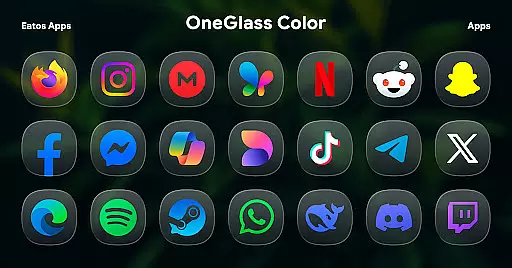
OneGlass 8 (Color) is a premium icon pack featuring over 4,600 meticulously designed glass-style color icons inspired by One 8. This pack also includes more than 430 high-quality wallpapers, offering users a visually stunning customization experience for their devices. Designed specifically for dark mode, these icons and wallpapers create a cohesive and immersive look when paired with darker themes.
The icon pack supports popular launchers like Hyperion Launcher, Nova Launcher, and Smart Launcher, ensuring compatibility across various Android devices. For Samsung OneUI launcher users, the app provides integration with Good Lock and Theme Park for seamless application. Whether you're looking to refresh your home screen or seeking a consistent aesthetic, OneGlass 8 (Color) delivers both style and functionality.
OneGlass 8 (Color) stands out with its extensive collection of over 4,600 glass-style color icons, each crafted to maintain clarity and vibrancy in dark mode. The inclusion of more than 430 wallpapers ensures that users can achieve a fully customized device appearance. These assets are optimized for modern interfaces, providing sharp visuals on high-resolution screens.
To enhance usability, the app integrates seamlessly with popular launchers such as Hyperion Launcher, Nova Launcher, and Smart Launcher. For Samsung users, detailed instructions are provided to apply the theme via Good Lock and Theme Park apps. With regular updates and support from the developer, this icon pack guarantees long-term value for users seeking personalization options.
OneGlass 8 (Color) offers an extensive range of customization options, featuring over 4,600 Glass color icons and more than 430 wallpapers. This vast selection ensures that users can find the perfect aesthetic match for their device's interface.
The icon pack is specifically designed to excel in dark mode, providing visually stunning icons that complement dark wallpapers. This makes it an ideal choice for users who prefer a sleek and modern look for their home screens.
To apply these customizations, users need a compatible launcher such as Hyperion Launcher or Nova Launcher. The app also supports OneUI launcher through Good Lock and Theme Park apps, offering step-by-step instructions for seamless integration.
This level of customization empowers users to create a unique and personalized mobile experience that reflects their individual style while maintaining optimal visual harmony across their device's interface.
Beyond its impressive icon collection, OneGlass 8 (Color) demonstrates excellent theme compatibility across various launchers. The pack works seamlessly with popular launchers like Smart Launcher, ensuring consistent visual quality regardless of the user's preferred home screen manager.
For Samsung users, the icon pack integrates smoothly with OneUI launcher through Good Lock and Theme Park applications. This compatibility extends the personalization options to Samsung devices, allowing users to enjoy the same high-quality icons within their native interface.
The developer provides clear instructions and support channels, including email and X (formerly Twitter), to help users resolve any compatibility issues. This commitment to accessibility ensures that users can maximize their customization potential across different devices and operating systems.
Such comprehensive theme compatibility makes OneGlass 8 (Color) a versatile choice for users seeking consistent visual aesthetics across multiple platforms and devices.
Stylish glass icons
Vibrant color palette
Wide launcher support
High-quality wallpapers
Regular updates
Requires third-party launchers
No standalone app
Limited light mode
Paid purchase
Complex setup

A light in the dark, a unique style and an andless cutomization!
 4.30
4.30
Capture moments that pass like a storm, second by second.
4.2
Realistic animated snow on your wrist, with 10 images landscapes to choose from
4.00
Over 28,000 high quality icons to bring color & homogeneity to your phone.
4.60
⭐ OneUI inspired Fluffy Icon Pack – Soft. Stylish. Standout. ⭐
4.3
Customize your home screen with stunning themes, blur, widgets & icons.
4.60
300+ Stunning and well-designed widgets inspired by NOTHING.
4.70
300+ Beautifully crafted widgets inspired by OneUI.
4.60
200+ Material Inspired Widgets
4.50
100+ Stylish Fonts, Emojis, Symbols keyboard for Instagram & TikTok!
4.80
350+ widgets with a premium glass-style finish, perfect for home & lock screens.
4.70
Make your phone look simple & luxury, like iDevice
4.60
Want to make your phone more special than ever?
4.60
Beautiful realistic hybrid watch face with numerous customization options.
4.50
Ninja Turtles Cowabunga SE watch face for Wear OS
4.50
Unleash Your Creativity and Connect with Loved Ones with Lockscreen Drawing!
4.20
Customize glowing edges, wallpapers, and caller screen with EdgeAura.
3.50
Interactive Miniature Painting Catalogue
3.30
Modern Glass Icon Pack with glossy icons, clean minimal theme & aesthetic style
4.5


User Reviews