
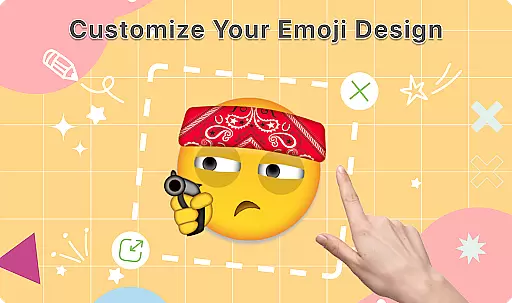
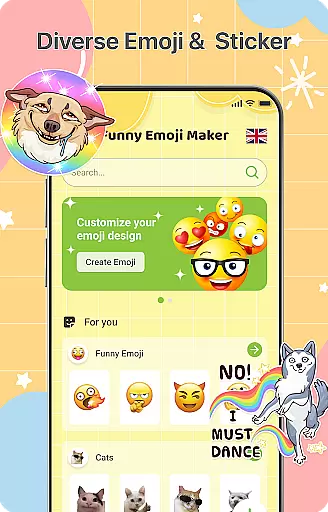
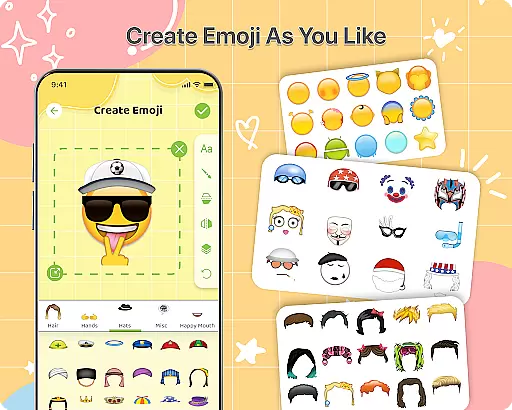
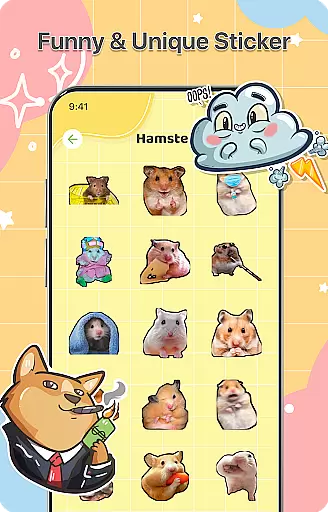
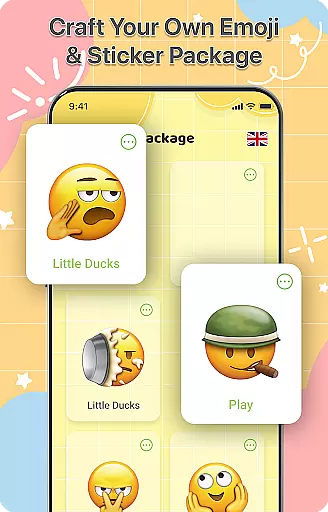
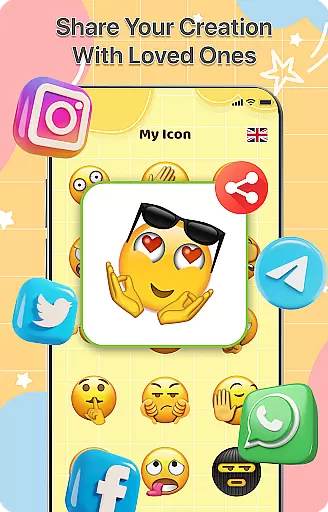
DIY Emoji is a creative personalization app that allows users to design their own unique emojis. With over 500 accessories including eyes, mouths, hats, and glasses, the app offers endless customization possibilities. Users can flip elements, draw details, add text with various fonts, and layer components for perfect emoji designs.
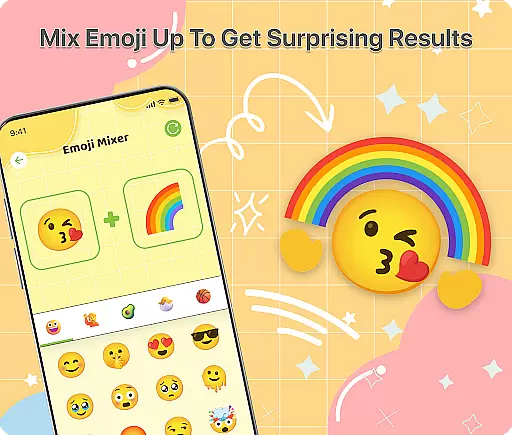
The app also features an innovative Emoji Mixer, enabling users to combine any two emojis into funny and unique creations. The built-in Emoji Library helps users store, manage, and quickly access all their custom designs. Regular updates bring new accessories and emotes, ensuring fresh content and continuous creative opportunities.
Whether you want to express yourself in chats or simply enjoy creating fun emoji art, DIY Emoji provides a complete toolkit for unlimited creativity. Its intuitive interface makes it easy for anyone to start designing immediately after installation.
DIY Emoji stands out with its comprehensive set of features designed for maximum creative freedom. The Emoji Maker component provides over 500 accessories that can be combined in countless ways. Users can customize every aspect of their emojis, from basic shapes to intricate details using drawing tools.
A key innovation is the Emoji Mixer feature, which allows users to blend any two emojis into completely new creations. This opens up a world of possibilities for unique and humorous combinations. The app's layering system enables precise control over element placement, while the text tool offers multiple font styles and color options.
Additional features include automatic saving of creations, easy sharing options, and a well-organized library system. The app receives regular updates with new content, ensuring that users always have fresh materials to work with. These features collectively make DIY Emoji a powerful tool for personal expression through digital art.
DIY Emoji offers an extensive range of customization options that allow users to express their creativity. With over 500 accessories including eyes, mouths, hats, and glasses, the possibilities are virtually endless.
The app's intuitive design lets users flip elements for unique effects, draw details with fun tools, and add text with various fonts and colors. This level of detail ensures that each emoji is not just a simple icon but a personalized piece of communication.
Layering elements provide the perfect finishing touch to emoji designs, enabling users to create complex and nuanced expressions. The ability to mix any two emojis adds another layer of depth, making each creation truly one-of-a-kind.
Ensuring seamless integration across different platforms, DIY Emoji maintains excellent theme compatibility. Whether you're using it on Android or iOS, your custom emojis will look consistent and vibrant.
The app's frequent updates introduce new accessories and emotes, keeping the content fresh and engaging. These updates also ensure that the app stays compatible with the latest operating system themes and styles.
Users can easily store and manage all their DIY emojis within the app's library, which features quick search functionality for fast access. This makes it simple to use your creations across different messaging apps without losing quality or style.
User-friendly interface
Extensive customization options
Regular content updates
Intuitive design tools
Versatile sharing capabilities
Limited free accessories
Some features require premium
Occasional performance issues
Ads between creation sessions
Learning curve for advanced tools

Capture moments that pass like a storm, second by second.
 4.5
4.5
Only for Wear OS devices!
4.90
Gun Chase - Let the chase begin.
4.80
Art & Emoji Keyboard with Cool Fonts, Cute Themes and Custom Designs.
4.40
Custom edge gestures for volume control, brightness, apps, and shortcuts.
4.4
Design your screen with unique, vibrant clocks
3.80
Unleash Your Creativity and Connect with Loved Ones with Lockscreen Drawing!
4.20
Struggling to find apps? Use this app to locate and open any app on your phone!
2.20
Modern Glass Icon Pack with glossy icons, clean minimal theme & aesthetic style
4.4
Classic analogue watch face. For wear os devices.
4.60
Unique Android Launcher
4.60
Stylish Pink Cute Hippo keyboard with 10000+ customized keyboard themes!
4.60
300+ Beautifully crafted widgets inspired by OneUI.
4.60
Beautiful realistic hybrid watch face with numerous customization options.
4.50
Vibrant Adaptive Icons with Material You and Enhanced Monet Colors.
4.50
Fingerprint Lock Screen & Live Animations with 4K Wallpapers as Live Wallpaper
4.40
Romantic Kiss Stickers App. Start romantic messaging now!
4.30
Unique Fonts, typefaces and stylish text. Fonts for Instagram, Whatsapp & others
4.20
⭐ OneUI inspired Fluffy Icon Pack – Soft. Stylish. Standout. ⭐
4.3


User Reviews