
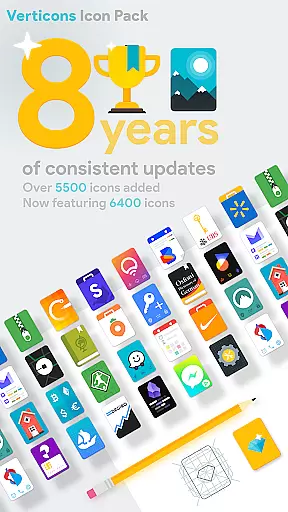

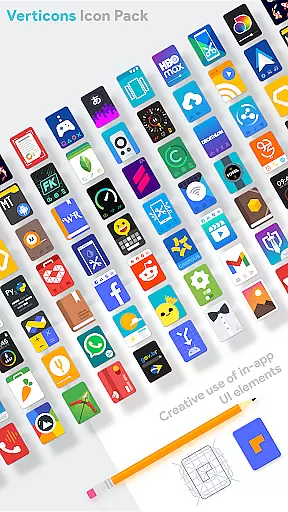
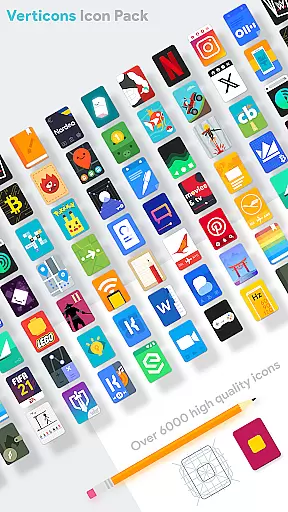
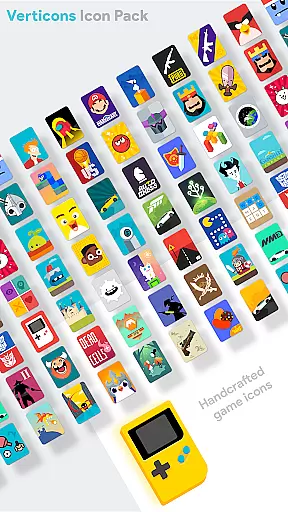
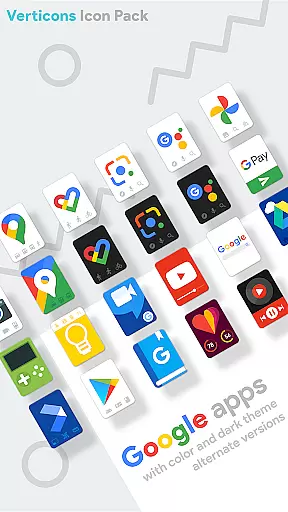
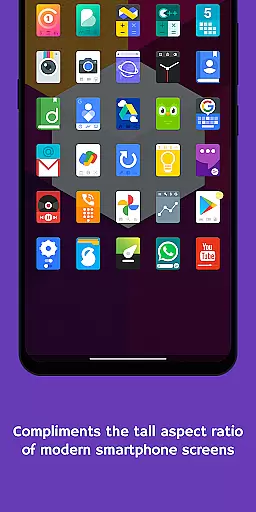

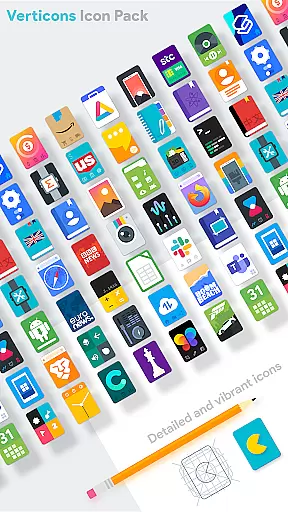
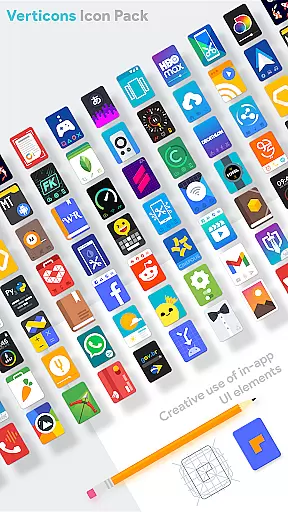
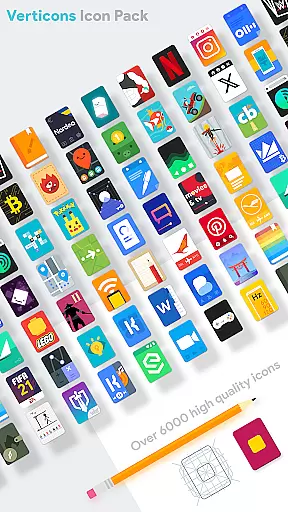
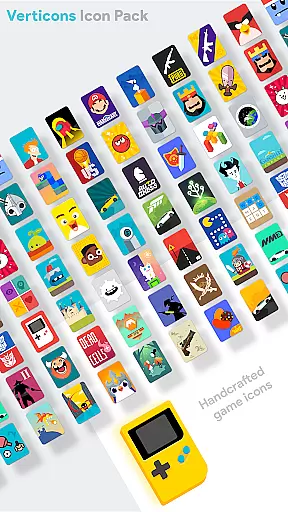
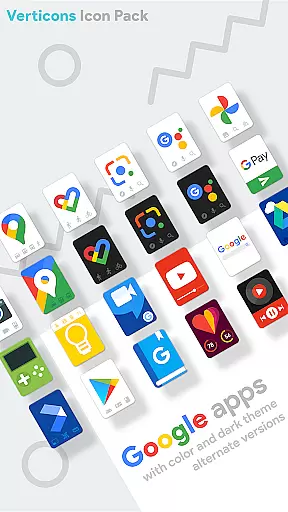
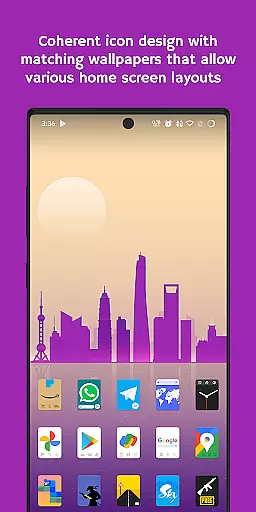
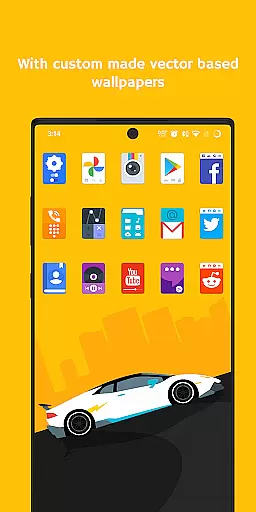
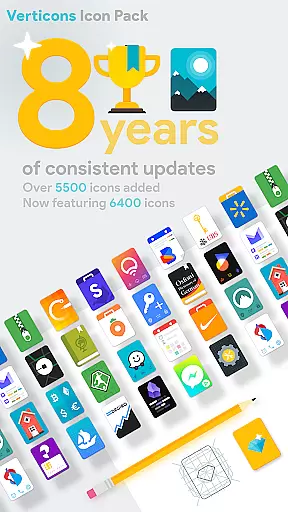

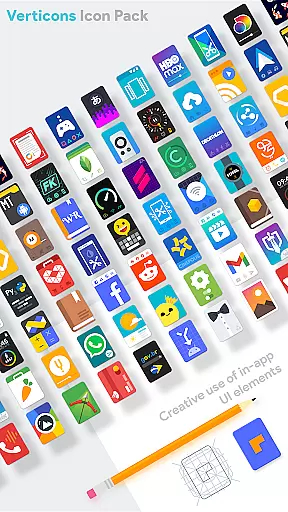
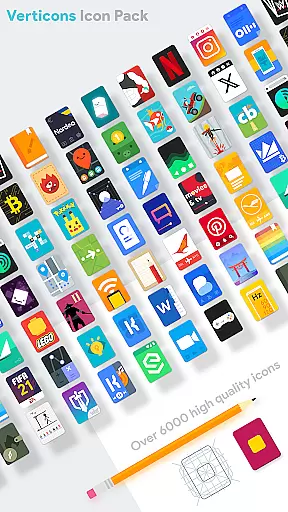
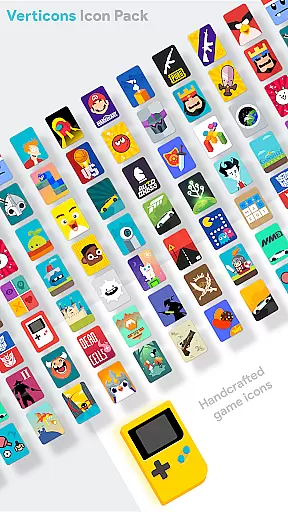
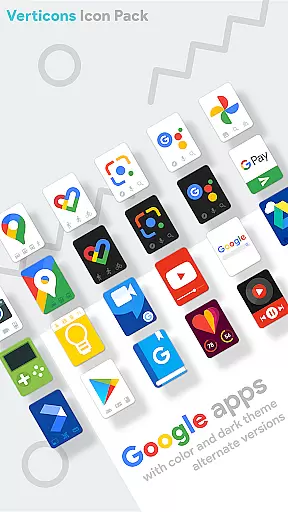
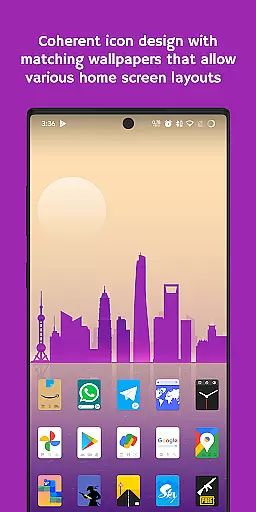
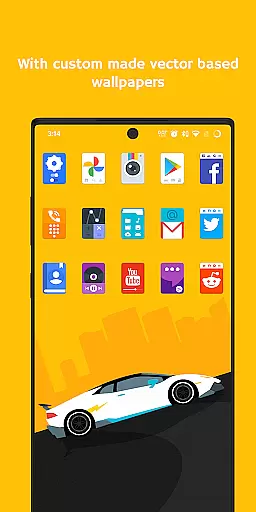
Verticons Icon Pack is a premium personalization solution for Android users seeking distinctive aesthetics. With 6400 meticulously designed icons and support for over 8000 themed apps, it offers unprecedented variety. The pack's unique rectangular card shape diverges from standard adaptive icons, creating a sophisticated look that complements modern 18:9+ aspect ratio screens.
This icon pack stands out through its creative design approach - eschewing long shadows for subtle drop shadows and vibrant material palette colors. Users benefit from consistent updates spanning over 8 years, alongside practical features like dynamic calendar support and 80+ high-resolution wallpapers. Its compatibility with major launchers and optimized settings recommendations make it a versatile choice for customization enthusiasts.
Verticons distinguishes itself through several remarkable features. The icon pack employs proper masking techniques that ensure visual consistency across different applications. Its collection includes 256x256 hand-crafted vector icons, guaranteeing sharp visuals on any display resolution. The inclusion of folder, generic, and alphabet category icons demonstrates attention to organizational details.
Advanced functionality extends to server-based icon request tools and extensive launcher support. Compatible with popular options like Nova Launcher and OnePlus Launcher, Verticons maintains flexibility through recommended settings such as 125%-140% icon scale and optimal column configurations. The pack's innovative approach to material design guidelines results in a fresh user experience while maintaining professional design standards.
Verticons Icon Pack offers a vast array of customization options that cater to personal preferences and device optimization. With over 6400 quality icons and support for more than 8000 themed apps, users can enjoy a unique icon shape not typically found in standard Android adaptive icons.
The pack includes meticulously crafted vector-based icons, each sized at 256x256, ensuring clarity and aesthetic uniformity across devices. Additionally, the inclusion of dynamic calendar support enhances user experience by providing timely updates dependent on the launcher and calendar app in use.
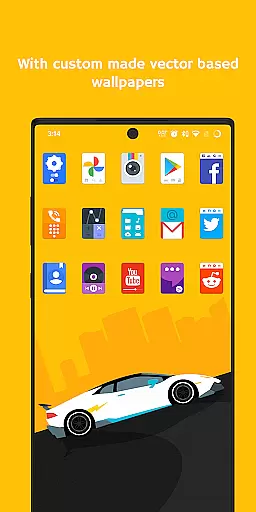
For those seeking further personalization, Verticons provides over 80 high-resolution wallpapers and extensive settings recommendations. Users are encouraged to adjust icon scales between 125%-140% and experiment with higher column counts for optimal display on their specific smartphone screens.
Theme compatibility is a standout feature of the Verticons Icon Pack, ensuring seamless integration with a wide range of launchers. This compatibility extends to popular choices such as Nova Launcher, Smart Launcher, and Lawnchair Launcher among others, allowing users to apply Verticons' distinctive style effortlessly.
Included within its compatibility are launchers that support icon shape modification, recommending the use of full square icons for superior masking results. For devices running custom ROMs or manufacturer-specific themes like OnePlus OxygenOS or Samsung Theme Park, Verticons aligns smoothly with system-wide theme settings.
Moreover, Verticons leverages advanced tools such as Blueprint Dashboard by Jahir Fiquitiva and Pacific Request Manager for streamlined icon request processes. These integrations ensure that users not only achieve visual consistency but also benefit from ongoing support and updates enhancing long-term usability.
Extensive icon coverage
Unique design aesthetic
Long-term support commitment
High-resolution assets
Wide launcher compatibility
Premium price point
Limited free alternatives
Device compatibility issues
Learning curve for new users
Feature limitations on older devices

Capture moments that pass like a storm, second by second.
 4.4
4.4
Transform your phone with Launcher iOS 26 - Smooth & elegant iOS experience
4.50
Bring adorable pets to life on your screen. Playful, interactive and full of fun
4.60
Art & Emoji Keyboard with Cool Fonts, Cute Themes and Custom Designs.
4.40
Wallpaper HD 4K Live - Thousands of high-quality Anime backgrounds for you.
4.80
⭐ OneUI inspired Fluffy Icon Pack – Soft. Stylish. Standout. ⭐
4.1
Color phone with cool effects for call screen, flash alert & ringtones music
4.50
Stylish Pink Cute Hippo keyboard with 10000+ customized keyboard themes!
4.60
Create unique, fun emojis with Funny Emoji Maker! Unlimited creativity!
4.00
A Colorful and Minimal icon pack in an Outline Style - Over 13,600 icons!
4.70
A retro cartoon style watch face and a punch right in the face of the copyright
4.60
Choose your keyboard with RGB colors effect, themes, fonts, emojis.
4.60
300+ widgets inspired by Material You and Material 3 expressive design.
4.60
Ninja Turtles Cowabunga SE watch face for Wear OS
4.50
The definitive Icon pack maker and editor
4.30
App Icon Changer & Shortcut Creator. Customize your icons without any watermarks
4.30 4.10
4.10
Ultimate widget creator. Design custom widgets for a truly unique home screen!
3.90
Turn your lock screen into fun with smile live wallpapers & animated wallpapers!
2.50


User Reviews