
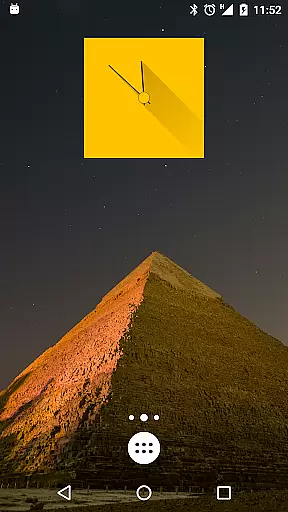
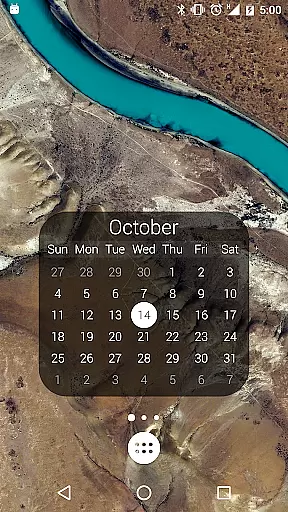
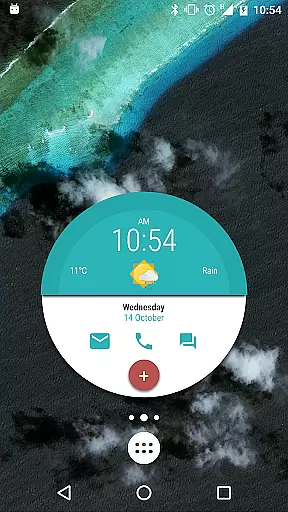
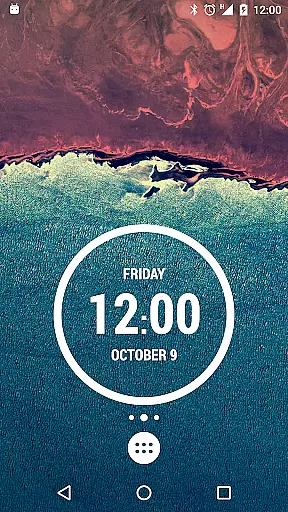
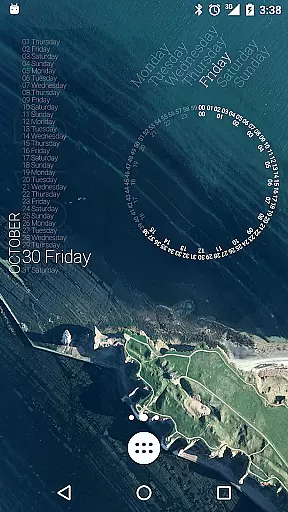
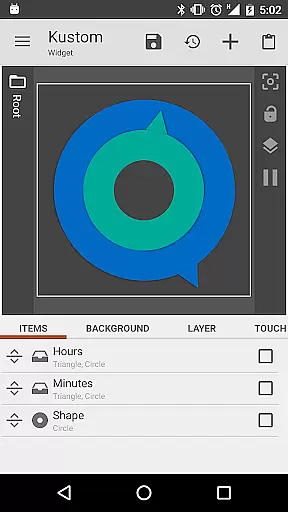
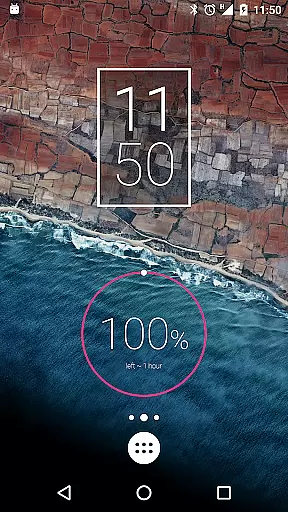
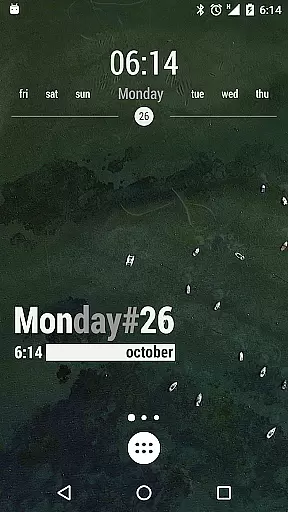
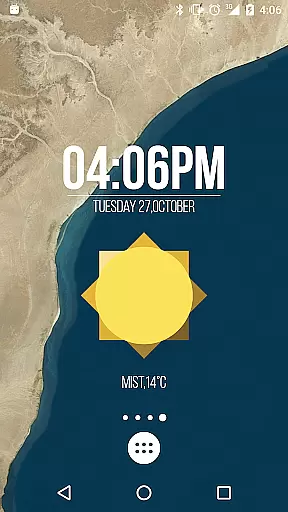
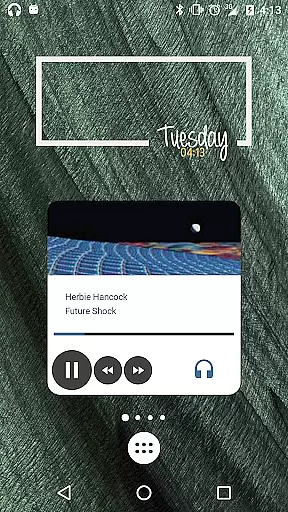
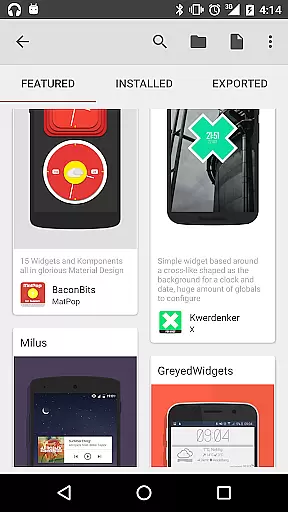
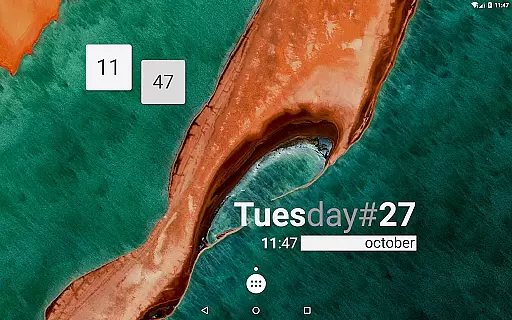
KWGT Kustom Widget Maker is the ultimate tool for Android users seeking to personalize their home screens. This powerful widget maker allows you to design custom widgets that display any data you need, exactly how you want it.
With its WYSIWYG editor, KWGT gives you total control over your widget's layout, including text, shapes, images, and interactive elements. You can create aesthetic photo widgets, data-rich weather displays, sophisticated system monitors, and personalized music players.
Whether you're a casual user or a power user, KWGT offers unmatched functionality with complex logic, dynamic data display, and Tasker integration, making it the only tool you'll need for complete home screen customization.
KWGT stands out with its comprehensive feature set tailored for creative expression. The app includes a full suite of design tools such as custom fonts, color options, 3D transformations, and layer effects similar to professional photo editors.
Advanced capabilities allow users to build widgets with interactive touch actions, display live maps, parse online data sources, and integrate seamlessly with Tasker for automation. It also supports vast data types like weather, battery estimates, Wi-Fi status, and more.
The Pro version unlocks additional features including ad removal, SD card imports, and access to external skins, enhancing both usability and creative potential. KWGT truly empowers users to craft unique digital experiences on their devices.
Customization is at the heart of KWGT Kustom Widget Maker, offering users an extensive array of options to tailor their Android home screens. With its powerful WYSIWYG editor, users can manipulate text with custom fonts, colors, and sizes, apply 3D transformations, curved text, and shadows, providing unparalleled control over widget aesthetics.
The app supports a rich integration of shapes and images, allowing for the incorporation of personal PNG, JPG, WEBP files, and SVGs. This flexibility ensures that each widget not only serves a functional purpose but also aligns with the user's visual preferences. The layering feature further enhances creativity by enabling effects such as gradients, color filters, blur, and saturation, akin to professional photo editing software.
KWGT stands out by facilitating interactive widgets where any element can be assigned touch actions or hotspots. This means widgets are not just static displays but dynamic tools that can launch apps, toggle settings, or trigger specific actions, thus significantly enriching the user experience on a personal level.
Theme compatibility in KWGT Kustom Widget Maker ensures that every widget created can seamlessly integrate into the user's chosen Android theme. Whether aiming for a minimalist design or an elaborate aesthetic, KWGT provides the tools necessary to match any theme with precision.
Users have access to sophisticated customization features including complex logic programming, which allows for conditionals and global variables, ensuring widgets dynamically adapt to various themes. This capability extends to pulling data from online sources via RSS, XML/XPATH, or Text parsing, making sure content displayed is always relevant and matches the thematic elements desired.
Furthermore, KWGT Pro unlocks additional functionalities such as importing presets from SD cards and external skins, broadening theme possibilities. By removing ads and supporting developers, it enhances the thematic cohesion and visual appeal of personalized home screens without interruptions, ensuring a smooth and engaging user experience.
User-friendly interface
Highly customizable options
Vast array of data display
Active community support
Tasker integration
Free version has ads
Steep learning curve
Pro features are paid
Requires technical knowledge
Occasional bugs

Beautiful realistic hybrid watch face with numerous customization options.
 4.50
4.50
Customizable flower power digital watch face for Wear OS watches.
4.00
Prank your friends with realistic broken screen and cracked HD effects!
4.4
Unique Android Launcher
4.60
Adaptive Dot Style IconPack with Light & Dark Theme.
3.70
Organize and manage your photos and videos effortlessly with Photo Gallery
4.20
Design your screen with unique, vibrant clocks
3.80
Handcrafted pixel art icons, widgets & wallpapers
4.60
Transform your phone with stunning video wallpapers and a unique, personal touch
3.80
Only for Wear OS devices!
4.90
Vertically oriented rectangular icons
4.70
A launcher for Samsung Good Lock and Good Guardians modules without ads
4.70
300+ Beautifully crafted widgets inspired by OneUI.
4.60
Ultra realistic gold analog watch face with lots of customization options.
4.50
Customizable screen pets that play, climb, and keep you company.
4.50
Yandex Browser — stylish and secure, with voice search and data compression
4.40
App Icon Changer & Shortcut Creator. Customize your icons without any watermarks
4.30
Adorable pets roam and play right on your phone screen!
3.30
Struggling to find apps? Use this app to locate and open any app on your phone!
2.20


User Reviews