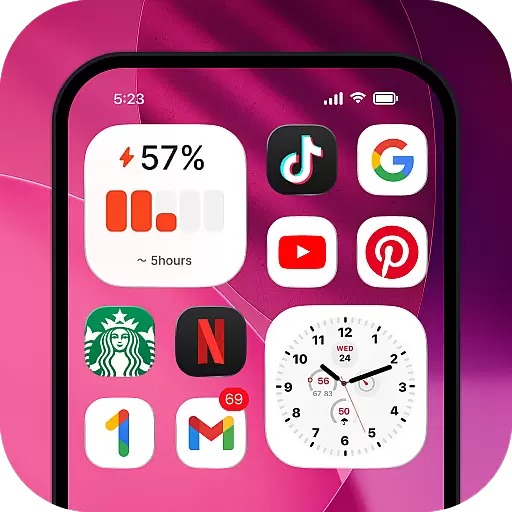
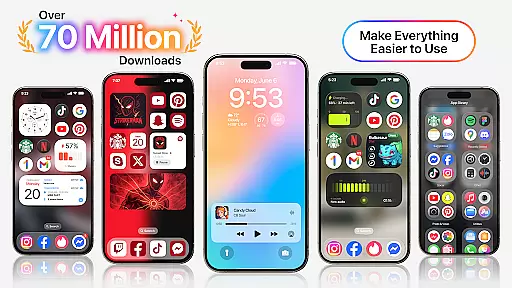
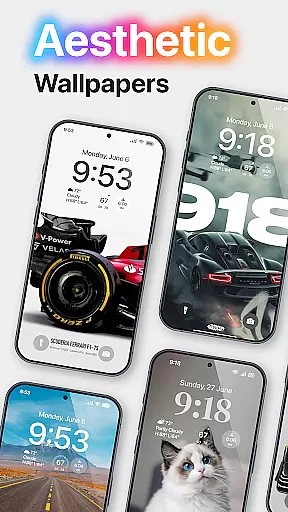
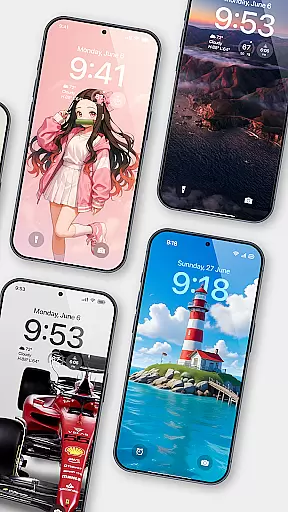
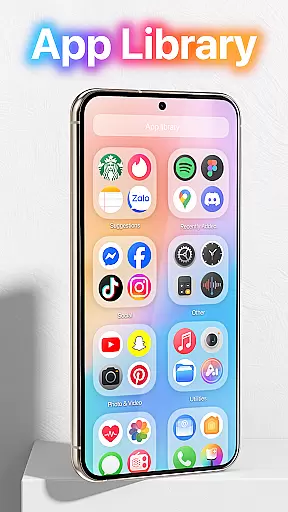
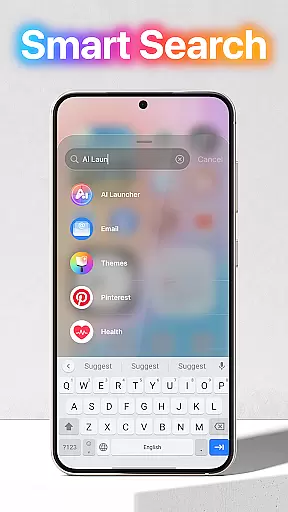
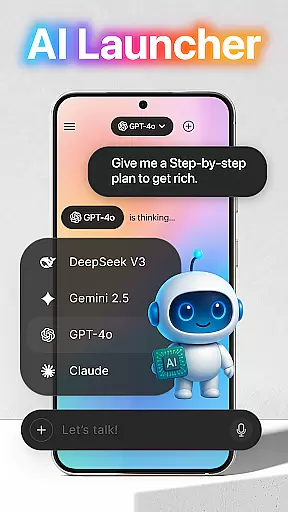
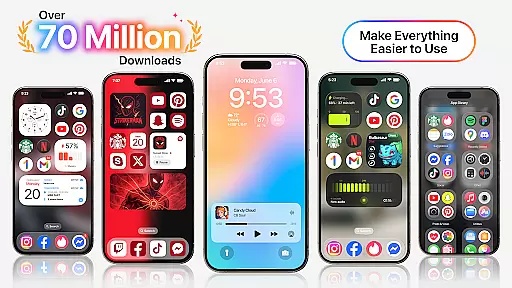
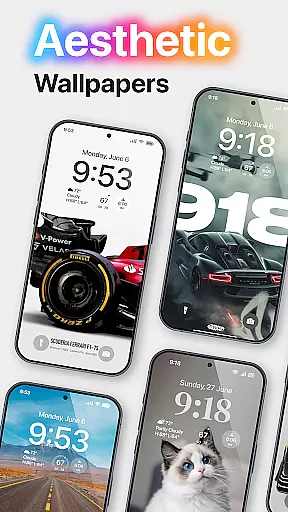
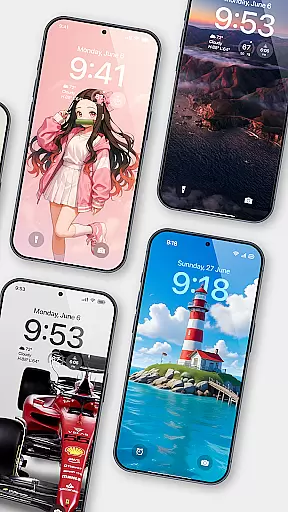
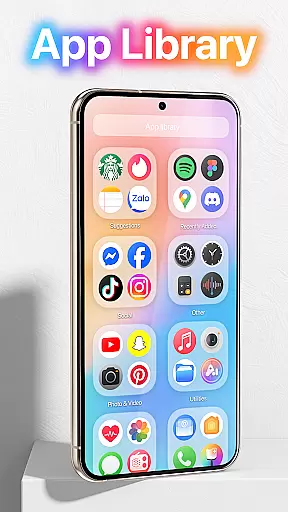
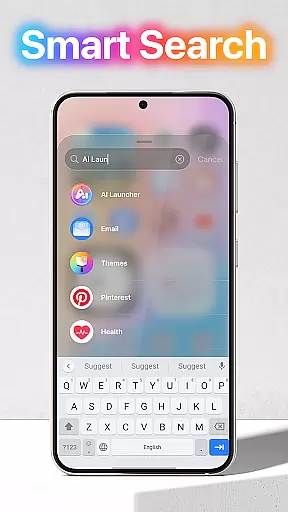
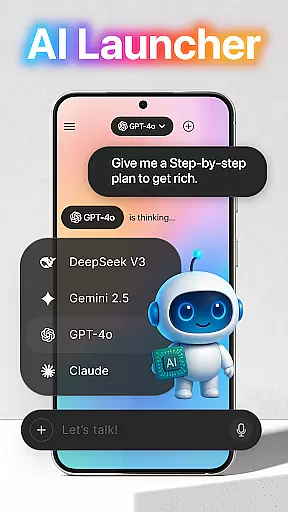
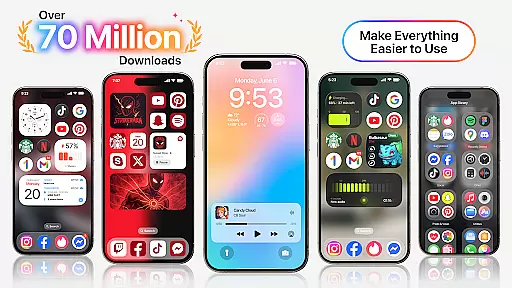
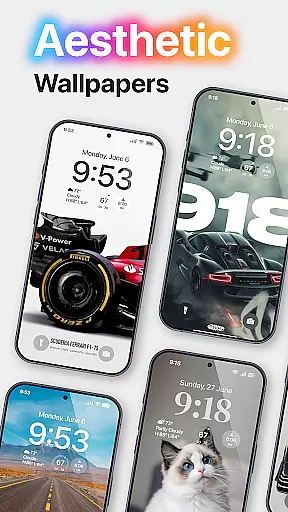
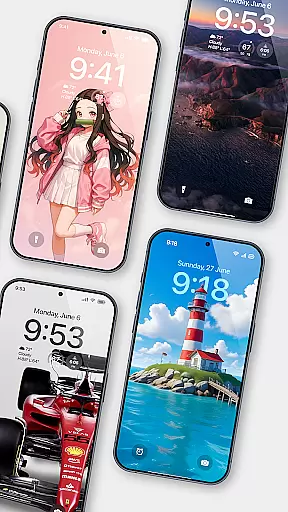
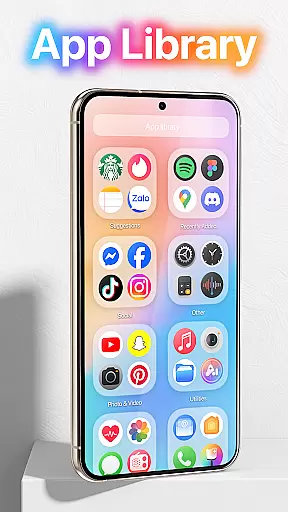
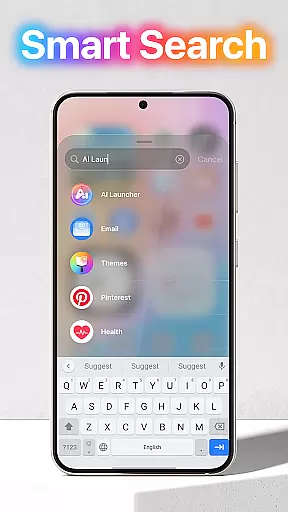
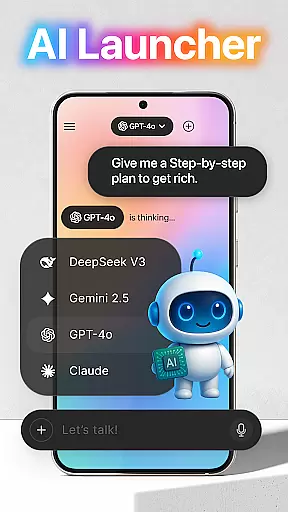
Launcher OS™ redefines the Android experience by transforming your mobile device into a more powerful, personal, and intelligent tool. This launcher app offers innovative features that enhance your phone's capabilities beyond traditional operating systems.
The application provides advanced functionalities such as lock screen controls, universal file search, and AI-powered voice-to-text conversion. Whether you're looking to streamline daily tasks or personalize your device, Launcher OS™ delivers an optimized user experience tailored to modern smartphone users.
One of the standout features of Launcher OS™ is its comprehensive lock screen functionality. Users can access their camera, view notifications, and manage calls directly from the lock screen interface.
The application also includes a robust file management system with universal search capabilities, allowing quick access to any file on the device. Additionally, its AI integration enables seamless voice-to-text conversion, making digital communication more efficient and accessible.
With customizable wallpaper options and over-screen display features, Launcher OS™ gives users unprecedented control over their device's appearance and functionality while maintaining optimal performance.
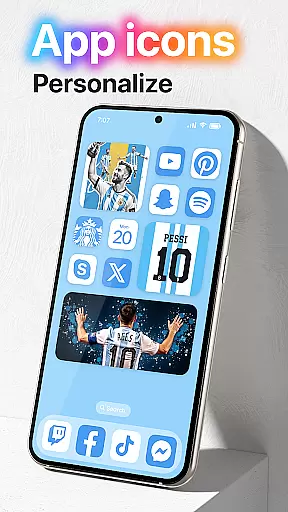
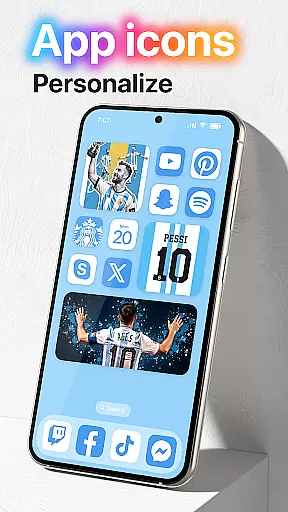
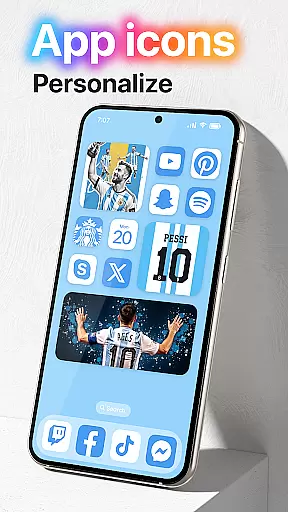
Launcher OS offers an extensive range of customization options that allow users to tailor their smartphone experience to their personal preferences. This includes the ability to change themes, icons, and layout styles, ensuring that every user can create a unique interface that resonates with their individuality.
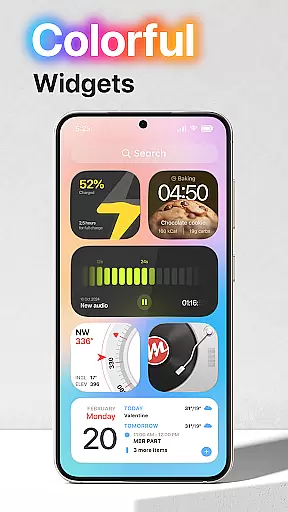
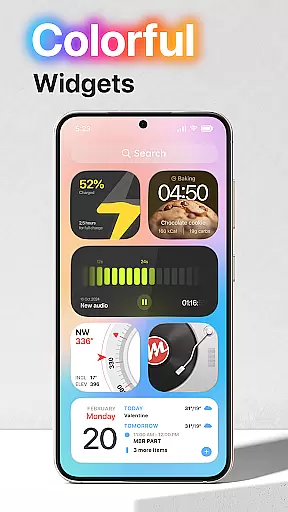
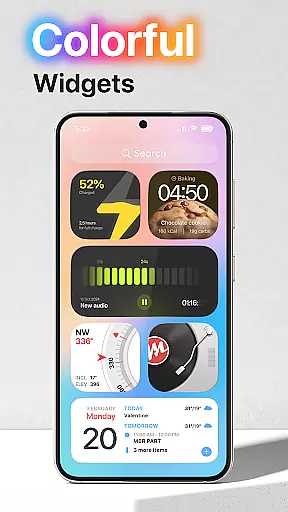
The app provides advanced settings for widget management, enabling users to add, remove, or resize widgets on their home screen effortlessly. With these tools, users can optimize their home screens for both aesthetics and functionality, making daily tasks more accessible and visually appealing.
Moreover, Launcher OS supports third-party plugins and extensions, which significantly broadens the scope of personalization. Users can integrate additional features and services directly into their launcher, enhancing both utility and personal expression without compromising on performance or security.
Theme compatibility in Launcher OS ensures that users can seamlessly apply their favorite themes across different devices and Android versions. This compatibility layer guarantees a consistent look and feel, maintaining the integrity of visual designs regardless of underlying system differences.
The application meticulously checks each theme for adherence to design guidelines, preventing potential conflicts that could disrupt the user experience. By doing so, Launcher OS not only enhances visual harmony but also reinforces system stability and responsiveness.
Furthermore, regular updates and community contributions expand the library of compatible themes, providing users with fresh and innovative choices. This dynamic ecosystem encourages creativity and personal expression, allowing users to keep their interfaces vibrant and engaging over time.
User-friendly interface
Advanced lock screen
Universal file search
AI voice recognition
Customizable design
Requires many permissions
May drain battery
Complex for beginners
Limited widget options
No dark mode
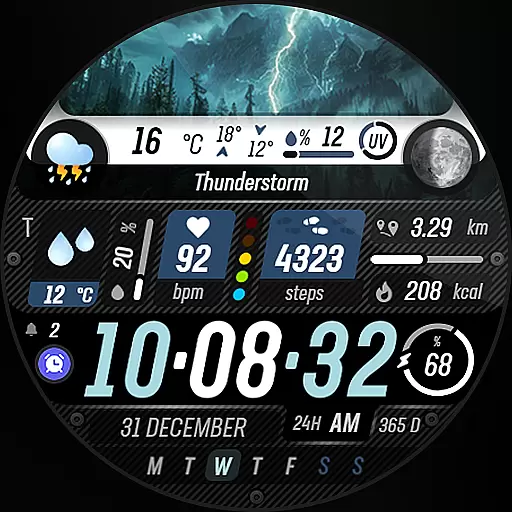
Capture moments that pass like a storm, second by second.
 4.2
4.2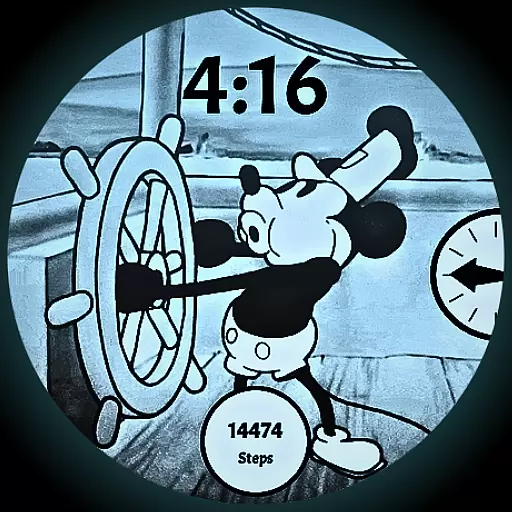
A retro cartoon style watch face and a punch right in the face of the copyright
4.60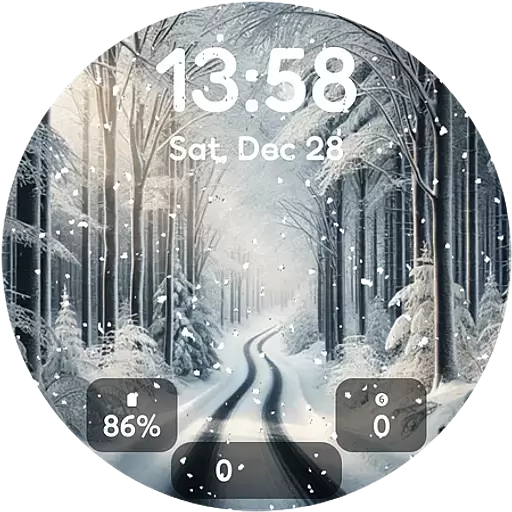
Winter's Journey: digital watch face for Galaxy Watch & Wear OS
4.80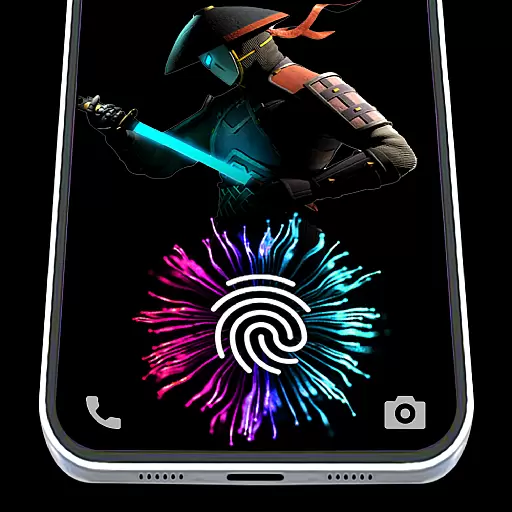
Fingerprint Lock Screen & Live Animations with 4K Wallpapers as Live Wallpaper
4.40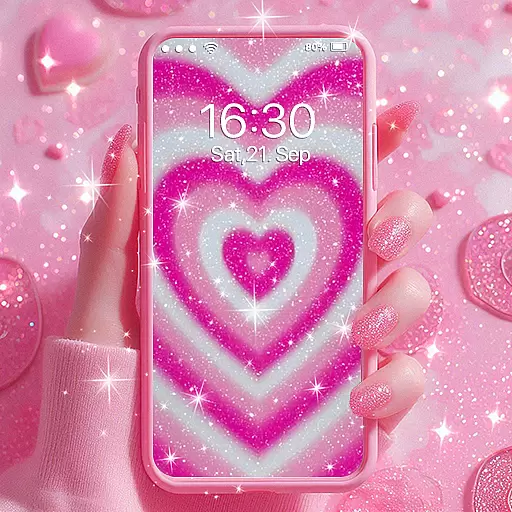
Sparkle your screen with Glitter Wallpapers For Girls and Cute Backgrounds!
4.80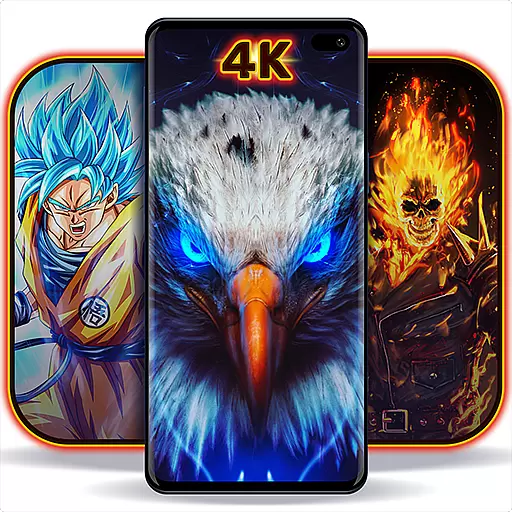
Personalize your phone with stunning HD and 4K wallpapers!
4.70 4.50
4.50 4.50
4.50
300+ Stunning and well-designed widgets inspired by NOTHING.
4.70
100+ Stylish Fonts, Emojis, Symbols keyboard for Instagram & TikTok!
4.80
A launcher for Samsung Good Lock and Good Guardians modules without ads
4.70
350+ widgets with a premium glass-style finish, perfect for home & lock screens.
4.70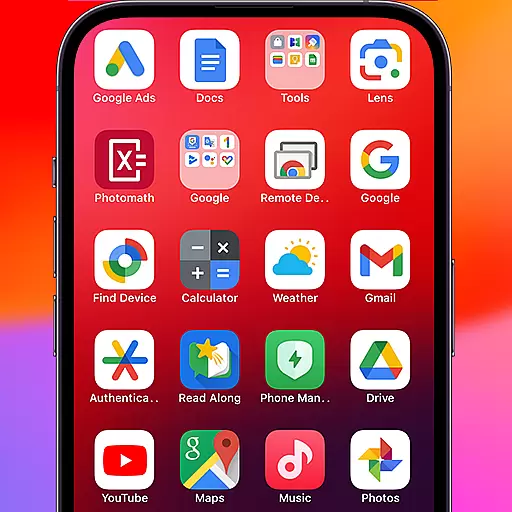
Make your phone look simple & luxury, like iDevice
4.60
Embrace the Night. Unleash the power of darkness with Raven Dark Icon Pack
4.60
Aesthetic Widgets, HD Wallpapers, Themes in Mico Widget for Home and Lock Screen
4.50
Turn text & photos into stunning AI videos, art, and creative visual stories.
4.50
Your home screen, just the way you like it.
4.30
Adaptive Dot Style IconPack with Light & Dark Theme.
3.70
Modern Glass Icon Pack with glossy icons, clean minimal theme & aesthetic style
4.0


User Reviews