
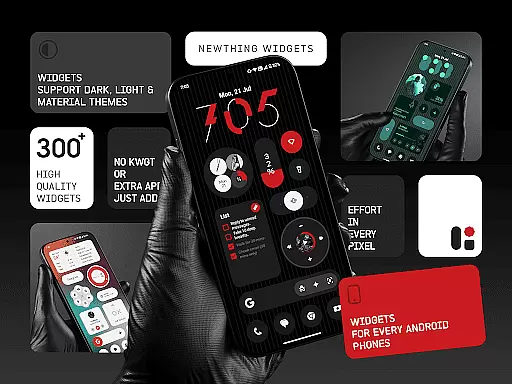
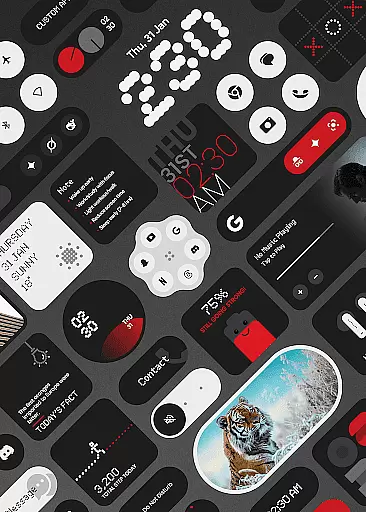
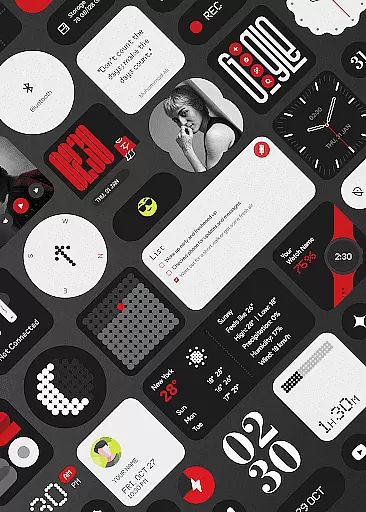
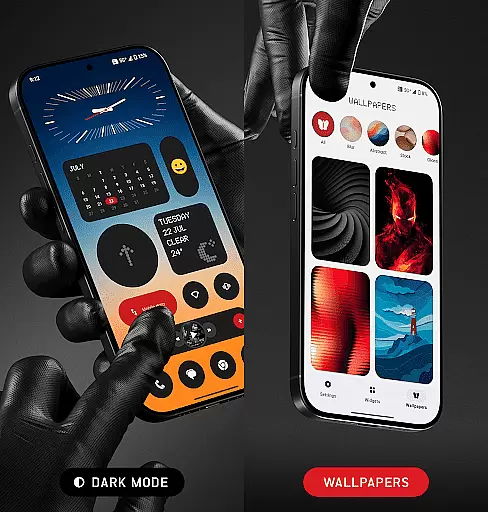
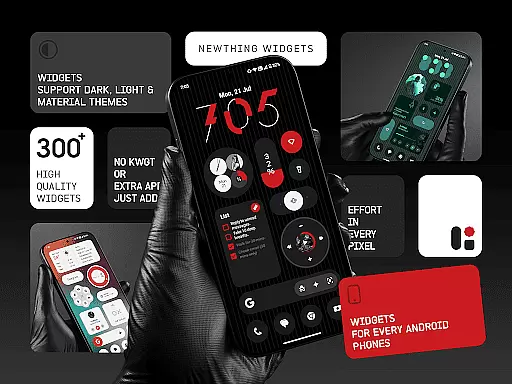
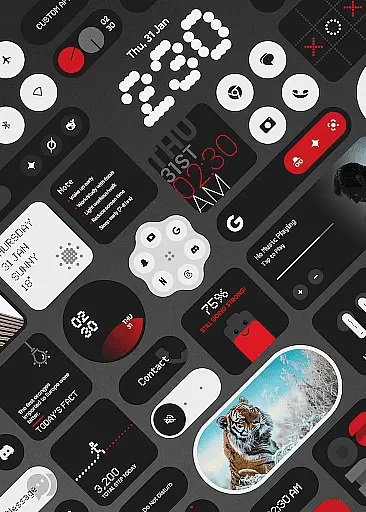
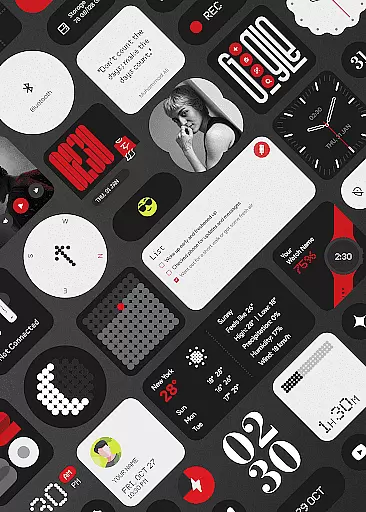
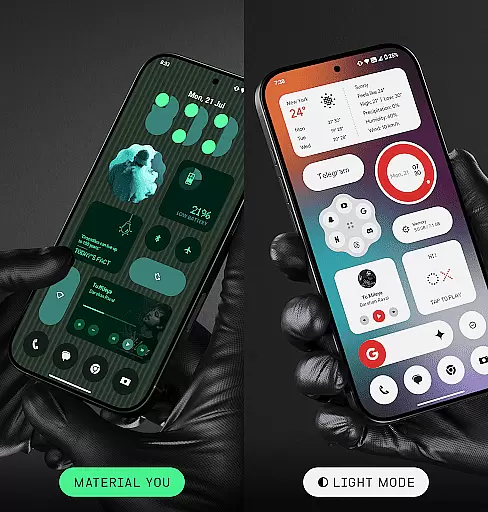
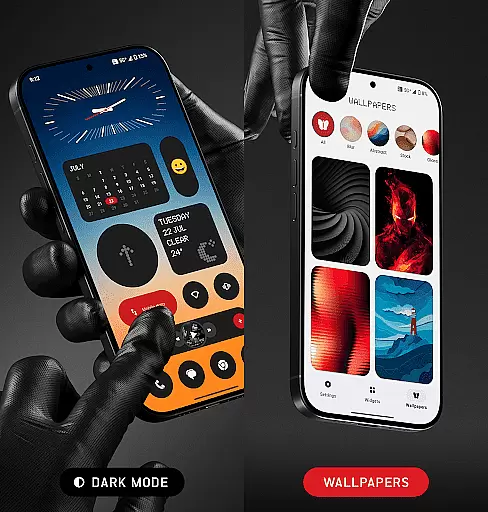
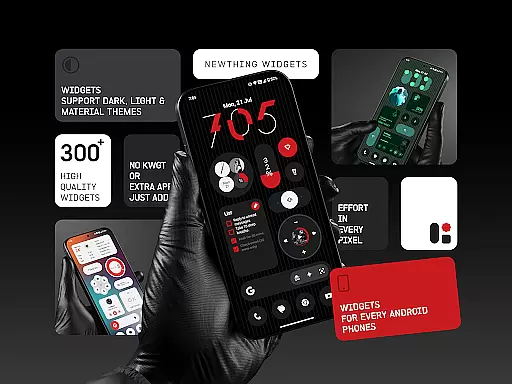
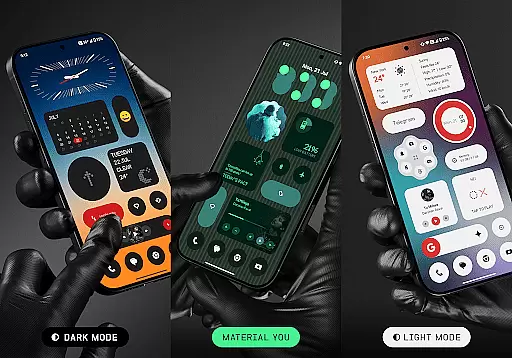
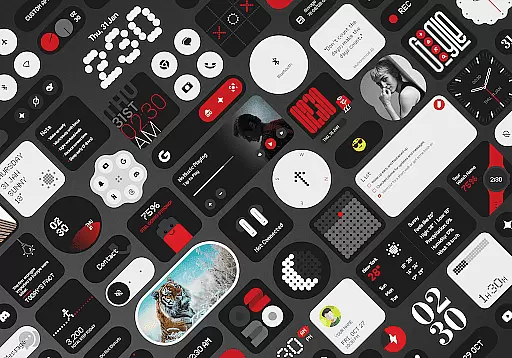
NewThing Widgets Pro is a comprehensive widget solution designed to elevate your Android home screen experience. This app offers over 300 beautifully designed widgets that cater to various needs, including clocks, weather updates, games, quick settings, photos, and more. The widgets are optimized for performance and battery efficiency while supporting modern design standards like dark mode, light mode, and Material You.
One of the standout features of NewThing Widgets Pro is its ability to function without requiring additional apps like KWGT. Users can simply install the app and immediately start customizing their home screens with widgets that match their device's theme. Regular updates ensure that users receive new widgets and features continuously, keeping their home screens fresh and functional.
Whether you're looking to enhance productivity or personalize your device, NewThing Widgets Pro provides a seamless experience. Its intuitive customization options and elegant designs make it an ideal choice for users who value both style and functionality on their Android devices.
NewThing Widgets Pro stands out with its extensive range of features tailored to provide a personalized and efficient home screen experience. With over 300 widgets available, users can choose from a variety of categories such as clocks, weather, games, and quick settings. Each widget is crafted to offer not only aesthetic appeal but also practical utility, ensuring that users can access important information at a glance.
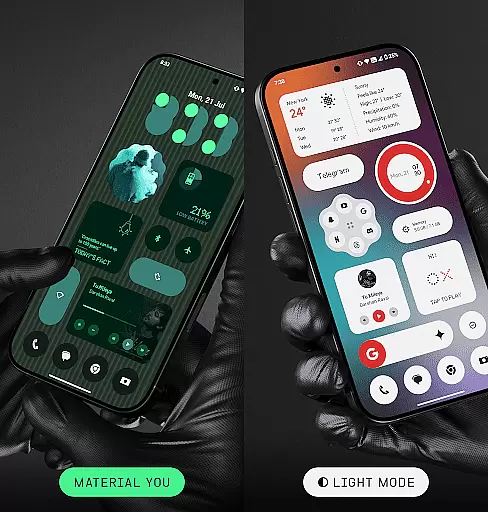
The app supports modern Android features like Material You, which allows widgets to adapt dynamically to the user's chosen theme. This ensures a cohesive look across the device. Additionally, NewThing Widgets Pro emphasizes performance optimization, ensuring that widgets remain responsive and battery-friendly. Regular updates introduce new widgets and functionalities, enhancing the app's versatility and user engagement.
Another key feature is the app's ability to operate independently without needing third-party applications like KWGT. This simplifies the installation process and enhances compatibility across all Android devices. Whether you need timely weather updates or want to showcase your favorite photos, NewThing Widgets Pro delivers a reliable and customizable solution.
Customization is at the heart of NewThing Widgets Pro, offering users an extensive array of options to tailor their home screens precisely to their liking. With over 300 widgets available, including Clocks, Weather, Games, and Quick Settings, the app ensures that personal preferences are not just met but exceeded.
The application supports dark mode, light mode, and Material You mode, allowing seamless integration with users' system themes. This flexibility in adapting to different visual environments enhances user experience by providing comfort and aesthetic satisfaction throughout the day.
Users benefit from regular updates that introduce new widgets, ensuring that their home screens can evolve with emerging trends and technologies. The ability to customize and adapt widgets easily means that individuals can create a digital space that truly reflects their personality and needs.
This vast selection of customization options empowers users to optimize their device's appearance and functionality continually. By choosing NewThing Widgets Pro, one gains access to an ever-expanding toolkit designed for creating a personalized, efficient, and stylish mobile experience.
NewThing Widgets Pro excels in theme compatibility, ensuring that all widgets blend seamlessly with users' chosen aesthetics. The app's support for Material You allows widgets to instantly match the deviceu2019s theme, providing a cohesive look across the entire home screen.
With options like Theme-Matching Wallpapers, setting up a visually pleasing interface becomes effortless. Users can select wallpapers that complement their widget choices, resulting in an elegant and unified design language throughout their digital environment.
This level of theme compatibility extends beyond mere color matching; it encompasses design elements that resonate with modern sensibilities. Whether opting for minimalistic or vibrant themes, NewThing Widgets Pro adapts accordingly, enhancing both form and function.
Ultimately, this commitment to theme compatibility ensures that every element on the home screen works harmoniously together. Users enjoy an optimized visual experience where each component feels intentionally designed to fit within their customized setup, elevating overall satisfaction and usability.
Wide widget variety
Easy installation
Battery efficient
Regular updates
Customizable designs
Premium only
Occasional bugs
Limited iOS support
Heavy on storage
Complex settings

Stunningly Different look with Line Icons and Neon Colors
 4.60
4.60
3D, live, and moving wallpapers & themes in 4K and HD for your device.
4.50
Sparkle your screen with Glitter Wallpapers For Girls and Cute Backgrounds!
4.80
More than 3000+ themes and 9000+ wallpapers for everybody!
4.10
Organize and manage your photos and videos effortlessly with Photo Gallery
4.20
HappyLighting is a Bluetooth lamp control software.
3.40
300+ Beautifully crafted widgets inspired by OneUI.
4.60
Modern Glass Icon Pack with glossy icons, clean minimal theme & aesthetic style
4.1
Install amazing sticker packs: endless styles, always cool.
4.70
Dark icon pack based on One 8
4.80
100+ Stylish Fonts, Emojis, Symbols keyboard for Instagram & TikTok!
4.80
One 8 icons glass color version
4.80
Ultra realistic high quality analog watch face for Wear OS.
4.60
Add cute Shimeji pets to screen, interact with them and relax with cute motions
4.60
200+ Material Inspired Widgets
4.50
Run multiple accounts of the same app on a single device
4.10
Customizable flower power digital watch face for Wear OS watches.
4.00
Emoji Maker app - Design custom emojis and effortlessly blend them with Mixer
3.80
Adaptive Dot Style IconPack with Light & Dark Theme.
3.70


User Reviews