
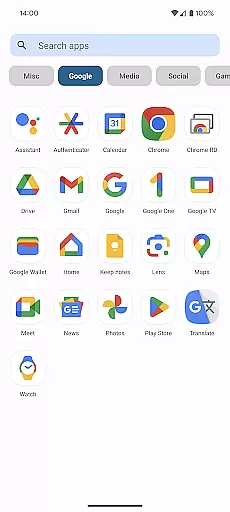
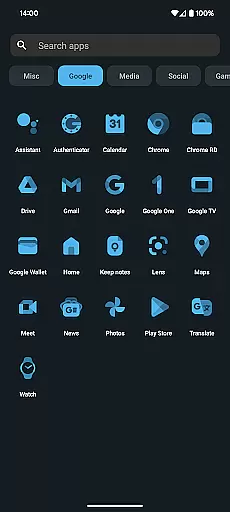
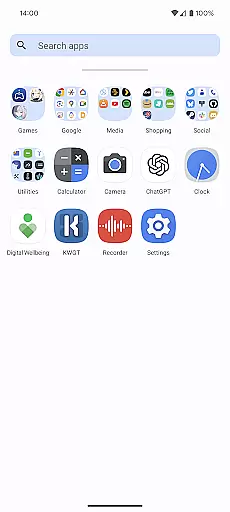
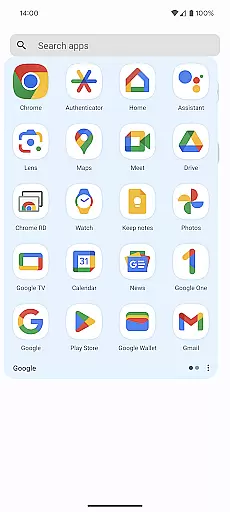
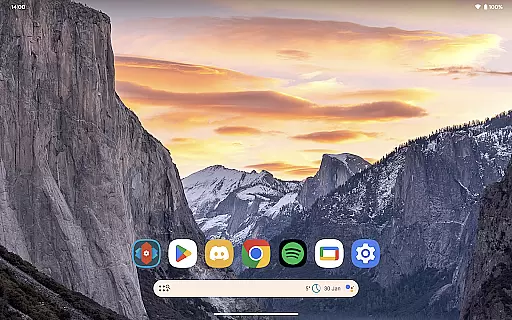
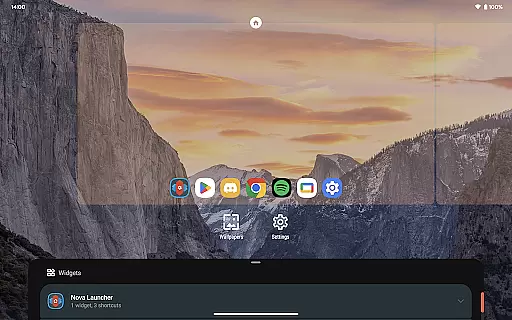
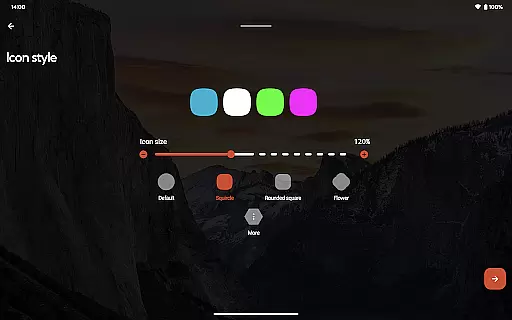
Nova Launcher Prime is a premium upgrade that unlocks advanced customization features for the popular Nova Launcher app. Designed for Android users who want complete control over their home screen experience, this personalization tool offers powerful gestures, app drawer organization options, and productivity-enhancing features.
The application enables users to create custom swipe gestures, organize apps into groups, and hide unwanted applications without uninstalling them. These capabilities make it an ideal solution for those seeking a highly personalized and efficient mobile workspace.
Nova Launcher Prime stands out with its comprehensive set of customization tools. The application's gesture system allows users to execute commands through intuitive swipes and taps on the home screen. Its app drawer grouping feature provides unprecedented organization capabilities, letting users categorize applications into custom tabs or folders.
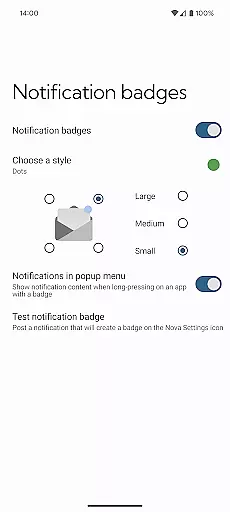
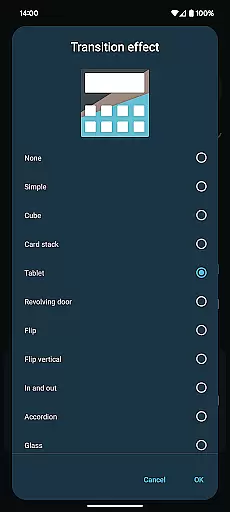
Additional notable features include icon swipe gestures that maximize productivity without cluttering the home screen, notification badges for quick status updates, and various scrolling effects that enhance visual appeal. These features collectively offer users unparalleled flexibility in tailoring their Android experience.
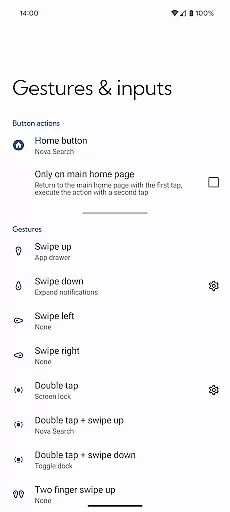
Nova Launcher Prime stands out in the realm of personalization by offering an extensive array of customization options that cater to both novice users and tech enthusiasts. The app allows for gestures on the home screen, such as swiping, pinching, and double-tapping, which can be tailored to execute specific commands, enhancing user interaction with their device.
Moreover, Nova Launcher Prime extends its customization capabilities to the organization of apps. Users can create custom tabs or folders within the app drawer, allowing for a personalized and ultra-organized feel. This feature not only streamlines access to frequently used applications but also declutters the app drawer, making navigation more intuitive.
In addition to organizational features, the ability to hide apps from the app drawer without uninstalling them adds another layer of personalization. This ensures that the home screen remains free of clutter while still maintaining quick access to all necessary apps. Such comprehensive customization empowers users to tailor their smartphone experience precisely to their liking.
Theme compatibility is a crucial aspect of any launcher application, and Nova Launcher Prime excels in this domain. By supporting a wide range of themes, it ensures that users can achieve a consistent look and feel across their device's interface. Whether you prefer a minimalist design or vibrant, colorful themes, Nova Launcher Prime accommodates various aesthetic preferences.
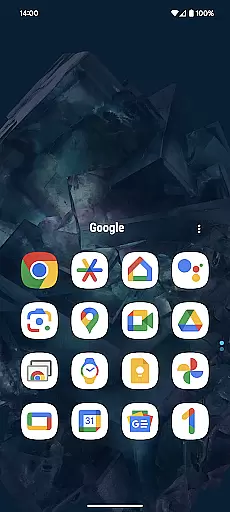
The app goes beyond basic theme support by integrating seamlessly with popular icon packs. For instance, the OneYou Icon Pack by PashaPuma Design, mentioned in the app description, exemplifies the high-quality visual enhancements available to users. These icon packs, used with permission from their creators, provide a cohesive visual experience that complements chosen themes.
Furthermore, Nova Launcher Prime's compatibility extends to advanced visual elements like notification badges and scrolling effects. These subtle yet impactful details contribute to a polished and professional appearance, ensuring that users enjoy not only functional but also visually appealing personalization options. This level of theme compatibility solidifies Nova Launcher Prime's position as a top choice for those seeking a fully customizable mobile experience.
Extensive customization options
Intuitive gesture controls
Advanced app drawer management
Space-saving productivity features
Regular feature updates
Requires separate Nova Launcher installation
Some features may overwhelm beginners
No built-in icon pack
Premium price point
Occasional compatibility issues

Customizable Glass widgets. Over 360+ stunning widgets and more!
 4.70
4.70
Customizable flower power digital watch face for Wear OS watches.
4.00
Try creating your own keyboard with "Keyboard theme for android" app now!
4.50
Run multiple accounts of the same app on a single device
4.10
Transfer your live wallpapers from Windows to Android using Wallpaper Engine!
4.00
App Icon Changer & Shortcut Creator. Customize your icons without any watermarks
4.30
Aesthetic Widgets, HD Wallpapers, Themes in Mico Widget for Home and Lock Screen
4.50
Customize glowing edges, wallpapers, and caller screen with EdgeAura.
3.50
Vibrant Adaptive Icons with Material You and Enhanced Monet Colors.
4.50
Dark icon pack based on One 8
4.80
100+ Stylish Fonts, Emojis, Symbols keyboard for Instagram & TikTok!
4.80
One 8 icons glass color version
4.80
A minimalist productivity launcher. One-hand-friendly. Zero ads.
4.70
Stunningly Different look with Line Icons and Neon Colors
4.60
300+ Beautifully crafted widgets inspired by OneUI.
4.60
200+ Material Inspired Widgets
4.50
Yandex Browser — stylish and secure, with voice search and data compression
4.40
Design your screen with unique, vibrant clocks
3.80
Transform your phone with stunning video wallpapers and a unique, personal touch
3.80


User Reviews