
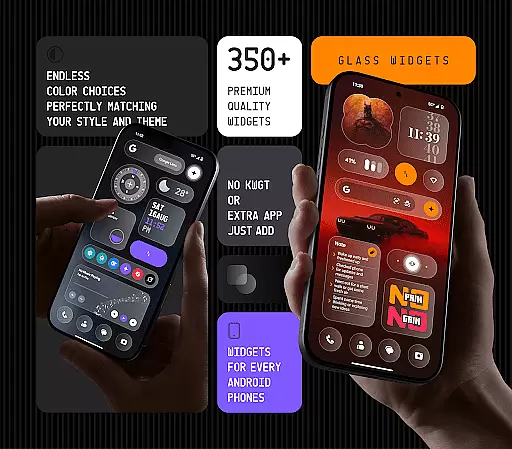
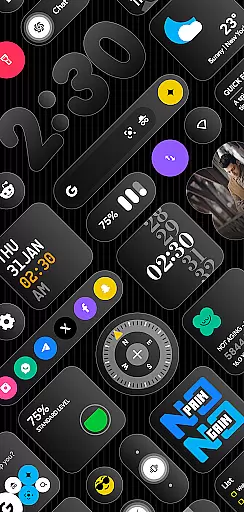
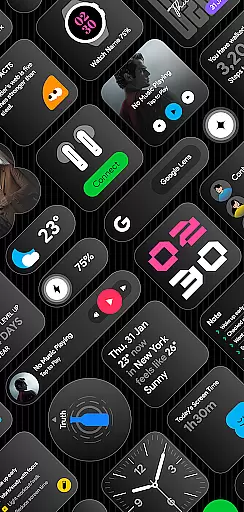
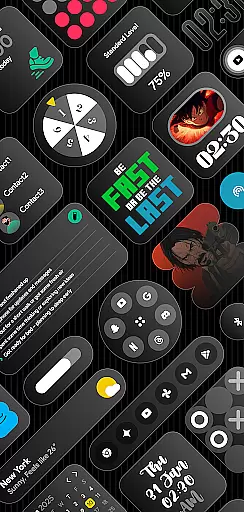
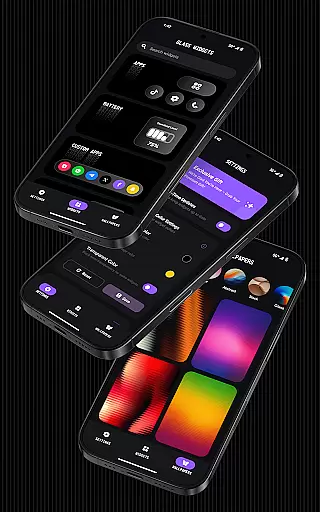
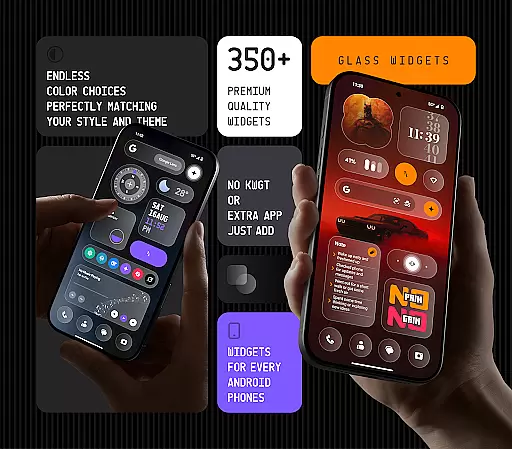
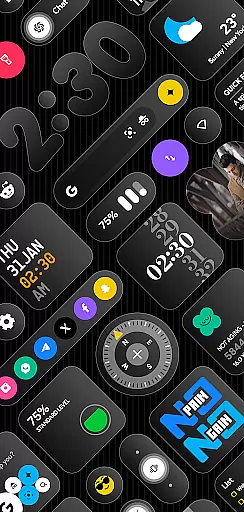
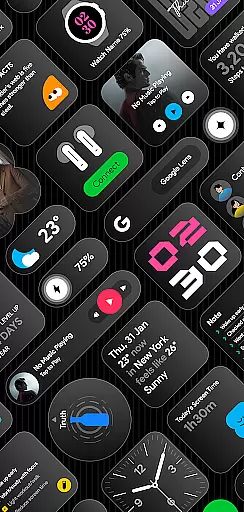
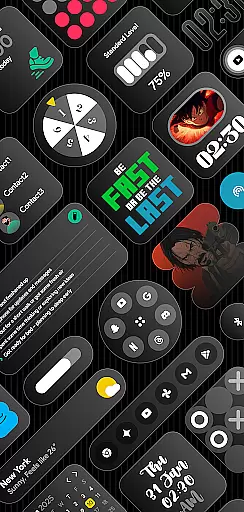
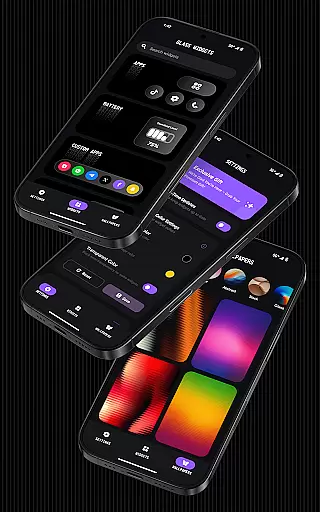
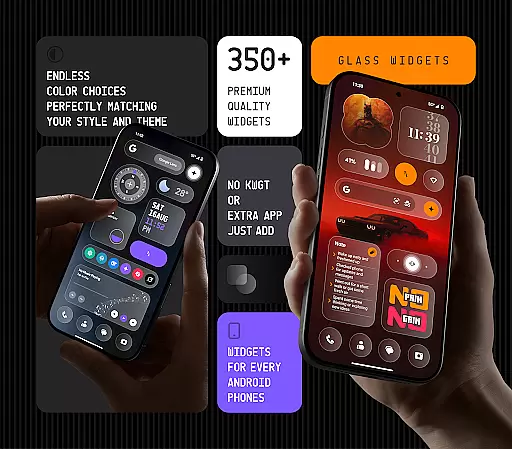
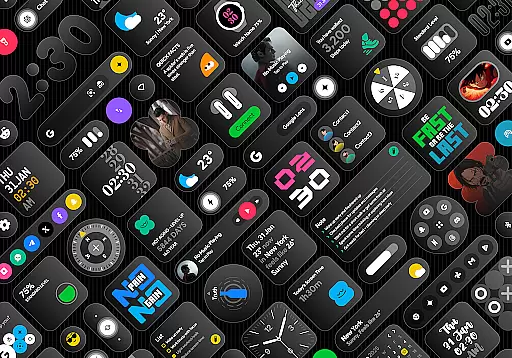
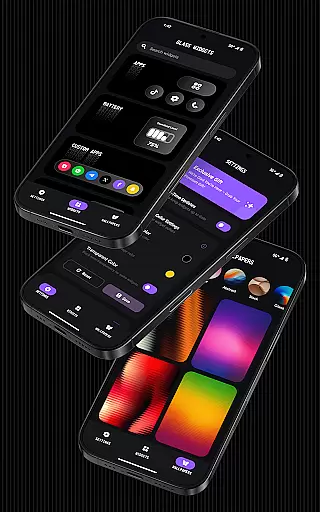
Glass Widgets is a feature-rich personalization app that offers over 350 beautifully designed glass-style widgets compatible with any Android device. These sleek, transparent widgets allow users to upgrade their home screens and lock screens with modern designs that include clocks, weather updates, calendars, battery indicators, step counters, quotes, compasses, and quick settings.
The app stands out through its extensive customization options, supporting both home and lock screens while offering personalized color settings for each widget. With minimalistic and stylish designs, these widgets blend seamlessly with any theme or wallpaper. The inclusion of real-time updates and battery-friendly optimization ensures smooth performance throughout the day.
Whether you're looking to enhance productivity or simply beautify your device, Glass Widgets provides a comprehensive solution for personalizing your Android experience. Its regular updates and new widget additions keep the content fresh and engaging, making it an ideal choice for users seeking a modern, functional aesthetic on their devices.
Glass Widgets distinguishes itself through a robust set of features designed to maximize both aesthetics and functionality. One of its key strengths is the ability to work without requiring additional apps like KWGT, allowing instant usability right after installation. This makes it exceptionally user-friendly for those who want quick access to stylish widgets without extra setup steps.
The app includes over 350 unique glass-style widgets, ranging from practical tools like weather and calendar widgets to more creative elements such as quotes and photo displays. Each widget is customizable in terms of color, size, and design, ensuring that users can tailor their home screens exactly to their preferences. The added support for both home and lock screens further enhances its versatility, providing a cohesive look across all device interfaces.
Another standout feature is the use of exact alarms and foreground services to ensure real-time accuracy in widget updates. Whether it's refreshing weather information or updating screen time stats, these technical implementations guarantee reliable performance. Additionally, the availability of complementary glass-effect wallpapers creates a unified visual experience, making Glass Widgets a complete personalization solution for Android users.
Customization is at the heart of personalizing your digital experience, and Glass Widgets excels in providing a vast array of options to tailor your Android device to your unique style. With over 350 beautifully crafted glass-style widgets, this application allows users to modify their home and lock screens with ease.
The app offers an impressive selection including clocks, weather, calendar, battery indicators, step counters, quotes, compasses, and quick settings, all available in minimal, stylish, transparent, personalized, and live designs. This extensive range ensures that whether you're looking for functionality or aesthetic appeal, there's a widget that fits your needs perfectly.
Moreover, the ability to customize colors means that users can match their widgets with their personal preferences or existing themes on their devices. The inclusion of glass-effect wallpapers further enhances the visual harmony between widgets and the overall look of your device, creating a seamless and modern appearance.
By prioritizing user choice and flexibility, Glass Widgets not only upgrades the visual appeal of your Android device but also enriches the user experience by allowing for a high degree of personalization. This makes it an ideal choice for those who value both form and function in their mobile experience.
Theme compatibility is crucial for ensuring that widgets not only look good but also integrate seamlessly with the overall design language of a user's device. Glass Widgets addresses this need by offering designs that effortlessly match any theme, making it versatile for various customization preferences.
This application supports both home and lock screens, enhancing the layout of Android devices without compromising on aesthetics or performance. Its optimized design guarantees that even with multiple widgets in use, the interface remains battery-friendly and smooth, maintaining speed and efficiency throughout the day.
Glass Widgets' commitment to regular updates means that users can expect fresh content that continues to align with current design trends and technological advancements. These updates ensure that the app evolves alongside its users' changing tastes and needs, keeping the widgets relevant and engaging over time.
Ultimately, the blend of broad theme compatibility, combined with ongoing support and optimization for performance, positions Glass Widgets as a top choice for users seeking to enhance their deviceu2019s appearance while enjoying a highly functional and responsive interface.
User-friendly interface
Extensive widget variety
Real-time updates
Customizable designs
Battery-optimized performance
Requires exact alarms
Foreground service needed
Premium version costs
Limited iOS compatibility
Occasional update delays

Glass style colourful icons with a One UI look and feel
 4.60
4.60
Ultra realistic high quality analog watch face for Wear OS.
4.60
Transform your phone with Launcher iOS 26 - Smooth & elegant iOS experience
4.50
Make your phone look simple & luxury, like iDevice
4.60
Aesthetic Widgets, HD Wallpapers, Themes in Mico Widget for Home and Lock Screen
4.50 4.10
4.10
Embrace the Night. Unleash the power of darkness with Raven Dark Icon Pack
4.60
Yandex Browser — stylish and secure, with voice search and data compression
4.40
Enjoy a variety of amazing live wallpapers and colorful EDGE lighting borders!
4.80
Customizable Glass widgets. Over 360+ stunning widgets and more!
4.70
Stunningly Different look with Line Icons and Neon Colors
4.60
Handcrafted pixel art icons, widgets & wallpapers
4.60 4.50
4.50
A light in the dark, a unique style and an andless cutomization!
4.30
App Icon Changer & Shortcut Creator. Customize your icons without any watermarks
4.30
Unleash Your Creativity and Connect with Loved Ones with Lockscreen Drawing!
4.20
Transfer your live wallpapers from Windows to Android using Wallpaper Engine!
4.00
Your go to Weather App & Home Screen. Get your weather at a swipe of a finger!
3.80
Transform your phone with stunning video wallpapers and a unique, personal touch
3.80


User Reviews