
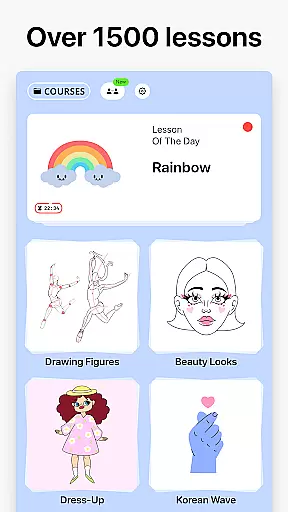

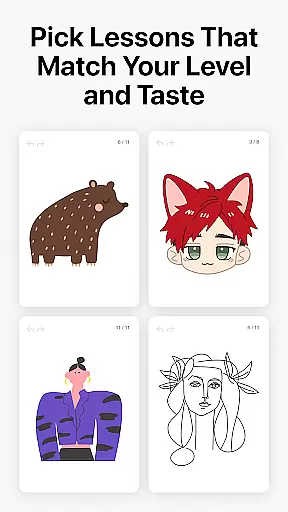
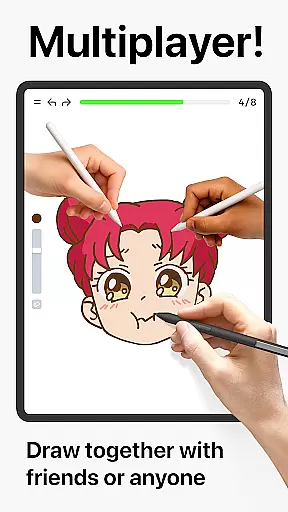
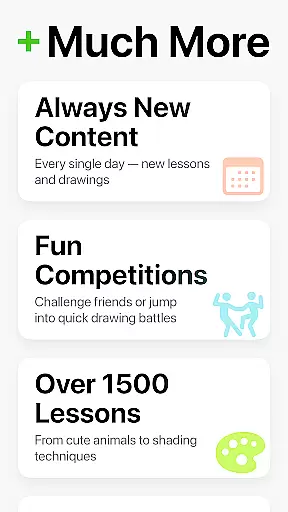
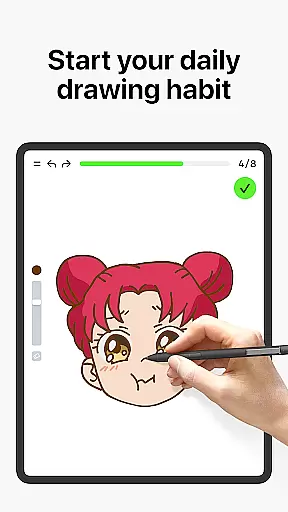
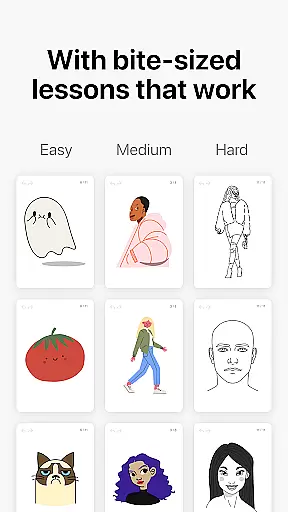
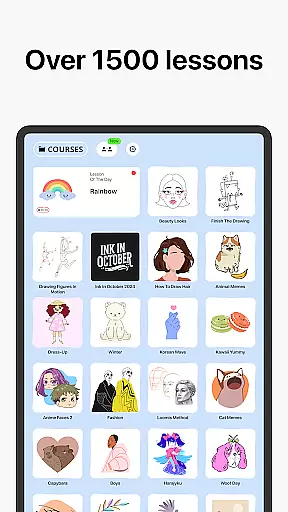
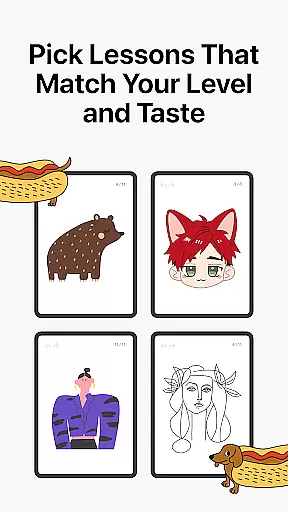
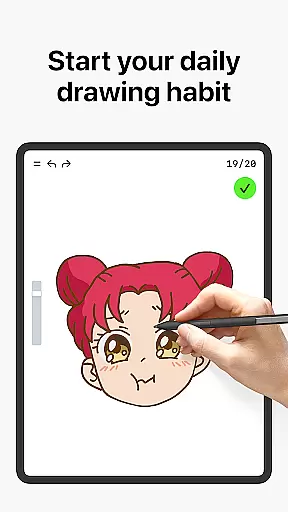
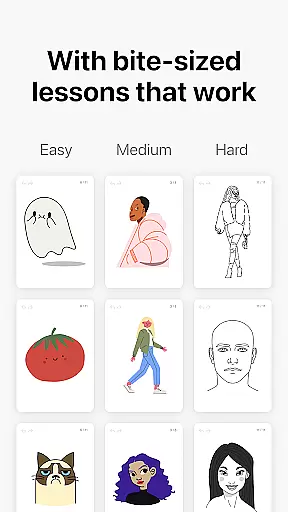
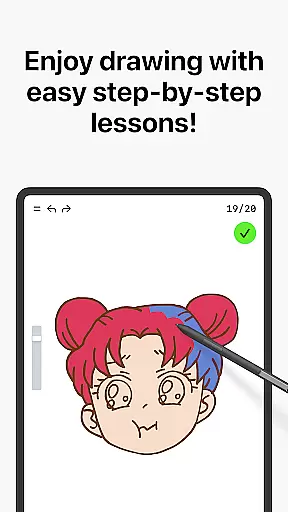
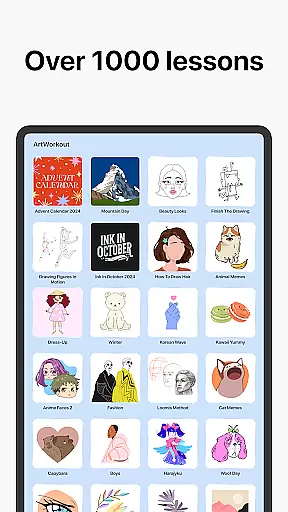
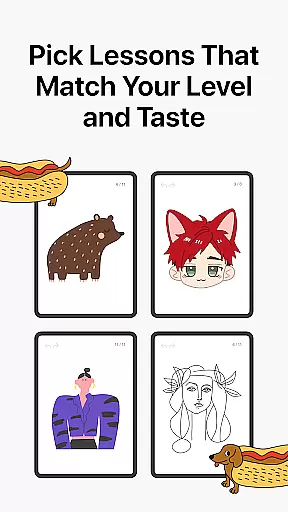
Learn how to draw is an innovative drawing and painting trainer app designed for art enthusiasts of all skill levels. The app offers over 1000 step-by-step tutorials that cater to both beginners and experienced artists, making it a comprehensive tool for learning and improving artistic skills. With its unique multiplayer mode, users can now engage in live drawing sessions with friends or other artists worldwide, creating a collaborative and competitive environment.
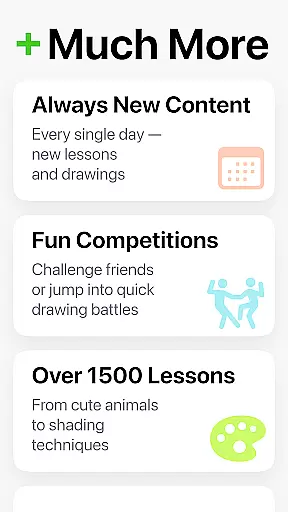
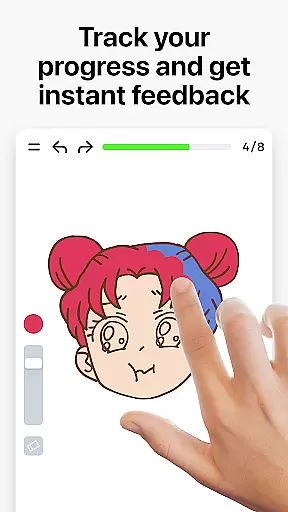
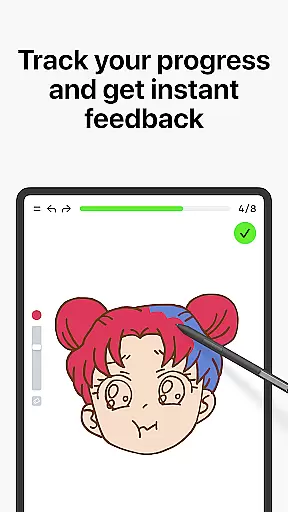
Beyond basic tutorials, the app incorporates a scoring system that tracks user progress and provides measurable feedback on accuracy and stroke quality. This feature-rich platform also includes interactive courses covering various art forms like doodling, sketching, and painting. Regular updates introduce new lessons and culturally inspired time-limited events, ensuring continuous engagement and learning opportunities.
Learn how to draw stands out through its combination of education and entertainment. The app's dynamic tutorials break down complex techniques into manageable steps, while the multiplayer functionality fosters community interaction and friendly competition. Its unique scoring algorithm evaluates both accuracy and stroke quality, offering users detailed insights into their artistic development.
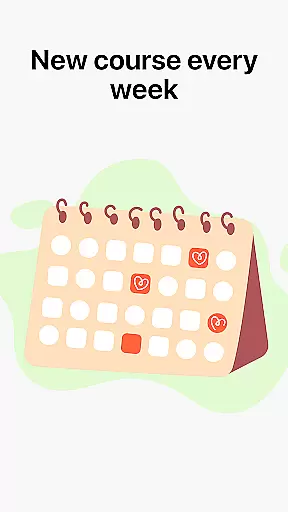
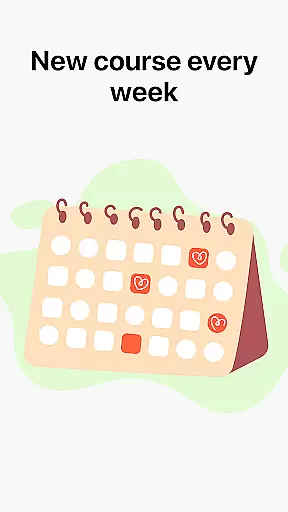
The application goes beyond simple tracing exercises by incorporating essential art theory with practical exercises. Through its structured curriculum and immediate feedback system, users can effectively build foundational skills while enjoying game-like engagement. Additional features include weekly course updates, holiday-themed lessons, and active community support through Discord and Telegram channels, creating a complete ecosystem for artistic growth.
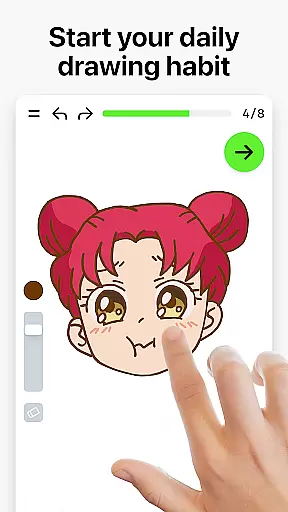
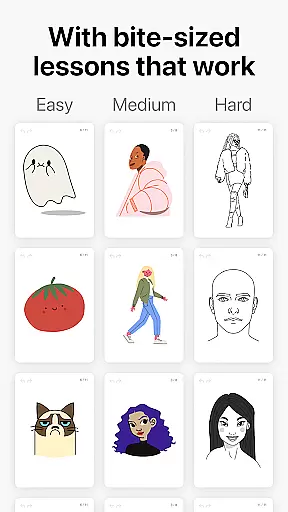
ArtWorkout offers a comprehensive suite of creative tools designed to cater to artists of all skill levels. With over 1000 step-by-step tutorials, the app provides detailed guidance on various techniques in drawing, painting, and tracing.
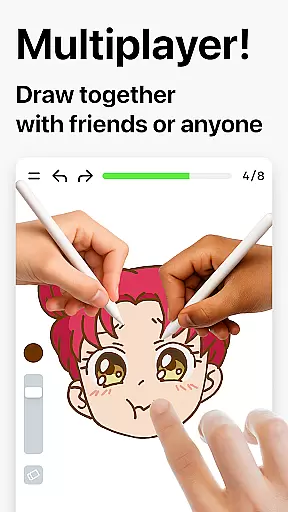
The inclusion of a unique multiplayer mode sets ArtWorkout apart, allowing users to draw together with friends or other artists worldwide. This collaborative feature fosters a sense of community and friendly competition, enhancing the overall artistic journey.
Interactive courses covering doodling, sketching, painting, and even handwriting ensure that users can explore different art forms. The app also incorporates a scoring system that tracks progress and improvement, offering clear evidence of artistic growth over time.
Regular updates with new lessons and themed courses keep the content fresh and engaging, making ArtWorkout not just an app but a complete art education platform that evolves with its users' needs.
Flexibility is at the core of ArtWorkout's design, providing users with adaptable canvas options that suit various project requirements. Whether you're working on small sketches or large-scale paintings, the app accommodates different sizes and formats to fit your vision.
ArtWorkout supports multiple digital formats, ensuring that artwork can be easily exported and shared across platforms. This versatility allows artists to integrate their creations into different media or share them with a broader audience without format restrictions.
Moreover, the app's compatibility with both beginners and professionals means it can grow with its users. As artists develop their skills, they will find that ArtWorkout grows too, offering advanced features and techniques that match their increasing proficiency.
With weekly updates introducing new lessons and culturally inspired content, users enjoy an ever-expanding array of creative possibilities, keeping the experience dynamic and relevant to current artistic trends.
User-friendly interface
Comprehensive tutorials
Innovative scoring system
Multiplayer functionality
Regular content updates
Limited advanced techniques
Occasional performance issues
Premium content requires subscription
Steep learning curve for some
Interface may feel overwhelming

The ultimate tool for creating animations
 4.60
4.60
Transform photos into amazing monochrome dither art with professional algorithms
4.0
Digital illustration drawing & painting pad app to paint Anime and Manga art
4.50
AI Assistant, powered by ChatGPT GPT-4 & GPT-4o. Your intelligent companion.
3.50
Text to Image, Image to Video & AI Chat
4.20
Photo editor for art, avatars, filters & fun transformations.
4.60
Draw Trace image sketch by, AR art projector app, Easy to trace any image.
4.50
Unleash the artist in you with our AR drawing and tracing tool for photo drawing
4.10
Explore future self face age filter & remove background image for a unique look.
3.50
Discover Cartoon Dream : Unleash Your Creativity with CuttingEdge AI
4.50
Create neon drawing with magic doodle and fun doodle art effects!
4.50
Bring One UI 8.5 Icons to life -elegant dark icons with a modern, premium touch.
4.30
Customizable Outlined Fonts. Watch Face Format. Battery friendly Digital Clock.
4.20
OneUI 8.5 icons ✨ Smooth, modern & based on the latest Play Store design ??
4.10
Design your dream room with AI. Get decor ideas & plan home interiors
3.90
Your homescreen as an elegant glass with customized blur, lighting, and visuals.
3.70
Vidu is an AI video generator made for creators and aspiring makers.
3.30
Sketch, trace and master AR drawing with awesome anime art!
3.30
Art of Combination Wear OS Watch Faces
4.3


User Reviews