
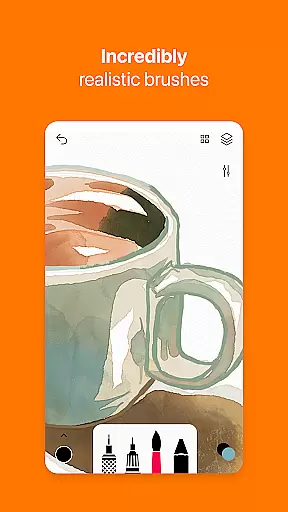
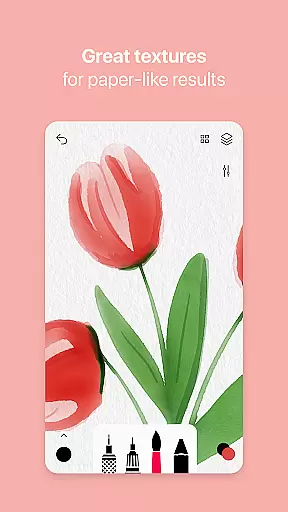
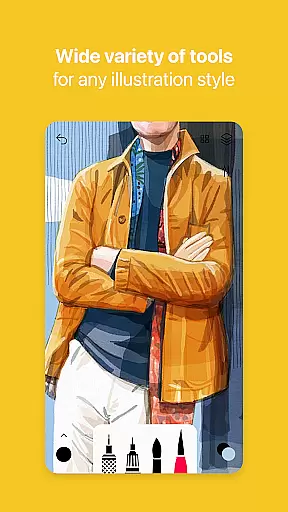
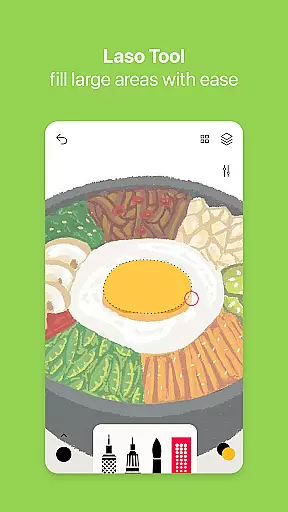
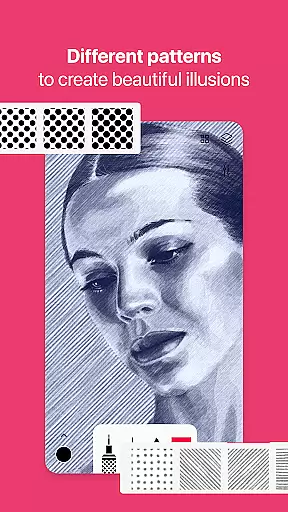
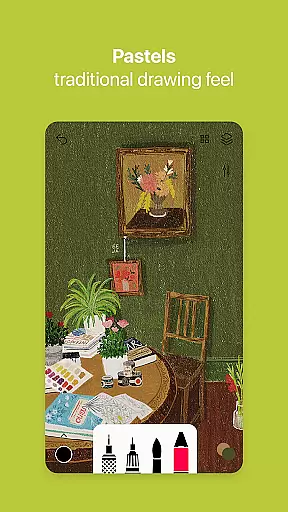

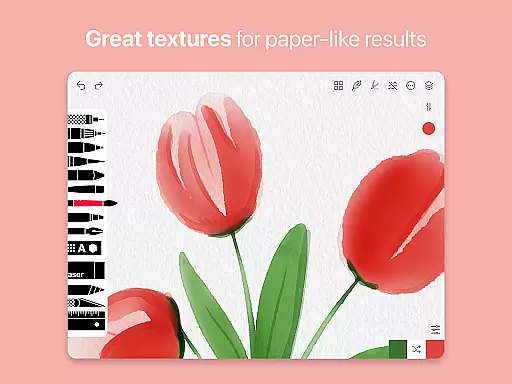
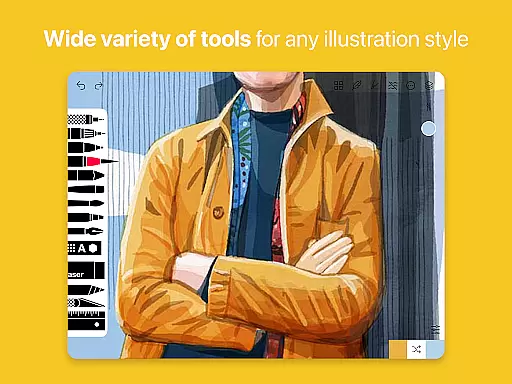
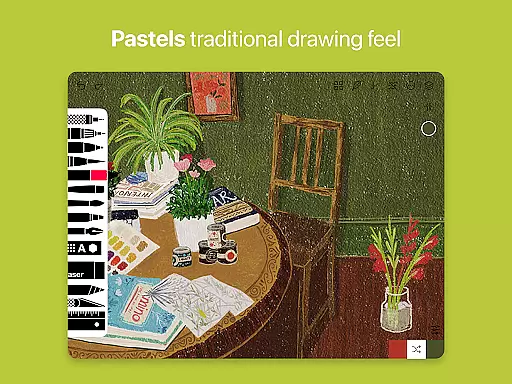
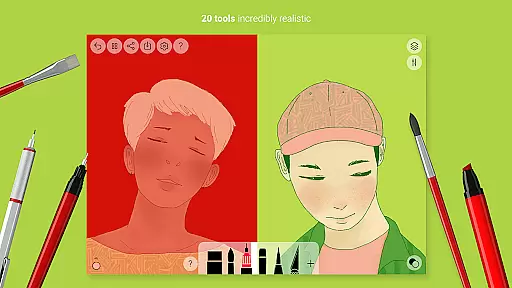
Tayasui Sketches is a premier drawing application designed for artists and creatives who value precision and beauty in their digital artwork. The app offers an impressive collection of over 20 ultra-realistic tools, each meticulously crafted to mimic the behavior of traditional art mediums. These include watercolor brushes that react to pressure and angle, oil pastels, acrylic brushes, and various pens.
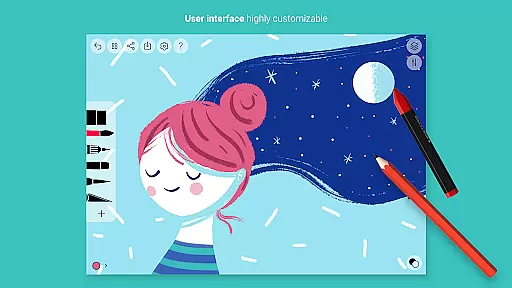
What sets Sketches apart is its intuitive interface combined with advanced features like layers management, brush editor, color eyedropper, and stylus support. This makes it not only powerful but also accessible to users of all skill levels. Whether you're sketching ideas on the go or creating detailed masterpieces, Tayasui Sketches provides the tools necessary to bring your visions to life with stunning realism.
The hallmark of Tayasui Sketches lies in its exceptional toolset and user-friendly design. With more than 20 realistic drawing instruments, users can explore different artistic styles from watercolors to oil pastels. Each brush and pen adapts dynamically to touch, offering a natural drawing experience that closely resembles working with physical materials.
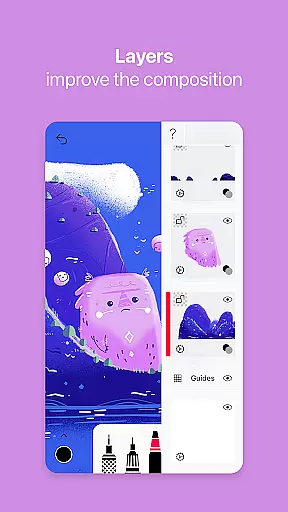
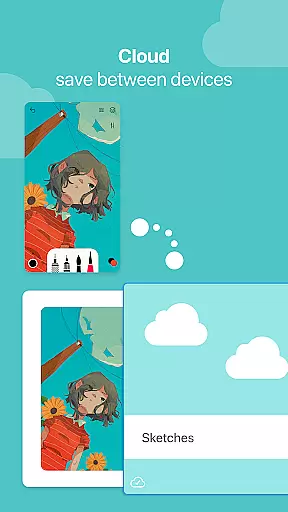
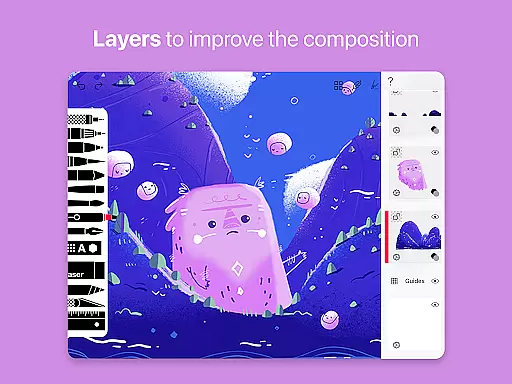
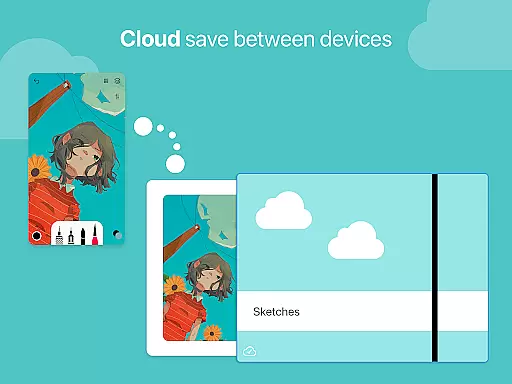
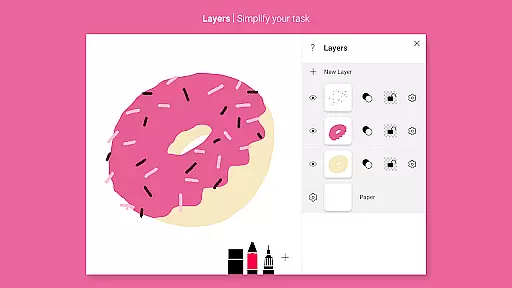
Beyond basic drawing, the app includes sophisticated functionalities such as layer support which simplifies complex projects by allowing non-destructive editing. The advanced sharing options enable easy export and collaboration, while the Brushes Editor empowers artists to customize their tools precisely. Additionally, integration with styluses enhances control and accuracy, making this app suitable for both casual doodlers and professional illustrators seeking a versatile digital canvas.
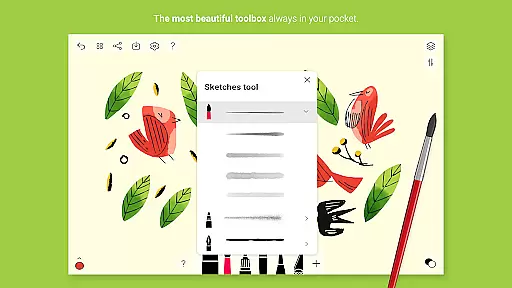
In the realm of digital art, having a comprehensive set of creative tools is paramount. Tayasui Sketches offers an impressive array of over 20 ultra-realistic instruments, ranging from pens and brushes to advanced features like layers and a brush editor.
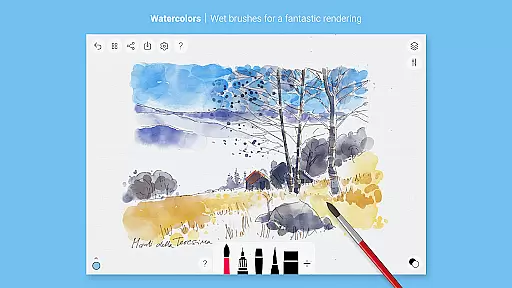
Each tool within the application has been meticulously crafted to mimic real-world counterparts. The watercolor wet brush, for instance, provides an incredibly lifelike experience that adapts to the user's movements in terms of pressure, angle, and width, offering artists an unparalleled level of expression.
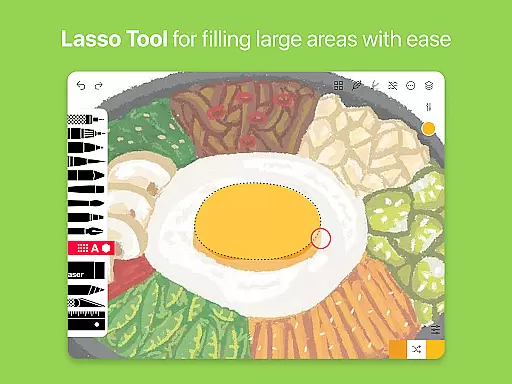
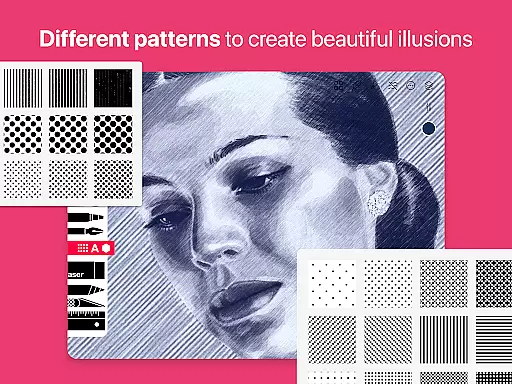
By including both basic drawing implements and sophisticated add-ons such as pattern fillers and smudge tools, this app ensures that all artistic visions can be realized without compromise. This vast selection empowers creators to experiment with different styles and techniques within their sketches.
A canvas in digital art should offer more than just a space to draw; it needs to provide flexibility in size, format, and functionality. Tayasui Sketches excels by allowing users to import photos and use layers, which vastly expands the possibilities for creative projects.
The inclusion of layer support simplifies complex tasks by enabling artists to separate elements of their work. This feature not only streamlines the editing process but also opens up new avenues for creativity through compositing and detailed adjustments.
Furthermore, with stylus support and advanced sharing options, artists have complete control over their workflow from creation to export. Such versatility ensures that whether working on simple sketches or intricate designs, users can tailor their canvas settings to fit their specific needs.
User-friendly interface
Realistic brush effects
Extensive tool variety
Advanced layer management
Customizable brushes
Subscription model required
Limited free trial availability
Some features iPad exclusive
No refunds post-purchase
Auto-renewal default setting

Design your dream room with AI. Get decor ideas & plan home interiors
 3.90
3.90
Digital illustration drawing & painting pad app to paint Anime and Manga art
4.50
Passport size photo maker, create ID photo and visa photo in seconds
4.80
Make your phone cooler and have a fantastic experience
4.80
Mobile pixel art editor. Simple. Fast. Portable.
4.80
Resize photos and print photos in exact size with our powerful photo printer!
3.80
AI Tattoo Generator: Create Tattoo Designs & Get Ideas! Ink & Stencil Maker
4.50
Sketch and paint on your device with the feel and freedom of drawing on paper
4.00
An intuitive, high-performance painting app that lets you focus on creating
4.40
Castle is social media for creating and playing games!
4.60
The ultimate tool for creating animations
4.60
Draw, fidget, and spin glow art! Relax and express your creativity with a finger
4.60
Draw anime & manga drawing, art with templates to create stunning picture!
4.50
Create color palette from Image, RGB & RYB Color wheel harmonies, Color Scheme
4.50
Trace, draw, and create art with AR - from memes to masterpieces!
4.30
Sketch, trace and master AR drawing with awesome anime art!
3.30
Premium version of Shimeji-ee app with no ads & no limit active shimeji
4.1
Download now for a stylish and functional timepiece
4.4
Your Essential Color Theory Guide: Red, Yellow, Blue (RYB)
4.5


User Reviews