
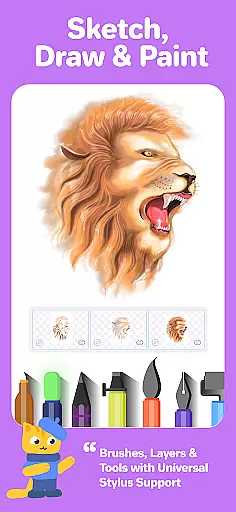
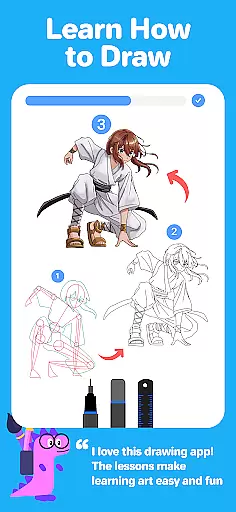
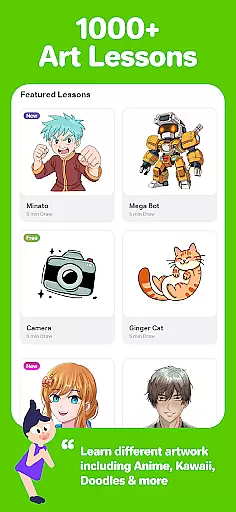
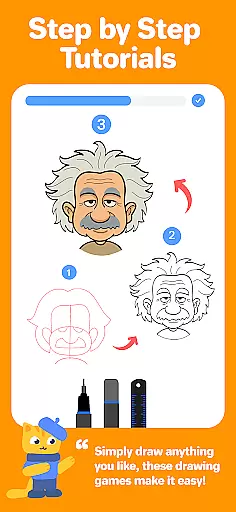
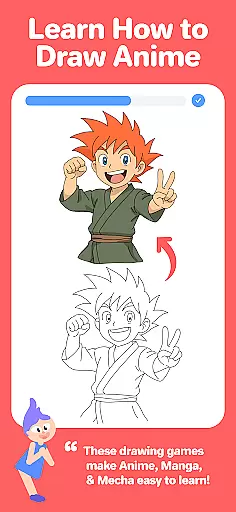
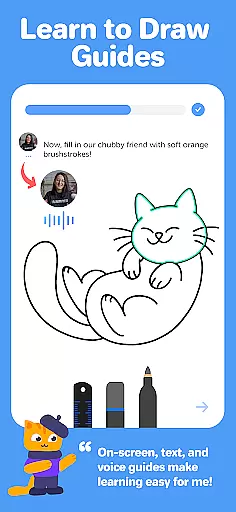
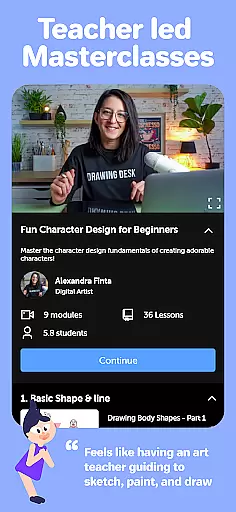
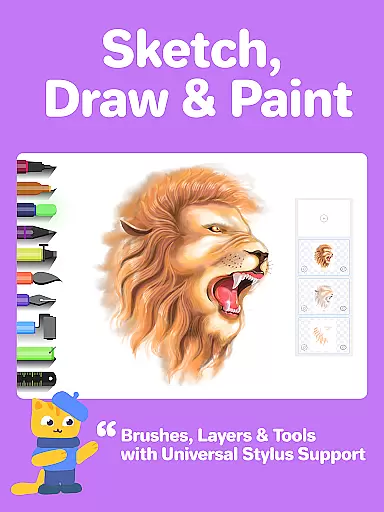
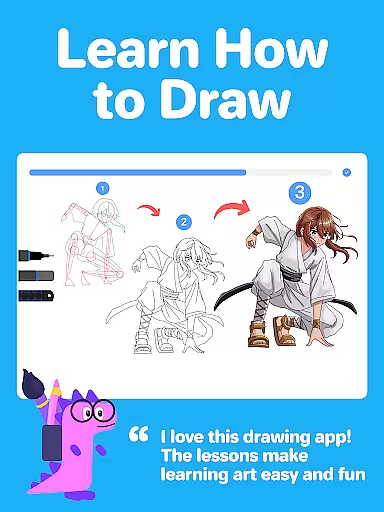
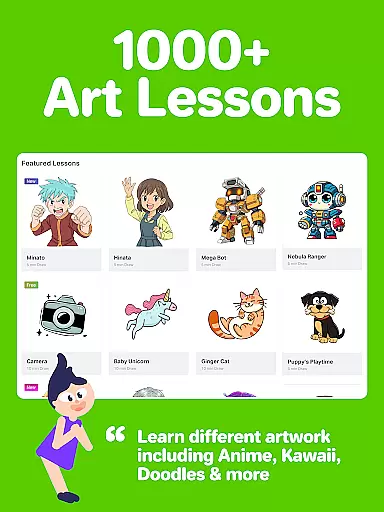
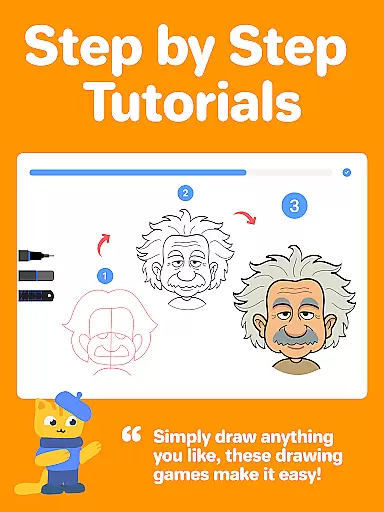
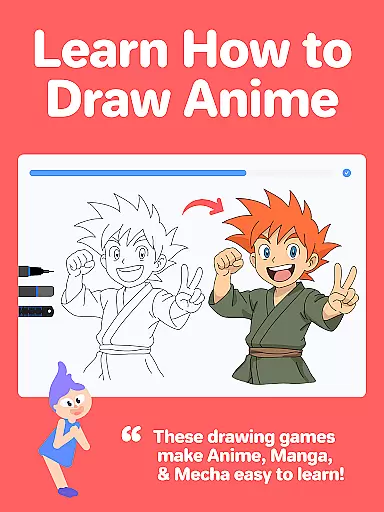
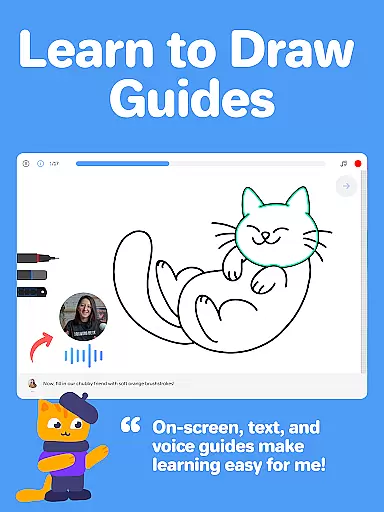
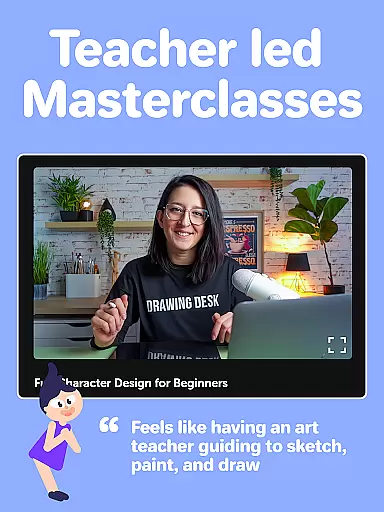
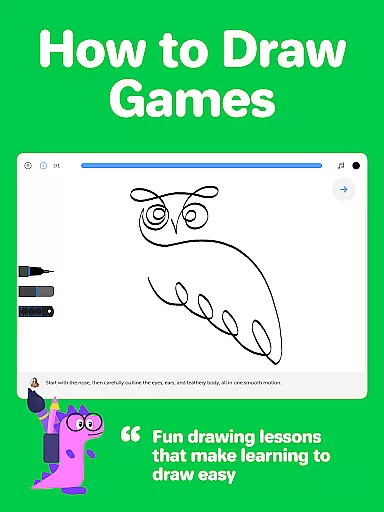
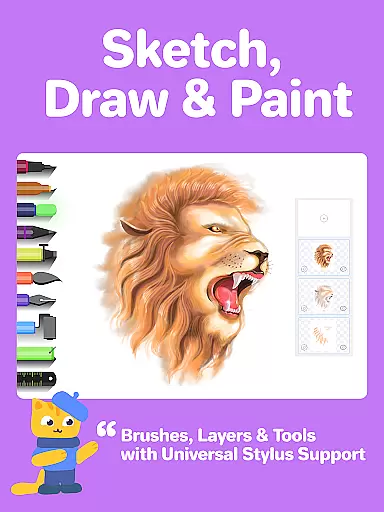
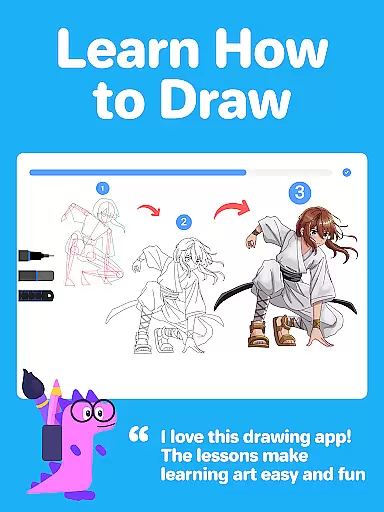
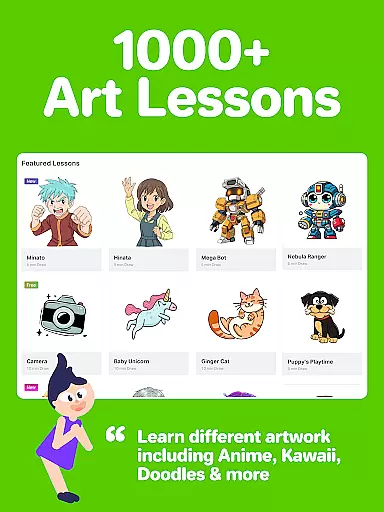
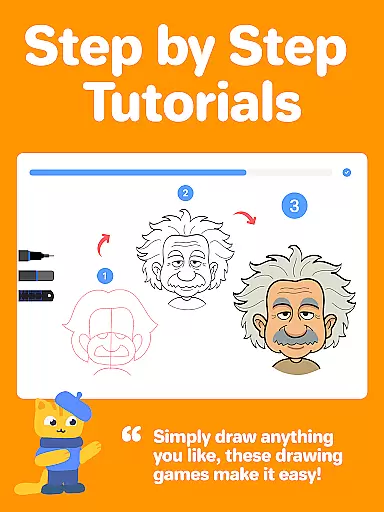
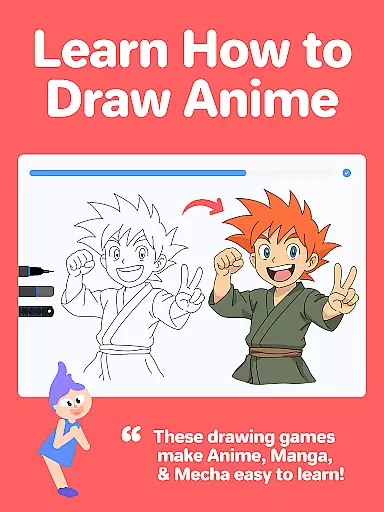
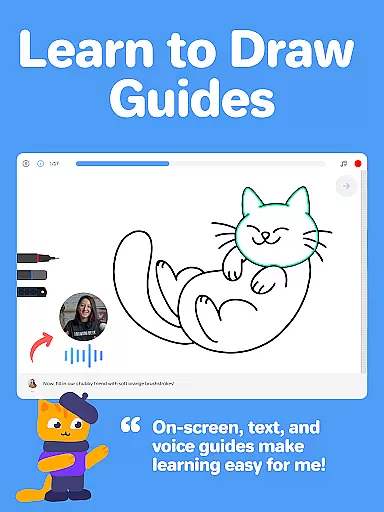
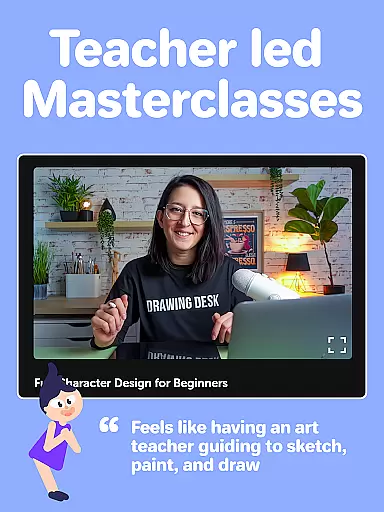
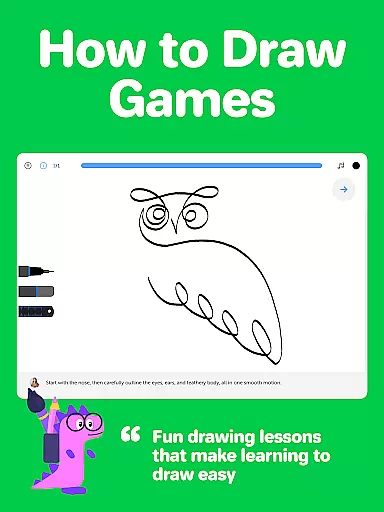
Drawing Desk is a premier digital art application designed for both beginners and advanced artists. With over 70 million users globally, this app offers an extensive suite of drawing and painting tools including pencils, crayons, watercolor brushes, and more. It provides a platform to learn and practice art skills with 1000+ step-by-step lessons covering various styles like Anime, Manga, and Kawaii.
One of the standout features is its structured learning paths where users can select artistic goals and receive personalized lesson plans. Additionally, Drawing Desk offers Masterclasses conducted by professional artists, providing comprehensive guidance from basic to advanced techniques in digital art.
Drawing Desk boasts an impressive array of features tailored for artists. The app includes 25+ sketch tools such as pens, pencils, neon markers, and watercolor brushes. Users can work on unlimited layers and choose from various canvas sizes. Advanced functionalities include quick shape drawing, symmetry tools, instant shapes, color palettes, gradients, and texture-filled buckets.
Incorporating AI-powered tools, Drawing Desk allows users to transform sketches into artworks using Sketch to Art AI and Text to Art AI. Other innovative features include Auto Colorize for rapid coloring, background removal, and object elimination from photos or drawings. These tools collectively enhance creativity and streamline the artistic process.
In the realm of digital art, having a comprehensive set of creative tools is essential for unleashing one's artistic potential. Drawing Desk rises to the occasion by offering an impressive arsenal of over 25 sketch tools that cater to various drawing styles and techniques.
From traditional pencils and crayons to modern watercolor brushes and neon markers, this application ensures that artists have everything they need at their fingertips. The inclusion of advanced features such as unlimited layers, quick shape drawing, symmetry tools, and instant shapes further enhances its appeal among both amateur doodlers and professional illustrators alike.
Moreover, with AI-powered functionalities like Sketch to Art AI, Text to Art AI, Auto Colorize, background removal from photos & drawings, and object elimination from visuals - users can explore new dimensions in creativity while enjoying seamless integration across all these powerful instruments within a single platform.
A canvas's adaptability plays a pivotal role in determining how freely an artist can express themselves digitally. Drawing Desk excels in providing unparalleled flexibility when it comes to canvas sizes and formats tailored specifically for different devices including phones or pads.
Artists using Drawing Desk on their pad devices will appreciate the ability to work on various canvas dimensions which allows them greater control over composition planning and execution. This feature empowers creators not only with more space but also precision during intricate detailing phases where accuracy matters most.
Additionally, access to color palettes & gradients along with fill bucket options featuring 125+ textures adds another layer of customization possibilities ensuring every artwork produced through this app reflects true personalization according to individual preferences without compromising quality standards expected from top-tier design software solutions available today.
User-friendly interface
Extensive toolset
AI-powered enhancements
Structured learning paths
Professional Masterclasses
Some features may require purchase
Advanced tools can be complex
Occasional performance lags
Limited offline functionality
Subscription model

The ultimate tool for creating animations
 4.60
4.60
Floor Plan Creator lets you create, edit and share floor plans.
4.00
Your homescreen as an elegant glass with customized blur, lighting, and visuals.
3.70
OneUI 8.5 icons ✨ Smooth, modern & based on the latest Play Store design ??
4.10
Share the joy of painting with ibis Paint! Drawing anime and manga art.
4.50
Turning simple sketches into captivating tales filled with life and motion
3.90
Draw, fidget, and spin glow art! Relax and express your creativity with a finger
4.60
Multiplayer Drawing game, Coloring, Painting・Sketch, Handwriting・Paint, draw
4.30
All-in-One art, logo & collage maker. Design photos and edit video backgrounds
4.80
Make your phone cooler and have a fantastic experience
4.80
Castle is social media for creating and playing games!
4.60
Kling AI is an image and video generation and editing studio powered by AI.
4.50
Nano Banana AI Image Generator, Anime Filter, AI Portrait, AI Photo Generator
4.30
Unleash the artist in you with our AR drawing and tracing tool for photo drawing
4.10
Easy 3D drawing design maker & creator. Model designing, Sculpting. Create&paint
4.00
Resize photos and print photos in exact size with our powerful photo printer!
3.80
Retouch photos. Create or edit images. Endless capabilities.
2.70
Transform photos into amazing monochrome dither art with professional algorithms
4.5
Your Essential Color Theory Guide: Red, Yellow, Blue (RYB)
4.2


User Reviews