
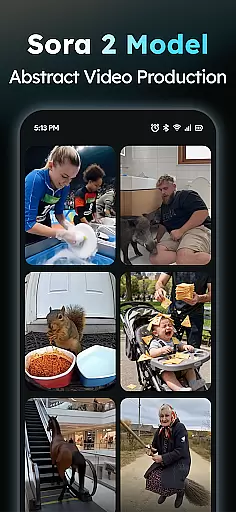
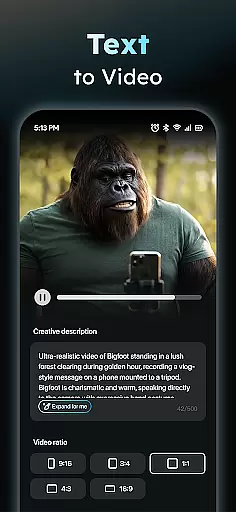
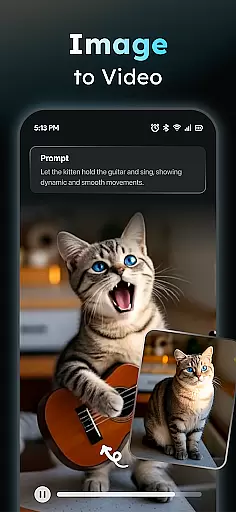
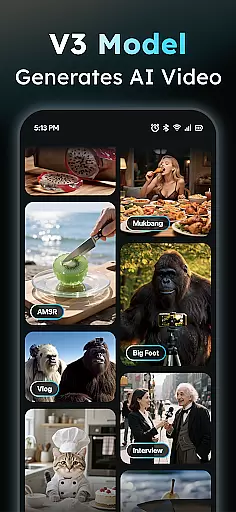
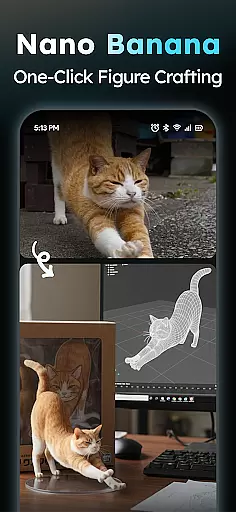
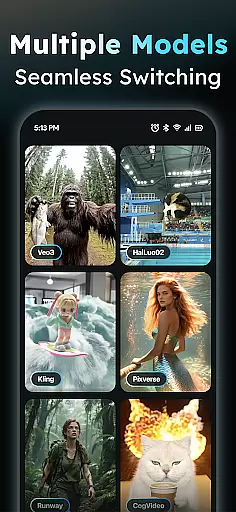
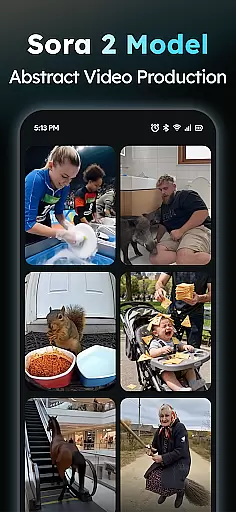
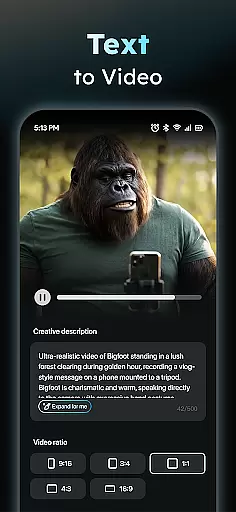
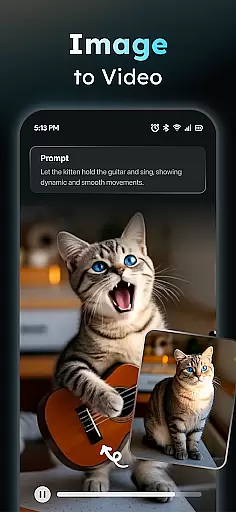
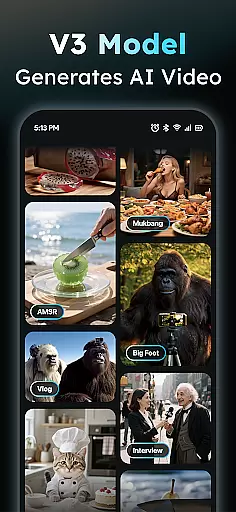
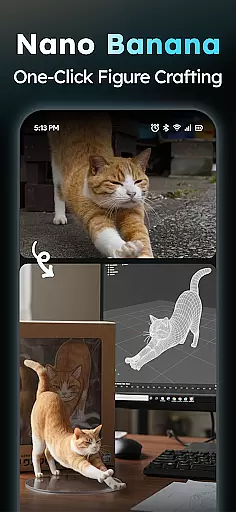
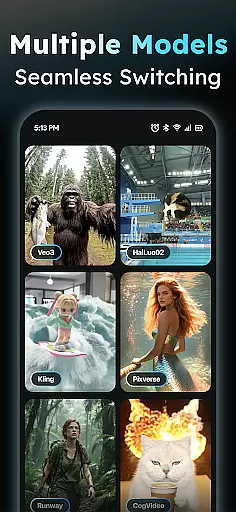
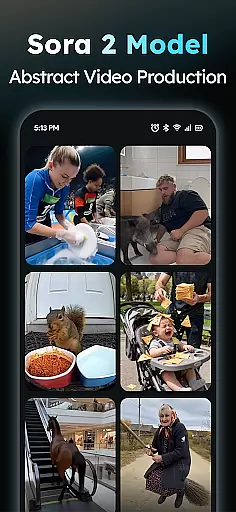
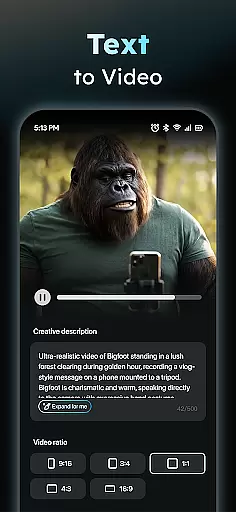
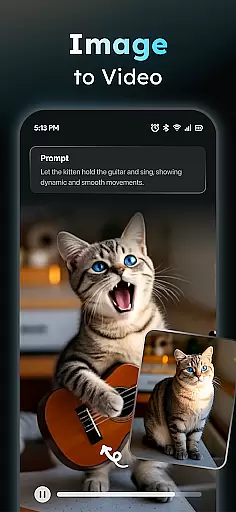
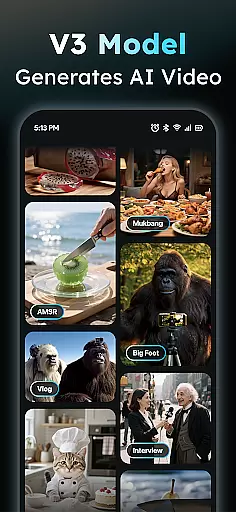
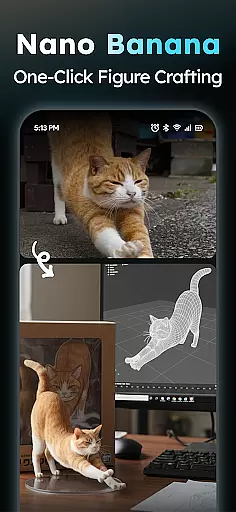
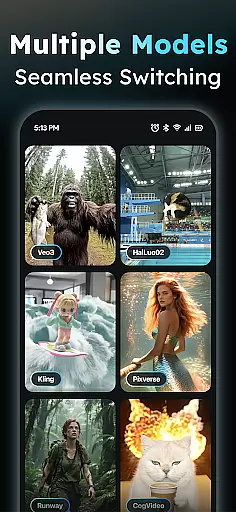
AIreel is an advanced AI-powered video creation tool designed for the Art & Design category, enabling users to produce professional-quality viral videos effortlessly. The application integrates state-of-the-art AI models such as Veo 3, Hailluo, and Runway to power its dual engines for both Text-to-Video and Image-to-Video generation. Whether you're looking to create cinematic content from scratch or transform existing images into dynamic videos, AIreel offers a seamless experience even for those with no prior video editing expertise.
One of AIreel's standout features is its ability to generate engaging short videos by simply inputting text, automatically adding scenes and music to enhance the final output. Additionally, the Photo to Video AI supports various formats including real-person, anime, and pet images, making it versatile for different creative needs. With AIReel, users can export videos in multiple aspect ratios like 9:16, 16:9, or 1:1, ensuring compatibility across all major platforms.
AIreel stands out in the Art & Design space with its robust set of features tailored for effortless video creation. At its core, the AI Video Generator allows users to input any text and automatically generates a viral short video complete with added scenes and background music. This feature democratizes video production, making it accessible to everyone regardless of their technical skills.
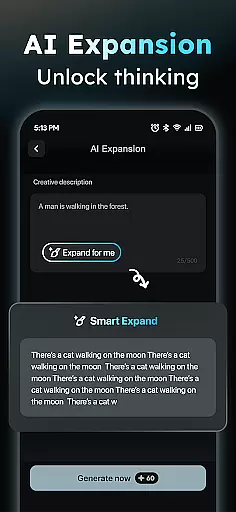
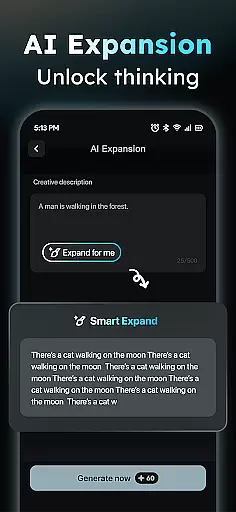
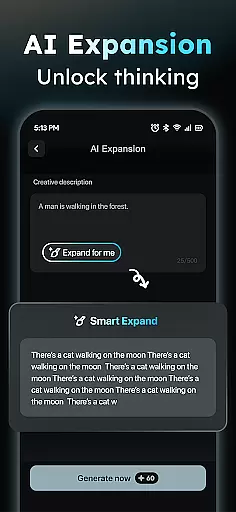
In addition to text-based video generation, AIreel offers a powerful Photo to Video AI that transforms static JPG or PNG images into dynamic moving visuals. This functionality supports various image types, including real-person portraits, anime characters, and pet photos, providing flexibility for diverse creative projects. The Prompt Assistant further lowers the barrier to entry by helping users turn their ideas into professional-grade prompts, streamlining the content creation process.
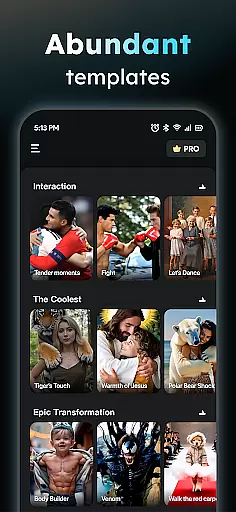
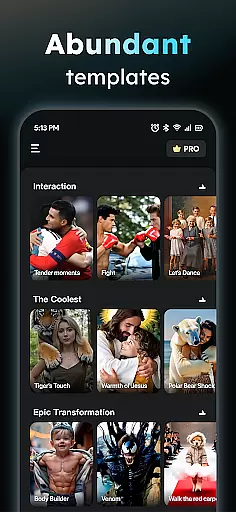
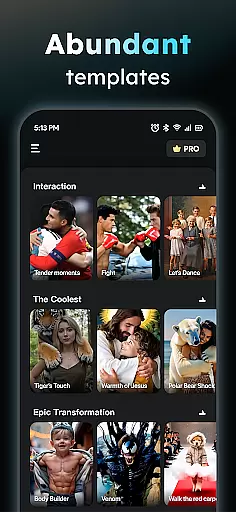
AIreel also includes a Social Template Hub that provides daily updates of trending TikTok, Reels, and Short templates, ensuring users stay ahead of social media trends. Moreover, the app renders videos 50% faster than mainstream tools and emphasizes user privacy through local processing on compatible devices. These innovations make AIreel a top choice for creators seeking efficiency and security in their video production workflow.
In the realm of digital creativity, having a comprehensive suite of tools is paramount. AIReel stands out by integrating advanced AI models such as veo3, hailluo, and runway to power its dual engines for both Text-to-Video and Image-to-Video transformations. This means users have at their disposal an array of features including an AI Video Generator that turns text into cinematic content with automatically added scenes and music, making it possible even for those without prior experience to create professional-grade videos.
Moreover, AIReel's Photo to Video AI supports various types including real-person, anime, and pet images, allowing creators to breathe life into stills. The inclusion of a Prompt Assistant further lowers the barrier to entry by helping users articulate their ideas into effective prompts, ensuring that even complex visions can be realized without needing deep technical knowledge.
The app also boasts a Social Template Hub, which is regularly updated with trending TikTok, Reels, and Short templates, thus providing a rich source of inspiration and practical frameworks for viral content creation. With these robust creative tools, AIReel empowers artists and designers to push the boundaries of their imagination while maintaining ease of use and accessibility.
Flexibility in canvas size and format options is crucial for catering to diverse platforms and audience preferences. AIReel excels in this area by offering versatile export ratios such as 9:16 for mobile screens, 16:9 for traditional video formats, and 1:1 for social media posts. This adaptability ensures that creators can seamlessly tailor their content for optimal presentation across different channels without compromising on quality or visual impact.
Furthermore, AIReel's local processing capability on compatible devices not only enhances privacy but also allows for greater control over the final output. Users can fine-tune their creations knowing that sensitive data remains secure, which is particularly important when working with proprietary or personal content.
By combining speedu2014rendering videos 50% faster than mainstream toolsu2014with innovative functionalities like human-moderation for inappropriate content, AIReel provides a balanced approach to creative freedom and responsible content generation. Creators are thus equipped with a flexible yet powerful platform to bring their artistic visions to life while adhering to ethical standards and platform-specific requirements.
User-friendly interface
Advanced AI models
Versatile content creation
Fast rendering speeds
Privacy-focused design
Limited free features
Device compatibility issues
Occasional bugs
Premium subscription cost
Learning curve for new users

Art of Combination Wear OS Watch faces (for Wear OS 5+ devices)
 3.00
3.00
Stylish letters, Stylish Keyboard, Symbols, Emojis, Cool nickname
4.40
Design your dream room with AI. Get decor ideas & plan home interiors
3.90
AI Assistant, powered by ChatGPT GPT-4 & GPT-4o. Your intelligent companion.
3.50
Passport size photo maker, create ID photo and visa photo in seconds
4.80
Make your phone cooler and have a fantastic experience
4.80
Unleash Your Creativity with Draw Cartoon - AR Drawing App
4.10
Art of Combination Wear OS Watch faces (for Wear OS 5+ devices)
3.90
Turning simple sketches into captivating tales filled with life and motion
3.90
Create stunning art with AI.
4.80
Remove Background, Magic Eraser, Photo Enhancer, Story Templates, Collage Maker
4.30
Create Logos, Tattoos, AI Art & more with our AI Photo Generator & Design Editor
4.20
Paint with oils and sketch with natural tools on a realistic virtual canvas.
3.80
Your homescreen as an elegant glass with customized blur, lighting, and visuals.
3.70
Pose and morph realistic male and female models! 3D poser app
3.00
Download now for a stylish and functional timepiece
4.5
Your Essential Color Theory Guide: Red, Yellow, Blue (RYB)
4.1
Art of Combination Wear OS Watch faces
4.5
Art of Combination Wear OS Watch Faces
4.5


User Reviews