

SketchPro is a professional-grade drawing and design application tailored for digital artists, illustrators, and creative professionals. This comprehensive art tool offers advanced AI-powered features that streamline the creative process while delivering exceptional precision and flexibility. With specialized brushes, AI drawing tools, and an intuitive layer system, SketchPro supports everything from quick sketches to intricate illustrations.
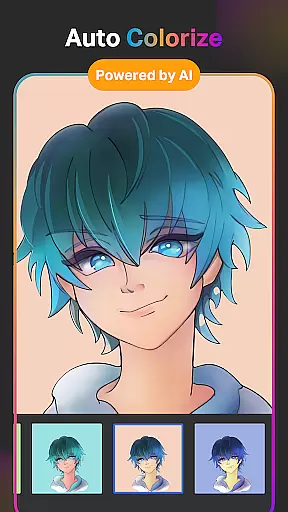
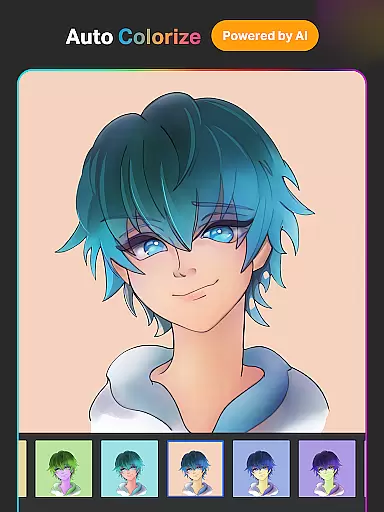
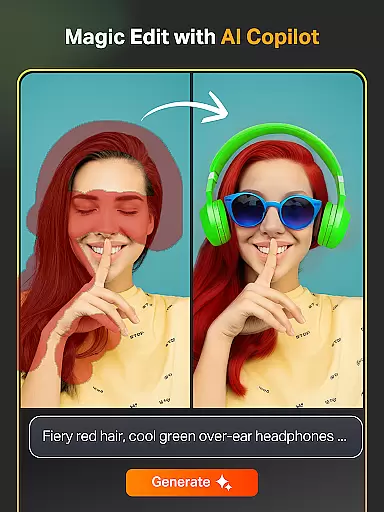
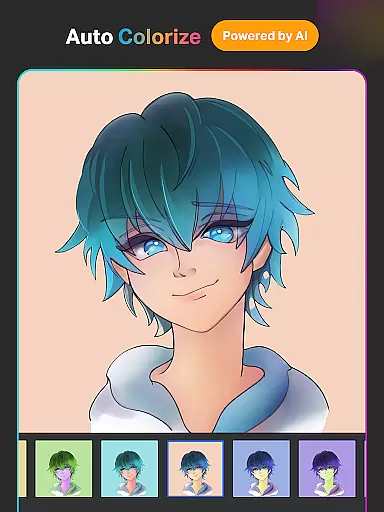
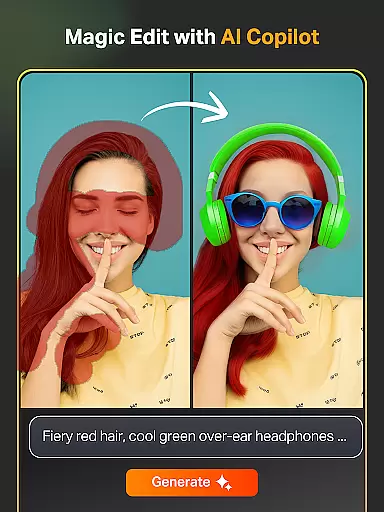
The app's standout feature is its integration of AI tools such as Text-to-Image, Auto-Coloring, and Magic Edit, which allow users to transform basic ideas into polished artwork effortlessly. Whether you're designing manga, comics, or professional graphics, SketchPro provides all the necessary tools to bring your vision to life. Its seamless interface and customizable options make it suitable for both beginners and seasoned artists.
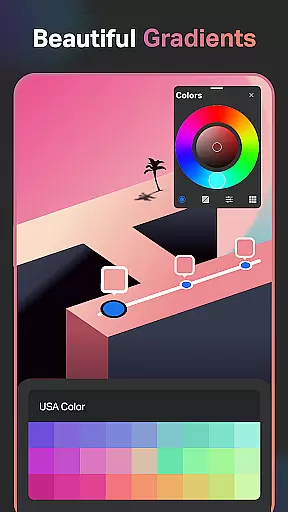
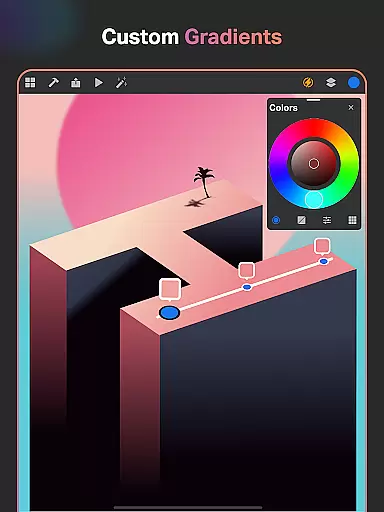
Perfect for graphic designers and illustrators, SketchPro enhances productivity with smart shapes, gradient tools, and extensive color palettes. The app also ensures convenience through cloud syncing and automatic saving, allowing users to access their work across devices without hassle. By combining powerful functionality with user-friendly features, SketchPro delivers an immersive and enjoyable creative experience.
SketchPro stands out with its robust set of professional features designed to meet the needs of digital artists. One of its core strengths is the advanced AI toolkit, which includes functionalities like Text-to-Image generation, Sketch-to-Image transformation, and Magic Edit for effortless object manipulation. These tools enable users to create complex designs quickly by simply inputting prompts, making the creative process more efficient.
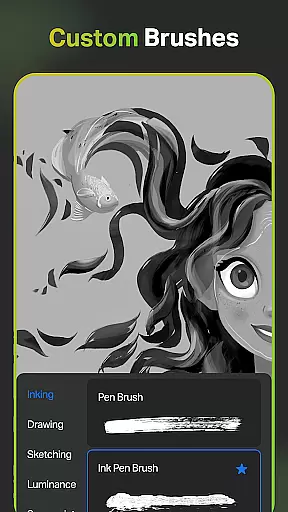
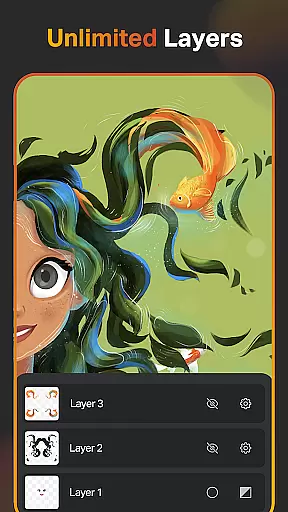
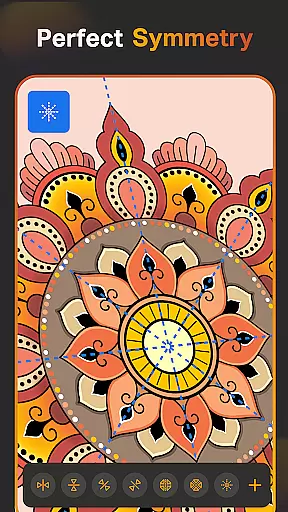
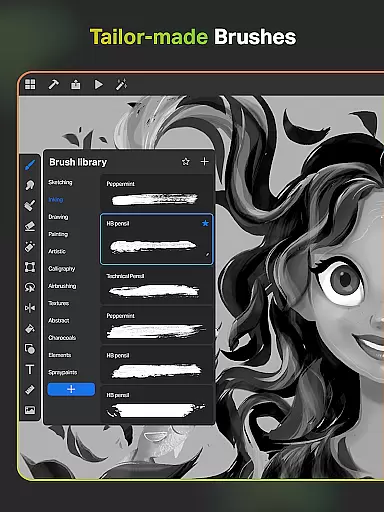
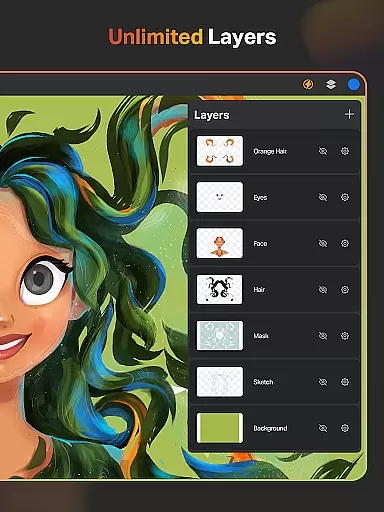
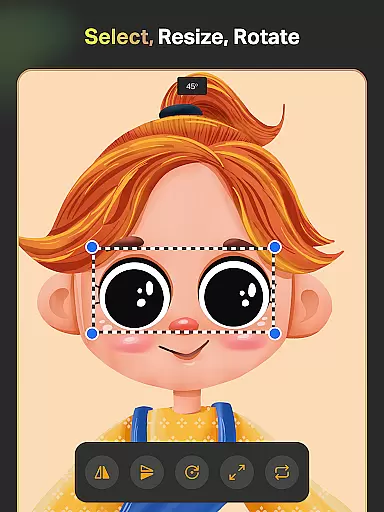
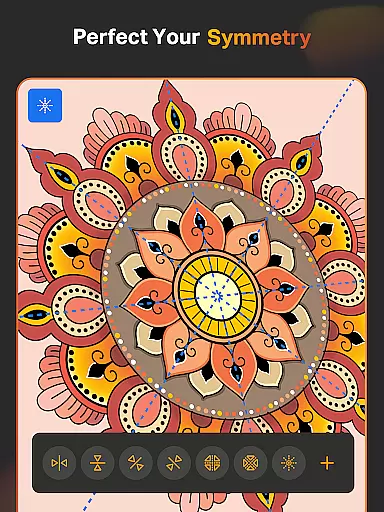
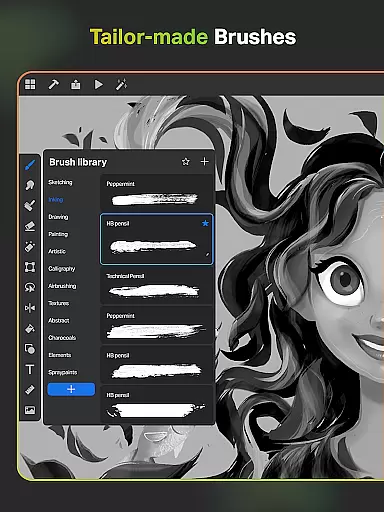
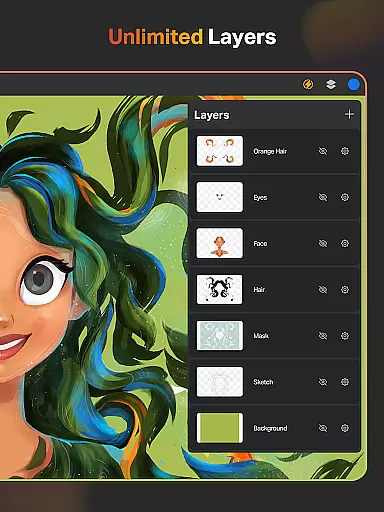
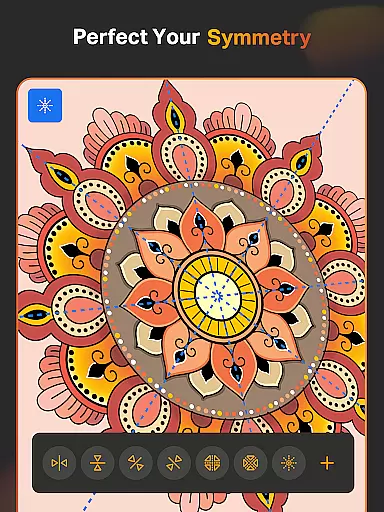
In addition to AI capabilities, SketchPro offers a highly customizable brush system with over 100 patterns in the Free Roller Brush alone. Artists can tailor brushes to their specific needs, save favorites for quick access, and utilize symmetry tools for perfectly mirrored designs. The layer system further enhances workflow efficiency, providing unlimited layers, rasterization options, and advanced editing controls such as color inversion and alpha locking.
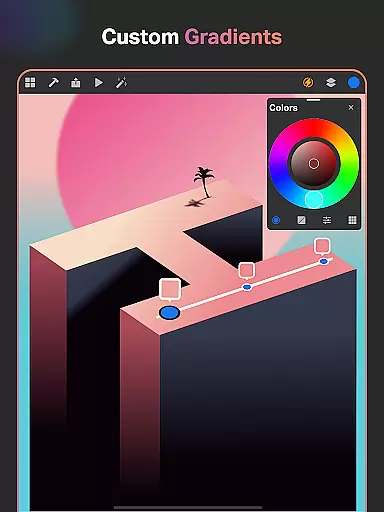
For designers seeking precision, SketchPro includes essential utilities like shape libraries, gradient tools, and text customization. Users can organize their projects methodically, sync files via the cloud, and even playback time-lapse recordings of their work. These features collectively empower artists to focus on creativity while maintaining full control over every aspect of their projects.
SketchPro offers an extensive suite of creative tools that cater to professional digital artists. The app includes customizable brushes for sketching, painting, and illustrating, allowing users to tailor their tools to specific needs.
Advanced AI drawing tools enhance the creative process. Features like Text to Image AI and Sketch to Image AI enable effortless artwork creation through simple prompts. Magic Edit AI allows users to revamp colors and textures or replace objects with ease.
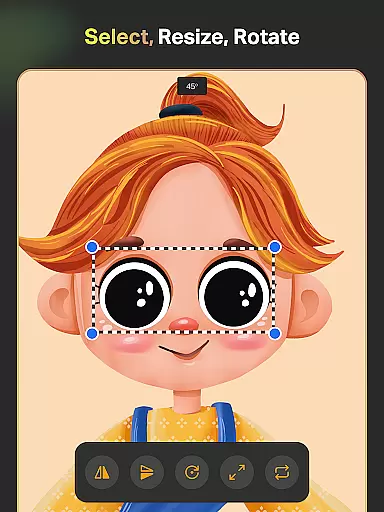
The layer system provides unlimited layers for digital painting, supporting essential functions such as rasterizing, duplicating, and merging layers. This comprehensive toolset ensures that artists can create complex designs without limitations.
Additional features include smart shapes, symmetry tools, gradient options, and text tools with customizable font styles. These complete creative tools make SketchPro an ideal choice for graphic designers, illustrators, and comic book artists seeking professional-grade functionality.
SketchPro excels in providing flexible canvas and format options for digital artists. The custom canvas feature allows users to create artboards tailored to specific project requirements, ensuring optimal workflow efficiency.
Artists can work with full color wheel options and adjustable color values, creating professional-themed color palettes for various projects. The app supports importing colors from photos and images, expanding creative possibilities.
The expand artwork AI tool enables seamless canvas expansion while maintaining original content quality. This feature allows artists to modify their workspace dimensions without compromising artwork integrity or resolution.
SketchPro's format flexibility extends to its extensive shape library, offering 15+ categories of free shapes and symbols. Users can favorite their preferred shapes and access them quickly during projects, enhancing both productivity and creative freedom.
User-friendly interface
Advanced AI tools
Customizable brushes
Unlimited layers
Cloud syncing
Steep learning curve
Premium subscription required
High device requirements
Limited free features
Occasional bugs

Customizable Outlined Fonts. Watch Face Format. Battery friendly Digital Clock.
 4.20
4.20
Floor Plan Creator lets you create, edit and share floor plans.
4.00
Custom Character Creator & PFP Maker!
4.20
Passport size photo maker, create ID photo and visa photo in seconds
4.80
Create stunning video, photo & magic from text with FlixAI GPT video generator.
3.10
Draw Trace image sketch by, AR art projector app, Easy to trace any image.
4.50
Draw glowing spinners, relax, and spin your creative art
4.60
Share the joy of painting with ibis Paint! Drawing anime and manga art.
4.50
Just trace a projected picture on paper and color! Draw & Paint with AR drawing
4.40
Make your phone cooler and have a fantastic experience
4.80
Convert image to JPG PNG HEIC PDF, support almost all kinds of image formats
4.70
The ultimate tool for creating animations
4.60
Painting, drawing, & sketching
4.50
Kling AI is an image and video generation and editing studio powered by AI.
4.50
AR Anime Drawing: How to draw anime with AR drawing & sketching apps!
4.00
Powerful home decoration & house design that allows you to design dream home.
3.80
Resize photos and print photos in exact size with our powerful photo printer!
3.80
Art of Combination Wear OS Watch faces (for Wear OS 5+ devices)
3.00
Download now for a stylish and functional timepiece
4.0


User Reviews