
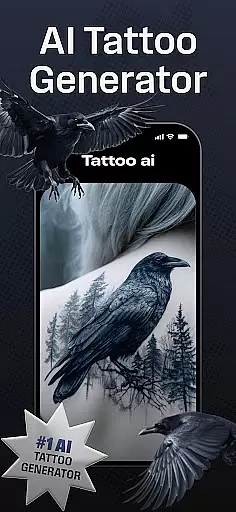
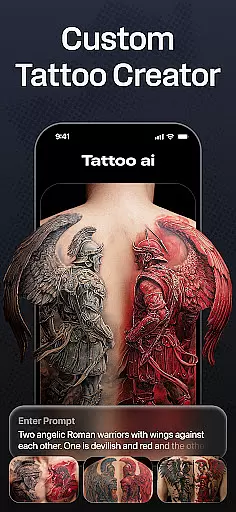
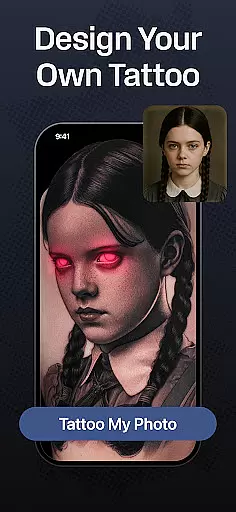
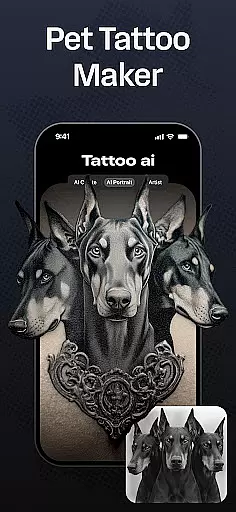
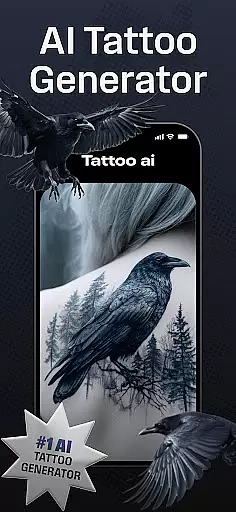
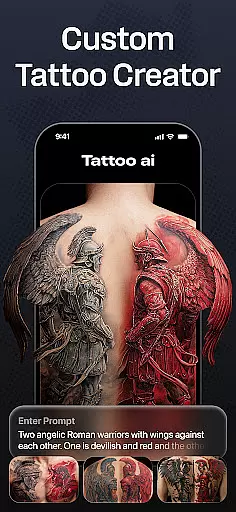
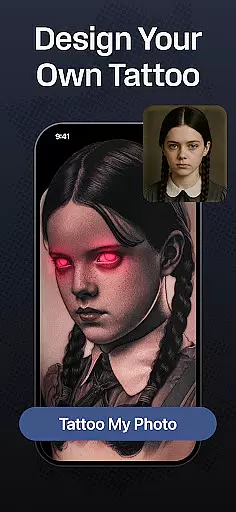
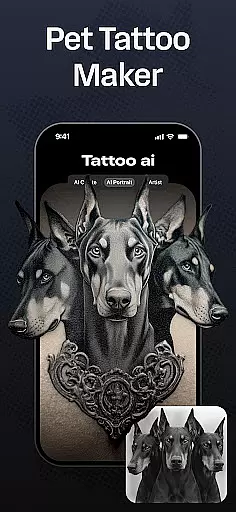
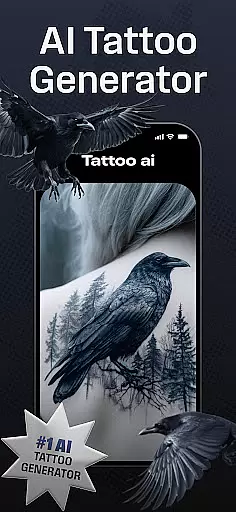
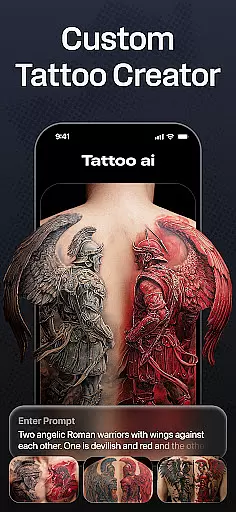
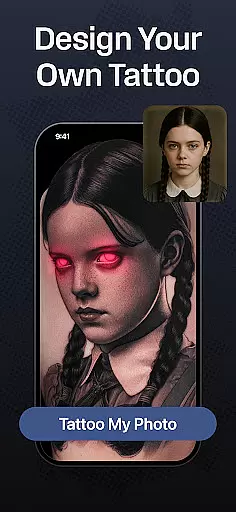
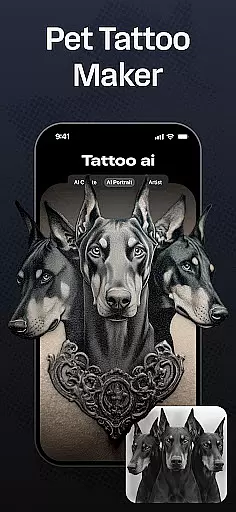
Tattoo AI is a revolutionary app designed for tattoo enthusiasts, first-timers, and professional artists alike. At its core, the app features an advanced AI tattoo generator that creates personalized, unique designs tailored to user preferences. Whether you're looking for black and white classics, vibrant Japanese art, or even text-based tattoos, Tattoo AI covers it all.
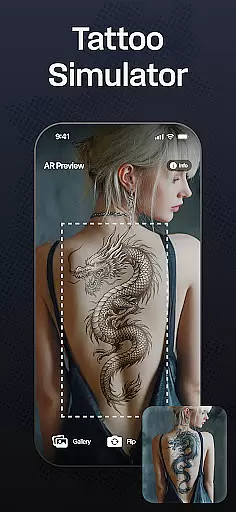
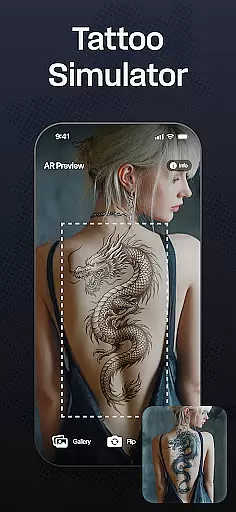
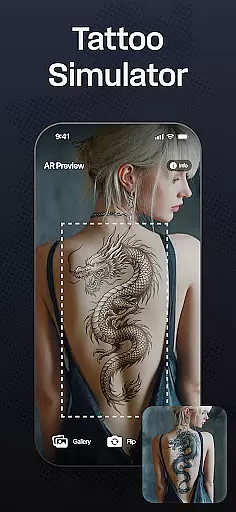
One of the standout aspects of this app is its full-body customization feature. Users can visualize how a tattoo will appear on different body parts before making any permanent decisions. This functionality not only enhances creativity but also ensures users feel confident about their design choices. With additional tools like high-quality tattoo stencils and easy sharing options, Tattoo AI bridges the gap between digital design and real-world application.
The app's value extends beyond just design generation. It saves time by streamlining the brainstorming process while offering endless inspiration through diverse style options. Whether you're an artist seeking creative ideas or someone planning their first tattoo, Tattoo AI provides the tools needed to explore artistic freedom and make informed decisions.
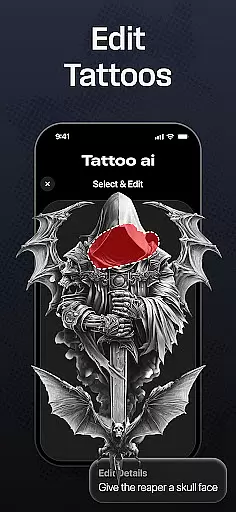
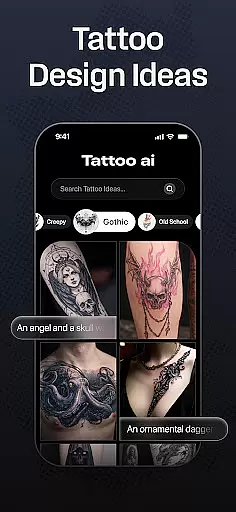
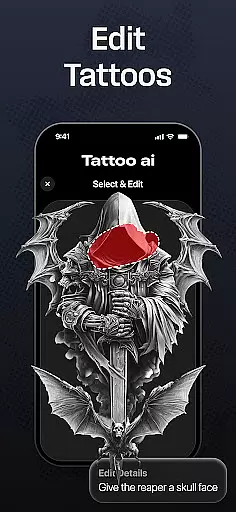
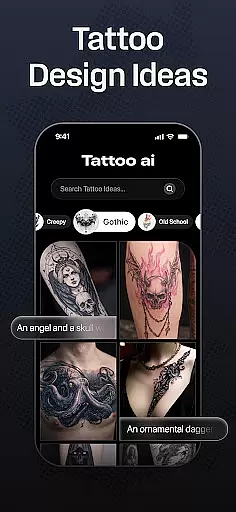
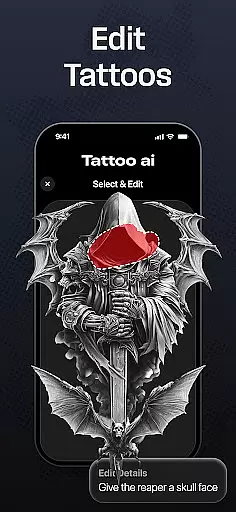
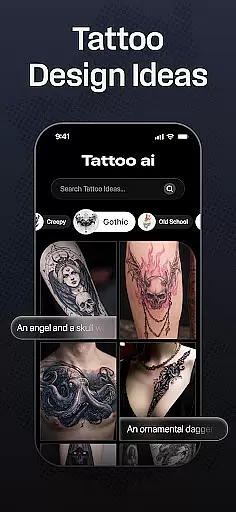
Tattoo AI stands out with its cutting-edge AI tattoo generator, which serves as the backbone of the app. This feature allows users to input themes or ideas and receive tailor-made tattoo designs in return. The AI considers various styles, from timeless black and white patterns to intricate tribal and gaming-inspired art, ensuring there's something for everyone.
Beyond its AI capabilities, the app offers extensive customization options. Users can create text-based tattoos with adjustable fonts and styles, perfect for those wanting to immortalize meaningful quotes. Additionally, the full-body customization tool lets users preview designs on different body parts, solving one of the biggest challenges in tattoo planning—placement uncertainty.
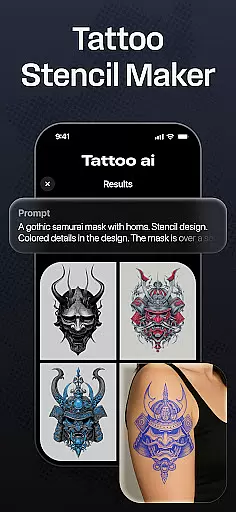
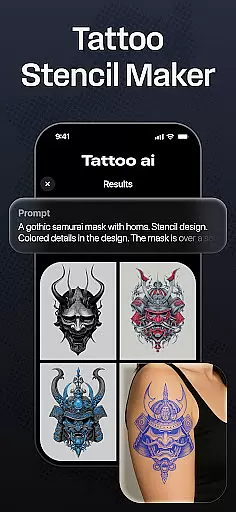
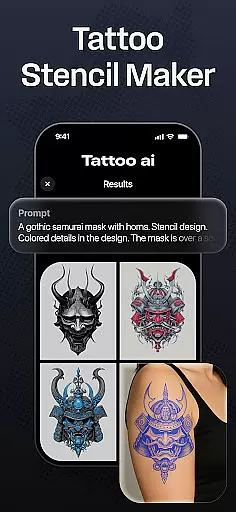
Other notable features include high-quality tattoo stencils for artists and seamless save-and-share functionality. These tools allow users to refine their designs, share them with friends or professionals, and gather feedback. By combining innovative technology with practical design tools, Tattoo AI empowers both amateurs and professionals to unlock their creative potential.
In the realm of digital tattoo design, having access to comprehensive creative tools is essential. Tattoo AI offers an extensive suite of features that cater to both tattoo enthusiasts and professional artists. At its core, the app provides a powerful AI tattoo generator, which transforms user inputs into unique designs tailored to individual preferences.
The app doesn't stop at basic generation; it extends into diverse style options including black & white, Japanese, tribal, and even text-based tattoos. This versatility ensures that users can experiment with different aesthetics and find exactly what resonates with their vision. Furthermore, Tattoo AI supports full-body customization, allowing users to visualize how a design would look on various body parts before making any permanent decisions.
For those seeking precision, high-quality tattoo stencils can be created directly from the app, bridging the gap between digital creativity and real-world application. With these robust tools at your disposal, Tattoo AI empowers you to explore endless artistic possibilities while saving time in the brainstorming phase.
A crucial aspect of designing tattoos digitally is the ability to work with flexible canvas sizes and formats. Tattoo AI excels in this area by providing users with the freedom to customize their design space according to specific needs. Whether you're planning a small wrist tattoo or a large back piece, the app accommodates all scales with ease.
Users can input ideas or themes and watch as the AI generates designs optimized for the chosen canvas size. The app also allows for easy adjustments of text-based tattoos, letting you choose fonts and styles that best express your personality. This adaptability ensures that every element of your design fits perfectly within the intended area.
Moreover, Tattoo AI's visualization feature helps in determining the ideal placement and size of your tattoo on different body parts. By offering such a dynamic and responsive design environment, the app makes certain that your creative vision is realized without constraints, giving you complete control over the final outcome.
User-friendly interface
Wide style variety
Customizable designs
Full-body previews
AI-powered efficiency
Limited free features
Premium subscription cost
Design refinement needed
Occasional AI inaccuracies
Device compatibility issues

Create sweet, cool and unique couple avatars easily, in just a few steps!
 3.40
3.40
Sketch, trace and master AR drawing with awesome anime art!
3.30
Create stylish invitation cards using templates for weddings, birthdays & RSVP.
4.20
Draw on screen: FP sDraw is a simple and lightweight drawing app
4.70
Paint with oils and sketch with natural tools on a realistic virtual canvas.
3.80
Convert image to JPG PNG HEIC PDF, support almost all kinds of image formats
4.70
Unleash Your Creativity with Draw Cartoon - AR Drawing App
4.10
Art of Combination Wear OS Watch faces (for Wear OS 5+ devices)
3.90
Sketch and paint on your device with the feel and freedom of drawing on paper
4.00
Passport size photo maker, create ID photo and visa photo in seconds
4.80
Your AI soulmate — meaningful chats, and unique emotional moments
4.70
The perfect place to start sketching! Use Sketchbook to draw and paint sketches.
4.50
Painting, drawing, & sketching
4.50
Remove Background, Magic Eraser, Photo Enhancer, Story Templates, Collage Maker
4.30
Design unique, funny and adorable cat stickers that reflect your own style!
3.80
Experience next-gen icons with a modern liquid glass look.
3.60
Create stunning video, photo & magic from text with FlixAI GPT video generator.
3.10
Art of Combination Wear OS Watch faces
4.1
A luxurious gold watch face for an elegant and refined look.
4.5


User Reviews