
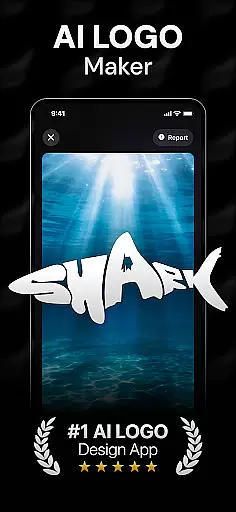
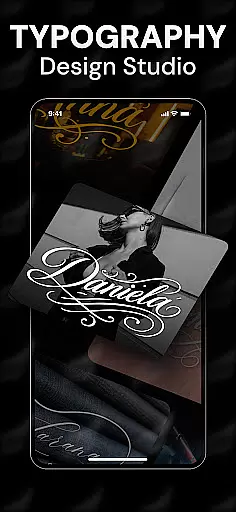
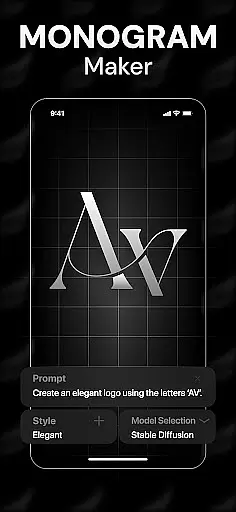
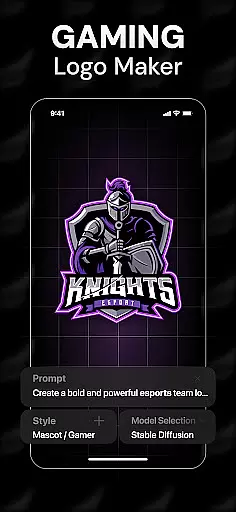
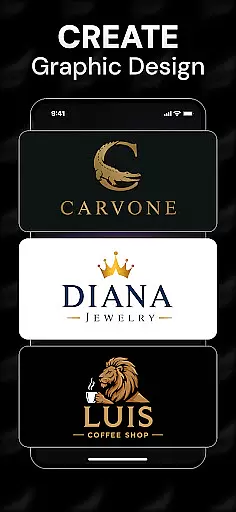
Rebrand is an AI-powered logo design studio that helps users create professional logos and graphic designs with ease. The app offers a wide range of features including an AI logo generator, customizable design tools, and realistic mockups for real-world applications. Whether you're starting a new business or rebranding an existing one, Rebrand provides all the necessary tools to bring your vision to life.
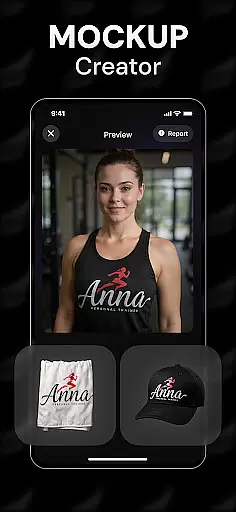
The app's standout feature is its AI-driven logo creation process, which allows users to generate unique logos by entering custom prompts. Additionally, the realistic mockup functionality enables users to visualize their designs on various objects like mugs, business cards, and T-shirts. This makes Rebrand not just a logo maker but also a comprehensive branding tool suitable for entrepreneurs, gamers, and designers alike.
With its intuitive interface and powerful design capabilities, Rebrand is ideal for users of all skill levels. From startups to established businesses, anyone looking to establish or refresh their brand identity can benefit from this versatile app. By combining advanced technology with user-friendly features, Rebrand empowers users to focus on creativity while handling the technical aspects of design.
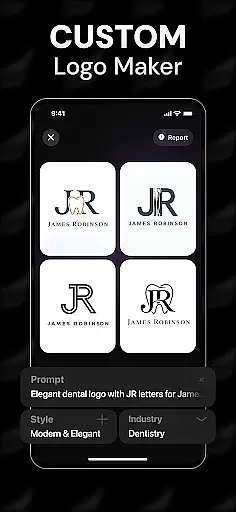
Rebrand stands out with its rich set of features designed to cater to diverse design needs. At the core of the app is the AI logo generator, which uses advanced algorithms to create unique and professional logos based on user-defined prompts. This ensures that each logo is tailored specifically to the user's requirements, making it a powerful tool for brand identity creation.
In addition to logo generation, Rebrand offers extensive customization options. Users can personalize every aspect of their logos, from colors to typography, ensuring that the final design aligns perfectly with their brand's essence. The app also includes a realistic mockup feature, allowing users to see how their logos will appear on various items such as business cards, mugs, and apparel.
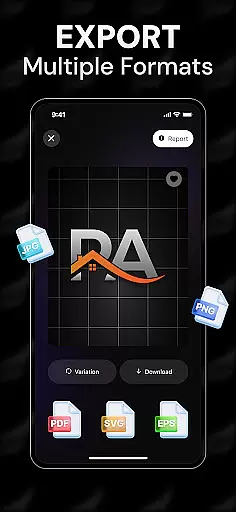
Another notable feature is the ability to export high-quality logos in multiple file formats, ready for use across different platforms including websites, social media, and print materials. With additional tools like icon and monogram makers, Rebrand extends its utility beyond logo creation, making it a comprehensive graphic design solution for users seeking to enhance their branding efforts.
In the realm of graphic design, having access to comprehensive creative tools is essential for bringing artistic visions to life. Rebrand stands out by offering a complete suite of design features that cater to both beginners and professionals in the Art & Design category.
At the core of Rebrand's offerings is its AI Logo Generator, which allows users to create unique and professional logos through custom prompts. This feature is complemented by an array of logo maker tools that enable detailed customization, from colors to typography, ensuring that every element of the design reflects the user's brand identity.
Beyond logo creation, Rebrand extends its capabilities to realistic mockups, allowing designers to visualize their logos on various objects such as mugs, business cards, and T-shirts. This feature not only enhances the creative process but also provides a practical preview of how designs will appear in real-world applications.
The inclusion of additional tools like the icon maker and monogram maker further enriches the user experience, empowering individuals to craft stunning visuals beyond traditional logo design. With these robust features, Rebrand ensures that users have everything they need to create compelling graphics with ease and precision.
Flexibility in canvas and format options is crucial for accommodating diverse design needs and ensuring that creations can be seamlessly integrated across various mediums. Rebrand addresses this necessity by providing unparalleled adaptability in its Art & Design application.
Users of Rebrand can explore a wide range of customizable features within the logo designer tool, enabling adjustments to every aspect of their artwork. The ability to modify dimensions, orientations, and resolutions makes it simple to tailor designs for specific purposes, whether for digital platforms or print materials.
Moreover, Rebrand supports exporting logos in multiple file formats, thus catering to different professional requirements. Whether it's for websites, social media profiles, or marketing collateral, designers can download high-quality logos that meet industry standards and are ready for immediate use.
This level of canvas and format flexibility not only streamlines the design workflow but also enhances the overall efficiency of brand development processes. By prioritizing versatility, Rebrand empowers users to focus on unleashing their creativity without being constrained by technical limitations.
User-friendly interface
Advanced AI technology
Customizable design options
Realistic mockup previews
Versatile branding tools
Limited free features
Subscription required
Occasional bugs
Learning curve
Export limitations

Vidu is an AI video generator made for creators and aspiring makers.
 3.30
3.30
Design your dream room with AI. Get decor ideas & plan home interiors
3.90
Sketch, plan, take notes and illustrate on an infinite canvas.
4.20
Easy 3D drawing design maker & creator. Model designing, Sculpting. Create&paint
4.00
AI Assistant, powered by ChatGPT GPT-4 & GPT-4o. Your intelligent companion.
3.50
Photo blender app to create overlay photos & double exposure.
4.40
Nano Banana AI Image Generator, Anime Filter, AI Portrait, AI Photo Generator
4.30
Turning simple sketches into captivating tales filled with life and motion
3.90
Draw, make movies & animate cartoons easily with our 2D animation maker app
4.40
Photo editor for art, avatars, filters & fun transformations.
4.60
Draw glowing spinners, relax, and spin your creative art
4.60
The perfect place to start sketching! Use Sketchbook to draw and paint sketches.
4.50
Image/ Text to Video Generator
4.40
800+ Drawing, Painting Lessons App to Practice, Sketch & Paint Art.
4.30
Get creative and make art with your Sesame Friends!
4.00
AI Face Swap, Video Effects Editor, Realtime Morph, Funny Video FX,AI Filters
3.70
Create stunning video, photo & magic from text with FlixAI GPT video generator.
3.10
Art of Combination Wear OS Watch faces (for Wear OS 5+ devices)
3.00
Art of Combination Wear OS Watch Faces
4.4


User Reviews