
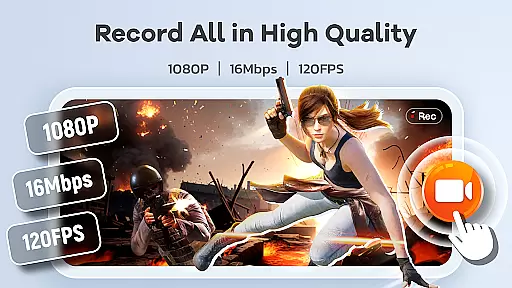
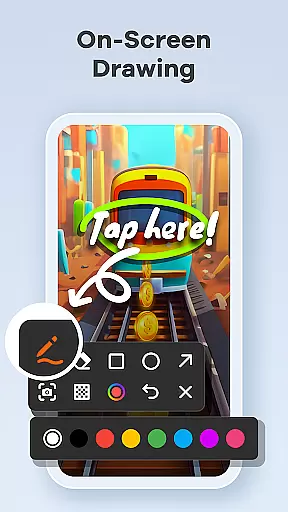
Screen Recorder Video Recorder is a comprehensive mobile application designed for effortless screen recording and video creation. This all-in-one tool allows users to capture high-quality videos, create engaging tutorials, record gameplay, and preserve memorable video calls. With support for 1080P HD recording at up to 120FPS and 16Mbps bitrate, it ensures crystal-clear video quality. The app also features built-in editing tools, live drawing, facecam functionality, and instant video-to-GIF conversion.
Beyond basic recording, the app offers intuitive control options like a one-tap floating ball and customizable gesture controls, enabling seamless operation. It provides advanced features such as internal and external audio recording, annotation tools, and unlimited recording time without watermarks. Whether you're creating tutorials, capturing gaming highlights, or sharing content on social media, this app streamlines the entire process while delivering professional-grade results.
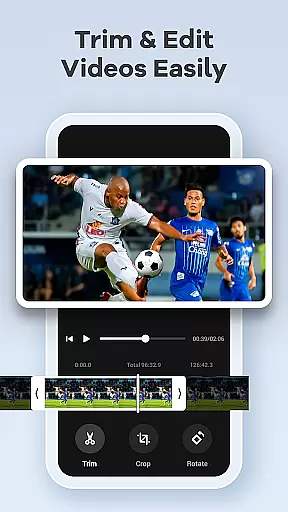
Screen Recorder Video Recorder stands out with its robust feature set tailored for both casual and professional users. The app supports HD recording at resolutions up to 1080P, ensuring every detail is captured in stunning clarity. Its dual audio recording capability allows users to record system sounds or microphone input, making it ideal for tutorials, presentations, and voiceovers. The built-in video editor lets you trim, crop, and rotate footage effortlessly, while the video-to-GIF converter adds versatility for sharing quick highlights.
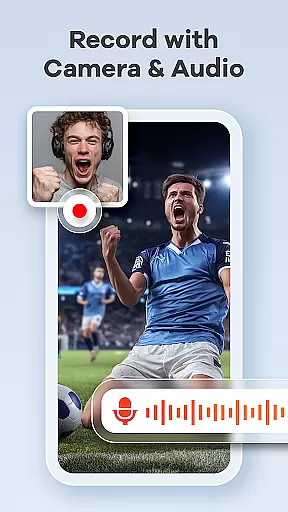
Additional standout features include live drawing and annotation tools that help explain complex concepts during recordings. The Facecam function enables creators to add personal reactions, enhancing audience engagement. For workflow optimization, the app includes a floating control ball and customizable gesture commands, allowing users to manage recordings without interruptions. These innovative tools make Screen Recorder Video Recorder an indispensable utility for anyone looking to produce polished, professional content directly from their mobile device.
Screen Recorder Video Recorder excels in delivering precise and effective core functionalities that cater to a wide range of video recording needs. The app supports HD recording at 1080P, with bitrates up to 16Mbps and frame rates as high as 120FPS, ensuring every detail is captured in stunning clarity.
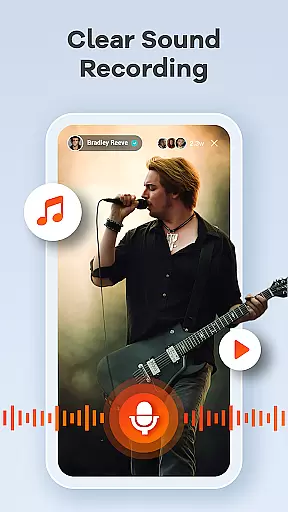
In addition to video quality, the app offers comprehensive audio recording options. Users can record crystal-clear audio from both internal system sounds and external microphones, making it ideal for creating tutorials, gameplay videos, and video calls. This dual-audio capability enhances the overall recording experience by providing flexibility and superior sound quality.
The built-in video editor further amplifies the app's effectiveness by allowing users to trim, crop, and rotate their recordings effortlessly. With features like video-to-GIF conversion and live drawing tools, creators can produce polished, professional-looking content ready for sharing across various platforms. These editing capabilities ensure that users can refine their work without needing multiple applications.
Overall, Screen Recorder Video Recorder stands out through its seamless integration of high-quality recording and intuitive editing features, empowering users to create engaging and share-worthy content with minimal effort.
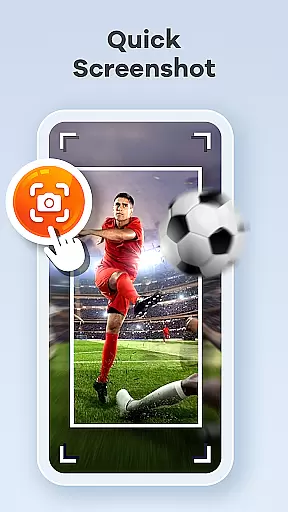
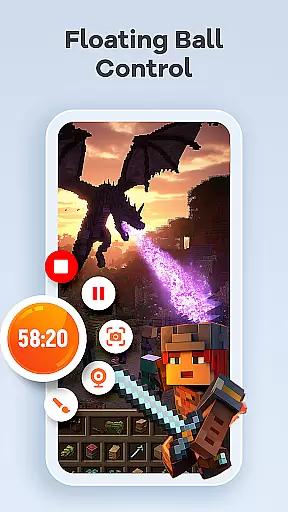
A standout feature of Screen Recorder Video Recorder is its commitment to interface simplicity and user-friendly design. The app incorporates a one-tap floating ball control, enabling users to start, pause, resume, and capture screenshots with a single touch. This streamlined approach eliminates unnecessary complexity, allowing for uninterrupted recording sessions.
Gesture controls add another layer of intuitiveness, letting users customize specific gestures for quick actions. Whether it's starting a recording or taking a screenshot, these customizable gestures adapt to individual preferences, enhancing workflow efficiency. Such features make the app accessible even to those who may not be tech-savvy.
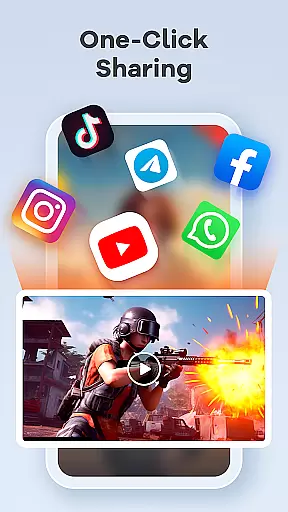
Furthermore, the absence of time limits and watermarks ensures an unrestricted recording experience. Users can record as long as needed and share their creations without any distracting overlays, maintaining the integrity of their content. Customizable settings also allow adjustments to recording parameters, catering to both novice and advanced users.
By focusing on simplicity and intuitive controls, Screen Recorder Video Recorder delivers a hassle-free experience that empowers users to focus on their creative process rather than navigating complex menus.
User-friendly interface
High-quality HD recording
No watermark limitations
Built-in editing tools
One-tap floating controls
Requires permissions setup
Limited in some apps
May need storage space
Ads in free version
Learning curve for tools

Universal TV remote control all TVs, Roku, LG, Samsung, Fire, Vizio, Sony, TCL.
 4.40
4.40
Forza Tuning Calculator App for Forza Horizon 5, Motorsport and Earlier Titles
4.40
A non-root local ADB shell client. READ BELOW!
3.40
Making emulation easy for everyone!
4.30
Undelete and recover your lost or deleted files with DiskDigger!
3.40
Quickly check the frequency of the Earth
4.30
Play your X-Box games remotely in 1080p with any controller and zero latency
4.60
Screen Mirroring with sound for Samsung TV, LG TV, Sony TV, Smart TV and Browser
4.20
Remote Play with FSR upscaling, low latency & full controller support
4.80
Navigate with Ease and Style
4.90
Enjoy smooth gameplay with Game Booster
4.90
Excellent scientific calculator with symbolic algebra, integrals, derivatives
4.80
WiFi Signal Strength Meter help you detect WiFi Signal Strength in real time.
4.80
Planner and Tracker for Stardew Valley
4.60 4.50
4.50
Pro Emulator is an easy to use game console emulator for a range of consoles.
4.40
Detect hidden spy camera with advanced scanning {{ Premium version }}
4.00
Create your own live wallpaper or check out thousands already made presets
3.90
PDF Reader - Document Viewer: Read, Manage & Organize Your Documents
3.10


User Reviews