
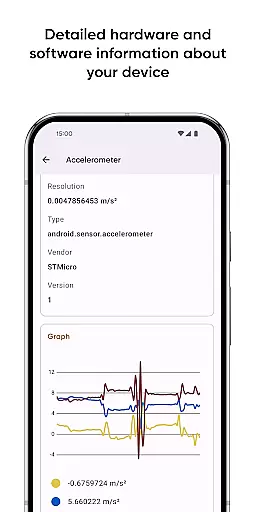
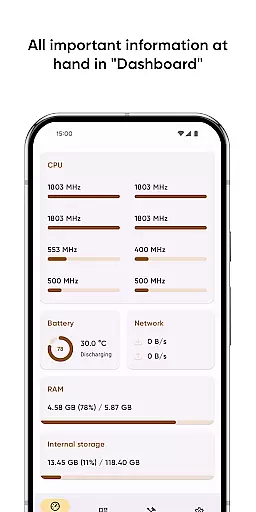
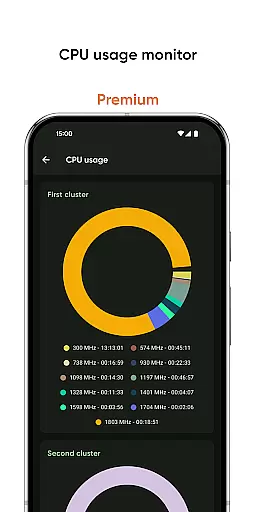
Castro Premium is a comprehensive device monitoring tool that provides real-time performance tracking and detailed system information. The app offers an extensive dashboard displaying crucial metrics like CPU usage, battery status, network consumption, and memory load.
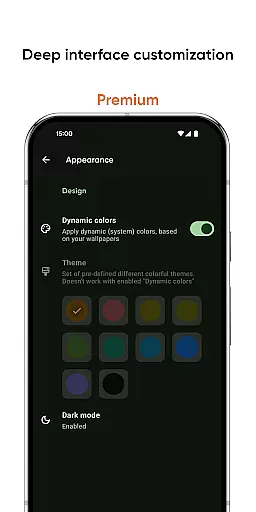
With advanced features such as sensor data visualization, camera details, codec listings, and temperature monitoring, Castro caters to both casual users and tech enthusiasts. The premium version unlocks deeper customization options, making it an indispensable tool for Android power users seeking complete device oversight.
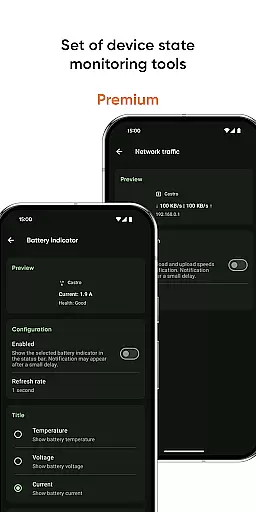
Castro Premium stands out with its robust feature set designed for comprehensive device analysis. The app provides detailed processor statistics including CPU and GPU performance, real-time battery monitoring, and memory consumption tracking across all types.
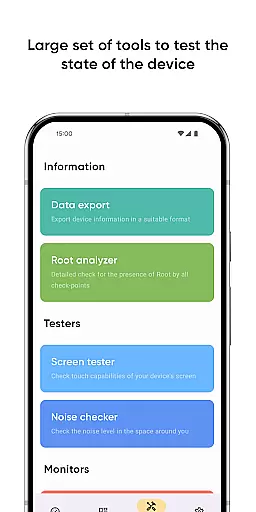
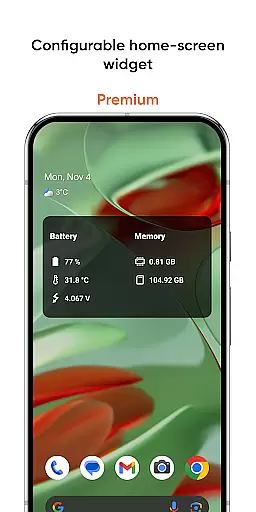
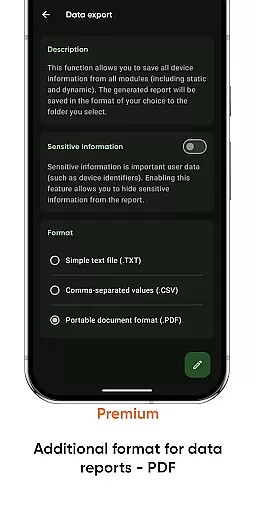
Unique tools include a screen tester for display quality checks, noise checker for environmental sound measurement, and various export options for sharing device information. Premium users gain access to advanced features like customizable widgets, network traffic speed monitoring, and professional-grade PDF reports for system information.
User-friendly interface
Real-time monitoring
Extensive device info
Customizable widgets
Premium customization
Complex for beginners
High resource usage
Premium costs extra
Occasional bugs
Limited free features

 4.50
4.50
Change your GPS location instantly. Simulate routes anywhere in the world.
4.90
HD Video player and downloader for all formats, fast & smooth 4K video playback.
4.60
Create your own live wallpaper or check out thousands already made presets
3.90
PC precision for mobile gaming: dominate with keyboard and mouse!
4.30
Download any file easily and quickly with Downloader
4.3
Clean up your phone, find files, play media, and share files offline
4.50
Enjoy a smooth mobile reading experience!
3.60
fast and easy mp3 music downloader
4.80
Enjoy smooth gameplay with Game Booster
4.90
Remote Play with FSR upscaling, low latency & full controller support
4.80
Optimize your WiFi network, turn your phone into Wifi Analyzer
4.70
Head tracking for PC sim games such as MSFS 2024 or Elite:Dangerous. No headset!
4.50
Fluid navigation gestures for all of us!
4.30
App that Recover your pictures, videos or files after you delete them.
4.20
MS-DOS in your pocket. Play old DOS games anywhere you are ;)
4.10
A convenient photo, video, and file recovery tool.
4.00
Create your own custom widget with endless possibilities
3.90
A recovery soft,it features photo recovery, video recovery, file recovery.
3.40


User Reviews