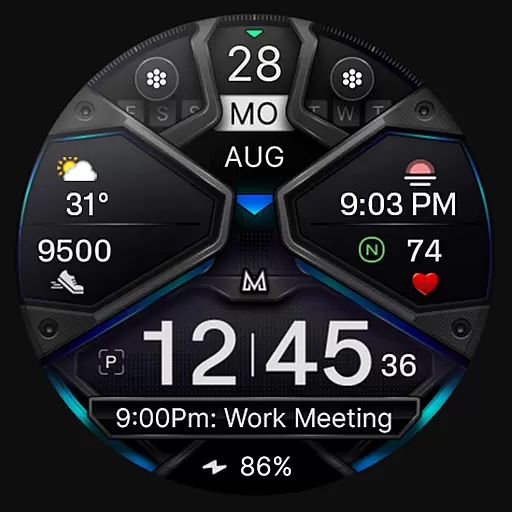
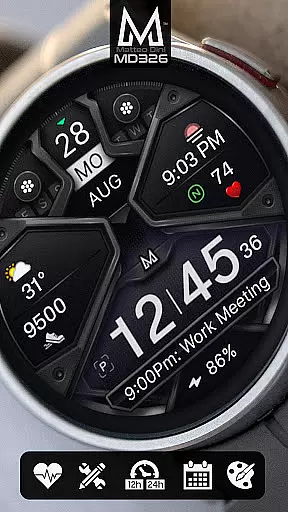
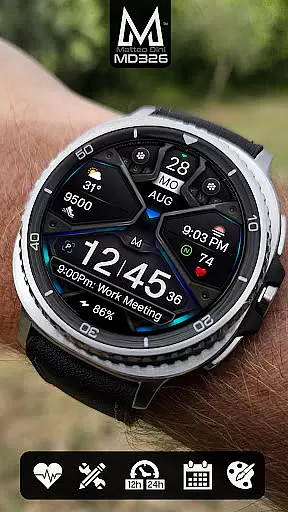
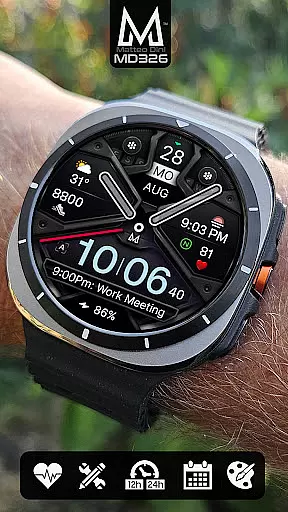
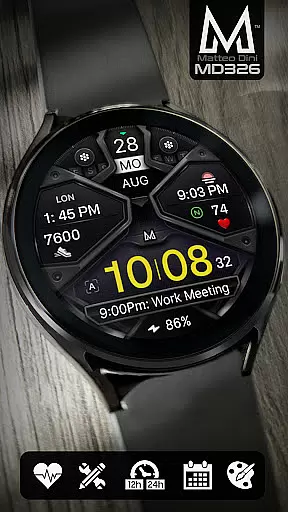
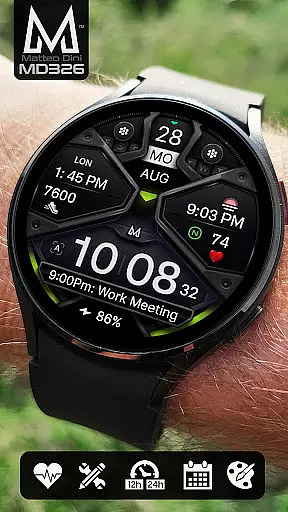
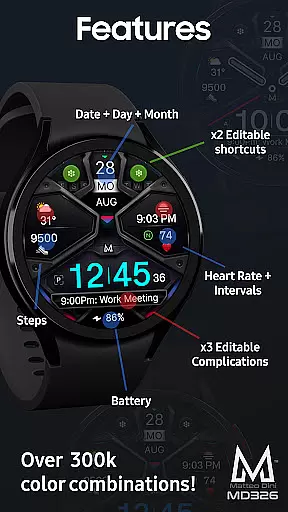
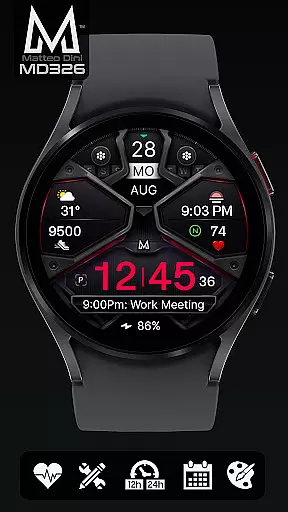
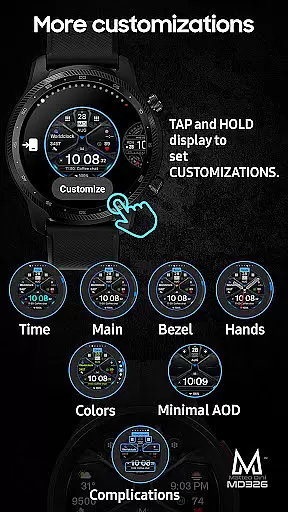
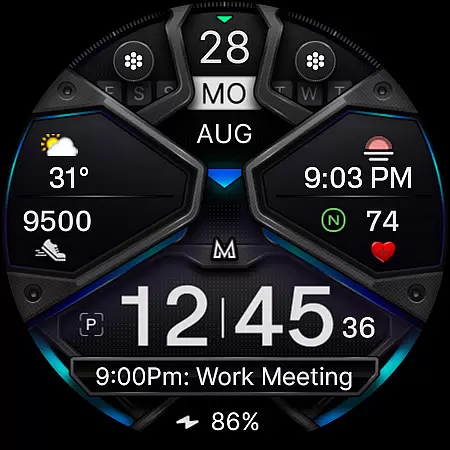
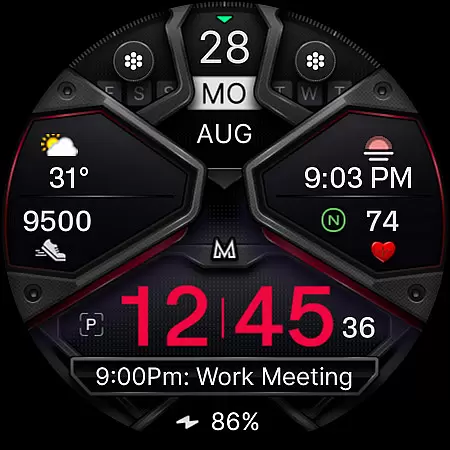
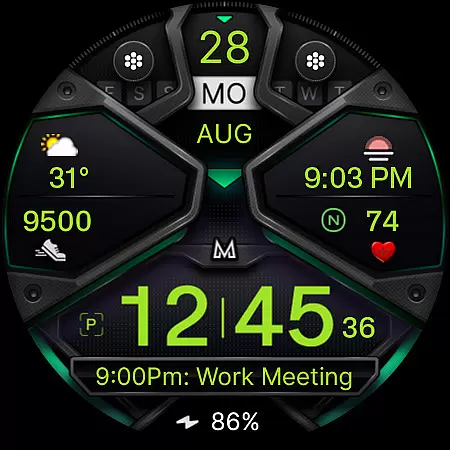
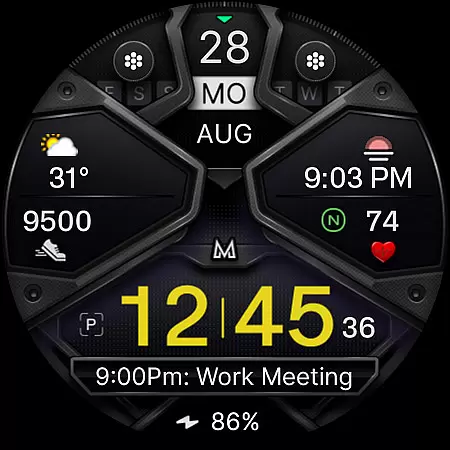
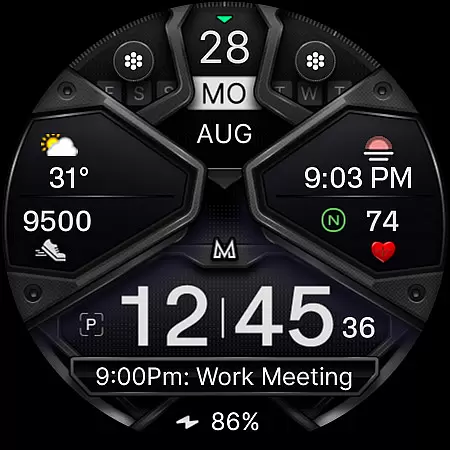
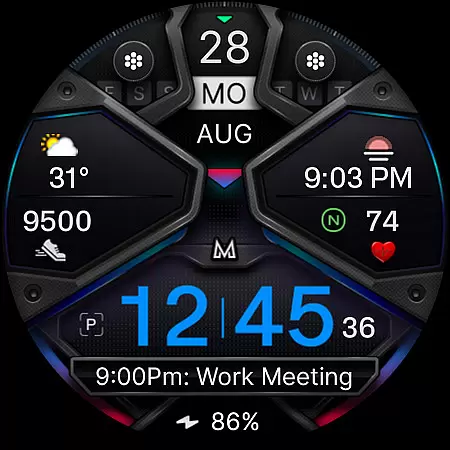
MD326 3D Modern Watch Face offers a sophisticated and customizable timepiece experience for Wear OS users. Designed with a modern aesthetic, this watch face features a complex design that includes three preset app shortcuts, two customizable shortcuts, and three complications that can display various data types such as weather, barometer readings, and UV index.
The interface supports both 12/24-hour formats based on phone settings and provides essential information like date, day, month, battery status, steps, and heart rate intervals. With compatibility across all Wear OS devices running API Level 33+ (Wear OS 4 and later), including Samsung Galaxy Watch series and Pixel Watch, it ensures broad usability.
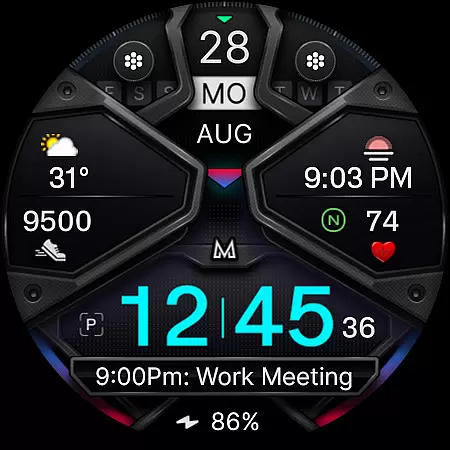
Users can personalize their watch face by changing colors of the time, bezel, background, and more. The Always ON Display feature with an optional minimal style enhances visibility while preserving battery life. Despite installation challenges due to the Samsung Wearable app's editor limitations, direct customization on the watch is recommended until these issues are resolved by Samsung.
MD326 3D Modern Watch Face stands out with its rich feature set tailored for personalization enthusiasts. It includes 12/24hr time format adaptability, date, day, and month display, alongside practical metrics such as battery level, step count, and heart rate monitoring with intervals.
Customization options abound with three preset app shortcuts for Calendar, Battery, and Heart Rate measurement, complemented by two additional customizable shortcuts. Users can further tailor their experience through three customizable complications, allowing selection from a variety of data sources like weather forecasts or world clocks.
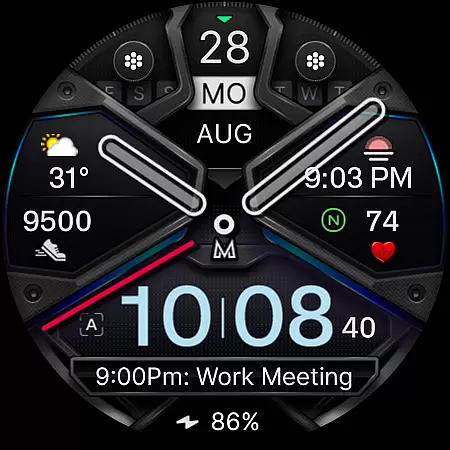
Additional functionalities encompass an Always ON Display mode with a minimalistic option, hideable hands for unobstructed views, and adjustable color schemes affecting time, bezel, background, and general elements. These features collectively ensure that each user's watch face is uniquely theirs, enhancing both form and function in everyday wear.
For the MD326 3D Modern Watch Face, seamless companion app integration is crucial for an optimal user experience. This watch face is designed to work in tandem with the Samsung Wearable app, allowing users to customize and manage their watch face directly from their smartphone.
Despite occasional loading issues with complex designs within the editor, customization can be done directly on the Galaxy Watch itself. This ensures that users can still personalize their watch face without needing to rely solely on the companion app.
The integration supports a wide array of features including app shortcuts, customizable complications, and various display settings. Users benefit from having all necessary tools at their disposal, ensuring both convenience and personalization are achieved effortlessly.
The MD326 3D Modern Watch Face boasts extensive compatibility with Wear OS devices, supporting all devices with API Level 33+ which includes Wear OS 4 and later versions. This encompasses popular models such as Samsung Galaxy Watches 4 through 8, Ultra, and Pixel Watches.
Ensuring broad device compatibility allows a larger audience to enjoy the advanced features this watch face offers. From adjustable time formats based on phone settings to health tracking metrics like heart rate intervals, it caters to diverse user needs.
Additionally, its sophisticated design accommodates various customizations including color changes for time, bezel, background, and more. Such flexibility not only enhances aesthetic appeal but also provides practical benefits tailored to individual preferences.
Highly customizable
Modern 3D design
Wide device compatibility
Comprehensive health tracking
Vivid color options
Complex setup process
Limited Samsung editor support
Preset shortcut limitations
Battery consumption concerns
Feature availability varies

A Wintery Snow Globe on Your Wrist; now celebrating Christmas!
 4.3
4.3
Authentic military-tactical design with ZULU time! Realistic and functional!
3.80
Ideal for surviving in the wasteland left after nuclear fallout
4.50
The #1 source of faces for your smartwatch!
4.00
Period, ovulation & pregnancy tracker. Fertility insights & menstrual calendar.
4.90
Real-time weather radar with temperatures, warnings, hurricanes, and widgets
4.80
A digital watch face that celebrates Christmas.
4.00
Hybrid watch face for Wear OS with customizable complications by Matteo Dini MD
4.70
Your music, your playlists, and more—offline and unlimited.
4.20
Christmas Theme Watch Face for Wear Os
5.00
WTW M17 is a premium and luxurious hybrid watch face
4.70
Easy Voice Recorder is your everyday companion to record important moments.
4.70
Be an elegant and classy secret agent, with this carefully detailed watch face
4.70
The most customizable hybrid watch face. For Wear OS 5.0, API 34+ and later
4.70
Walking app for weight loss: walk & step tracker, pedometer, indoor treadmill
4.60
A realistic hybrid watch face with many customization options.
4.60
Stylish, Energizing and Modern Watch Face crafted by Dominus Mathias.
4.50
Calming & relaxing sounds for sleeping and stress relief. Stay focused all day!
4.20
Fitness interactive virtual pet super fighter boy watch face
4.2


User Reviews