
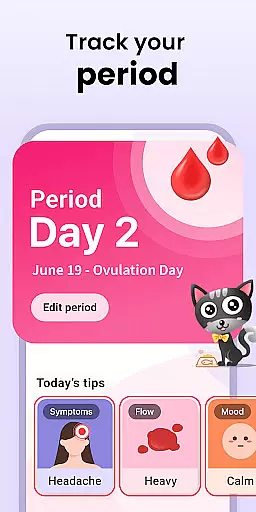
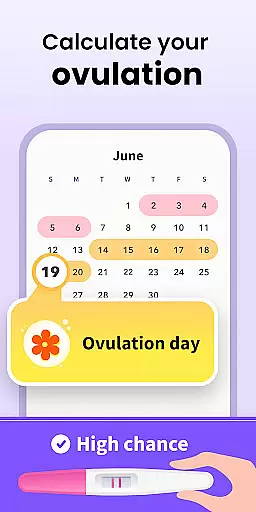
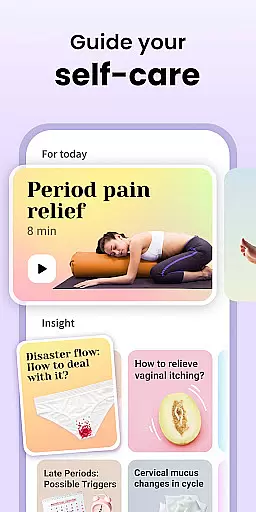
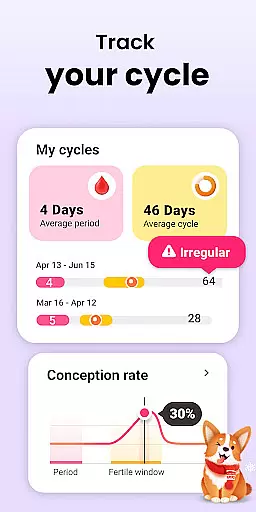
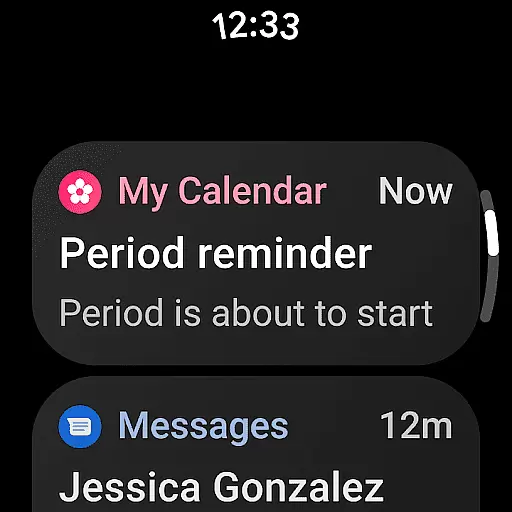
Period Calendar is a comprehensive menstrual cycle tracking application designed specifically for Android Wear devices. This app allows users to monitor their periods, blood flow, cycles, ovulation, and conception probabilities with remarkable accuracy. Trusted by over 300 million users globally and popular in 63 countries, it caters to both women trying to conceive and those practicing birth control. The app's advanced algorithms predict menstruation, fertility windows, and ovulation days, making it an essential tool for family planning.
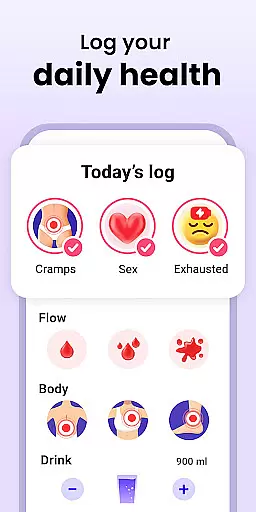
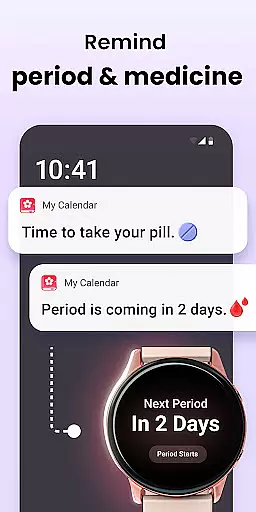
In addition to period tracking, the app features discreet customizable notifications for periods, fertility, and contraceptive pill reminders. Users can record various health metrics including cervical mucus, body temperature, symptoms, and moods. With Google account integration, data backup and restoration are seamless and secure. The app also supports multi-account functionality and offers Wear OS complications and tiles for easy access to key information on smartwatches.
Period Calendar stands out with its robust feature set tailored for modern women's health management. The app provides detailed tracking options for menstrual flow, cervical changes, basal body temperature, and other vital signs that help determine ovulation dates accurately. Its sophisticated ovulation calculator and fertility tracker offer precise predictions, enabling better family planning decisions.
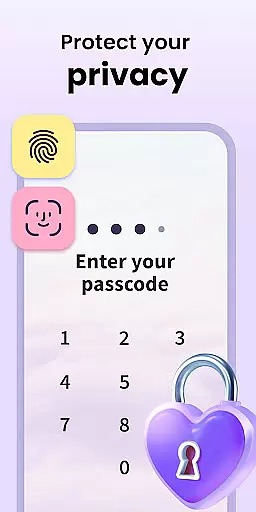
One of the standout features is the customizable notification system. Users can personalize alert texts for discretion, ensuring privacy in public settings. The app also includes reminders for contraceptive pills, rings, patches, and injections. Furthermore, Period Calendar respects user privacy by allowing anonymous usage without account creation or real-name registration. All data is encrypted and can be backed up securely using Google account credentials, giving users complete control over their personal information.
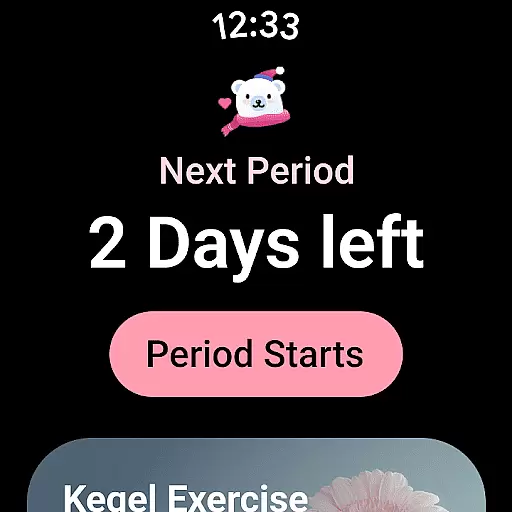
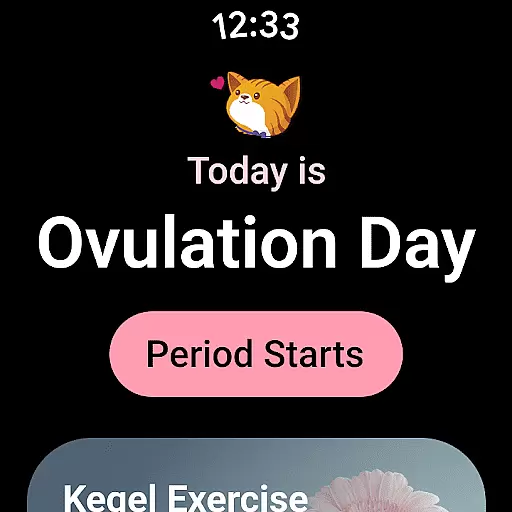
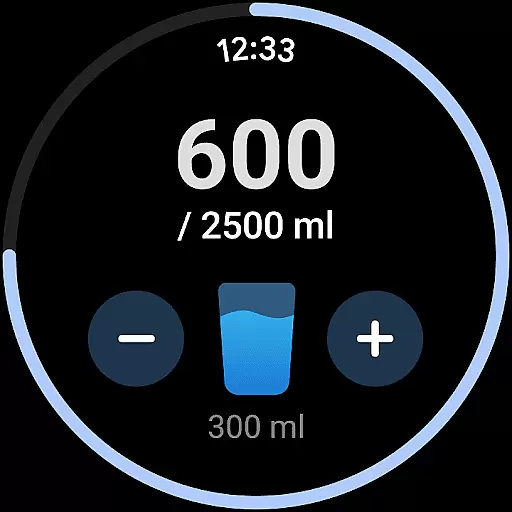
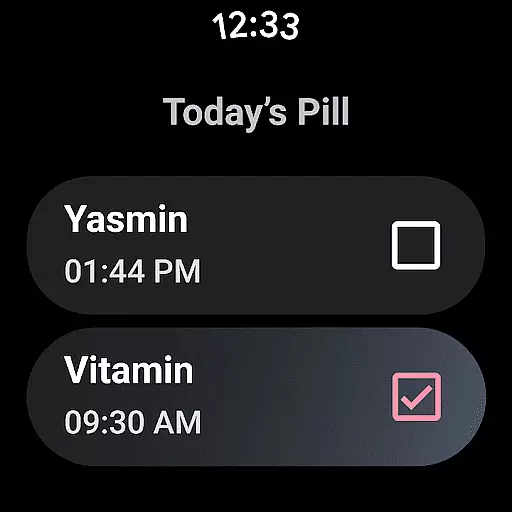
The inclusion of Wear OS support enhances accessibility through complications and tiles on smartwatches. These features provide quick access to period predictions, water drinking reminders, and pill alerts directly from the wrist, making daily health management more convenient than ever before.
Period Calendar offers seamless companion app integration, ensuring that your data is always in sync across multiple devices. This feature allows users to access their menstrual cycle information on both their mobile devices and Wear OS smartwatches, providing a consistent experience no matter which device they choose to use.
The synchronization between the main app and its Wear OS counterpart is automatic and real-time, meaning any updates made on one platform are immediately reflected on the other. Whether you're logging symptoms, checking ovulation predictions, or setting reminders, you can do so with the assurance that your information will be up-to-date everywhere.
This integration extends to include complications and tiles for Wear OS, offering quick access to essential features like period predictions, water drinking reminders, and pill notifications directly from the watch face. Such accessibility ensures that users have vital information at their fingertips, enhancing convenience and usability.
By leveraging Google account data backup and restoration, Period Calendar guarantees that user data remains secure and easily transferable. This means even if you switch devices, your historical data is preserved, allowing for continuous tracking without interruption or loss of valuable insights over time.
Designed with broad Wear OS and device compatibility in mind, Period Calendar ensures that it works seamlessly across a variety of smartwatches and Android devices. This compatibility allows users to utilize the app's full range of features without worrying about whether their specific device model is supported.
The app supports complications and tiles on Wear OS devices, enabling users to customize their watch faces with relevant information such as period and ovulation predictions. These widgets provide at-a-glance access to critical data points, making it easier than ever to stay informed about your menstrual health while on the go.
Period Calendar also includes specialized functionalities tailored for wearable technology, such as discreet notifications and customizable alerts. Users can personalize these notifications to suit their preferences, ensuring privacy and convenience throughout their daily routines.
With support for multi-accounts and security protections, this app caters to individuals who may share devices but wish to maintain separate profiles. The robust compatibility ensures that all users can benefit from personalized tracking and management tools regardless of their chosen hardware setup.
User-friendly interface
Accurate ovulation prediction
Comprehensive health tracking
Secure data encryption
Customizable notifications
Limited free features
Occasional sync issues
Advanced tools require subscription
Interface may feel complex
Notifications sometimes delayed

Christmas and New Year - Themed Watchface
 4.0
4.0
Animated Watch Face and Customizable with 24 Backgrounds. Perfect for Christmas!
3.90
Precision analog watch face with 7 complications and style options
4.0
Beautiful artistic animated digital watch face, with a customizable layout!
4.40
Watch face designed for Thanksgiving Day. 7 Background Styles included.
3.20
Be an elegant and classy secret agent, with this carefully detailed watch face
4.70
3 Complications. All shadow on/off. 30 Themes color palette...
4.2
Minimalistic design modern digital watch face.
4.4
Daily Weather forecast with 15 weather images for Day & Night plus Big Bold time
4.10
Christmas Theme Watch Face for Wear Os
5.00
Diet tracker for weight loss - track calories, food and macros. Simple and easy!
4.70
The most customizable minimal watch face. For Wear OS 5.0, API 34+ and later
4.70
Calming & relaxing sounds for sleeping and stress relief. Stay focused all day!
4.20
Let's celebrate Thanksgiving - Wear Os watch face
4.20
Viewer for Wyze/Yi/Eufy/Arlo/ONVIF/RTSP/P2P IP cams w/ adv. features & DIY DVR
4.00
Get helpful reminders, take progress photos and find answers to your questions.
3.90
Watch the sharpness of the sky on your wrist..
3.70
Stay in touch with your friends and family using LINE!
3.40
Contemporary digital watch face with five complications
4.0


User Reviews