
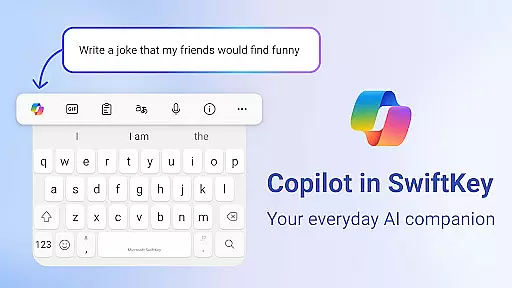
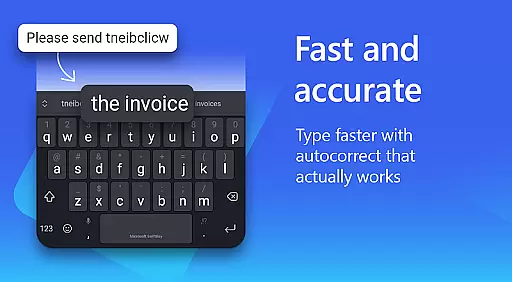
Microsoft SwiftKey AI Keyboard is an advanced personalization tool designed to enhance typing efficiency and style. This intelligent keyboard learns individual writing patterns, offering personalized autocorrect and predictions that adapt to user-specific slang, nicknames, and even emoji usage.
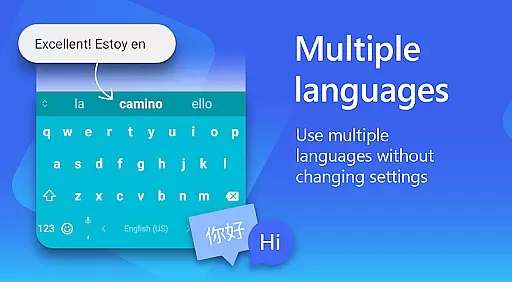
The app features Copilot, an integrated AI companion that assists with queries across favorite applications. With support for over 700 languages and the ability to enable up to five simultaneously, SwiftKey caters to a global audience. Its customization options include 100+ colorful themes and the ability to create unique keyboard backgrounds using personal photos.
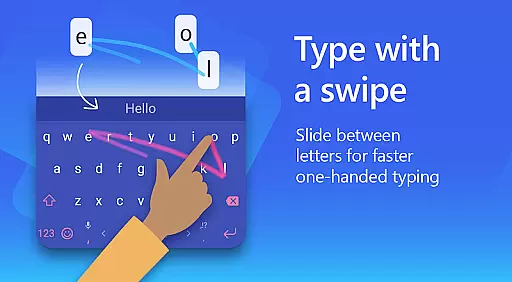
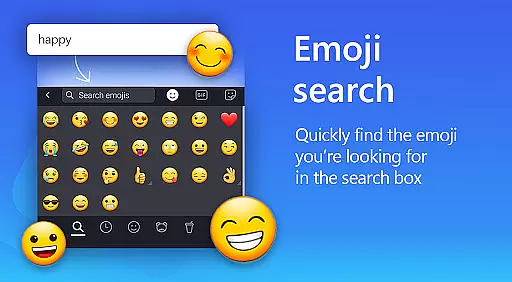
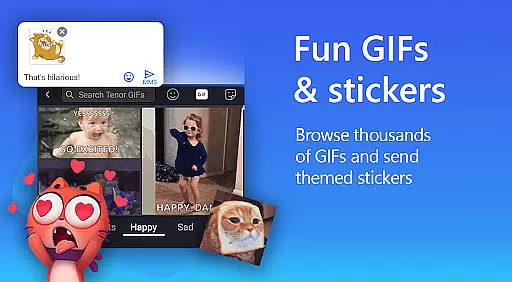
SwiftKey's utility extends beyond basic typing, providing rich content options such as adaptive emojis, GIFs, and stickers. The swipe-to-type functionality and custom keyboard toolbar further streamline the typing process, making communication faster and more expressive.
Microsoft SwiftKey AI Keyboard distinguishes itself through innovative typing features and extensive customization options. The application's core functionality revolves around its AI-powered prediction engine, which offers real-time suggestions and corrections based on individual typing patterns.
A key differentiator is the integration of Copilot, an AI assistant that operates seamlessly within other applications. The keyboard's multilingual support spans over 700 languages, while its swipe-to-type technology and customizable layouts cater to diverse typing preferences. Users can personalize their experience with over 100 themes and custom background options.
The application goes beyond traditional keyboards by incorporating rich media elements. Its adaptive emoji prediction, searchable GIF library, and AI-generated images provide users with dynamic communication tools. Additional features include text rewriting capabilities, voice-to-text functionality, and a customizable keyboard toolbar with quick shortcuts.
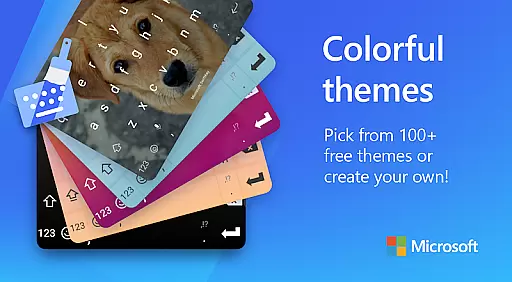
Microsoft SwiftKey AI Keyboard offers an extensive range of customization options that cater to individual preferences and needs. With over a hundred colorful keyboard themes, users can select a design that best matches their personal style or mood.
Beyond the preset themes, the application allows for a deeper level of personalization by enabling users to create their own custom keyboard theme. This feature lets you use your photo as the background, making your typing experience truly unique and personalized.
In addition to aesthetic customizations, Microsoft SwiftKey provides functional adjustments. Users have the ability to customize their keyboard size and layout, ensuring comfort and efficiency while typing. These options support a more ergonomic typing experience tailored to the user's hand size and typing habits.
The adaptability of Microsoft SwiftKey's customization features ensures that every user can have a typing interface that not only looks good but also feels right, enhancing both usability and enjoyment.
Theme compatibility in Microsoft SwiftKey AI Keyboard ensures that all visual customizations maintain high-quality display standards across different devices and screen sizes. The app is designed to offer seamless integration of its numerous themes with various Android operating systems and device types.
Whether you choose one of the 100+ pre-designed colorful keyboard themes or decide to make your own using a personal photo, you can be confident that the chosen theme will render beautifully. This attention to detail guarantees that images are clear, colors are vibrant, and text remains legible regardless of the specific Android device being used.
Moreover, Microsoft SwiftKey supports consistent behavior across its themes, meaning that interactive elements like swipe gestures and autocorrect functions work uniformly well no matter which theme is applied. This uniformity ensures that aesthetic enhancements do not come at the cost of functionality.
By prioritizing theme compatibility, Microsoft SwiftKey delivers a visually cohesive and reliable typing experience, allowing users to express their personality without compromising on performance or usability.
AI-powered predictions
Customizable themes
Multilingual support
Integrated Copilot
Swipe-to-type functionality
Optional permissions needed
Some features limited
Requires learning
May need storage
Premium features cost

Ultra realistic gold analog watch face with lots of customization options.
 4.50
4.50
Prank your friends with realistic broken screen and cracked HD effects!
4.5
Art & Emoji Keyboard with Cool Fonts, Cute Themes and Custom Designs.
4.40
Customizable screen pets that play, climb, and keep you company.
4.50
App Icon Changer & Shortcut Creator. Customize your icons without any watermarks
4.30
Yandex Browser — stylish and secure, with voice search and data compression
4.40
Your home screen, just the way you like it.
4.30
Customize phone with anime themes, 3D icons, aesthetic widgets & wallpapers
4.80
Custom ringtones songs, music ringtones for Android phones
4.60
Enjoy a variety of amazing live wallpapers and colorful EDGE lighting borders!
4.80
300+ widgets inspired by Material You and Material 3 expressive design.
4.60
Embrace the Night. Unleash the power of darkness with Raven Dark Icon Pack
4.60
Beautiful realistic hybrid watch face with numerous customization options.
4.50
Color phone with cool effects for call screen, flash alert & ringtones music
4.50
Unleash Your Creativity and Connect with Loved Ones with Lockscreen Drawing!
4.20
Realistic animated snow on your wrist, with 10 images landscapes to choose from
4.00
Your go to Weather App & Home Screen. Get your weather at a swipe of a finger!
3.80
Interactive Miniature Painting Catalogue
3.30
Capture moments that pass like a storm, second by second.
4.3


User Reviews