
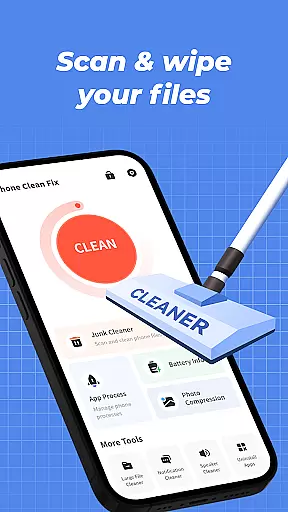

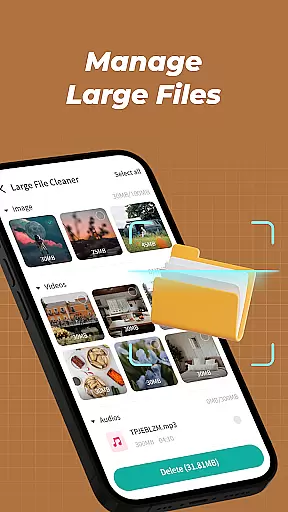
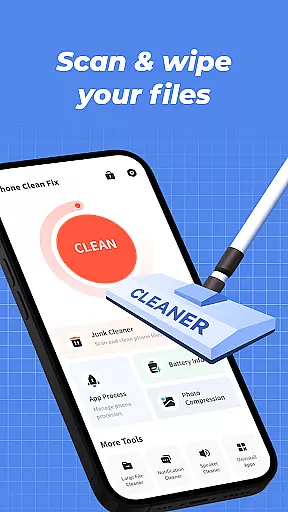


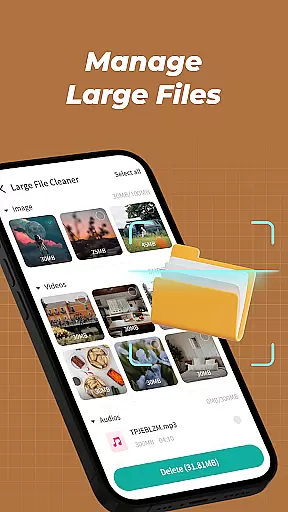
Phone Clean Fix is a comprehensive mobile cleaning tool designed to optimize device performance. The app focuses on four core functionalities: junk file cleaning, battery monitoring, app management, and background process control. By scanning and removing unnecessary cache and residual files, it helps free up valuable storage space. Additionally, users can monitor battery levels, uninstall unwanted apps, and manage background processes to improve device efficiency.
This application is particularly useful for individuals seeking a simple yet effective solution to maintain their phone's performance. Its intuitive interface ensures ease of use while delivering practical features that cater to everyday cleaning needs. With Phone Clean Fix, users can enjoy a smoother and more organized mobile experience.
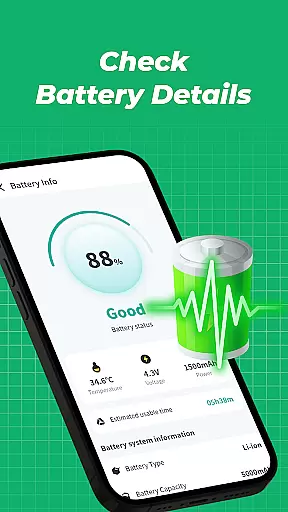
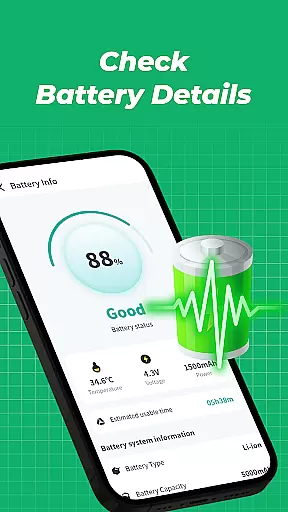
Phone Clean Fix stands out with its diverse range of practical features tailored to enhance mobile device maintenance. The junk cleaner functionality scans the phone for unnecessary files such as cache and residual data, ensuring efficient storage management. Users can also access detailed battery information, including current battery levels, which helps in optimizing power usage.
The app includes an uninstall feature that simplifies the process of removing unwanted applications, keeping the device clutter-free. Furthermore, the background process manager allows users to identify and close apps running in the background, thus conserving system resources. These features collectively contribute to improved device performance and user convenience, making Phone Clean Fix a reliable choice for routine phone maintenance.
Phone Clean Fix delivers exceptional accuracy and effectiveness in its core functions, ensuring users can maintain their devices with confidence. The app's junk cleaning feature employs advanced scanning algorithms that thoroughly analyze storage spaces to identify unnecessary files, including cache and residual data.
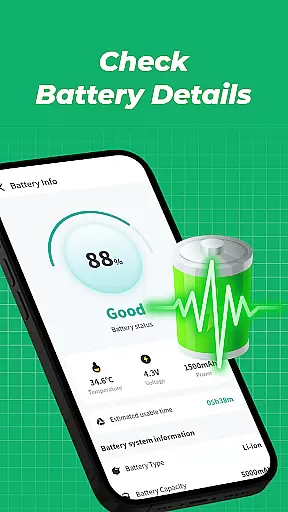
Battery information monitoring is handled with precision, providing real-time updates on battery levels and health status. This allows users to optimize their charging patterns and extend battery lifespan. The app uninstallation tool works seamlessly across all installed applications, enabling quick removal of unwanted software without leaving behind residual files.
Background process management gives users complete control over running applications. The app provides detailed insights into memory usage and CPU consumption patterns of each running process, empowering users to make informed decisions about which apps to keep active. These comprehensive capabilities ensure that Phone Clean Fix stands out as a reliable solution for maintaining optimal device performance.
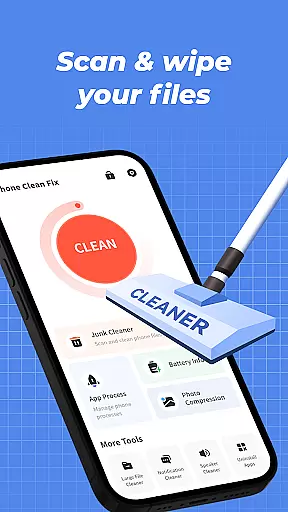
The interface design of Phone Clean Fix emphasizes simplicity and intuitive navigation, making it accessible even for novice smartphone users. The main dashboard presents all essential tools in a single view, eliminating the need for complex menu navigation. Each function is represented by clear icons accompanied by straightforward labels.
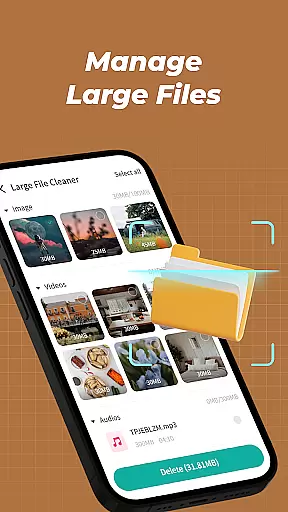
Operation flow is streamlined through intelligent automation. For instance, when initiating a junk file scan, the app automatically categorizes detected files by type and size, allowing users to quickly identify and remove unwanted data. The battery information section uses visual indicators to represent power levels and health status, providing instant understanding at a glance.
Additional features like app uninstallation and background process management follow consistent design patterns, where action buttons are strategically placed for easy access. This thoughtful design approach ensures that users can perform necessary maintenance tasks efficiently without requiring technical expertise or extensive learning time.
User-friendly interface
Effective junk cleaning
Comprehensive battery info
Easy app uninstallation
Background process control
Limited advanced tools
No cloud backup option
Basic design layout
Few customization settings
Occasional scan delays

 4.50
4.50 4.50
4.50
Smart and comfortable browsing experience.
3.80
A non-root local ADB shell client. READ BELOW!
3.40
Mirror your screen to Chromecast and Android TV - Super fast and simple
4.60
The Ultimate Bluetooth Keyboard & Mouse. Securely control your PC, Mac, and more
4.50
Fast Video Downloader, Movie Downloader, Torrent Downloader & Adblock Browser
4.70
Introducing Smart Printer, your ultimate destination for printing solutions!
4.00
Fast VPN USA for any country. Super secure VPN for calls, streaming, games, TV.
4.40
ADB support Android 4.X-Android 13(Support wireless pair mode).No root required!
4.70
Game Booster, GFX Tool is now compatible with newer game update
4.50
Quickly check the frequency of the Earth
4.30
Just one-tap to easy translate in any language after calls within seconds.
4.20
App that Recover your pictures, videos or files after you delete them.
4.20
Signal Strength, Mobile, Wifi, Speed Test, Bad Signals, Cellular, 5G, LTE, 4G
4.20
Screen Mirroring with sound for Samsung TV, LG TV, Sony TV, Smart TV and Browser
4.20
An open-source APK explorer for Android!
4.10
Family Locator, Share location, StayConnect with your family in real time
3.90
Create your own live wallpaper or check out thousands already made presets
3.90


User Reviews