
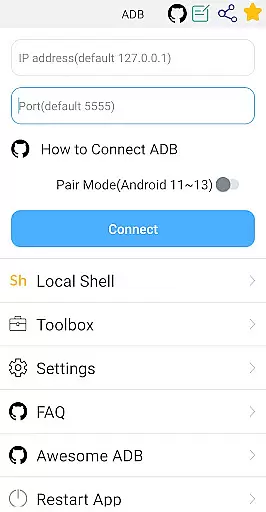
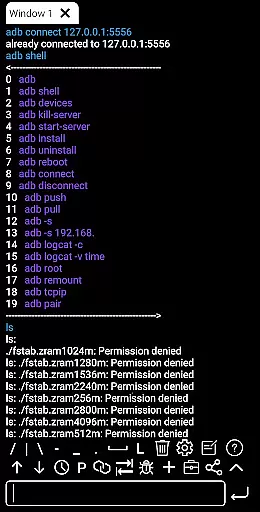

ADB Shell is a comprehensive and powerful toolbox application designed for Android device management. The app provides an extensive set of features that allow users to manage applications, view system information, take screenshots, transfer files, and even control a TV remotely. With support for Android versions 4.X through Android 13, it offers both wireless and local shell ADB functionalities.
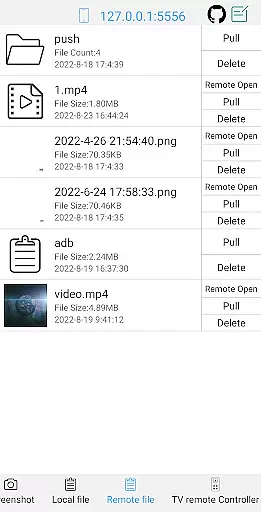
The application's core strength lies in its ability to perform advanced device management tasks such as launching, uninstalling, and managing applications, along with monitoring system performance. It also supports various file operations including push, pull, and deletion of remote files. Its versatility makes it suitable for both casual users who need to manage their devices efficiently and power users who require more granular control over their systems.
ADB Shell is particularly useful for developers and IT professionals who need to troubleshoot devices, automate tasks, or test applications. By providing tools like logcat, command history, and multi-window support, the app ensures that users can work more productively and effectively, making it an essential tool for anyone involved in Android development or device management.
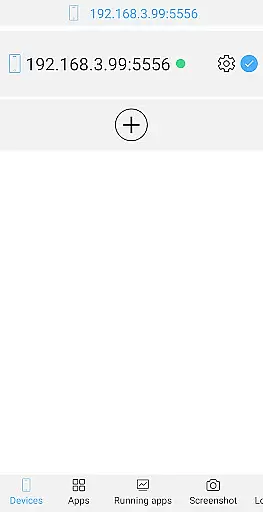
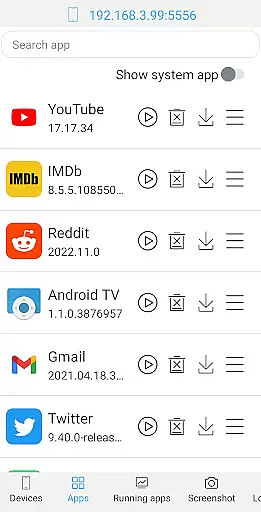
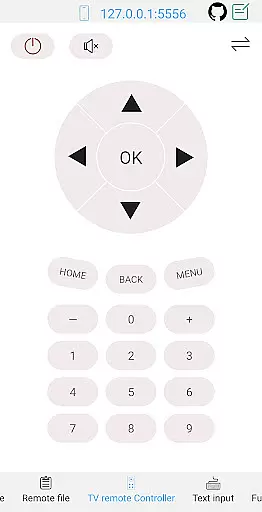
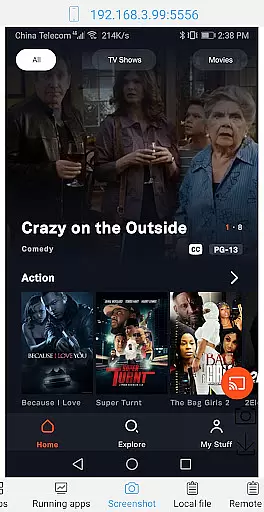
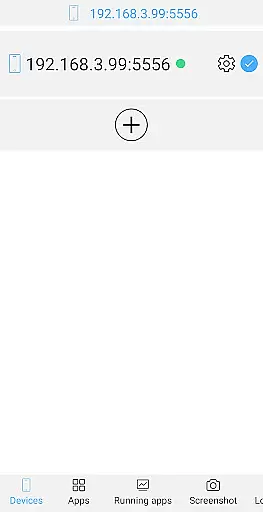
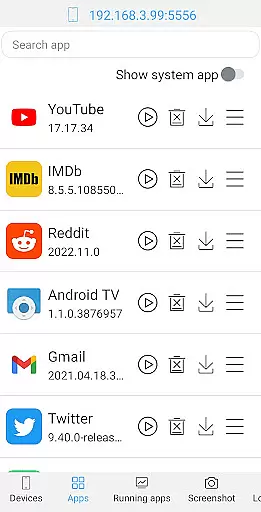
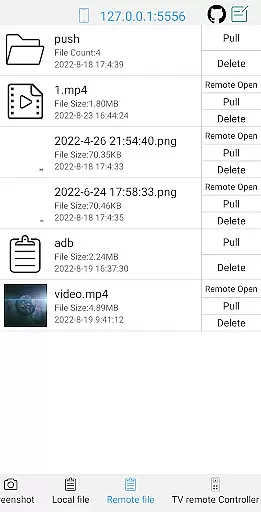
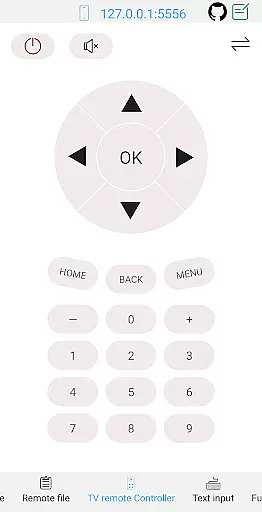
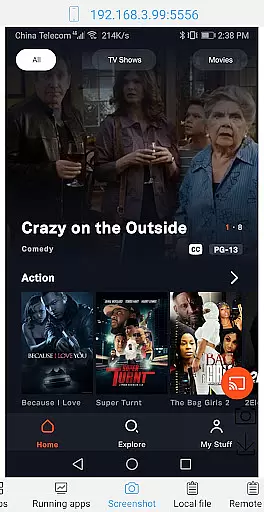
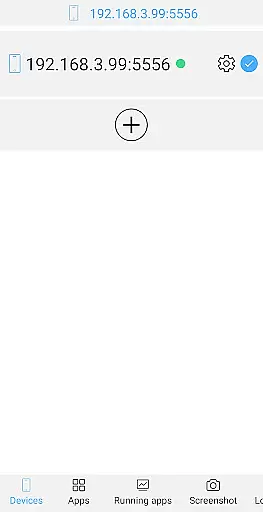
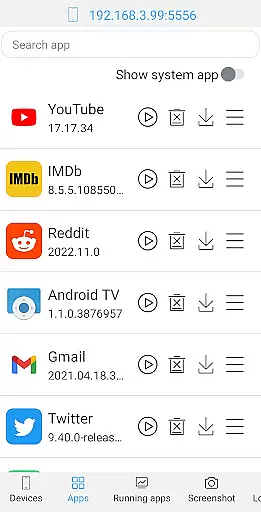
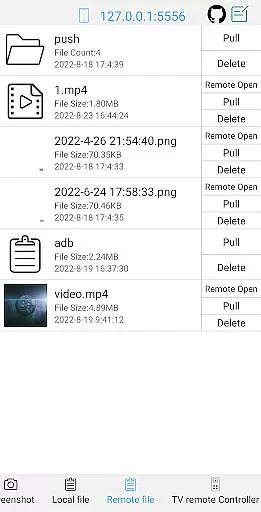
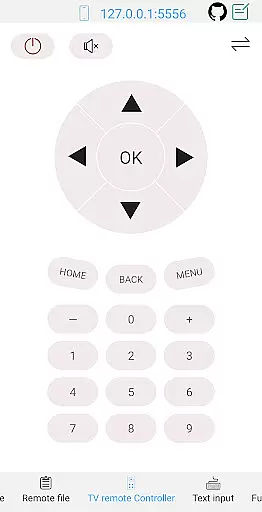
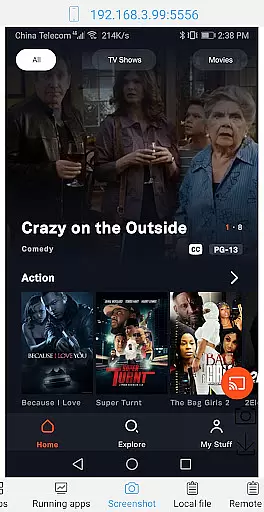
ADB Shell stands out due to its rich feature set tailored for both toolbox operations and shell functionalities. In the toolbox section, users can manage applications by launching, uninstalling, downloading, stopping, clearing data, disabling, and enabling them. Device management capabilities include viewing running applications, taking screenshots, transferring files, installing APKs, and controlling a TV remotely.
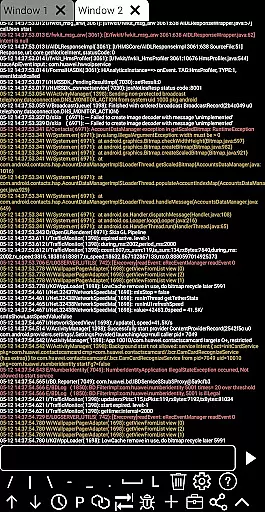
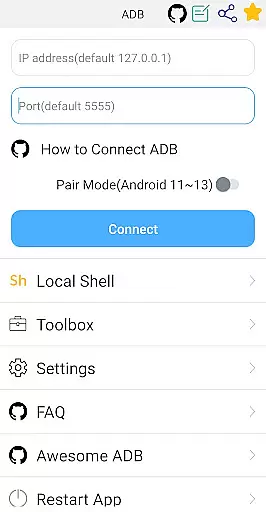
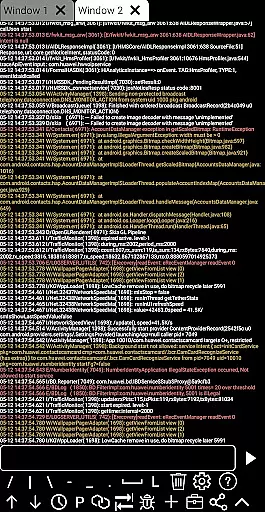
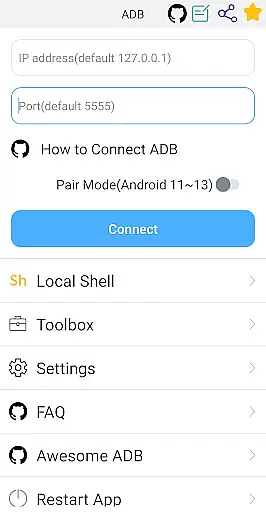
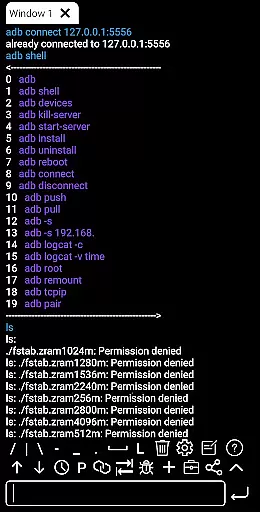
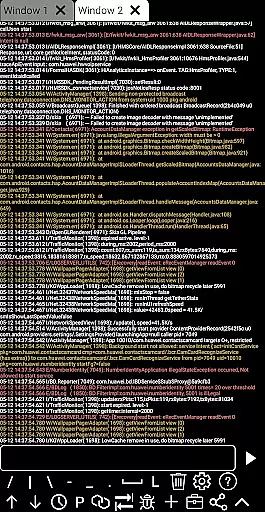
On the shell side, the app supports Android versions from 4.X to 13 and includes wireless pair mode for Android 11-13, WiFi wireless ADB, and local shell ADB. It enhances productivity with associative input, autosave output, command sharing, history tracking, fast copy commands, multi-window support, color text, background execution, recommended commands and files, prefab commands, and logcat functionality.
Each feature is meticulously crafted to provide practical value to the user. For instance, the ability to manage applications and monitor system performance helps maintain device health, while file operations and remote controls offer convenience and flexibility. These robust features make ADB Shell an indispensable tool for efficient Android device management.
ADB Shell stands out for its comprehensive and accurate implementation of core functions that are essential for developers and power users. The application supports a wide range of functionalities from basic device management to advanced shell commands, ensuring that each tool performs reliably under diverse scenarios.
The app's ability to manage applications is particularly noteworthy. It allows users to launch, uninstall, download, force stop, clear data, disable, and enable applications with precision. This suite of tools ensures that users can effectively control and manage their Android devices without any compromise on performance or security.
Moreover, the shell features of ADB Shell are designed to cater to both novice and expert users. With support spanning from Android 4.X to Android 13, it includes capabilities such as wireless pair mode, WiFi wireless ADB, local shell ADB, and more. These features collectively enhance the user experience by providing powerful options for device interaction and troubleshooting.
Despite its powerful capabilities, ADB Shell maintains an interface that is both simple and intuitive. The design philosophy focuses on making complex operations accessible without overwhelming the user. Each feature is logically organized within the interface, allowing users to quickly locate and utilize the tools they need.
The application provides a seamless experience through its support for associative input, autosave output, command history, and fast copy command. These elements contribute to an environment where users can execute commands efficiently and share outputs effortlessly, enhancing productivity without steep learning curves.
Furthermore, ADB Shell offers multi-window support and color text, which significantly improve readability and usability during extended sessions. By prioritizing these aspects, the app ensures that even users who are new to ADB can navigate and operate the toolset with confidence, achieving their objectives with minimal friction.
User-friendly interface
Comprehensive toolbox
Advanced shell features
Wide Android version support
Efficient device management
Complex for beginners
Requires technical knowledge
Limited aesthetic appeal
No iOS support
Advanced features may overwhelm casual users

A powerful, easy-to-use flight computer on your phone or tablet!
 3.80
3.80
A convenient photo, video, and file recovery tool.
4.00
MS-DOS in your pocket. Play old DOS games anywhere you are ;)
4.10
Monitor car performance in real time and troubleshoot malfunctions.
4.80
Making emulation easy for everyone!
4.30
Planner and Tracker for Stardew Valley
4.60
Creation, Learning, Entertainment & More — The All-in-One AI Search Engine
4.70
Enjoy a smooth mobile reading experience!
3.60
Your personal health butler
3.60
Optimize your WiFi network, turn your phone into Wifi Analyzer
4.70
Small and simple app to Verify Root Access and BusyBox Install!
4.70
The Ultimate Bluetooth Keyboard & Mouse. Securely control your PC, Mac, and more
4.50
Universal TV remote control all TVs, Roku, LG, Samsung, Fire, Vizio, Sony, TCL.
4.40
PC precision for mobile gaming: dominate with keyboard and mouse!
4.30
VESC Tool can monitor and configure VESC-compatible devices over BLE and Wifi
4.20
Effortlessly run ADB commands directly on your device without a PC.
4.20
An open-source APK explorer for Android!
4.10
Smart and comfortable browsing experience.
3.80
Unlock your Essential Key. Create custom shortcuts to your favorite apps!
4.3


User Reviews