
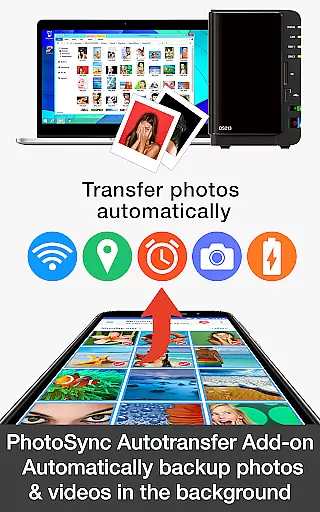
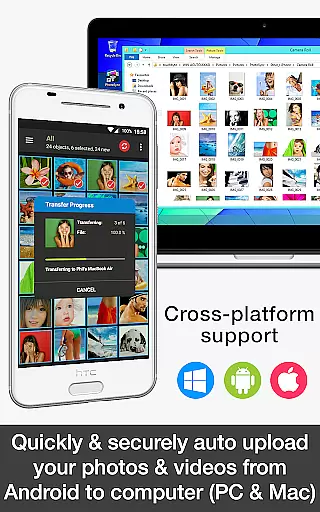

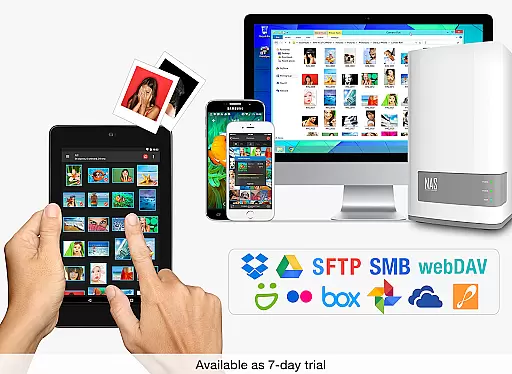
PhotoSync Autotransfer Add-On is an advanced activation license designed to enhance the free version of PhotoSync, a leading cross-platform solution for photo and video management. This add-on enables automatic wireless backup of multimedia files to various destinations including computers, private clouds, and NAS systems.
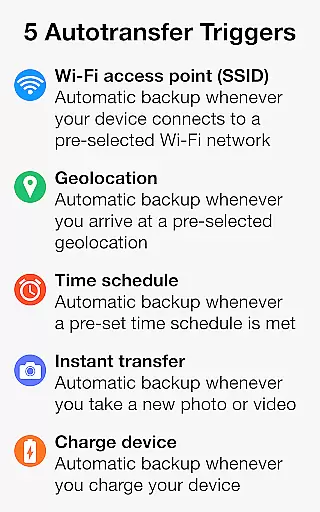
With over 10,000 positive reviews and millions of successful transfers, PhotoSync stands out for its reliability and security. The Autotransfer feature supports five configurable triggers such as Wi-Fi access points, geolocation, and device charging, ensuring your media is backed up exactly when you need it. This makes it an ideal solution for users seeking seamless integration between their Android devices and other platforms like Windows and Mac.
The true value of PhotoSync Autotransfer lies in its ability to provide total user control while eliminating ads, making it a customizable and uninterrupted experience for managing your digital assets securely across multiple devices.
PhotoSync Autotransfer Add-On offers a comprehensive suite of features tailored for efficient media management. One of its standout capabilities is the automatic background transfer of photos and videos to pre-selected targets such as computers, private clouds, and supported cloud services. This ensures that your files are always backed up without manual intervention.
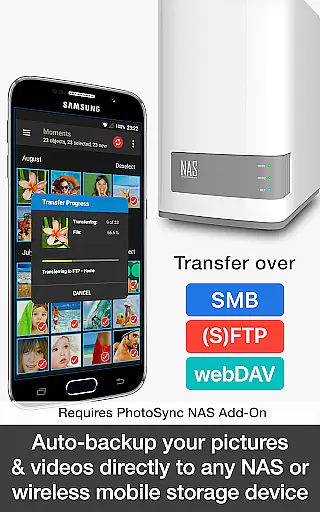
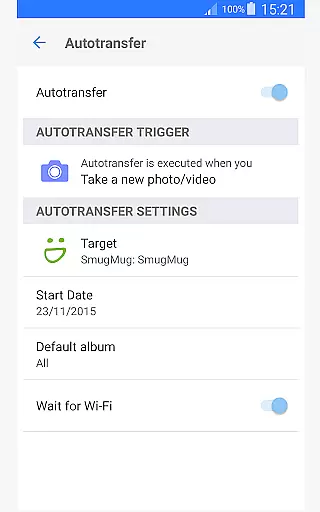
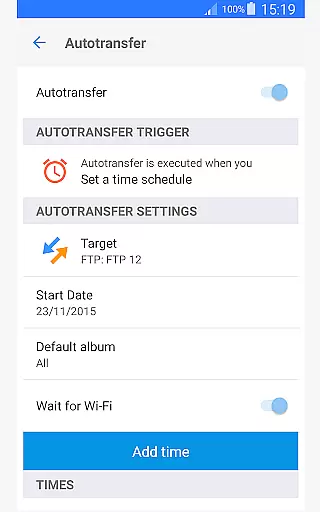
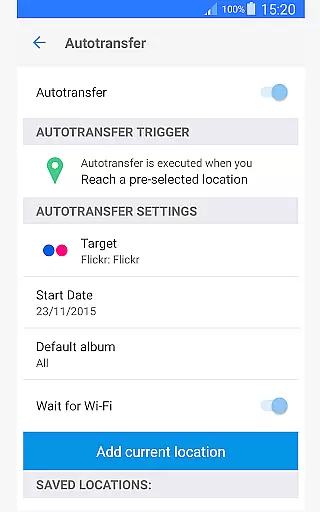
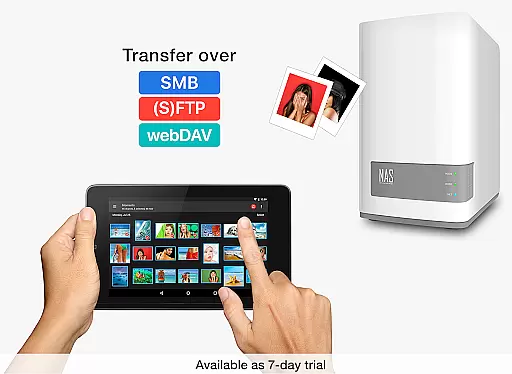
The add-on provides five distinct Autotransfer triggers, including instant transfer upon capturing media, location-based transfer when entering specific geolocations, and schedule-based transfer according to user-defined timeframes. These options give users flexibility and peace of mind knowing their data is secure under various conditions. Additionally, support for protocols like SMB, (S)FTP, and WebDav allows connection to virtually any NAS or remote server, further enhancing its versatility.
By upgrading from the free version, users gain access to an ad-free experience with enhanced functionality, making PhotoSync Autotransfer a reliable tool for anyone looking to streamline their digital workflow across Android, iOS, Windows, and Mac platforms.
PhotoSync Autotransfer Add-On offers real-time capture and preview capabilities, ensuring that every photo or video is automatically backed up as soon as it's taken. This feature eliminates the risk of losing precious moments due to device failure or accidental deletion.
The app supports instant transfer of media files, allowing users to wirelessly back up their content directly to computers, private clouds, NAS devices, and supported cloud services. With this functionality, users can enjoy peace of mind knowing their data is securely stored without manual intervention.
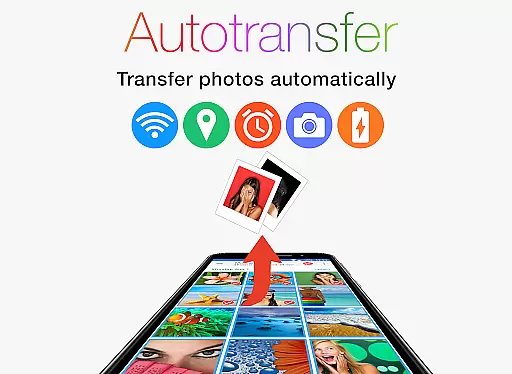
Five configurable autotransfer triggers enhance the user experience by enabling backups based on specific conditions such as Wi-Fi access points, geolocation, time schedules, taking a photo, or charging the device. These options provide flexibility and convenience tailored to individual preferences and routines.
While PhotoSync Autotransfer Add-On does not focus on AI beauty enhancements, it excels in maintaining the natural quality of photos and videos during transfers. The application ensures that all media files retain their original resolution and format, preserving the authenticity of each capture.
Users benefit from reliable and secure software with over ten years of market presence and continuous updates. This long-standing reputation guarantees that transferred images maintain their integrity and are free from unwanted alterations or quality loss.
By supporting various transfer protocols like SMB, (S)FTP, WebDav, and popular cloud services, PhotoSync provides a versatile solution for managing digital assets. Its emphasis on security and ease of use makes it an ideal choice for those prioritizing genuine representation over artificial enhancements.
Automatic backups
Customizable triggers
Cross-platform support
No ads
Secure transfers
Paid add-on
Requires main app
Limited free features
Complex setup
Cloud service fees

A collection of tools and reference tables for DPs, ACs, DITs and Operators.
 4.70
4.70
Shooting photos and records video easily and efficient with professional Camera
4.30
1M influencer's special filter
4.60
Transform photos into videos! Create realistic or anime-style images easily!
4.50
Over 800 film simulation recipes for Fujifilm. Black Friday Offer!
4.2
Photo editor & gallery. Crop pictures & edit photos offline, no wifi!
4.50
AI photo enhancer with Sora 2! Enhance, descratch, and colorize your old photos.
4.50
Transform Photos: Edit, Beautify and Craft Memories & Make Collages!
4.10
Pro version: AR sun/moon tracker for any date. Tool for photographers & planners
4.90
Perfect body tune & face app - photo retouch, makeup, slim body & beautify face.
4.80
The original Rarevision VHS look seen everywhere!
4.70
HD Camera Pro with HD Video shooting, Panorama, Photo editor , Beauty Camera.
4.50
Create AI photos & videos with Enhancer; restore, fix, beautify, enhance photos
4.50
Use AI Video Generator to turn your words to ai generated videos.
4.50
[3DSteroid Pro] is a stereoscopic application for Android.
4.30
Turn your phone into a professional camera - full DSLR manual photography
4.30
Pet Camera
3.70
Raw Image Viewer. Gallery with support of raw images (.cr3, .cr2, .nef, .raf).
2.00
Snap photos remotely using your Garmin watch as the camera trigger
4.0


User Reviews