
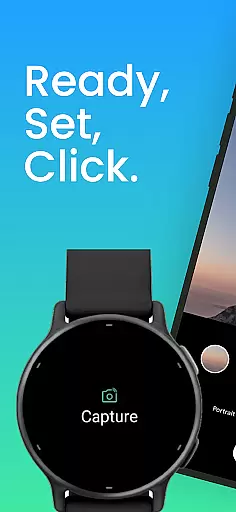
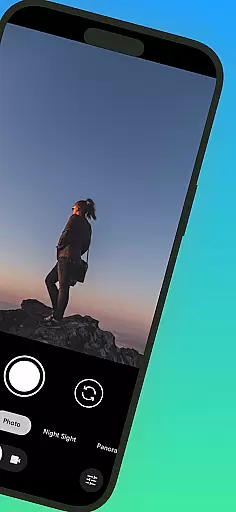
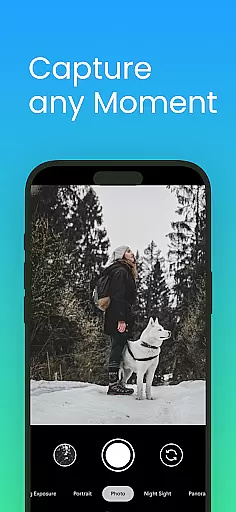
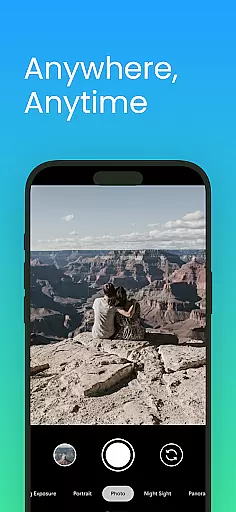
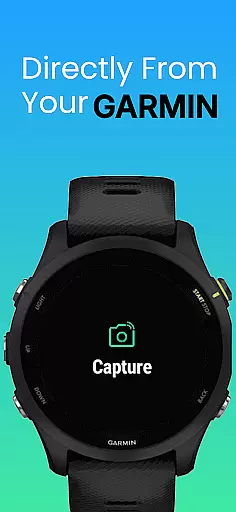
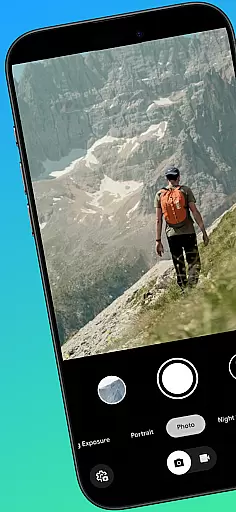
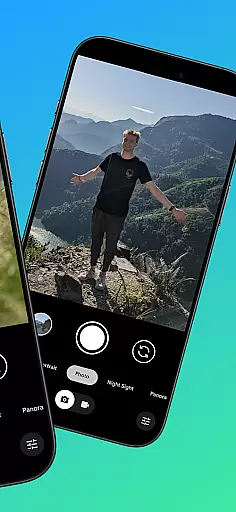
CameraClick is a powerful photography app that connects your Garmin smartwatch with your Android phone, enabling wireless remote control of your camera. This seamless integration allows users to capture photos and videos directly from their wrist, making it ideal for group shots, solo adventures, or distance recordings.
The app works with your phone's native camera application, ensuring that all preferred settings such as quality, lens choice, and storage paths are preserved. By leveraging Android’s AccessibilityService, CameraClick interacts directly with the camera shutter button, offering compatibility across a wide range of devices and camera apps.
Whether you're an athlete recording workouts, a creator capturing nature, or simply someone who wants to take photos without handling your phone, CameraClick provides an easy and reliable solution tailored to enhance your photography experience.
CameraClick stands out with its unique ability to integrate your Garmin smartwatch and Android phone, creating a seamless remote camera experience. The app triggers your phone's existing camera app rather than relying on a custom viewer, preserving your preferred settings and maintaining photo and video quality.
One of the key features is its use of Android’s AccessibilityService, which allows direct interaction with the camera shutter button. This ensures broad compatibility with various camera apps across different devices, giving users full control over how their media is captured. Additionally, CameraClick has been tested and proven reliable on popular Android devices from brands like Google, Samsung, Motorola, Xiaomi, and more.
Designed for creators, athletes, and everyday users, CameraClick simplifies remote shooting while maintaining high-quality standards. Whether capturing action shots during a workout or scenic views in nature, this app offers both convenience and reliability.
Real-time capture and preview functionality is essential for ensuring that users can take photos or record videos with precision and confidence. CameraClick excels in this area by providing seamless integration between your Garmin smartwatch and Android phone.
The app leverages the native camera app on your phone, meaning you get to use the camera interface and settings you're already familiar with. This ensures that the quality of your shots remains consistent with your preferences, whether it's choosing a specific lens or adjusting exposure settings.
With CameraClick, you can trigger the camera shutter directly from your smartwatch. This wireless control allows you to capture moments without needing to physically interact with your phone, making it perfect for group photos, action shots, or any scenario where remote operation enhances the photography experience.
By using Androidu2019s AccessibilityService, CameraClick interacts directly with the camera app, ensuring compatibility across a wide range of devices and camera applications. This means you retain full control over how your media is captured while enjoying the convenience of shooting from your wrist.
While CameraClick does not focus heavily on AI beauty and enhancement features, it still offers a natural and authentic photography experience by leveraging your phone's native capabilities. The emphasis here is on maintaining the integrity of your original content rather than applying heavy-handed filters or enhancements.
CameraClick works with your existing camera app, preserving your preferred quality settings and lens choices. This approach ensures that any enhancements or beautification features you apply come from your trusted camera app, keeping the final output genuine and true to your style.
For users who prioritize authenticity over artificial enhancements, CameraClick provides a reliable solution. It allows you to capture moments as they are, without unnecessary alterations that can detract from the natural beauty of your subjects.
Ultimately, CameraClick empowers users to create high-quality images and videos that reflect their unique perspective. By focusing on seamless integration and user control, it delivers an experience that feels both professional and personal, catering to creators, athletes, and everyday users alike.
Wireless control
Native camera support
Wide compatibility
User-friendly interface
High-quality output
Requires Garmin watch
Accessibility permissions needed
Limited to Android
No iOS support
Dependent on device stability

Effortlessly organize, view and share your photos & videos with Gallery app!
 4.40
4.40
Photobooth mini FULL app will allow you to add more fun to your parties
4.00
Viewfinder, Light meter, Reciprocity failure time, DOF & Bellows Extension
4.60
AI photo editor with hair editor, retouch tools, hair color changer & filters!
4.50
Create Business Headshots, Polaroid Filter, Retake Photos,Profile Pics,AI Photos
4.50
Transform photos into videos! Create realistic or anime-style images easily!
4.50
Easily create custom gifts, cards, photo books & more on the Shutterfly app!
4.60
Pro version: AR sun/moon tracker for any date. Tool for photographers & planners
4.90
Solocator stamps photos you take with GPS location, Compass Direction, Date/Time
3.80
Collage your moments in one tap: 1000+ layouts, filters, stickers, and texts.
4.90
Create collages easily! Nice pic collage maker & background eraser for Instagram
4.50
Photo editor & gallery. Crop pictures & edit photos offline, no wifi!
4.50
Trendy TikTok time warp scan funny filter app brings you unique photos & videos.
4.40
Turn your phone into a professional camera - full DSLR manual photography
4.30
Professional photography on your mobile phone
4.20
Turn photos into cartoons & avatars! - Photo Editor, Cartoon Face!
3.90
Hair color changer, AI haircut app, fun hair editor and buzz cut filter for all!
3.80
Create amazing frames with up to five photos. Rounded corners, effects and more!
3.60
Superimpose one photo on top of another using the original Superimpose app!
3.20


User Reviews