
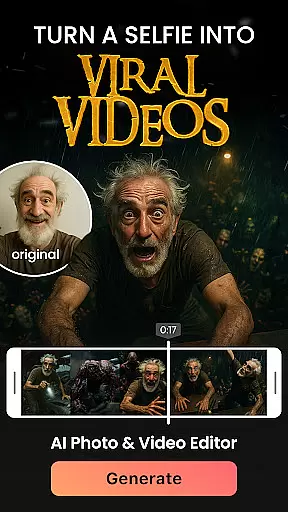

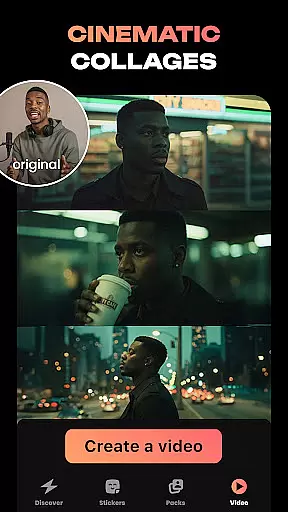
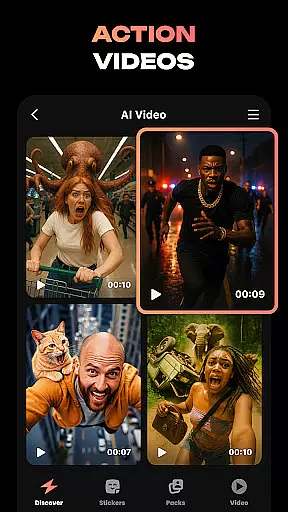
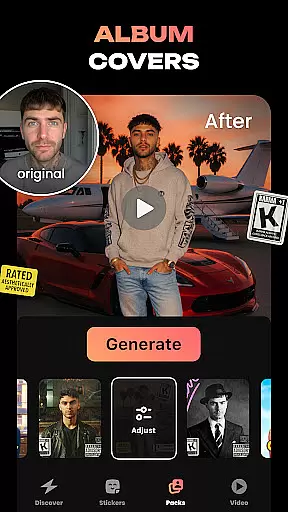
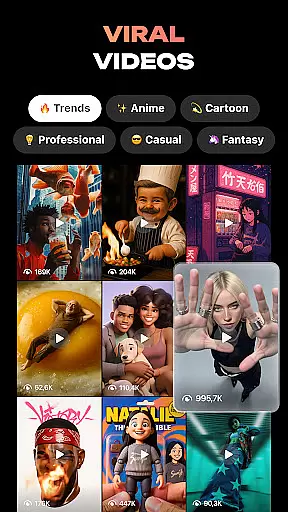
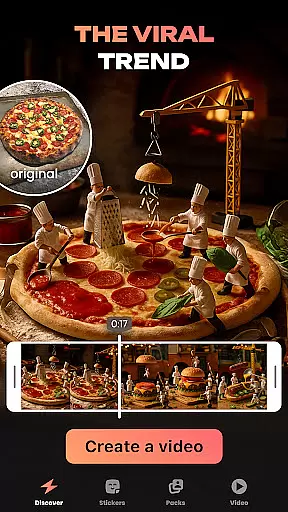
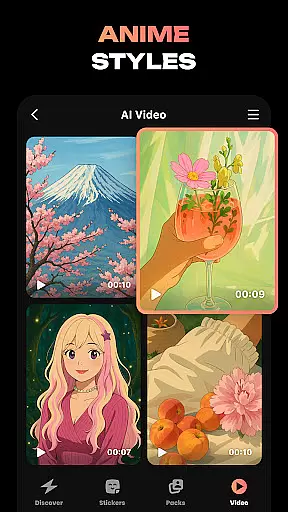
Hula is an innovative photography app that leverages AI technology to transform your photos and videos into creative masterpieces. With a wide range of features, the app allows users to create avatars, viral video content for platforms like reels, photo-to-video transformations, and even video remixes in various styles. It also offers tools for creating personalized stickers and predicting future baby appearances based on uploaded photos.
Whether you want to refresh your profile picture with artistic flair, generate animated versions of your selfies, or produce engaging content for social media, Hula provides endless possibilities for self-expression. The app's intuitive design makes it easy to use while delivering professional-quality results, making it perfect for both casual users and content creators looking to enhance their digital presence.
Hula stands out with its diverse set of AI-powered features tailored for creative expression. Users can bring their photos to life by transforming them into eye-catching videos, such as strolls through Paris or chic magazine-style shoots. The Baby Generator feature lets you upload photos of yourself and your partner to predict what your future child might look like, producing stunningly cute and realistic results.
Another highlight is the ability to create custom sticker sets from a single selfie, which can be used across multiple messaging platforms like iMessage, Instagram, WhatsApp, and more. Additionally, Hula enables users to experiment with different aesthetics, including retro, luxury, anime, and time-travel effects that reimagine how you'd appear in various eras. These features collectively make Hula not just a tool but a playground for imagination.
Real-time capture and preview functionality is essential for photography apps like Hula. This feature allows users to see exactly what the camera sees, ensuring they capture the perfect shot every time.
Hula takes this a step further by integrating AI-powered transformations directly into the preview window. Users can instantly see how their photos would look in different styles, such as vintage or anime, before taking the shot.
This immediate feedback loop enhances user creativity and saves time by eliminating the need for post-processing. With real-time previews, users can experiment with various looks and make instant adjustments to achieve their desired results.
The app's ability to provide accurate and responsive previews ensures that users can fully express themselves without technical limitations, making photo creation both intuitive and enjoyable.
AI beauty and enhancement features are crucial for modern photography apps. Hula leverages advanced AI algorithms to enhance natural beauty while maintaining authenticity.
Unlike traditional filters that apply uniform changes, Hula's AI analyzes individual facial features to create personalized enhancements. This approach ensures that each transformation looks unique and genuine, avoiding the over-processed appearance common in other apps.
Users can experiment with various styles, from subtle touch-ups to dramatic makeovers, all while retaining their natural essence. The app intelligently adjusts elements like skin tone, eye brightness, and smile intensity to create stunning yet believable results.
By prioritizing natural-looking enhancements, Hula empowers users to express their creativity while maintaining the authenticity of their original images, setting a new standard in AI-powered photography.
User-friendly interface
Versatile editing options
High-quality output
Unique avatar creation
Engaging social features
Limited free features
Subscription cost required
Occasional glitches
Heavy on storage
Learning curve for new users

Shooting photos and records video easily and efficient with professional Camera
 4.30
4.30
Find time and duration of different sunlight phases at any location
4.90
1M influencer's special filter
4.60
Be your best in every shot! Fix, edit and retouch your face in selfies & photos.
3.70
Take videos and pictures with the popular TikTok TIME WARP SCAN filter.
4.60
The #1 app for B&W film developing featuring an advanced darkroom timer.
4.10
Add a dreamy vibe to your selfies and videos with soft style filters
4.0
The original Rarevision VHS look seen everywhere!
4.70
Discover How to Plan any Sun, Moon and Milky Way Photo You Imagine in Seconds
4.70
Pro version: AR sun/moon tracker for any date. Tool for photographers & planners
4.90
AI portrait generator and polaroid AI selfie, fun AI generated AI photo creator!
4.30
All-in-One Editor & AI Photo Enhancer, Beautify & Retouch, Collage, Cartoonify
4.20
Professional photography on your mobile phone
4.20
A light meter for true photographers.
4.20
Gallery Slideshow is slideshow maker app for slideshow from your gallery photos.
3.90
Remote control of the phone camera from your Wear OS smartwatch
3.70
Pet Camera
3.70
GCamera allows all GCam features on all phone models! Better photos with GCamera
3.30
Raw Image Viewer. Gallery with support of raw images (.cr3, .cr2, .nef, .raf).
2.00


User Reviews