

Gallery show photo, video, slideshow, is perfect 3D effect private photo albums.
 4.80
4.80
Photo Album Watch Face shows your favorite pictures as a Watchface.
1.90
All-in-One Editor & AI Photo Enhancer, Beautify & Retouch, Collage, Cartoonify
4.20
Natural Beauty, Selfie Retouch
4.30
Photo editor: AI filters, photo enhancer, pic collage maker, AI art generator.
4.80
USB Storage Access for Photos, Videos, Music and Documents
3.80
AI-powered video creator by MiniMax - Where ideas meet cinema
4.20
Your personal guide to the sun and moon. Plan ahead, visualize and predict!
4.70
Discover & download millions of art for The Frame TV or Hisense CanvasTV
4.60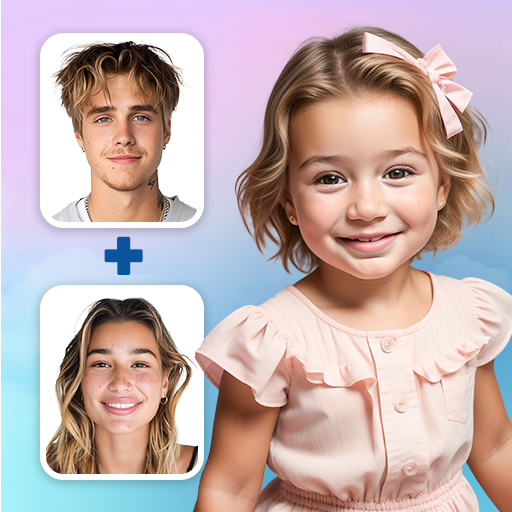
See your baby AI baby face generator AI baby maker Face generator babymaker fun!
4.70
Unblur, enhance & restore photos with powerful AI photo enhancer tools.
4.60
Safe & smart flight with Go Fly drone controller for 40+ drone camera, zone map
4.50
Edit like a pro with Hypic. Apply filters, AI effects, & magic touch.
4.40
A reflected light meter with spot metering and incident light metering.
4.40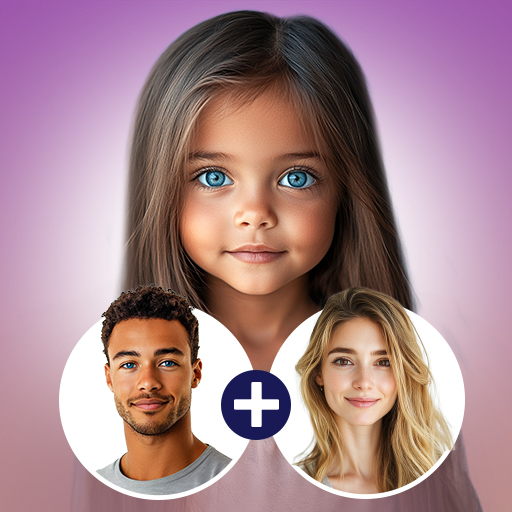
Future baby face generator: AI kids generator, kid face! What my baby look like?
4.40
What celebrity do you look like? Celebs will find your celebrity match!
4.10
Perfect photos with body shaping, BG changer and object remover.
3.70
Long exposure camera with computational photography
2.60
Raw Image Viewer. Gallery with support of raw images (.cr3, .cr2, .nef, .raf).
2.00


