
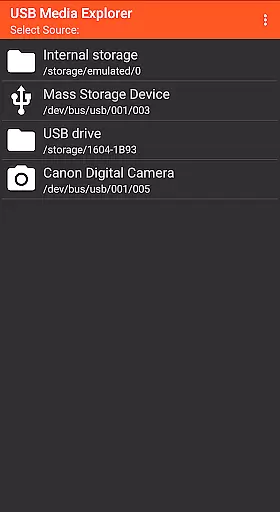
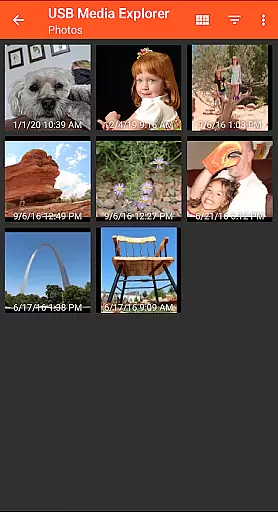
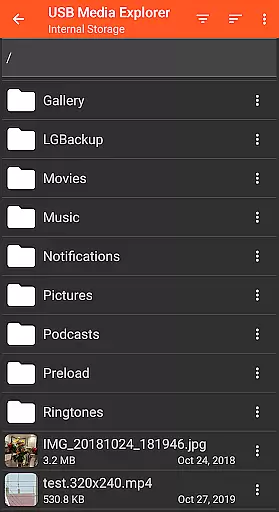
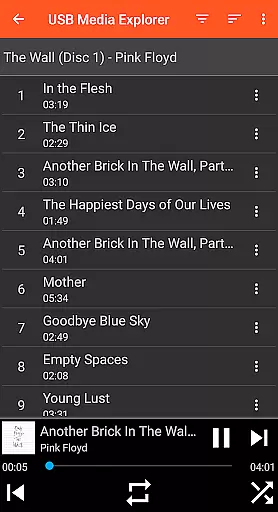
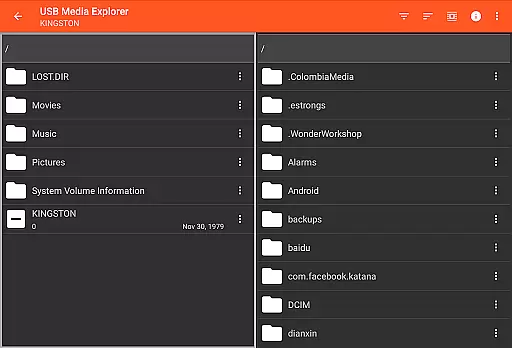
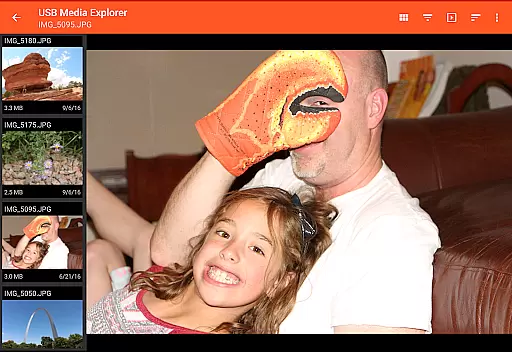
USB Media Explorer (UME) is a versatile photography app designed to help users manage and view multimedia content directly from USB storage devices. The app allows you to access photos, stream videos, listen to music, and view documents without the need for importing files. With specialized viewing modes for different media types, UME provides an efficient way to interact with your digital assets on-the-go.
The app supports various devices including flash drives, card readers, hard drives, cameras, and even other Android devices. Its file management capabilities enable seamless copying of files to and from connected devices. Whether you're a photographer needing instant access to RAW images or simply someone who wants to enjoy media from external storage, USB Media Explorer offers a practical solution for all your mobile media management needs.
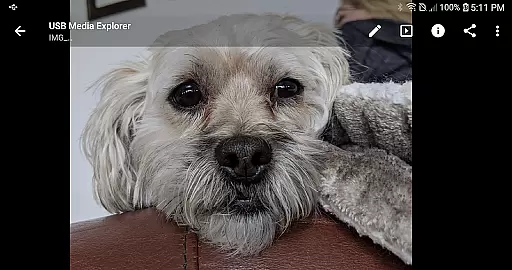
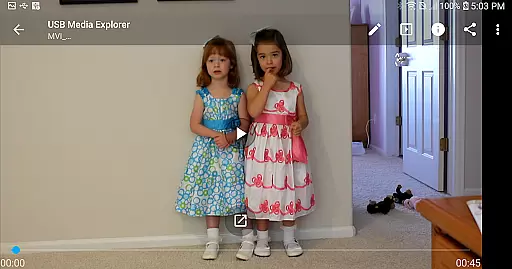
USB Media Explorer stands out with its comprehensive feature set tailored for photography enthusiasts and general users alike. The app provides specialized screens for different media types - photos, videos, music, and documents - each optimized for the best viewing experience. You can view full-size photos and videos directly from your USB device, preserving the original quality without the need for import.
One of the key features is its robust file management system that allows bidirectional file transfers between your Android device and connected USB storage. The app supports various video and audio formats, though some may require third-party players like VLC for playback. Additionally, it accommodates different power requirements for various devices, suggesting the use of powered USB hubs for high-power devices like hard drives. This makes USB Media Explorer not just a viewer but a complete mobile media management solution.
USB Media Explorer offers a unique real-time capture and preview feature that allows users to view photos and stream videos directly from USB storage devices without the need for importing. This functionality is crucial for photographers and videographers who require immediate access to their media files on the go.
The application supports both Jpeg and Raw photo formats, ensuring that professionals can work with high-quality images directly from their cameras or storage devices. The ability to view full-size photos and videos without importing saves valuable time and storage space on the Android device.
Users benefit from specialized viewing screens tailored for different media types, providing an optimized experience whether they are browsing photos, watching videos, or managing files. This ensures that creative professionals can efficiently review and select their best work while in the field.
This real-time access to media files significantly enhances workflow efficiency, allowing users to quickly copy files to and from USB devices, and make immediate edits or share their content with clients or social media platforms.
While USB Media Explorer does not focus on AI beauty enhancements, it provides essential features for managing and viewing multimedia content with natural quality. The app ensures that photos and videos retain their original quality when viewed or transferred, offering users a reliable tool for handling their media files.
For video content, although Android does not natively support all formats, USB Media Explorer recommends using third-party players like VLC for unsupported formats such as AVI, Dolby, DTS, and WMV. This approach maintains the integrity of the original footage, providing a natural viewing experience without unnecessary enhancements.
Photographers and videographers can trust the app to handle their raw files with care, preserving the authenticity of their work. This is particularly important for professionals who rely on accurate color representation and image details during their editing process.
By focusing on genuine media presentation rather than artificial enhancements, USB Media Explorer caters to users who value the natural state of their content, making it an ideal tool for professionals in the photography and videography fields.
User-friendly interface
Wide device compatibility
Direct file viewing
Robust file management
Specialized media viewers
Limited native format support
Additional hardware may be required
Power limitations for some devices
No live image device support
Proprietary protocol restrictions

Photo Album Watch Face shows your favorite pictures as a Watchface.
 1.90
1.90
Photobooth mini FULL app will allow you to add more fun to your parties
4.00
Superimpose one photo on top of another using the original Superimpose app!
3.20
Photo Exif Editor allows to view, add and modify EXIF data of multiple photos
4.50
Gallery Slideshow is slideshow maker app for slideshow from your gallery photos.
3.90
Raw Image Viewer. Gallery with support of raw images (.cr3, .cr2, .nef, .raf).
2.00
Professional quality photo edits with the new Snapseed.
4.00
Snap photos remotely using your Garmin watch as the camera trigger
4.5
The original Rarevision VHS look seen everywhere!
4.70
Viewfinder, Light meter, Reciprocity failure time, DOF & Bellows Extension
4.60
Take videos and pictures with the popular TikTok TIME WARP SCAN filter.
4.60
Light-weight Media Gallery app for Android made with Jetpack Compose
4.60
Easily create custom gifts, cards, photo books & more on the Shutterfly app!
4.60
PhotoSync Bundle Add-On License. Enables all features and services in PhotoSync.
4.60
Add Watermark - Sign your pictures with a text or logo. Effective, quick, easy!
4.50
Future baby face generator: AI kids generator, kid face! What my baby look like?
4.40
All-in-One Editor & AI Photo Enhancer, Collage, Cartoonify, Funny Stickers & BGS
4.10
How would you look like with a differently shaped nose, chin or lips?
3.90
Remote control of the phone camera from your Wear OS smartwatch
3.70


User Reviews