
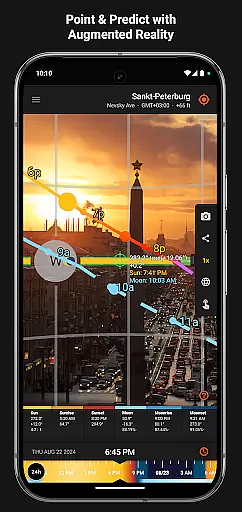
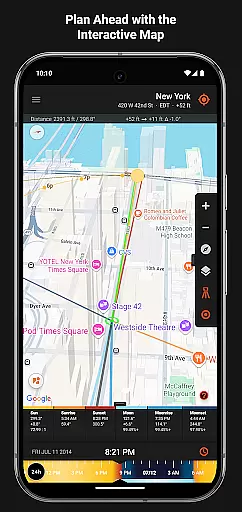
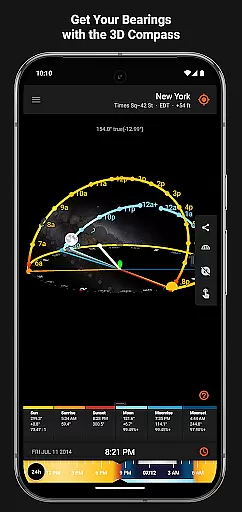
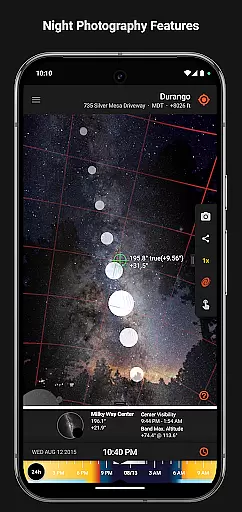

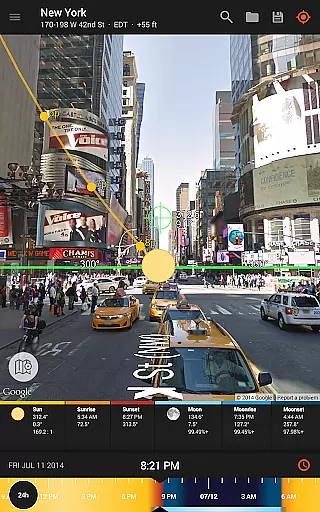
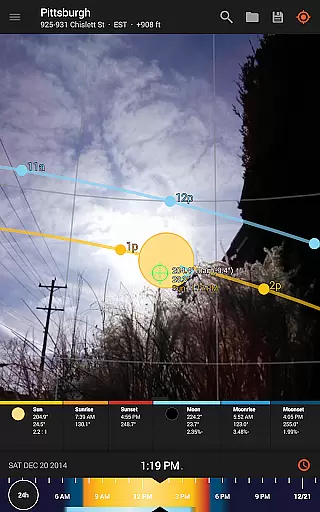
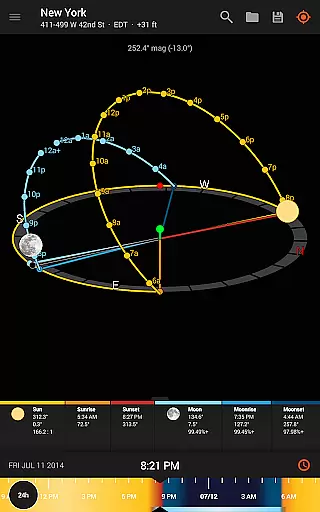
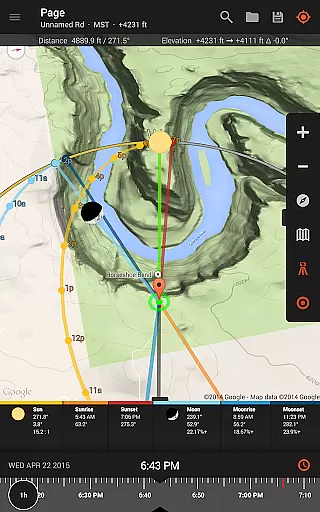
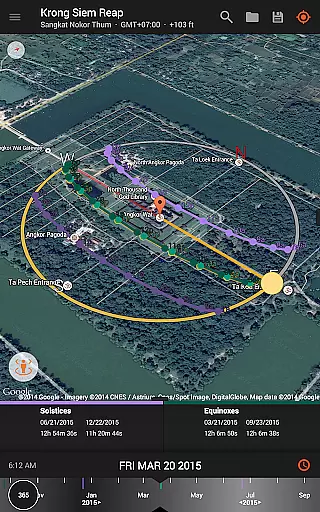
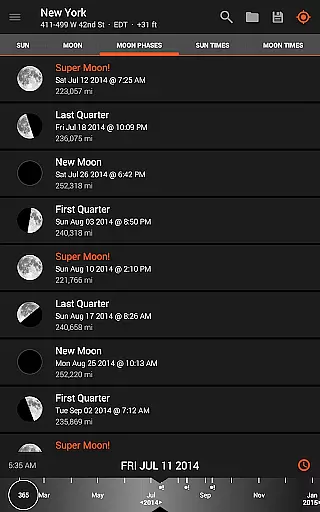
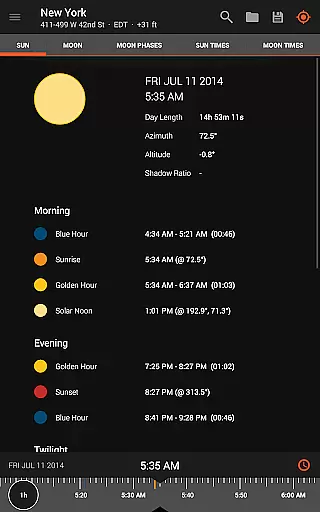
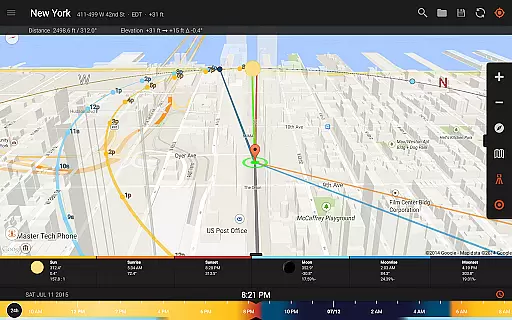
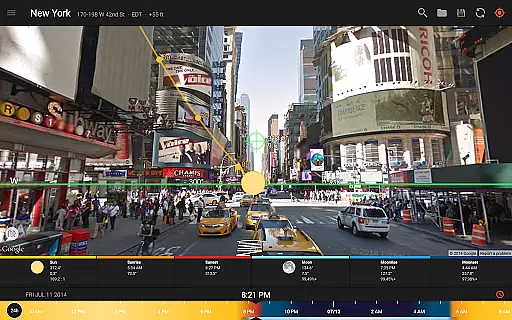
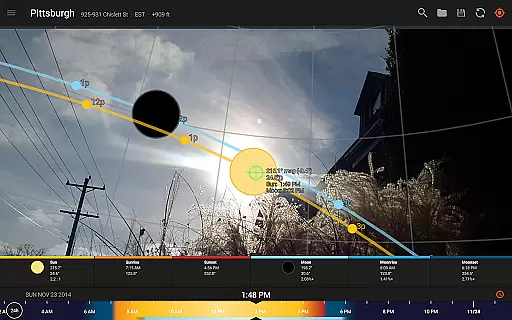
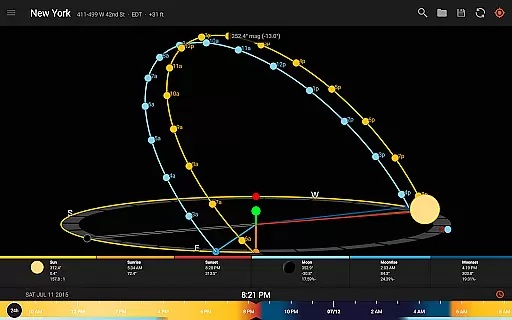
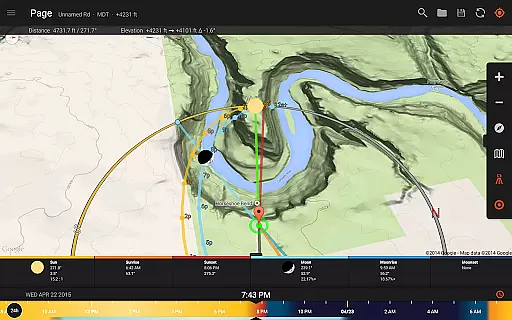
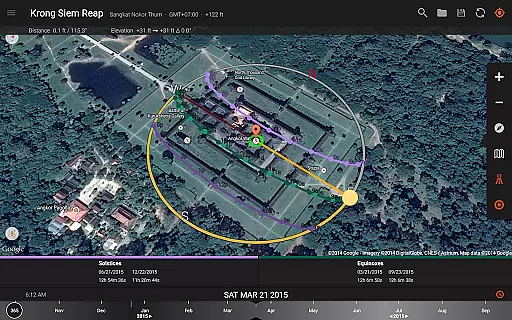
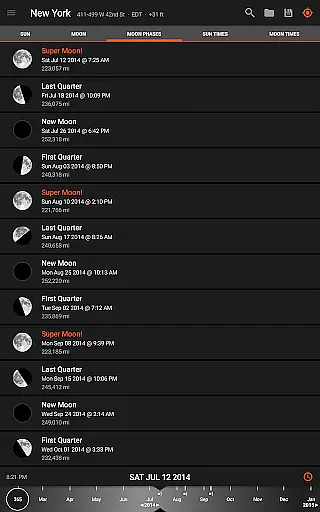
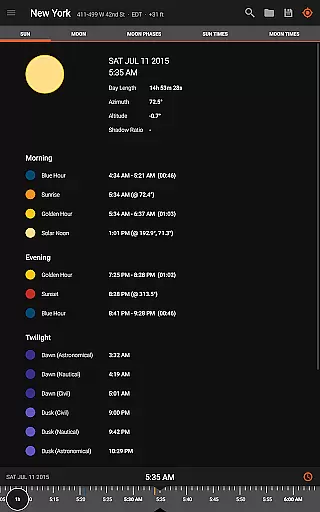
Sun Surveyor is an advanced photography planning tool that empowers users to predict and visualize natural lighting conditions with precision. Designed for photographers, filmmakers, and solar industry professionals, the app provides detailed insights into sunrise, sunset, moon phases, and Milky Way visibility. Through its Live Camera View, 3D Compass, and Interactive Map features, users can accurately plan shoots, scout locations, and understand how sunlight interacts with their surroundings.
The app also offers specialized tools such as Photo Opportunities, a Visual Time Machine, and precise shadow calculations, making it indispensable for creative and technical projects alike. Whether you're capturing golden hour shots or assessing seasonal sunlight for architectural planning, Sun Surveyor ensures you have all the information needed to achieve perfect results.
Sun Surveyor stands out with its comprehensive suite of features tailored for both artistic and professional use. The app's Live Camera View combines augmented reality with precise projections of sun and moon paths, enabling users to pinpoint exact celestial positions in the sky. This feature is complemented by the Visual Time Machine, which allows users to simulate lighting conditions for any date and time, ensuring optimal shoot preparation.
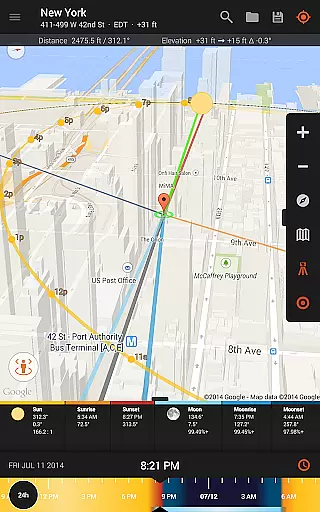
For solar industry professionals, Sun Surveyor provides critical data such as sun shadow length, magnetic declination compensation, and elevation measurements using the Map view. Additional functionalities include moon distance tracking, super moon predictions, and offline usage capabilities, allowing users to work seamlessly without an internet connection. With support for Google Earth integrations and a variety of homescreen widgets, this app delivers unmatched versatility for planning and execution.
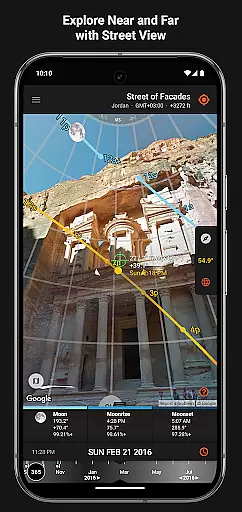
Real-time capture and preview functionality is essential for photographers and filmmakers who need to plan their shots with precision. Sun Surveyor excels in this area by offering a Live Camera View that provides augmented reality projections of the sun and moon paths.
This feature allows users to pinpoint the exact time the sun or moon will be at a specific location in the sky, ensuring they never miss the perfect shot. The app's advanced algorithms take into account various celestial factors, providing accurate predictions for golden hour, blue hour, and every sunrise, sunset, moonrise, and moonset.
With Sun Surveyor, professionals in the solar industry, real estate agents, and gardeners can also benefit from the real-time insights. They can show clients the seasonal sunlight quality and quantity at any given location, understand potential shade from surroundings, and discover obstructions that might affect their projects.
While primarily focused on celestial tracking, Sun Surveyor incorporates AI beauty and enhancement features that ensure natural and aesthetically pleasing visual outputs. This includes detailed ephemeris data and interactive maps that provide a wealth of information about the largest natural light source in the galaxy, as well as the moon and milky way.
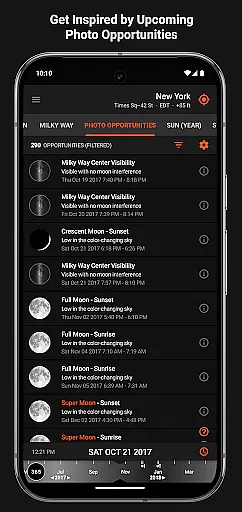
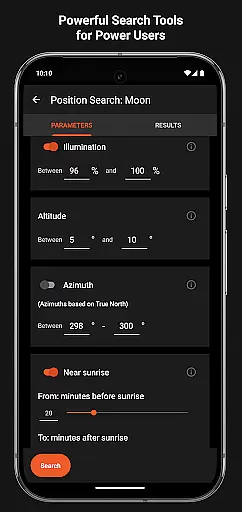
The app offers tools like Photo Opportunities and Position Search, which inspire and generate shot ideas by listing critical times such as the full moon looming low in the sky during magic hour or total darkness for stargazing. These features help users enhance their photography with naturally beautiful elements.
Additionally, Sun Surveyor provides functionalities for calculating sun shadow information, measuring distances, and determining elevation differences. These tools contribute to the natural enhancement of images by allowing users to plan compositions that make the most of natural lighting and environmental conditions.
Accurate light prediction
Augmented reality views
Offline functionality
Comprehensive ephemeris data
User-friendly interface
Compass dependency may limit accuracy
Premium price point
Steep learning curve
Limited free features
Device compatibility issues

Photo Album Watch Face shows your favorite pictures as a Watchface.
 1.90
1.90
Trendy TikTok time warp scan funny filter app brings you unique photos & videos.
4.40
An interval timer to automate photo taking process for timelapse
2.90
Android Native system HD camera app. Never been so simple and faster.
4.70
Perfect body tune & face app - photo retouch, makeup, slim body & beautify face.
4.80
Light-weight Media Gallery app for Android made with Jetpack Compose
4.60
RAW video capture with advanced controls
4.40
Snap photos remotely using your Garmin watch as the camera trigger
4.5
Remote control the phone camera shutter from your smartwatch and take a picture
1.60
Create funny photos and videos with the popular Time Warp Scan filter.
4.90
Unblur, enhance & restore photos with powerful AI photo enhancer tools.
4.60
Create AI photos & videos with Enhancer; restore, fix, beautify, enhance photos
4.50
AI photo enhancer with Sora 2! Enhance, descratch, and colorize your old photos.
4.50
Future baby face generator: AI kids generator, kid face! What my baby look like?
4.40
[3DSteroid Pro] is a stereoscopic application for Android.
4.30
Virtual makeup, hair filters & body tuner—edit from face to full body!
4.20
What celebrity do you look like? Celebs will find your celebrity match!
4.10
Photo editor: face & body editor, beauty cam, filters and quality enhancer.
4.00
Professional quality photo edits with the new Snapseed.
4.00


User Reviews