
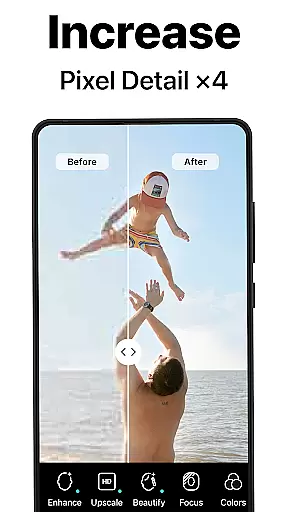
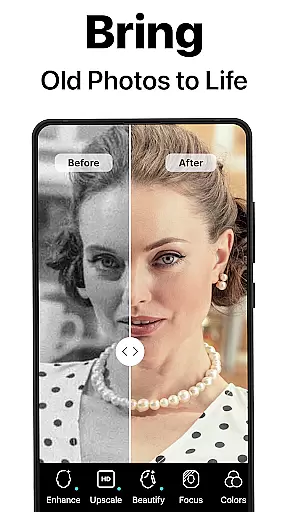
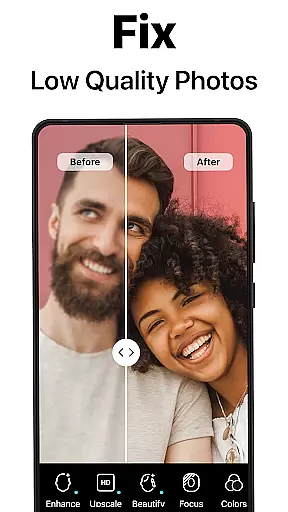
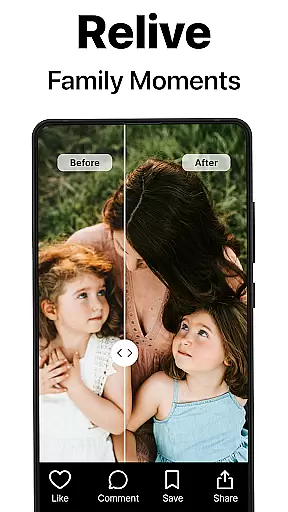
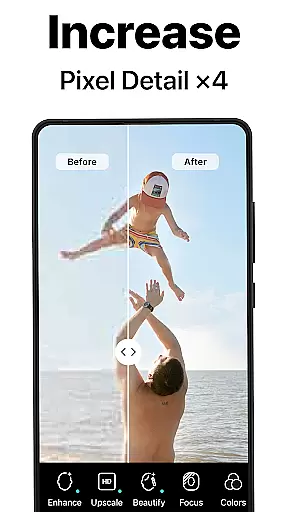
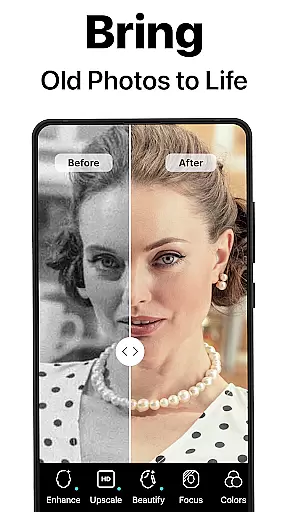
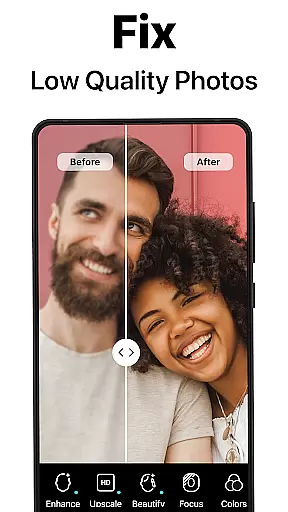
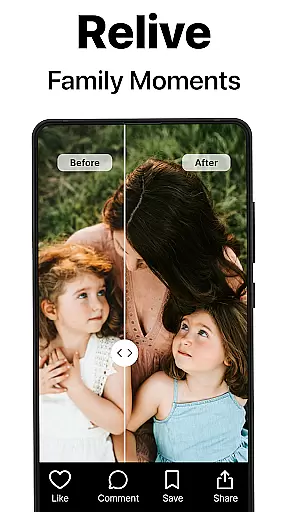
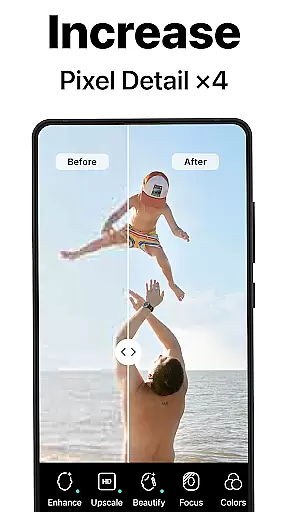
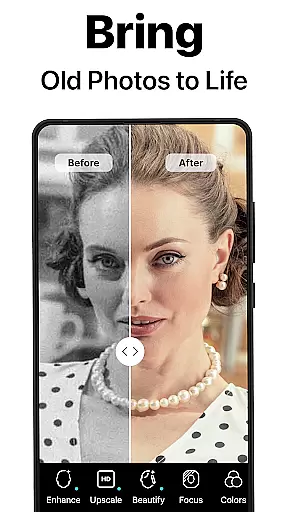
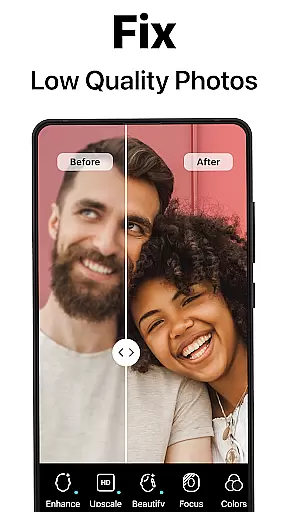
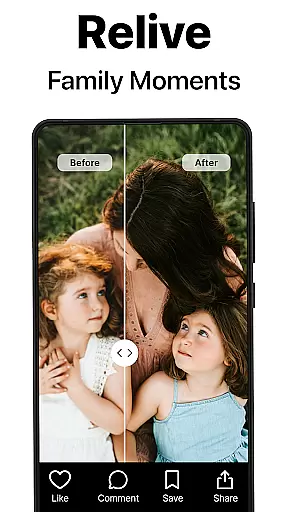
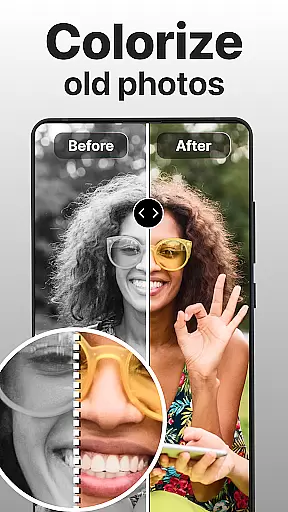
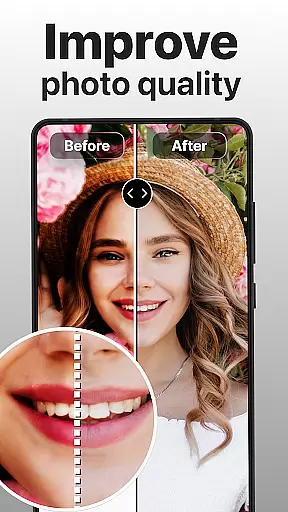
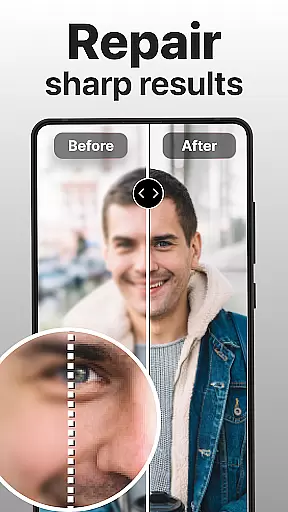
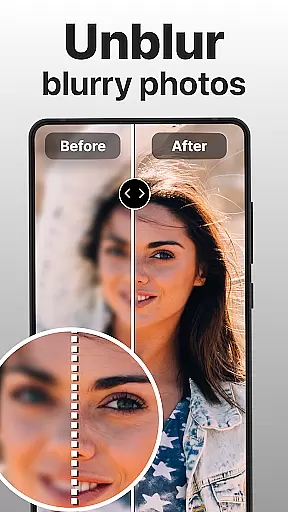
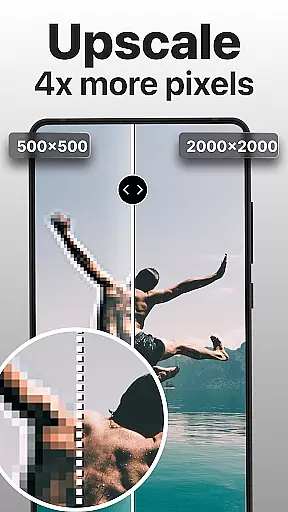
PhotoBoost is a powerful photography app that uses advanced AI technology to enhance, restore, and transform your photos. The app specializes in sharpening blurry images, reviving pixelated photos, and colorizing old black-and-white pictures. With its cutting-edge AI Avatars feature, users can create stunning artistic portraits in various styles, ranging from festive holiday themes to professional headshots.
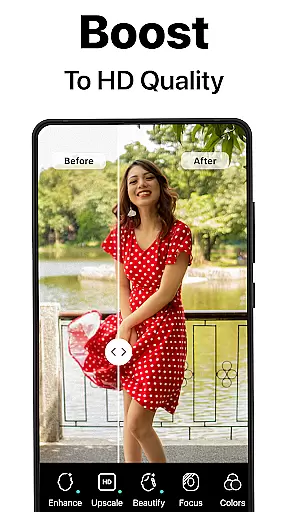
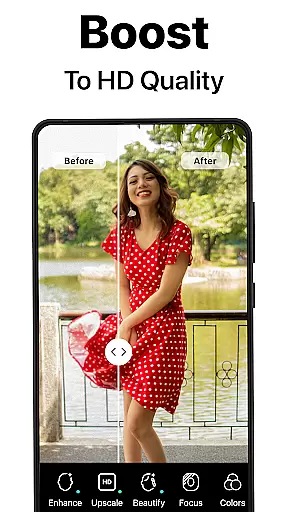
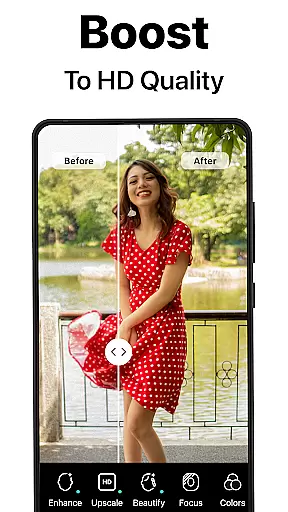
One of the standout capabilities of PhotoBoost is its ability to upscale images without losing quality, making it perfect for printing or framing cherished memories. Additionally, the app allows users to compare 'before and after' transformations, showcasing the dramatic improvements achieved through its AI-powered tools. Whether you're looking to restore vintage family albums or generate unique social media content, PhotoBoost offers versatile solutions tailored to every need.
This app is ideal for photographers, social media enthusiasts, and anyone who wants to preserve their memories with enhanced clarity and creativity. By combining speed, precision, and an extensive library of customizable themes, PhotoBoost ensures that your photos stand out while saving time on manual editing.
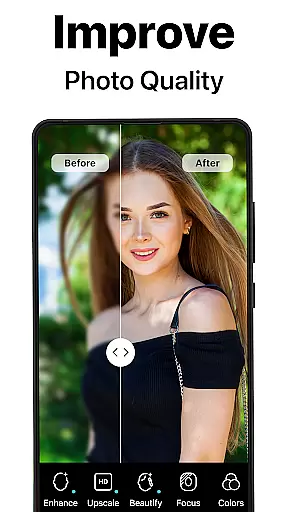
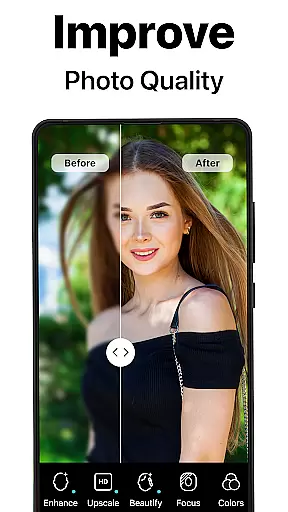
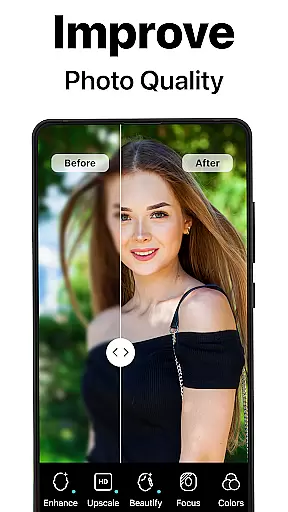
PhotoBoost stands out due to its innovative features designed to cater to both casual users and professionals. Its AI-driven photo enhancement tools include instant sharpening for blurry images, restoration of damaged or faded photos, and advanced upscaling for enlarging images without compromising quality. These functionalities ensure that even low-resolution or poorly preserved photos can be transformed into high-definition masterpieces.
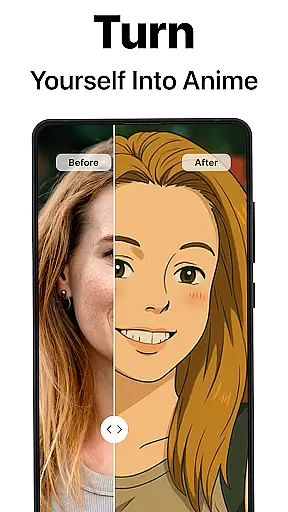
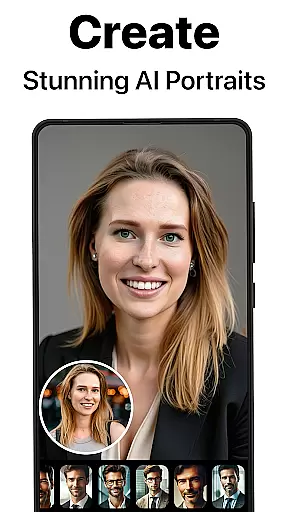
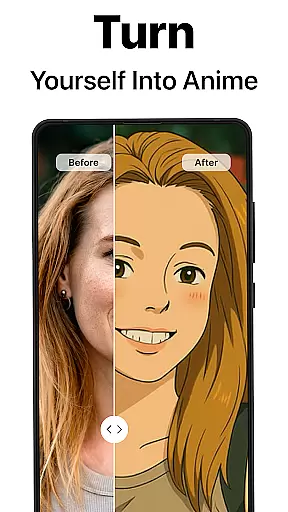
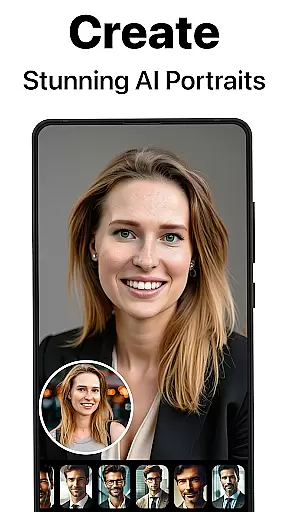
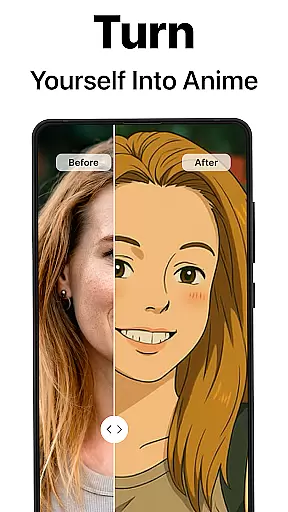
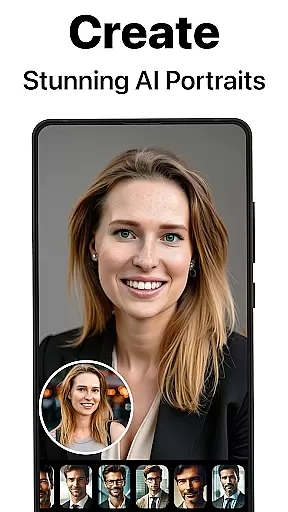
The AI Avatars feature is another highlight, offering unparalleled variety and customization options. Users can experiment with over dozens of artistic styles inspired by famous painters, pop culture references, fantasy themes, and professional portrait templates. This makes it easy to create personalized avatars for resumes, social media profiles, or just for fun. Furthermore, the app provides side-by-side comparison views, enabling users to appreciate the enhancements made to their original photos.
What sets PhotoBoost apart from competitors is its commitment to speed and quality. Generating avatars or enhancing photos takes less than three seconds, ensuring efficiency without sacrificing detail. Regular updates introduce new themes and styles, keeping the experience fresh and engaging. Overall, PhotoBoost combines state-of-the-art AI technology with user-friendly design to deliver exceptional results across diverse use cases.
Real-time capture and preview functionality is essential for ensuring that every photo taken meets the user's expectations. PhotoBoost excels in this area by providing instantaneous feedback on images as they are captured, allowing users to make necessary adjustments before finalizing their shots.
The app leverages advanced AI technology to enhance the clarity and quality of photos during the capture process. This ensures that even if the original shot is suboptimal, the intelligent system can immediately correct issues such as blurriness or poor lighting, delivering a polished result within seconds.
For users, this feature translates into an efficient photography experience where they can trust that their photos will be sharp and vibrant without needing extensive post-processing. Whether capturing memories for social media or personal albums, PhotoBoost's real-time enhancements guarantee professional-grade results every time.
AI beauty and enhancement features have become a staple in modern photo editing apps, but PhotoBoost sets itself apart through its commitment to natural-looking edits. The app uses sophisticated algorithms to ensure that enhancements like skin smoothing or color correction maintain the authenticity of the original image.
With PhotoBoost, users can transform their selfies into stunning portraits without sacrificing the unique characteristics that define their appearance. The AI intelligently identifies facial features and applies enhancements that complement the subject's natural beauty, avoiding the over-processed look common in other applications.
This dedication to preserving realism while still offering powerful editing tools makes PhotoBoost ideal for creating professional headshots or enhancing personal photos. Users benefit from both aesthetic improvements and the confidence that their edited images remain true to life, making it perfect for sharing on social media platforms or using in formal settings.
User-friendly interface
High-quality enhancements
Versatile avatar options
Fast processing speeds
Frequent theme updates
Paid subscription required
Limited free trial features
Internet connection needed
Occasional ads in free version
Large file size

How would you look like with a differently shaped nose, chin or lips?
 3.90
3.90
Find time and duration of different sunlight phases at any location
4.90
Edit like a pro with Hypic. Apply filters, AI effects, & magic touch.
4.40
Add a dreamy vibe to your selfies and videos with soft style filters
4.5
Smart, light, and fast photo and video gallery
4.30
Easily view, share, delete photos with Gallery.
4.70
Your personal guide to the sun and moon. Plan ahead, visualize and predict!
4.70
Discover & download millions of art for The Frame TV or Hisense CanvasTV
4.60
Unlock the full potential of your DJI drone with Litchi
4.50
Enhance, upscale, and transform your images — on your device, without limits
4.70
Movie camera, supports pro recording settings for filming. Try it and be amazed!
4.50
Future baby face generator: AI kids generator, kid face! What my baby look like?
4.40
Catch sunlight, sunrise sunset times and sun phases with the AR sun tracker.
4.10
live datamoshing
4.00
Perfect photos with body shaping, BG changer and object remover.
3.70
Create amazing frames with up to five photos. Rounded corners, effects and more!
3.60
GCamera allows all GCam features on all phone models! Better photos with GCamera
3.30
Professional video recording application with manual controls for filmmakers!
2.80
Snap photos remotely using your Garmin watch as the camera trigger
4.0


User Reviews