
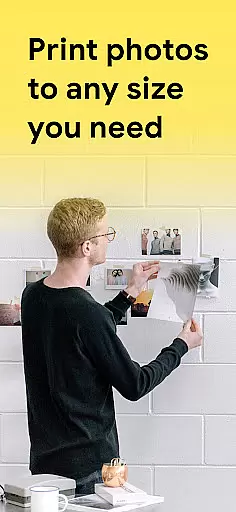
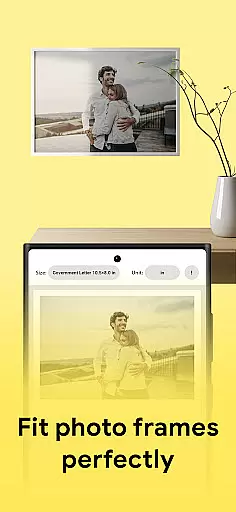
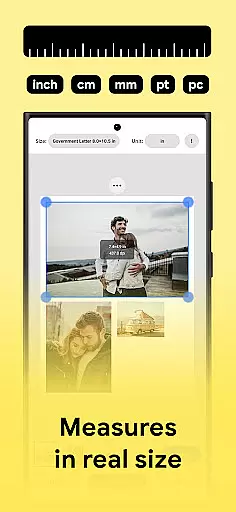
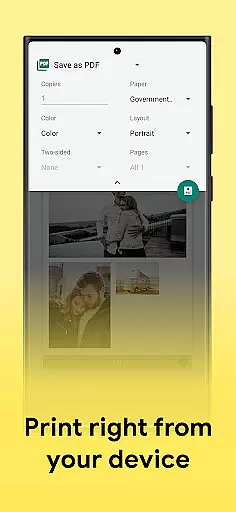
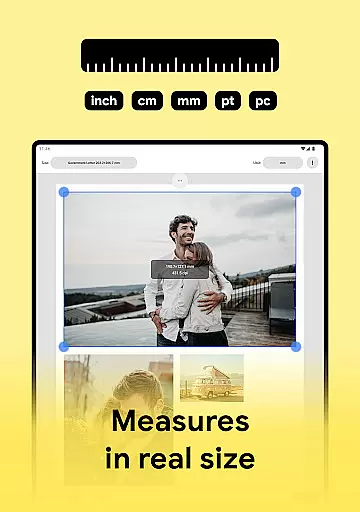
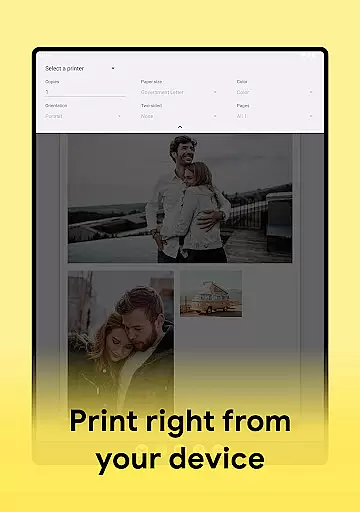
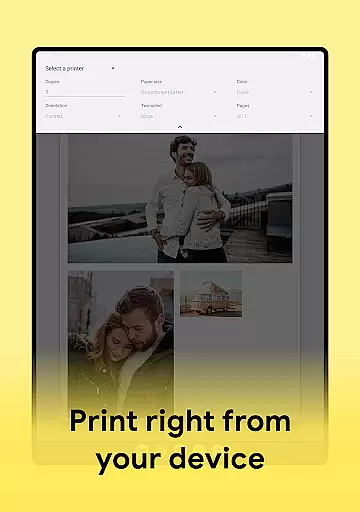
Print Photo is an innovative mobile application designed specifically for photo printing tasks within the Art & Design category. The app serves as a comprehensive tool that allows users to effortlessly print photos, badges, labels, and passport-sized images directly from their mobile devices. With compatibility across major printer brands such as HP Smart, Samsung Print, Canon Pixma, Brother iPrint, and Epson Print, it offers a seamless printing experience.
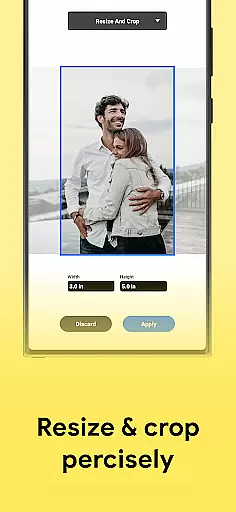
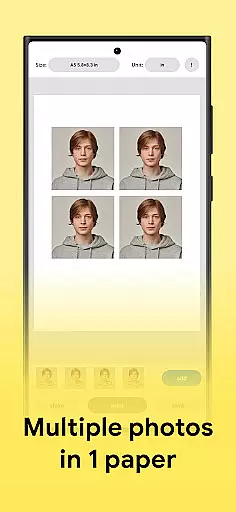
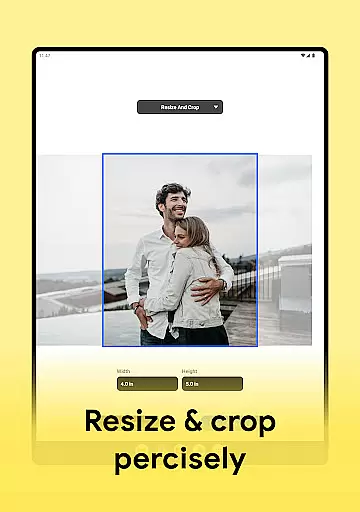
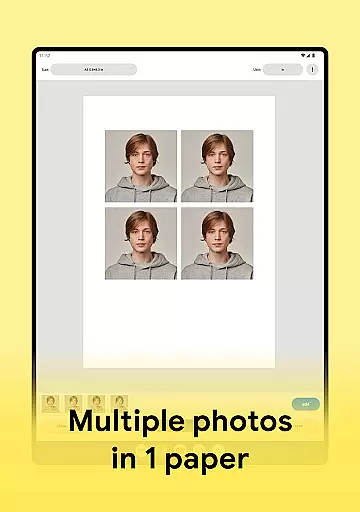
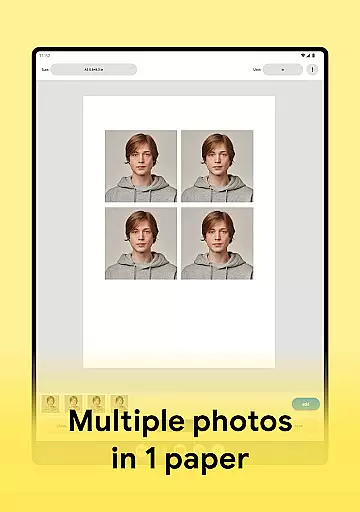
The core functionality of Print Photo revolves around its ability to help users fit and adjust pictures for optimal photo printing. Users can crop images, modify print resolutions, and even create passport-sized photos on a single sheet of paper. Additionally, the app supports saving files in various formats including PDF, PNG, and JPG, while also enabling direct uploads to popular cloud storage services.
Whether you're a professional photographer looking to streamline your workflow or simply someone who wants to print high-quality images at home, Print Photo provides the tools necessary to achieve exceptional results. Its intuitive interface and robust feature set make it an invaluable asset for anyone involved in creative projects requiring precise photo outputs.
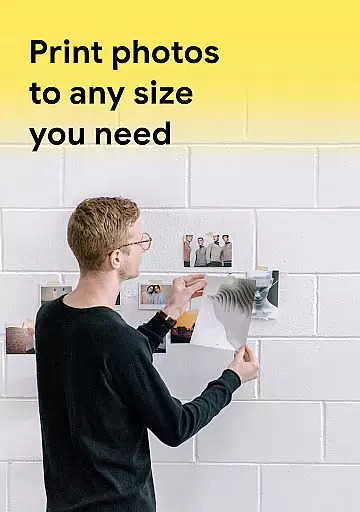
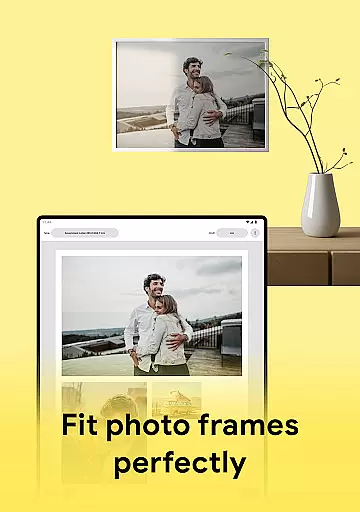
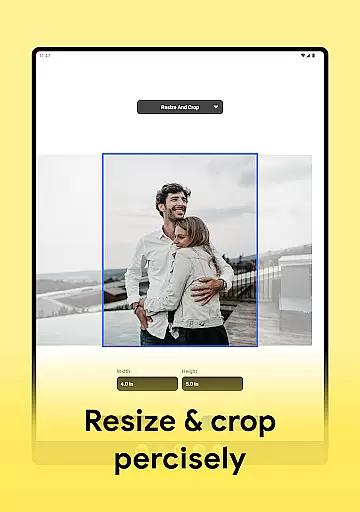
Print Photo stands out in the Art & Design category due to its rich array of features tailored specifically for photo printing needs. One of the standout capabilities is its versatile image adjustment options. Users can easily resize, crop, and enhance the resolution of their photos before sending them to print. This ensures that every printed image meets the highest standards of quality, regardless of the paper size or format.
Another remarkable feature is the app's support for creating passport-sized photos. By allowing users to place multiple images on a single sheet of paper, it maximizes efficiency and reduces waste. Furthermore, the app includes pre-designed templates and customizable formats, giving users the flexibility to design their prints according to specific requirements. These templates cater to various paper sizes and types, making it easier than ever to achieve professional-grade results.
Print Photo also excels in connectivity and file management. It integrates seamlessly with popular printer models and offers options to save edited images in multiple formats or upload them directly to cloud storage services. This combination of advanced editing tools, flexible printing options, and robust connectivity makes Print Photo an indispensable tool for both amateur and professional use in the realm of digital art and design.
In the realm of digital art and design, having a comprehensive suite of creative tools is essential for unleashing one's artistic potential. Print Photo stands out by offering an extensive array of features tailored to photo editing and printing needs.
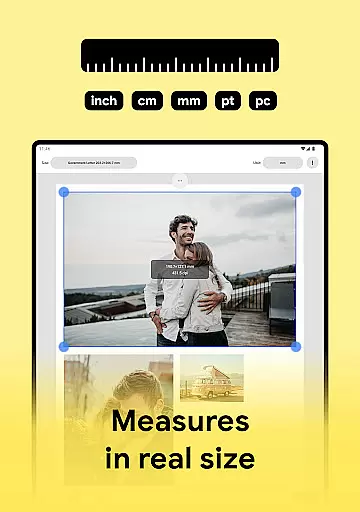
This application allows users not only to print photos in various sizes but also to adjust dpi and print resolution, ensuring that each image meets professional standards. The ability to create passport-sized photos with multiple pictures on a single sheet adds another layer of versatility.
Moreover, the app supports saving projects in different formats such as PDF, PNG, and JPG, which enhances its compatibility with diverse workflows. By integrating seamlessly with popular cloud storage services, it ensures that your work is always backed up and accessible from anywhere.
The flexibility of canvas and format options is crucial for artists and designers who need to adapt their work to various mediums and dimensions. Print Photo excels in this area by providing users with unparalleled freedom in customizing their printouts.
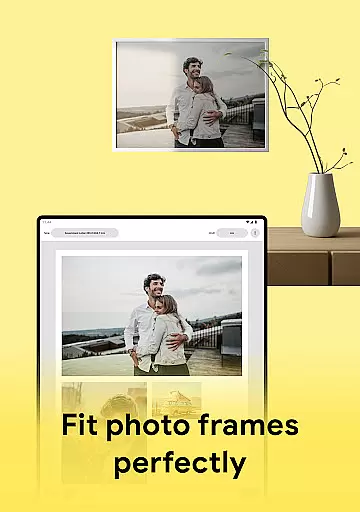
Users can select from predefined paper sizes or create custom formats tailored to specific requirements. This feature is particularly beneficial when working with non-standard materials or preparing artwork for unique display settings.
Additionally, the app's support for high-quality photo printing across all compatible printersu2014including models from Canon, HP, Samsung, and Epsonu2014ensures consistent results regardless of the chosen medium. With these capabilities, Print Photo empowers creators to bring their visions to life without being constrained by technical limitations.
User-friendly interface
High-quality printing
Multiple format support
Cloud integration
Wide printer compatibility
Limited free features
Occasional bugs
Ads in free version
Premium subscription cost
Complex settings for beginners

Premium version of Shimeji-ee app with no ads & no limit active shimeji
 4.4
4.4
Stylish letters, Stylish Keyboard, Symbols, Emojis, Cool nickname
4.40
Easy 3D drawing design maker & creator. Model designing, Sculpting. Create&paint
4.00
Draw anime & manga drawing, art with templates to create stunning picture!
4.50
Photo blender app to create overlay photos & double exposure.
4.40
Design unique, funny and adorable cat stickers that reflect your own style!
3.80
Get creative and make art with your Sesame Friends!
4.00
Get an overview over all your embroidery threads, projects and more.
4.60
Draw, fidget, and spin glow art! Relax and express your creativity with a finger
4.60
Mobile pixel art editor. Simple. Fast. Portable.
4.80
Digital, Abstract, Classic - all types of color wheels in one app!
4.60
Photo editor for art, avatars, filters & fun transformations.
4.60
AI Tattoo Generator: Create Tattoo Designs & Get Ideas! Ink & Stencil Maker
4.50
Trace, draw, and create art with AR - from memes to masterpieces!
4.30
Create Logos, Tattoos, AI Art & more with our AI Photo Generator & Design Editor
4.20
Powerful home decoration & house design that allows you to design dream home.
3.80
AI Assistant, powered by ChatGPT GPT-4 & GPT-4o. Your intelligent companion.
3.50
Draw anime easily with AR guidance, sketch templates & trace tools!
3.10
Retouch photos. Create or edit images. Endless capabilities.
2.70


User Reviews