
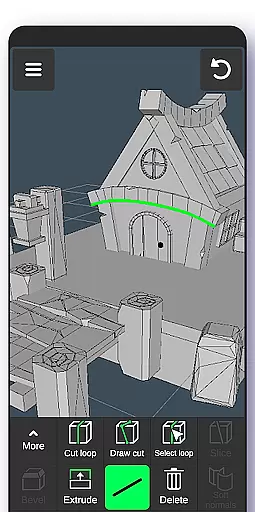
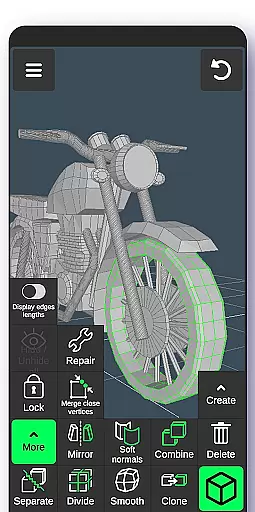
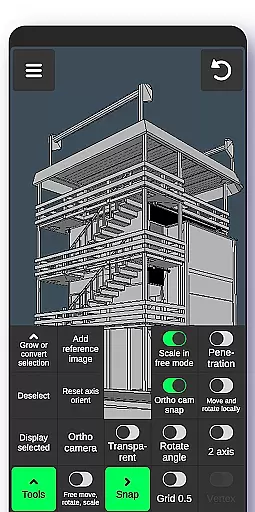
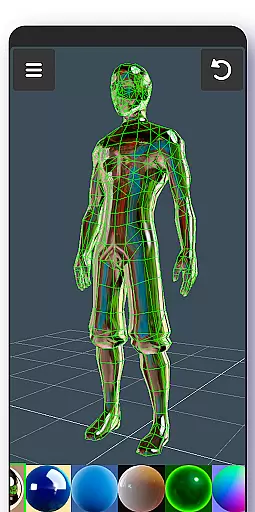
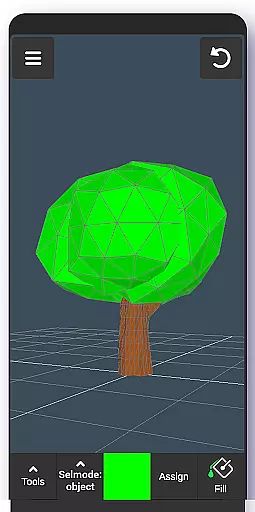
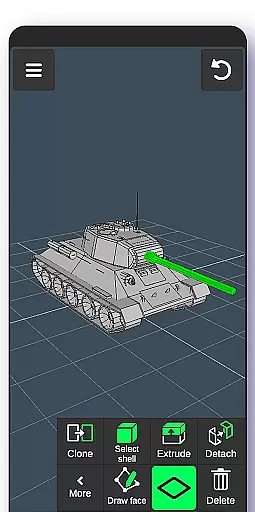
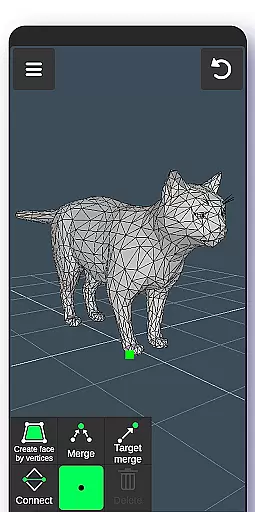
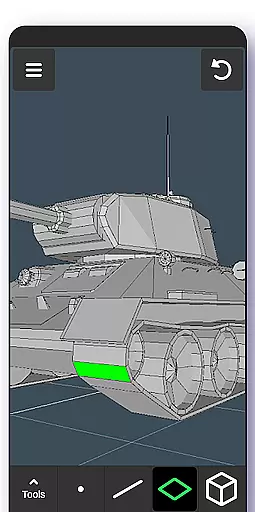
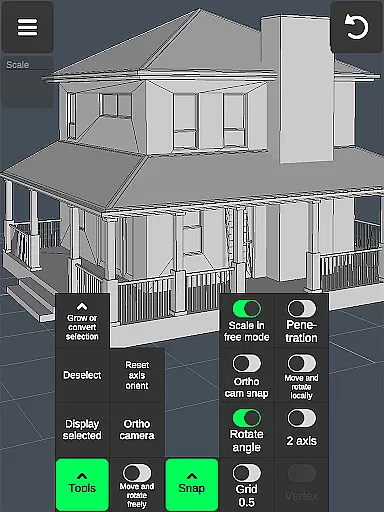

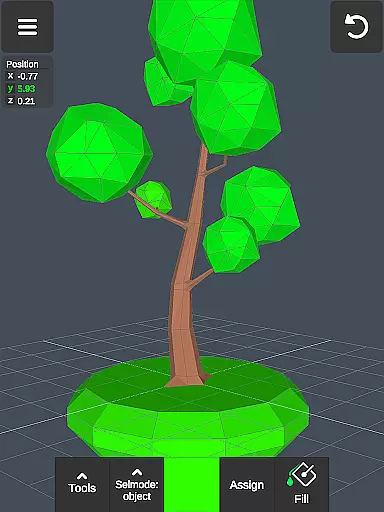
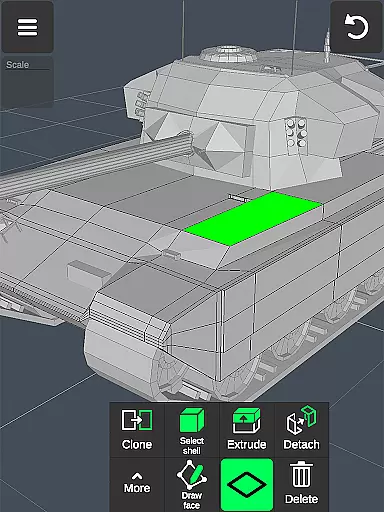
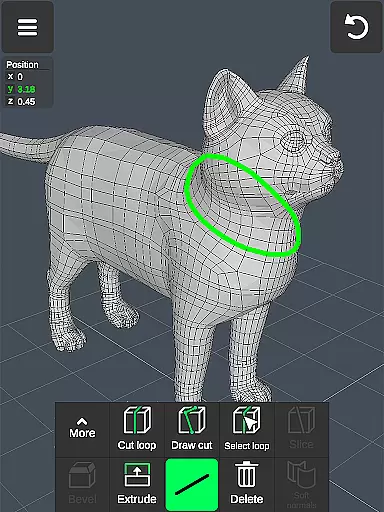
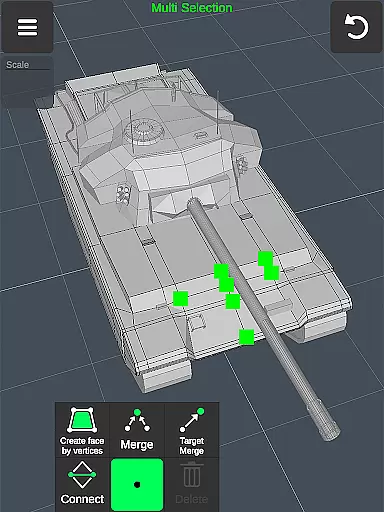
3D Modeling App is a powerful mobile solution for creating 3D models, objects, and art directly on your phone or tablet. Designed for professionals and hobbyists alike, this application supports a wide range of creative tasks including 3D character design, game development, and industrial design. The app's intuitive gesture-based interface allows users to easily manipulate 3D objects, apply materials, and utilize advanced sculpting tools.
What sets this app apart is its versatility across various professional fields. Engineers can use it for technical drawings, while artists can create detailed sculptures and paintings. Game developers benefit from features like 3D physics modeling and character animation tools. With support for both stylus and finger drawing, plus compatibility with major 3D modeling software through OBJ file export/import, this app serves as an all-in-one solution for 3D creation.
The application's value extends beyond individual creators to businesses that require quick prototyping and visualization. Whether you're designing furniture, automotive parts, or CGI elements for films, the app provides essential tools for efficient 3D workflow. Its comprehensive feature set includes vertex manipulation, edge tools, face editing, object transformation, and display customization, making it an indispensable tool for modern digital creators.
This 3D Modeling App distinguishes itself through an extensive array of professional-grade features. The app's fast workflow system enables users to manipulate 3D images using simple gestures, allowing for quick scaling, rotating, and tool switching. Advanced selection capabilities let users multi-select vertices, edges, faces, and entire objects with ease, either through long taps or by drawing selection frames.
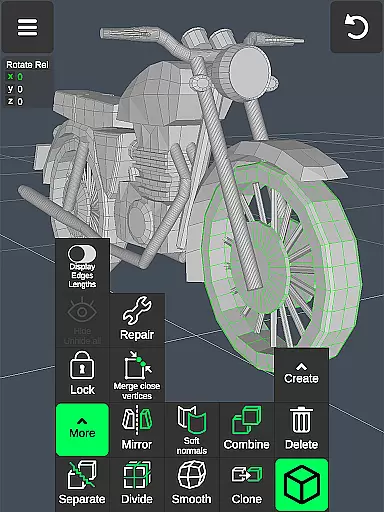
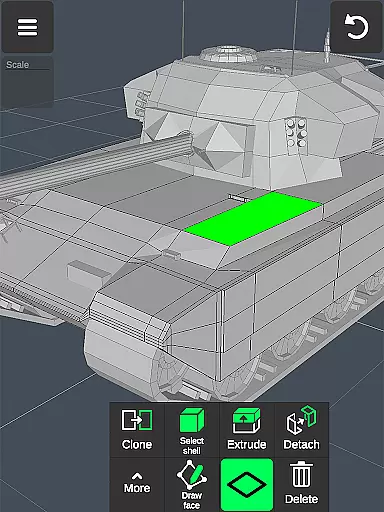
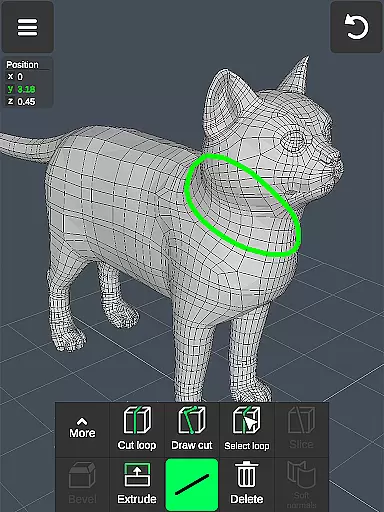
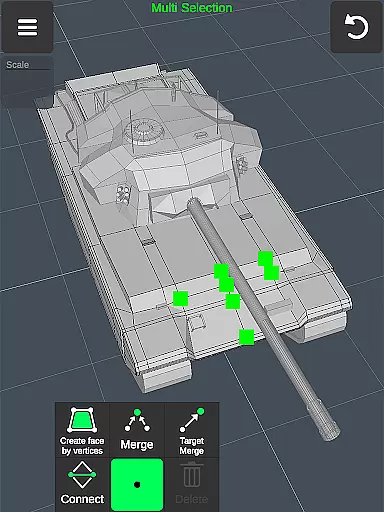
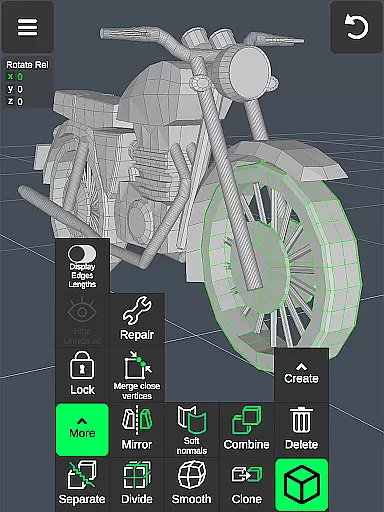
The application offers specialized tools for every aspect of 3D creation. Vertex tools enable precise geometry manipulation through merging, connecting, and face creation. Edge tools provide sophisticated cutting options, loop creation, and extrusion capabilities. Face tools allow for complex modifications including extrusion, face drawing, and shell selection. Object tools support combining, cloning, mirroring, and smoothing operations, while sculpting tools offer adjustable brushes for detailed work.
Additional professional features include orthographic camera support, precise value setting for transformations, and various snapping options. The app maintains display flexibility through wireframe and shading controls, grid settings, and axis visibility options. With support for up to 20 materials per object and vertex color painting, plus compatibility with major 3D modeling and CAD software through OBJ file exchange, this application establishes itself as a comprehensive mobile 3D workstation.
In the realm of 3D modeling and design, having a comprehensive suite of creative tools is paramount. The 3D Modeling App excels in this area by offering an extensive array of features that cater to both novices and professionals. With functionalities ranging from basic shape creation to advanced sculpting and animation, users are equipped with everything needed to bring their visions to life.
The app includes vertex, edge, and face tools that allow for intricate modifications of 3D geometries. Users can merge, connect, extrude, or clone elements with precision. Additionally, object tools enable combining, separating, cloning, and mirroring of models, providing versatility in design. Sculpting tools further enhance creativity by letting artists push, pull, smooth, and mold digital clay as if working with real materials.
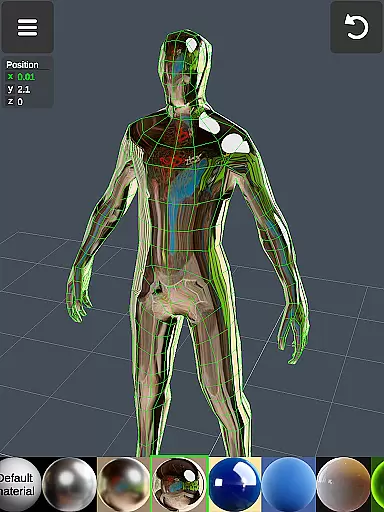
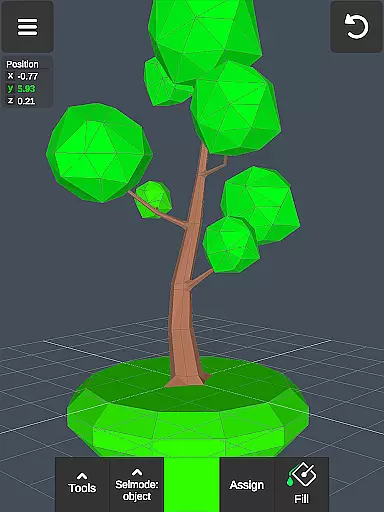
Moreover, display tools offer customization options such as wireframe views, shadows, axis visibility, and grid settings. These empower designers to visualize their projects accurately and make informed adjustments. The inclusion of coloring and material applicationu2014up to 20 per objectu2014ensures that creations not only have depth but also vibrant aesthetics.
By integrating these robust capabilities into a single platform, the 3D Modeling App significantly boosts productivity and fosters innovation. Whether you're crafting detailed characters for games or designing complex industrial parts, this app provides all necessary instruments within easy reach.
A crucial aspect of any art and design application is its ability to adapt to various canvas sizes and formats. The 3D Modeling App shines in this regard by offering unparalleled flexibility. This ensures that whether you're working on small-scale sculptures or expansive architectural designs, the app adjusts seamlessly to meet your needs.
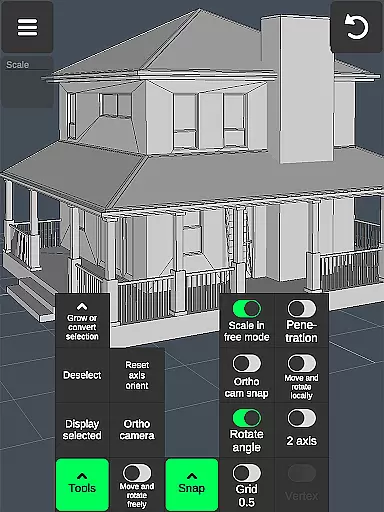
Users can manipulate 3D images through intuitive gestures, allowing them to move, rotate, and scale objects effortlessly. The app supports orthographic camera views, which are essential for precise drafting and technical drawings. Furthermore, it allows setting exact values for movement, rotation, and scaling, ensuring accuracy in every step of the design process.
The app's snapping featuresu2014including grid snap, angle rotation, and local space alignmentu2014provide additional control over how elements align within the workspace. Such meticulous attention to detail enables designers to achieve perfect symmetry and proportion in their work. Moreover, the ability to toggle between different display modes like shaded or wireframe views enhances understanding of spatial relationships.
Exporting and importing .obj files add another layer of versatility, making it compatible with numerous professional software solutions. From Autodesk AutoCAD to Blender, users can transfer their projects across platforms without losing fidelity. This adaptability not only streamlines workflows but also broadens creative possibilities, positioning the 3D Modeling App as an indispensable tool for modern creators.
User-friendly interface
Professional-grade tools
Versatile functionality
Wide industry compatibility
Comprehensive feature set
Steep learning curve
High system requirements
Limited free features
Occasional performance issues
Complex UI for beginners

Image/ Text to Video Generator
 4.40
4.40
AI Face Swap, Video Effects Editor, Realtime Morph, Funny Video FX,AI Filters
3.70
Art of Combination Wear OS Watch Faces
4.5
Nano Banana AI Image Generator, Anime Filter, AI Portrait, AI Photo Generator
4.30
AR Anime Drawing: How to draw anime with AR drawing & sketching apps!
4.00
Novices can also easily complete diamond painting masters
4.70
Your AI soulmate — meaningful chats, and unique emotional moments
4.70
Video AI: Revolutionize Your Content Creation with Advanced Video Generation
4.50
Create Logos, Tattoos, AI Art & more with our AI Photo Generator & Design Editor
4.20
Minecraft & Roblox Clothes
4.70
The ultimate tool for creating animations
4.60
Digital illustration drawing & painting pad app to paint Anime and Manga art
4.50
Custom Character Creator & PFP Maker!
4.20
Text to Image, Image to Video & AI Chat
4.20
Unleash Your Creativity with Draw Cartoon - AR Drawing App
4.10
Unleash the artist in you with our AR drawing and tracing tool for photo drawing
4.10
Sketch and paint on your device with the feel and freedom of drawing on paper
4.00
Art of Combination Wear OS Watch faces (for Wear OS 5+ devices)
3.90
Powerful home decoration & house design that allows you to design dream home.
3.80


User Reviews