
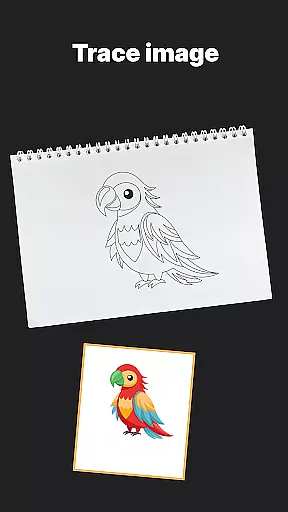
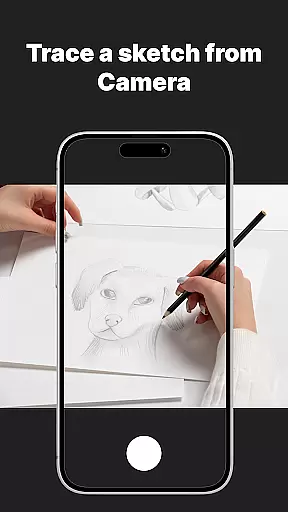
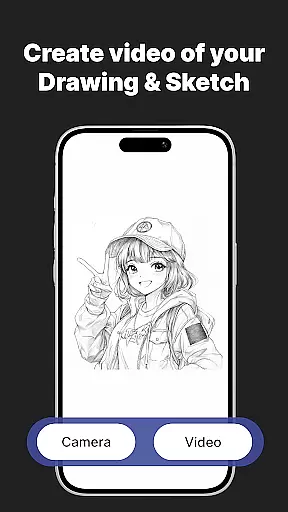
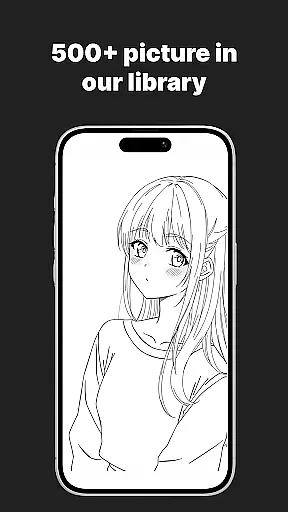
AR Drawing Sketch Painting App is an innovative mobile application that transforms your smartphone into an augmented reality sketchpad. This app allows users to trace drawings, create meme art, and learn to draw step-by-step directly on real paper using the phone's camera. Whether you're a beginner or a professional artist, AR Drawing Sketch Painting App helps you produce stunning artwork and stay updated with the latest meme trends effortlessly.
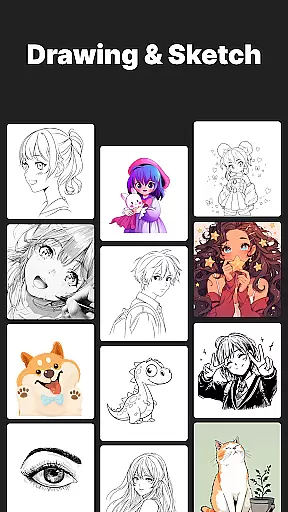
The app features a massive template library with thousands of templates including anime, portraits, animals, cars, flowers, tattoos, icons, trending memes, and more. It also offers customization tools for adjusting opacity, zoom, rotation, and enabling flashlight for better visibility. Additionally, it provides weekly updates with fresh templates to keep your creativity flowing.
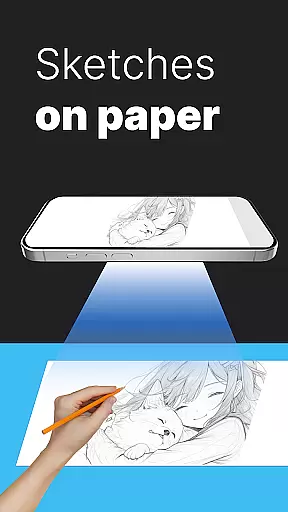
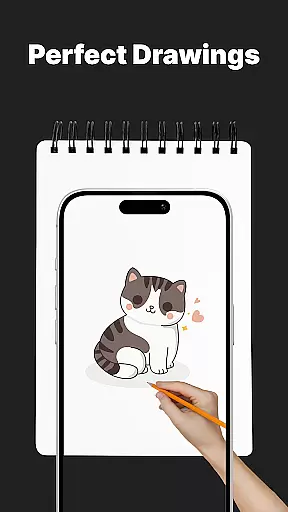
One of the standout features of AR Drawing Sketch Painting App is its AR Trace Drawing capability. Users can select a template, place their phone on a stand, look through the camera, and trace the lines onto paper. This feature is complemented by a Meme Mode offering exclusive meme collections and step-by-step drawing lessons that cater to all skill levels.
Moreover, the app includes customization tools allowing users to adjust opacity, zoom, rotate, and enable flashlight for enhanced visibility. The ability to save and share time-lapse videos of the drawing process adds another layer of engagement. With weekly updates providing fresh templates, users will never run out of inspiration.
These features make AR Drawing Sketch Painting App suitable for all ages, from kids to professional illustrators, making it both fun and educational. Users can learn new drawing techniques while keeping up with online trends, ensuring a comprehensive creative experience.
AR Drawing Sketch Painting App offers an extensive suite of creative tools that cater to both amateur and professional artists. The app includes a massive template library with thousands of templates ranging from anime, portraits, animals, cars, flowers, tattoos, icons, trending memes, and more.
One of the standout features is the AR Trace Drawing, which allows users to select a template and trace the lines onto paper by looking through their phone's camera. This feature bridges the gap between digital convenience and traditional art forms, making it accessible for all skill levels.
In addition to tracing, the app provides step-by-step drawing lessons aimed at improving skills for beginners and experts alike. These guided tutorials cover various styles and techniques, ensuring a comprehensive learning experience.
Customization tools further enhance the creative process by allowing users to adjust opacity, zoom, rotate images, and enable a flashlight for better visibility. With these robust features, AR Drawing Sketch Painting App ensures that artists have everything they need to bring their visions to life.
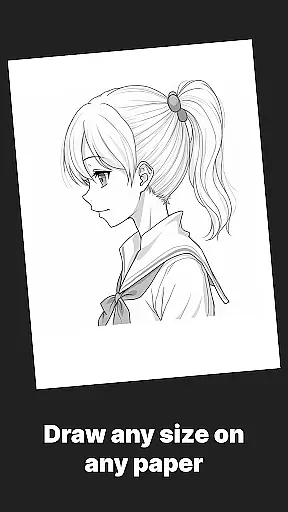
The AR Drawing Sketch Painting App excels in providing canvas and format flexibility, accommodating a wide range of artistic needs and preferences. Whether you are working on small sketches or large-scale drawings, this app adapts seamlessly to your requirements.
Users can upload their own images, giving them complete control over the source material. This feature is particularly beneficial for those who wish to incorporate personal photographs or unique references into their artwork.
Additionally, the app supports saving and sharing capabilities, enabling artists to capture time-lapse videos of their drawing process. This not only serves as a valuable self-assessment tool but also allows for easy sharing on social media platforms, promoting community engagement and feedback.
With weekly updates introducing fresh templates, AR Drawing Sketch Painting App ensures that creators never run out of inspiration. This commitment to regular content refreshes underscores the app's dedication to fostering continuous artistic exploration and innovation.
User-friendly interface
Extensive template library
Augmented reality tracing
Customizable drawing tools
Regular content updates
Limited free templates
Requires stable phone positioning
In-app purchases necessary
Internet connection needed
Learning curve for beginners

The ultimate tool for creating animations
 4.60
4.60
Draw beautiful mandala's very easily
4.60
Create stunning video, photo & magic from text with FlixAI GPT video generator.
3.10
The perfect place to start sketching! Use Sketchbook to draw and paint sketches.
4.50
Inky runs Inkscape on Android devices and Chromebooks
2.90
Retouch photos. Create or edit images. Endless capabilities.
2.70
Video AI: Revolutionize Your Content Creation with Advanced Video Generation
4.50
Kling AI is an image and video generation and editing studio powered by AI.
4.50
Create Logos, Tattoos, AI Art & more with our AI Photo Generator & Design Editor
4.20
See Color, Paint Color
4.90
Mobile pixel art editor. Simple. Fast. Portable.
4.80
Your AI soulmate — meaningful chats, and unique emotional moments
4.70
Digital illustration drawing & painting pad app to paint Anime and Manga art
4.50
Create neon drawing with magic doodle and fun doodle art effects!
4.50
Share the joy of painting with ibis Paint! Drawing anime and manga art.
4.50
Unleash Your Creativity with Draw Cartoon - AR Drawing App
4.10
Sketch and paint on your device with the feel and freedom of drawing on paper
4.00
Download now for a stylish and functional timepiece
4.2
Art of Combination Wear OS Watch Faces
4.0


User Reviews