
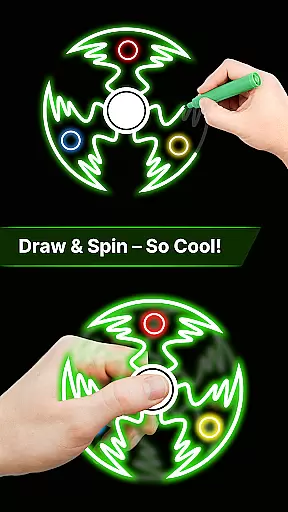
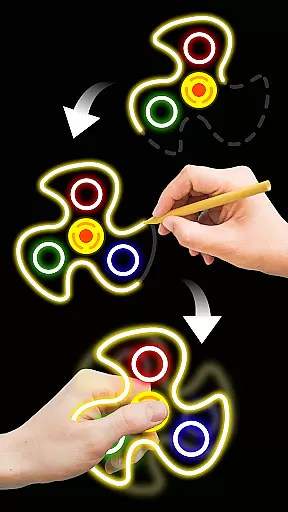
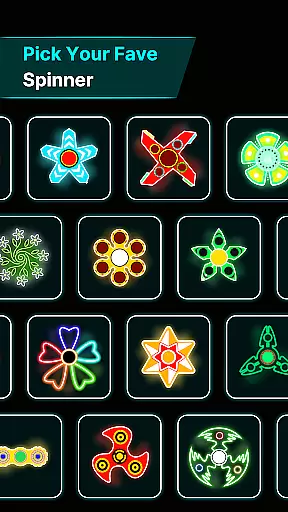
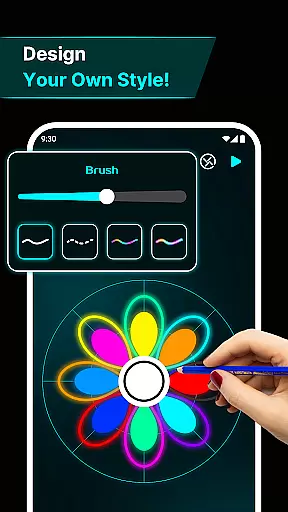
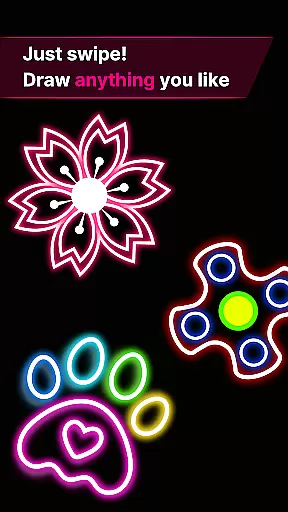
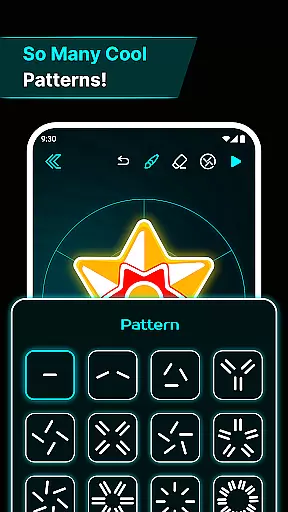
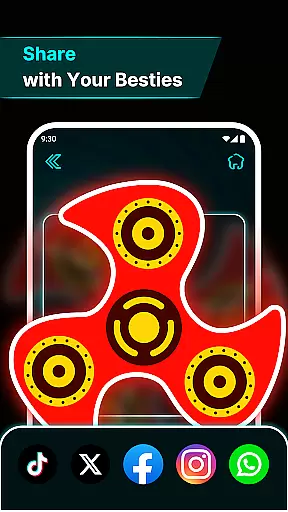
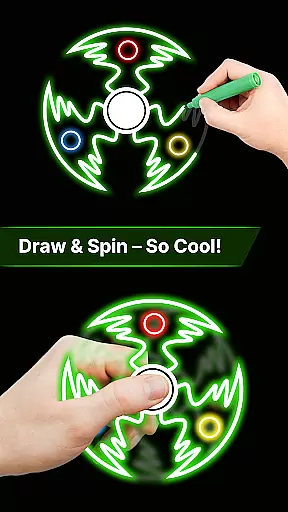
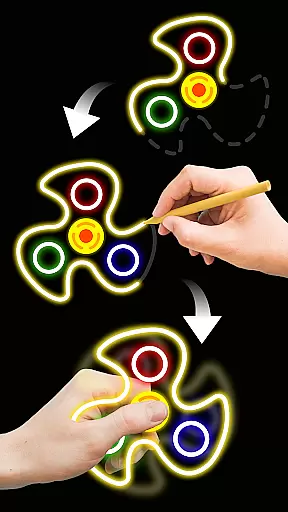
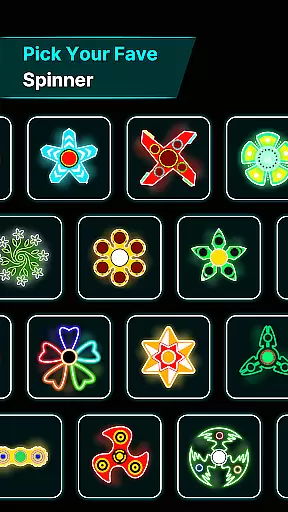
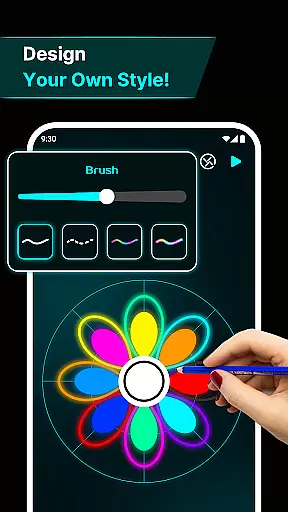

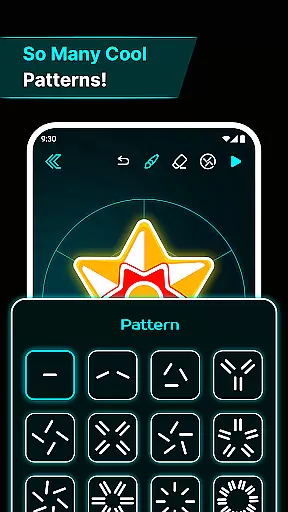
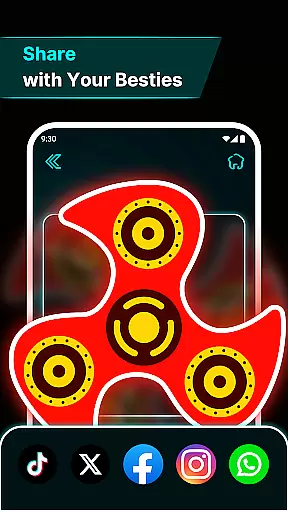
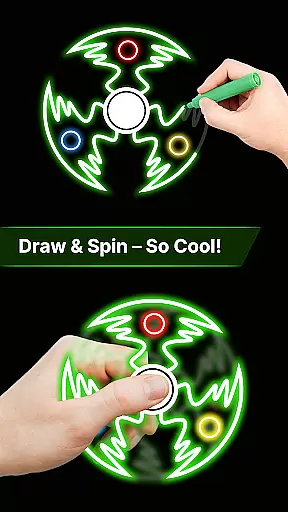
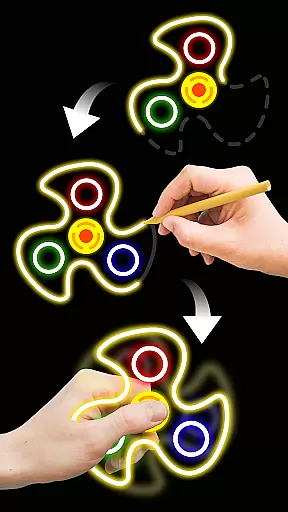
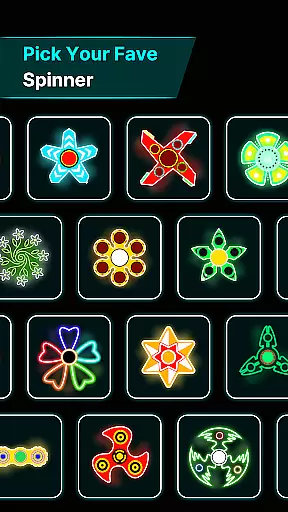
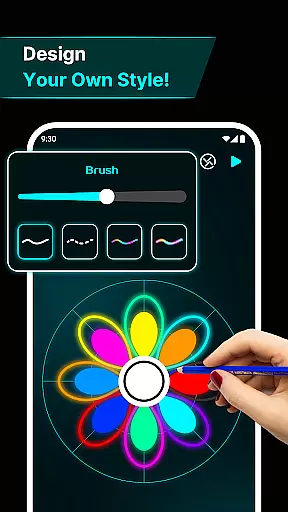
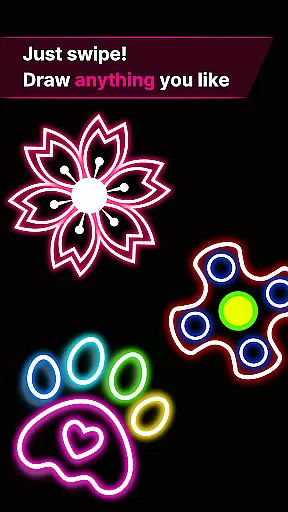
Finger Spinner: Glow Art Draw is an innovative app that combines creativity with relaxation, allowing users to draw glowing designs and spin them for a calming experience. The app's core function lies in its ability to transform simple finger movements into interactive 3D spinner art, complete with vivid glow effects and realistic physics.
One of the standout features is its stress-relief capability, offering users a meditative escape through artistic expression. Whether you're sketching intricate patterns or simple shapes, each design becomes a unique, spinning masterpiece. Additionally, the app includes a 'My Collection' feature, enabling users to save and revisit their favorite creations, making it perfect for both casual and serious artists.
Ideal for unwinding after a long day or simply exploring your creative side, Finger Spinner provides a soothing interface and engaging experience that blends art, technology, and relaxation seamlessly.
Finger Spinner stands out with its diverse range of features designed to enhance user creativity and enjoyment. First and foremost, the app offers easy finger drawing, where every touch on the screen translates into smooth, glowing lines. This intuitive functionality ensures that users of all skill levels can create stunning designs effortlessly.
The app also boasts brilliant glow effects, giving each spinner a vibrant, neon-like appearance. Coupled with 3D spinner designs, these elements bring depth and realism to every piece of art. The realistic spin physics engine further elevates the experience, allowing users to flick their creations and watch them move naturally in all directions.
Additional features include a personal collection gallery, where users can store and manage their creations, and a soothing interface that enhances the overall calming effect. These thoughtful additions make Finger Spinner not just an art app, but a comprehensive tool for relaxation and entertainment.
In the realm of digital creativity, having a comprehensive set of tools is paramount. Finger Spinner: Glow Art Draw offers an impressive array of features that cater to both casual doodlers and serious artists. The app provides easy finger drawing capabilities, allowing users to transform their touch into smooth glowing lines with precision.
One standout aspect is the brilliant glow effects. Users can experiment with different intensities, from subtle shine to bold brilliance, infusing their creations with vivid neon colors. This feature ensures that every piece of art stands out, capturing attention with its luminous appeal.
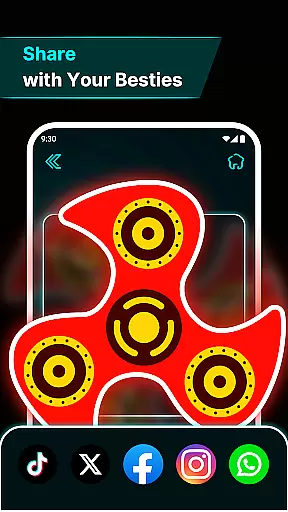
Additionally, the inclusion of 3D spinner designs elevates the creative process. Each artwork gains depth and dynamic visuals, making it not just a static image but a lively, spinning object. Coupled with realistic spin physics, these designs come alive, moving naturally in all directions and offering a truly immersive experience.
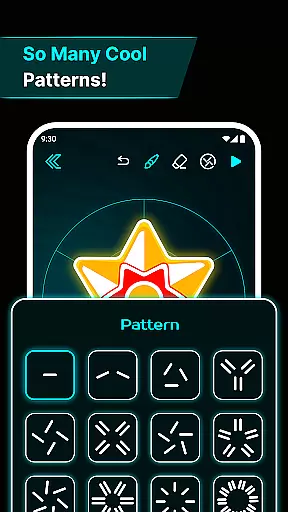
A versatile canvas is essential for unleashing full creative potential. Finger Spinner: Glow Art Draw excels in providing canvas and format flexibility, ensuring that users can explore various artistic dimensions without constraints. Whether sketching sharp edges or soft curves, each design becomes a unique spinner, adaptable to individual preferences.
The app supports diverse formats, accommodating everything from simple doodles to intricate masterpieces. This adaptability allows creators to push boundaries and innovate without worrying about limitations imposed by rigid formatting options.
Moreover, the My Collection feature enhances this flexibility by enabling users to save every spinner they create. This personal gallery not only serves as a repository of glowing, interactive artwork but also encourages continuous experimentation and refinement of skills. With such robust support for varied formats and styles, Finger Spinner empowers users to craft endlessly imaginative pieces.
Easy to use
Stress-relief focus
Vivid glow effects
Realistic physics
Creative freedom
Limited free options
Ads between uses
Small learning curve
Premium feature cost
Occasional glitches

AI generated images & photos, turn your words into drawing, painting & pictures.
 4.30
4.30
Premium version of Shimeji-ee app with no ads & no limit active shimeji
4.2
AI Face Swap, Video Effects Editor, Realtime Morph, Funny Video FX,AI Filters
3.70
Paint with oils and sketch with natural tools on a realistic virtual canvas.
3.80
Castle is social media for creating and playing games!
4.60
Get an overview over all your embroidery threads, projects and more.
4.60
Create and Design Custom Logos in Seconds with AI-Powered Tools!
4.40
Video AI: Revolutionize Your Content Creation with Advanced Video Generation
4.50
Unleash your inner artist! Sketchar: AR Drawing for Limitless Creativity
4.40
Convert image to JPG PNG HEIC PDF, support almost all kinds of image formats
4.70
Image/ Text to Video Generator
4.40
800+ Drawing, Painting Lessons App to Practice, Sketch & Paint Art.
4.30
Bring One UI 8.5 Icons to life -elegant dark icons with a modern, premium touch.
4.30
Unleash the artist in you with our AR drawing and tracing tool for photo drawing
4.10
Floor Plan Creator lets you create, edit and share floor plans.
4.00
AR Anime Drawing: How to draw anime with AR drawing & sketching apps!
4.00
AI Art Generator transforms your words into AI generated art & paintings.
3.70
Apply cartoon, caricature, and portrait effects to make your photos stand out!
3.60
Inky runs Inkscape on Android devices and Chromebooks
2.90


User Reviews